
Switchyard
X-ray of your dev workspace

About Switchyard
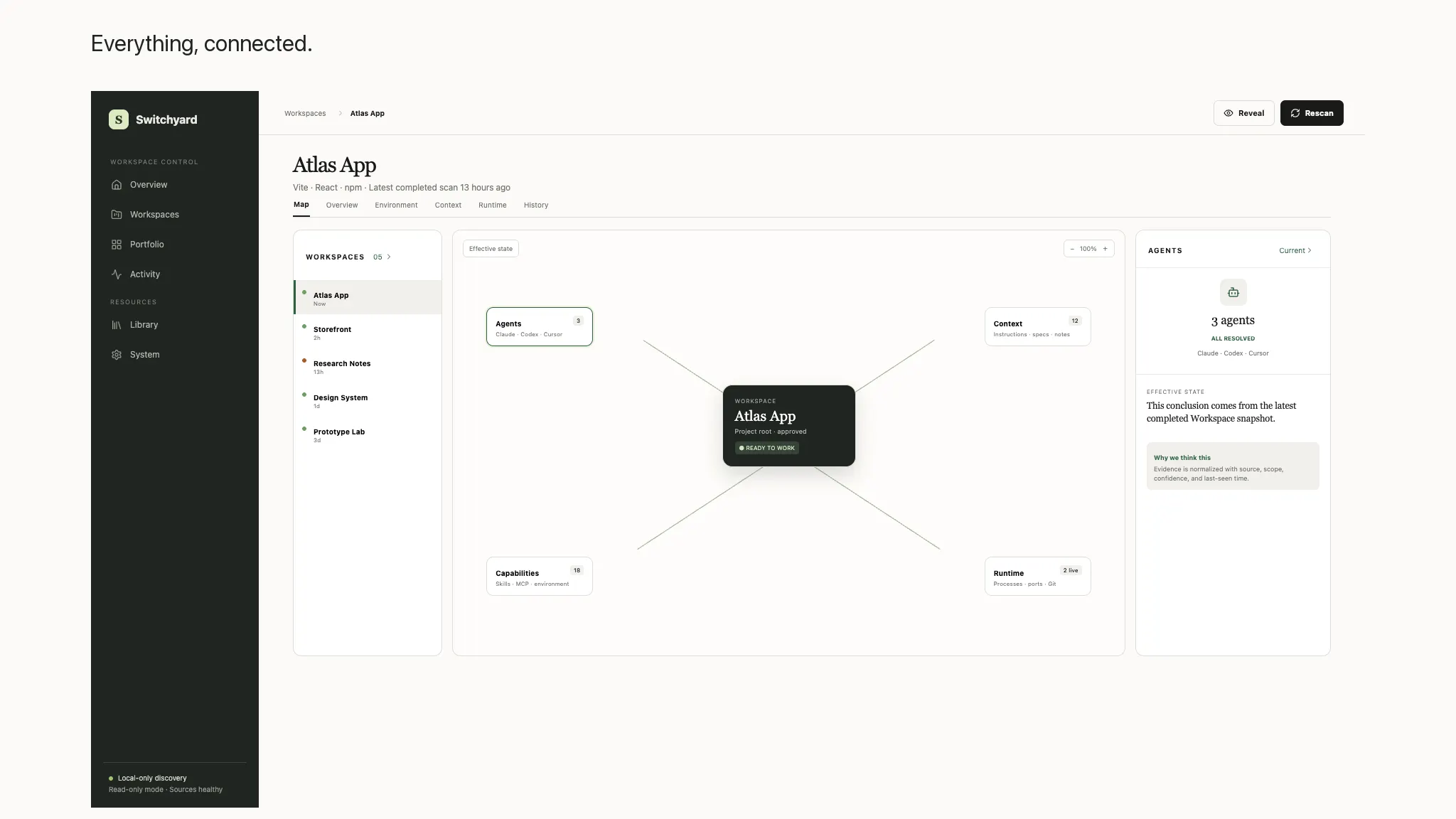
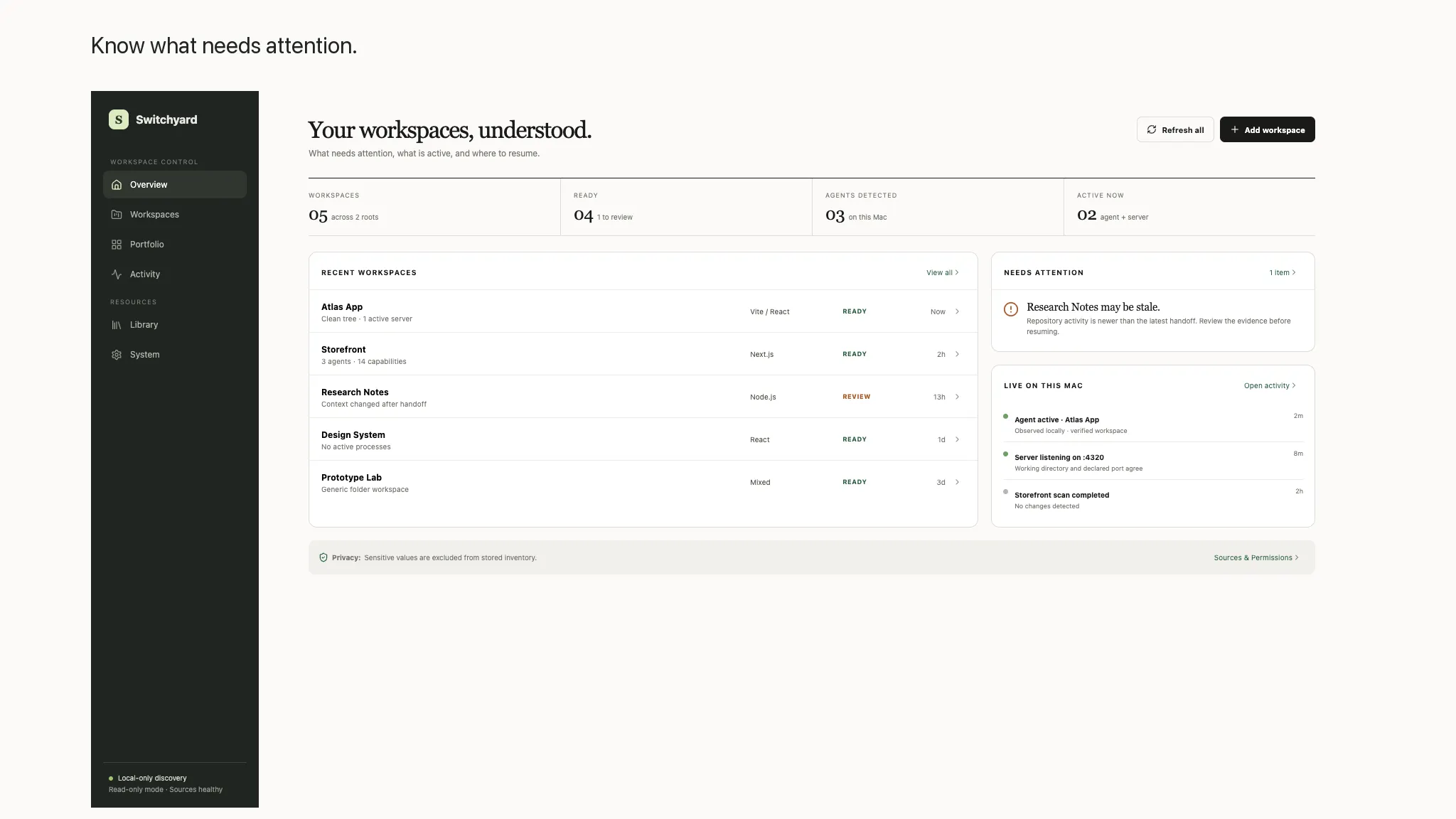
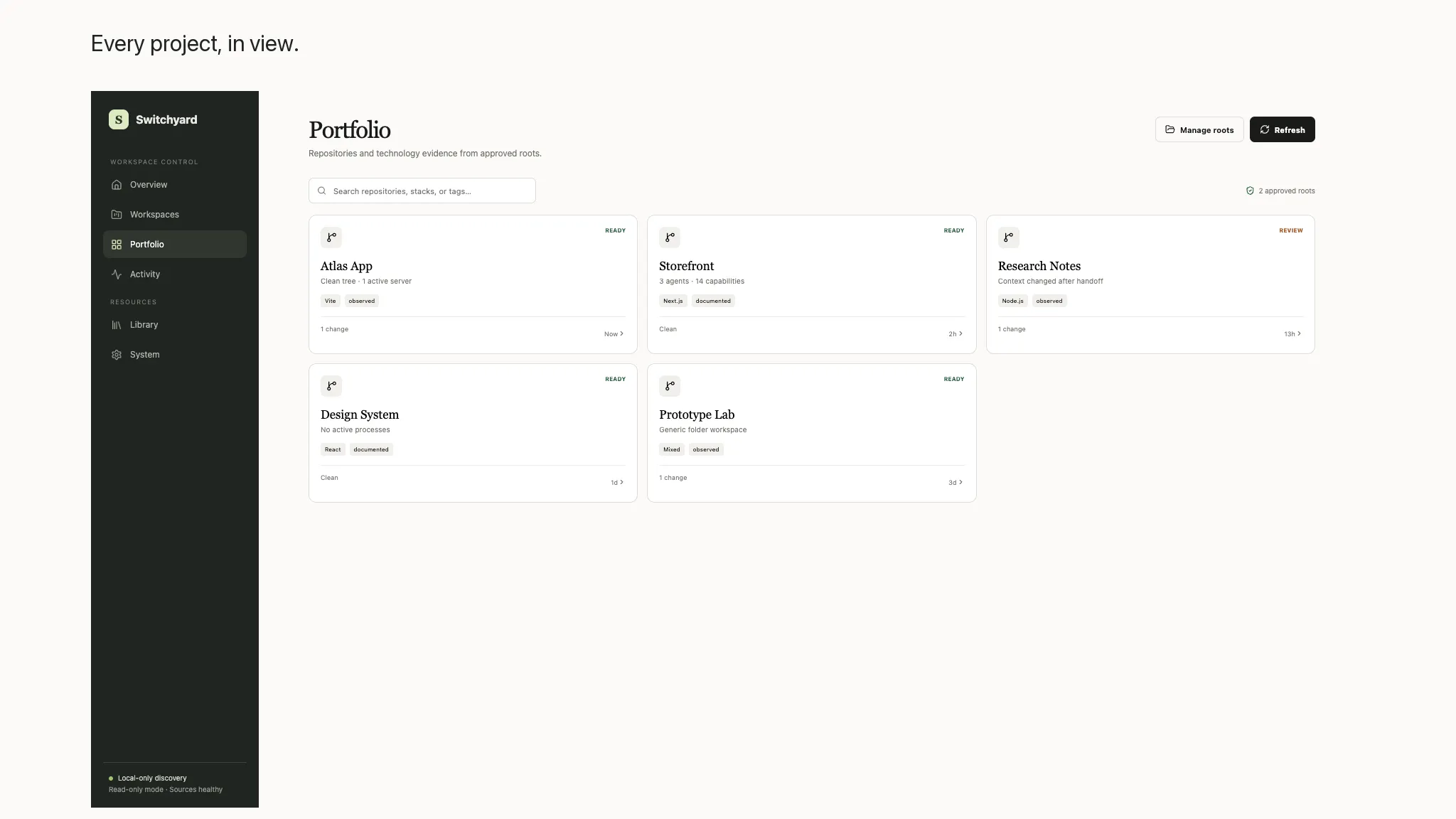
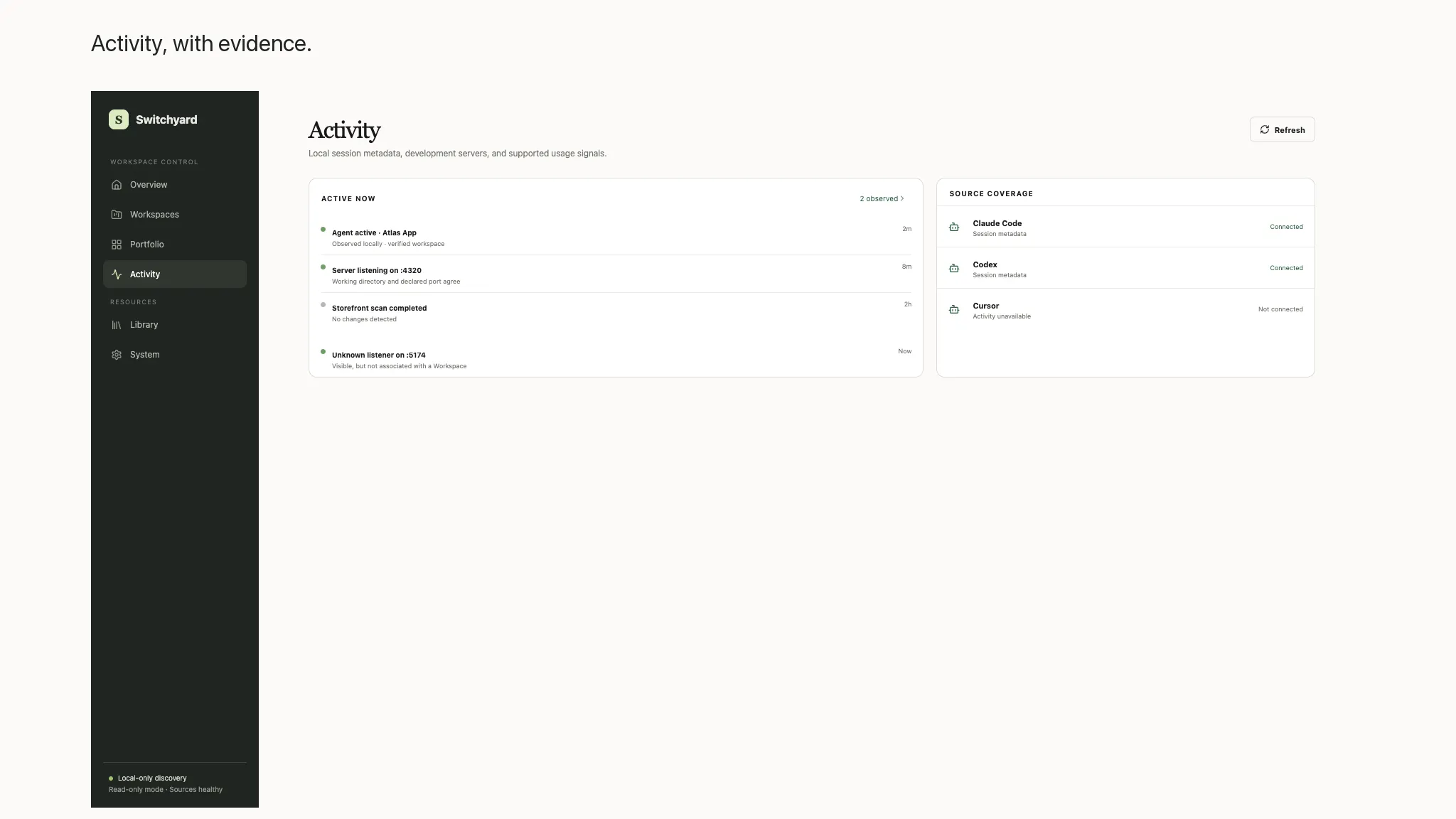
Your coding environment is more than a repository. It is a web of agents, instructions, skills, MCP servers, environment requirements, Git state, development processes, ports, and project context. Switchyard brings that web into one clear, workspace-first view. Open a project folder and Switchyard builds a local map of the systems around it. See which agents are available, which instructions and skills apply, how tools are configured, whether required environment names are present, what has changed in Git, and which local processes and ports belong to the Workspace. Evidence and confidence labels distinguish verified configuration from observed or inferred connections. A portfolio view keeps your approved repositories organized with stack summaries, health signals, recent activity, pins, favorites, and tags. Workspace views connect configuration, context, runtime, and history, while Agent Activity summarizes supported local session metadata without turning Switchyard into another IDE or terminal. Switchyard is local-first and read-only by default. You choose which roots it can inspect and which discovery sources are enabled. Secret values and message content are not displayed or persisted; supported session sources are parsed locally for allowlisted metadata. Optional MCP health checks are disclosed before making outbound requests, and unsupported or unavailable sources are labeled instead of being filled with guesses. Whether you are opening an unfamiliar repository, resuming active work, or checking the state of projects across your Mac, Switchyard helps you see how the pieces connect before you hand control to an agent.