Findle
Awards EntrySkip Finder, move files faster.

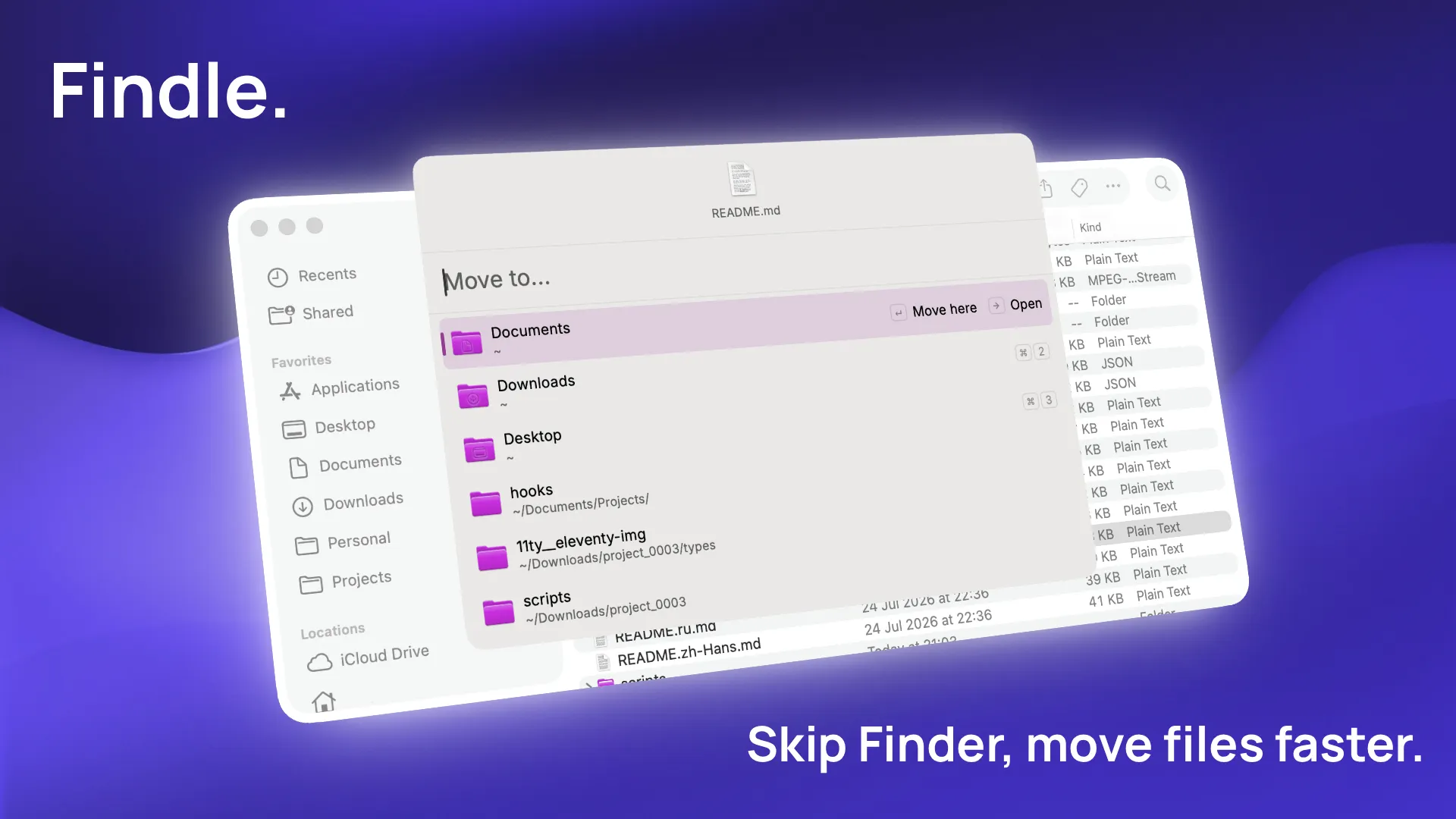
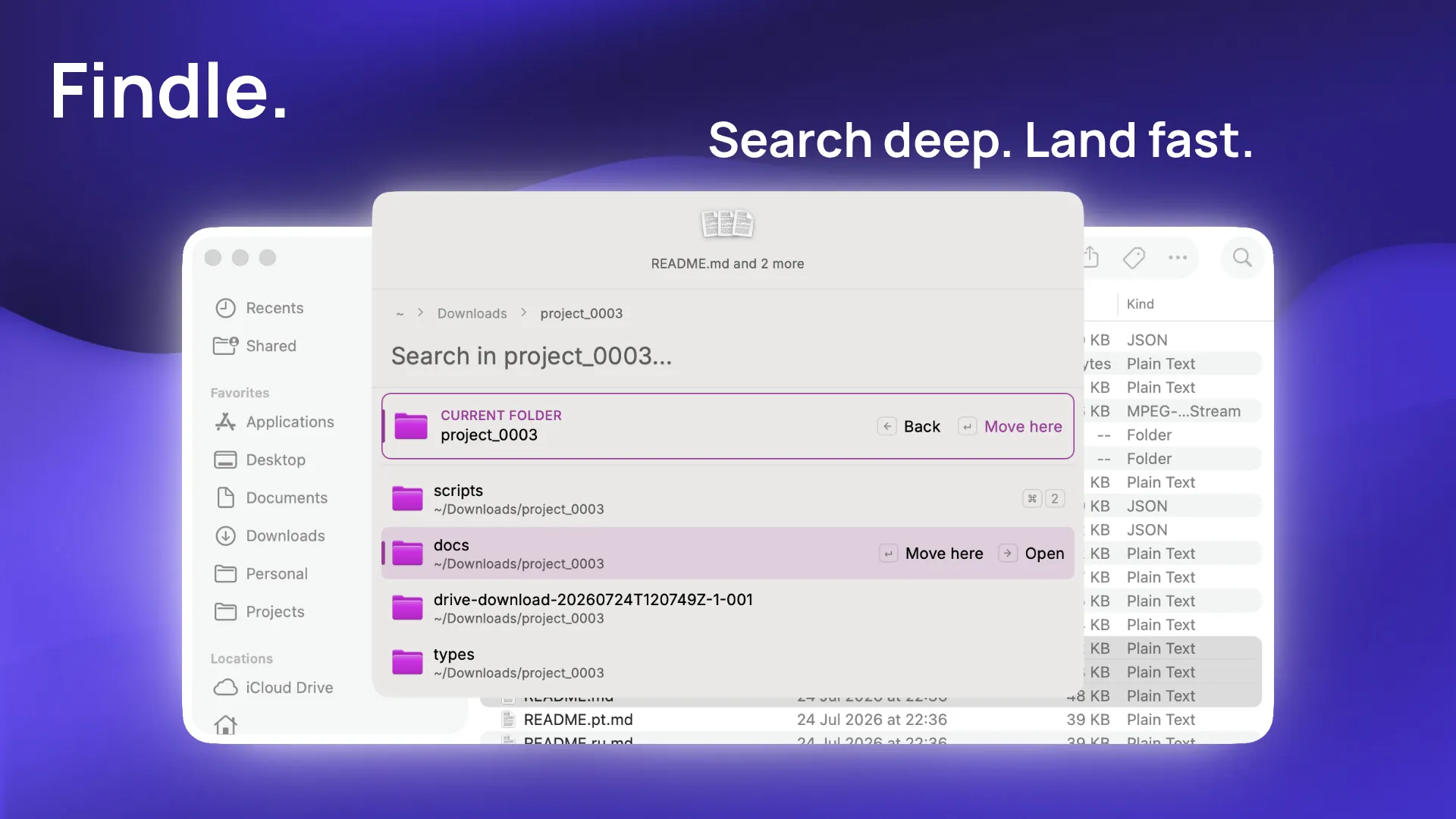
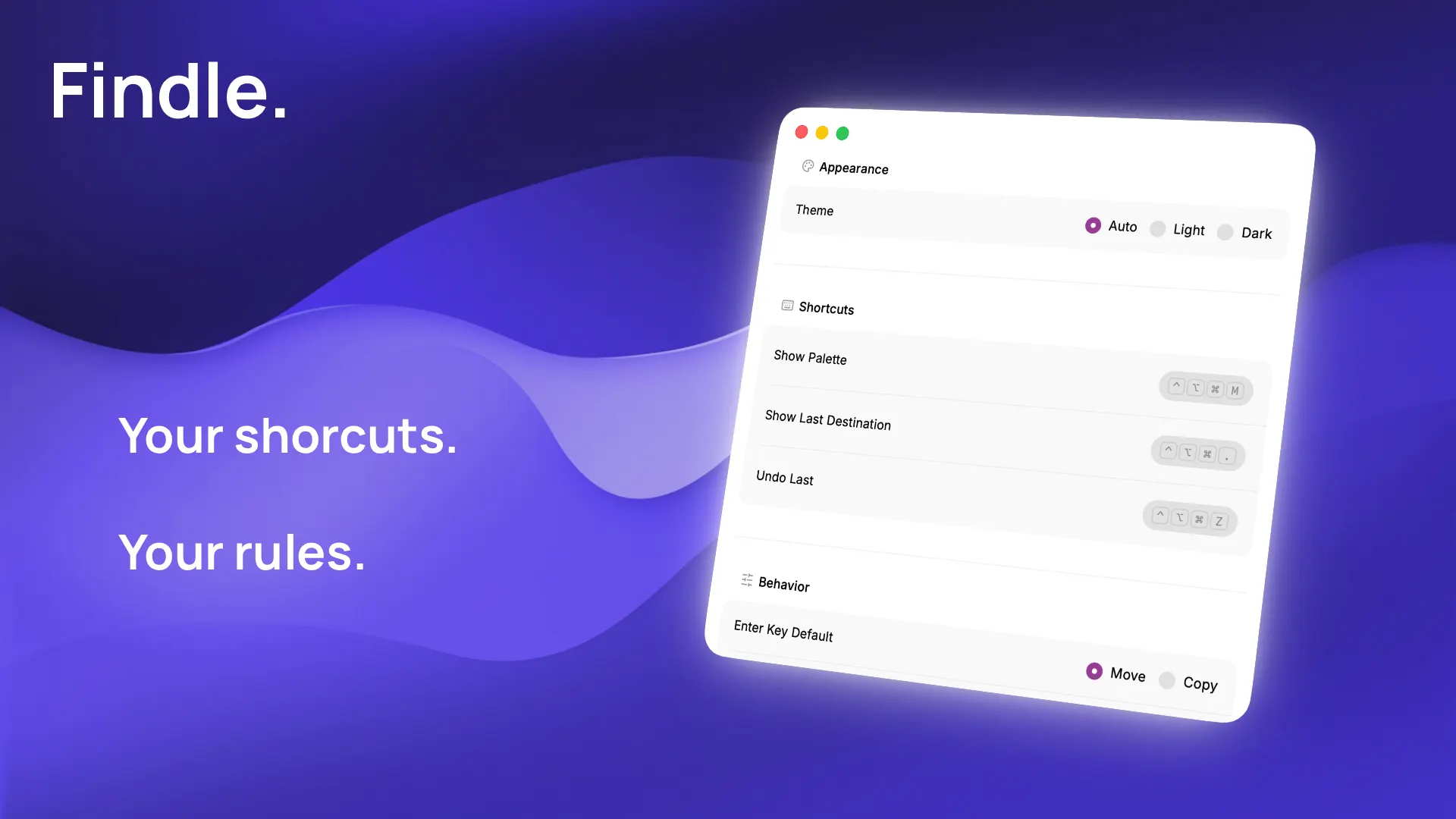
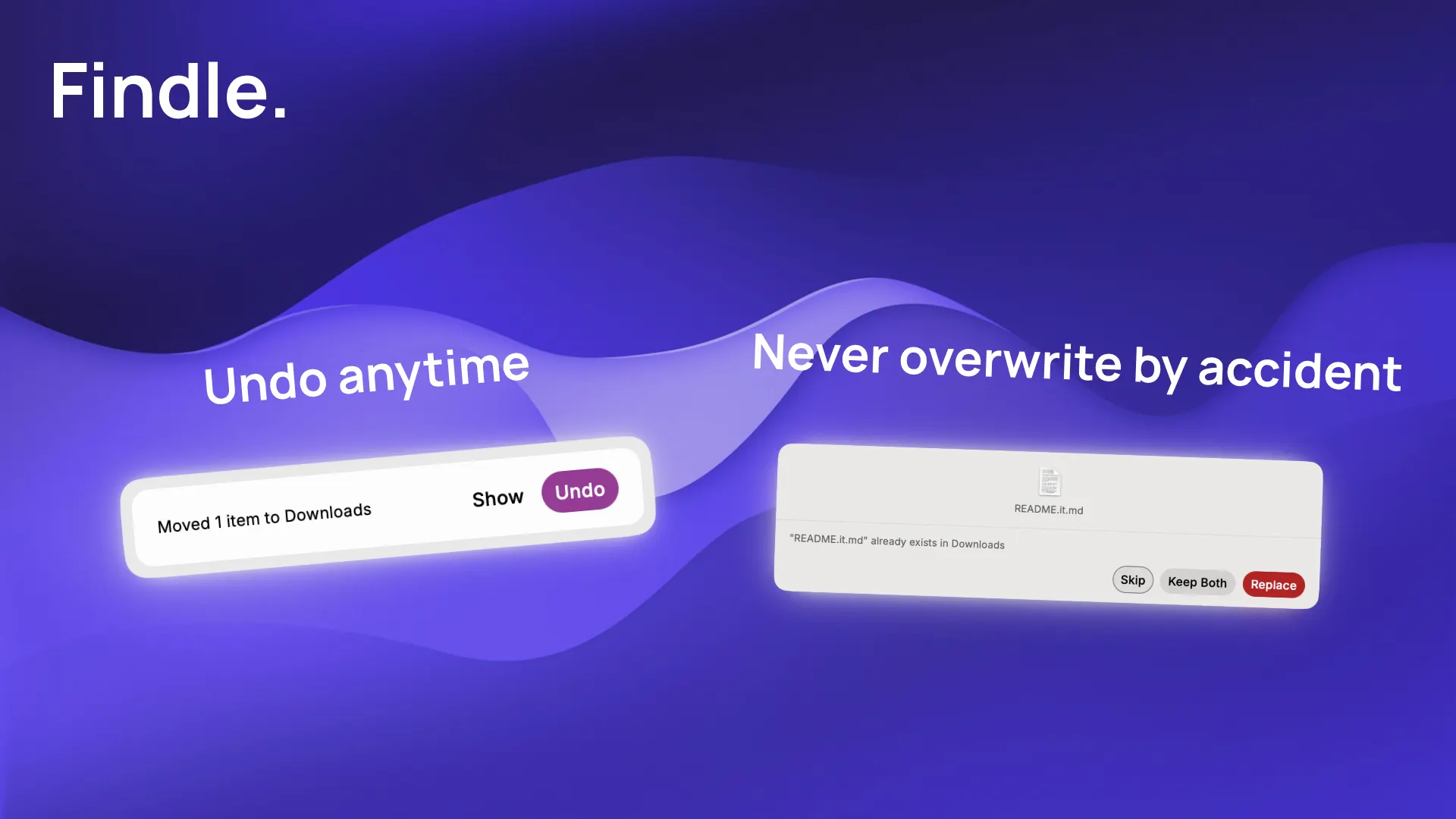
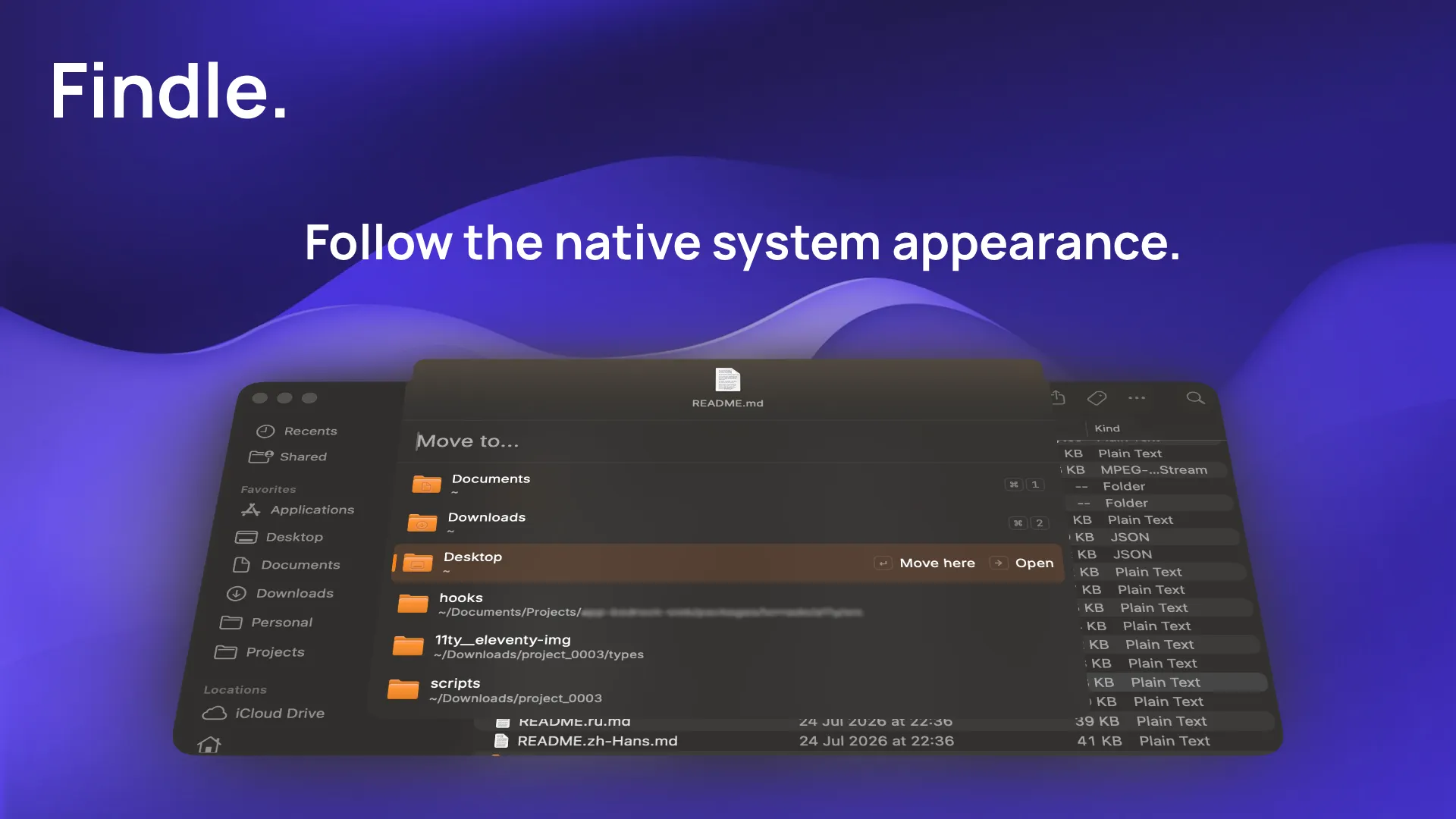
Findle is a keyboard-first palette for moving and copying files, without ever opening a second Finder window. Here's how it works: 1. Select your files in Finder. 2. Hit your hotkey. A floating palette appears with your selection ready to go. 3. Type a few letters to fuzzy-search any folder in your home directory. Results are ranked by match quality and how often you actually use that folder. 4. Press Enter to move, or ⌘-Enter to copy. No drag, no drop. Need to go deeper? Arrow right to enter a folder and search inside it, arrow left to back out. A breadcrumb keeps you oriented, and moving or copying a file is always one keystroke away. Every operation gets a toast with an instant Undo, plus a global undo hotkey that works from anywhere. Name conflicts never overwrite silently. You choose Keep Both, Replace, or Skip, right in the palette. Findle lives in your menu bar. Trigger the palette, check your last destination, or undo a recent move straight from the tray. All three hotkeys are remappable, and if a shortcut is already taken, Findle rolls back automatically instead of breaking. It's built with native macOS surfaces and vibrancy, follows your system accent color, and shows real Finder icons everywhere. Key Features: - Global hotkey summons a Spotlight-style palette, no extra Finder window - Fuzzy search across your home folder, ranked by relevance and recency - Drill-down navigation with breadcrumbs - Move (Enter) or Copy (⌘-Enter) in one keystroke - Toast + Undo after every operation, plus a global undo hotkey - Inline conflict handling: Keep Both, Replace, or Skip - Menu bar tray with recent operations, no Dock icon - Fully remappable hotkeys with launch-at-login