
Thooval
Write. Publish. Own.

About Thooval
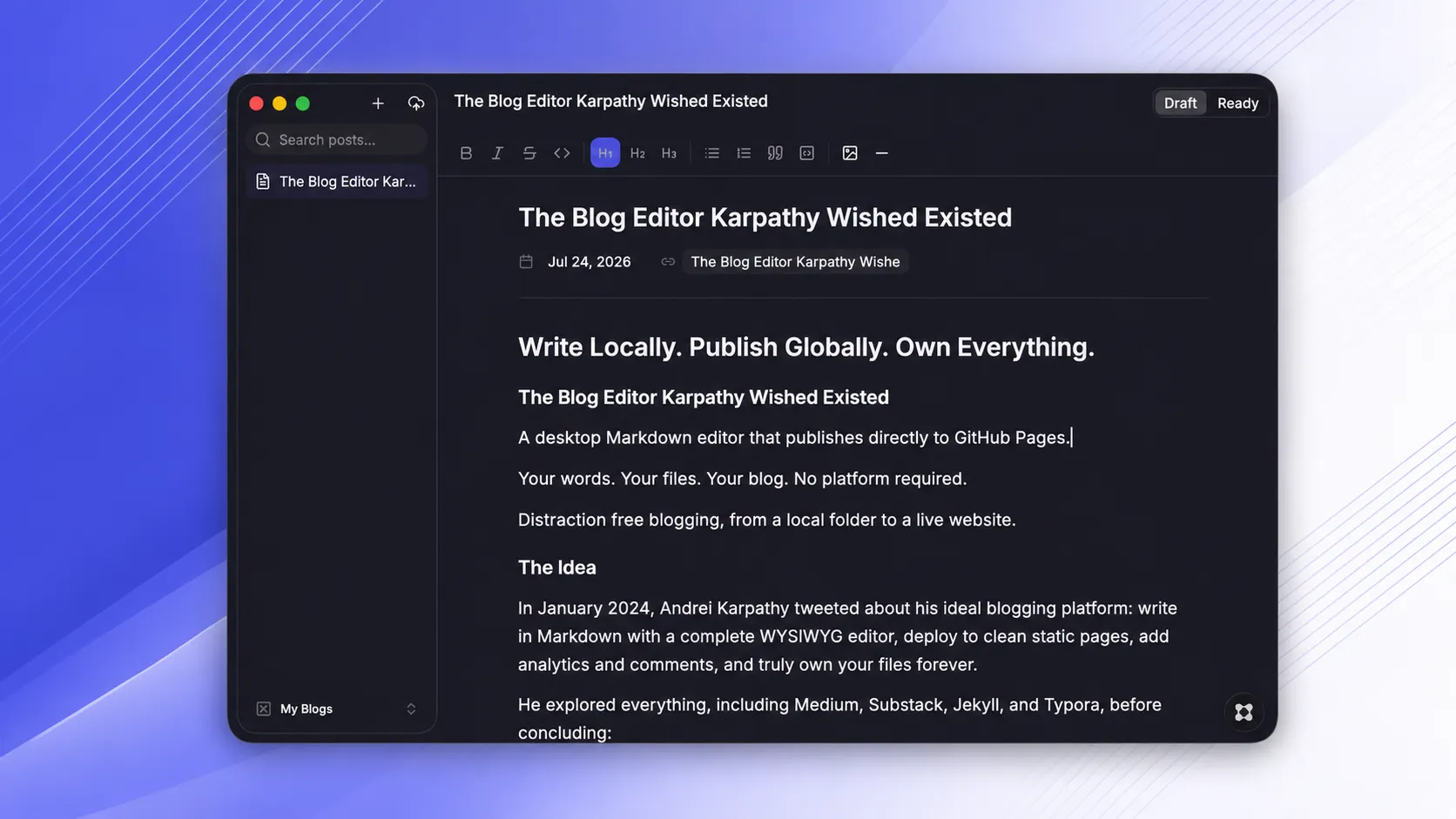
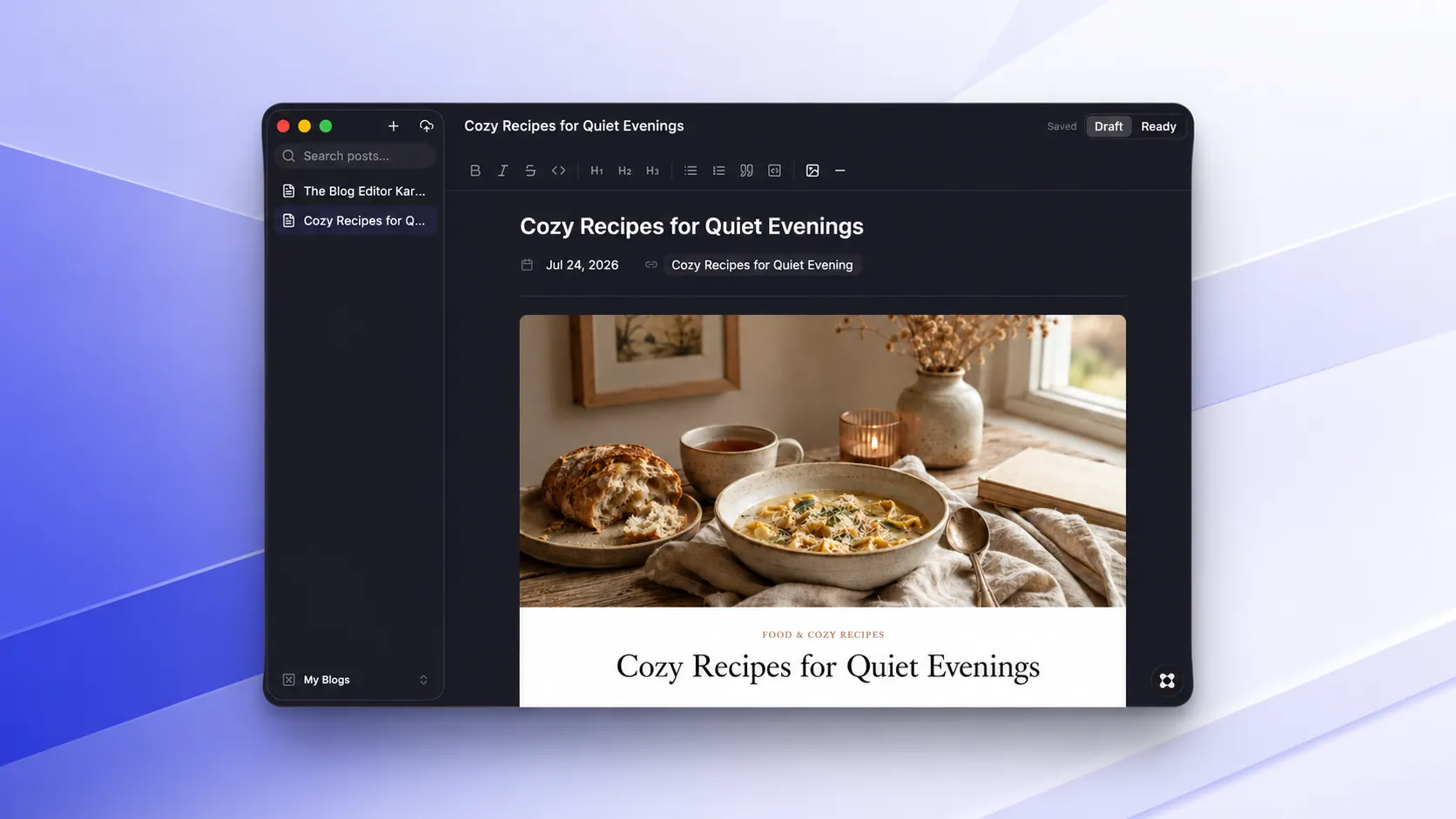
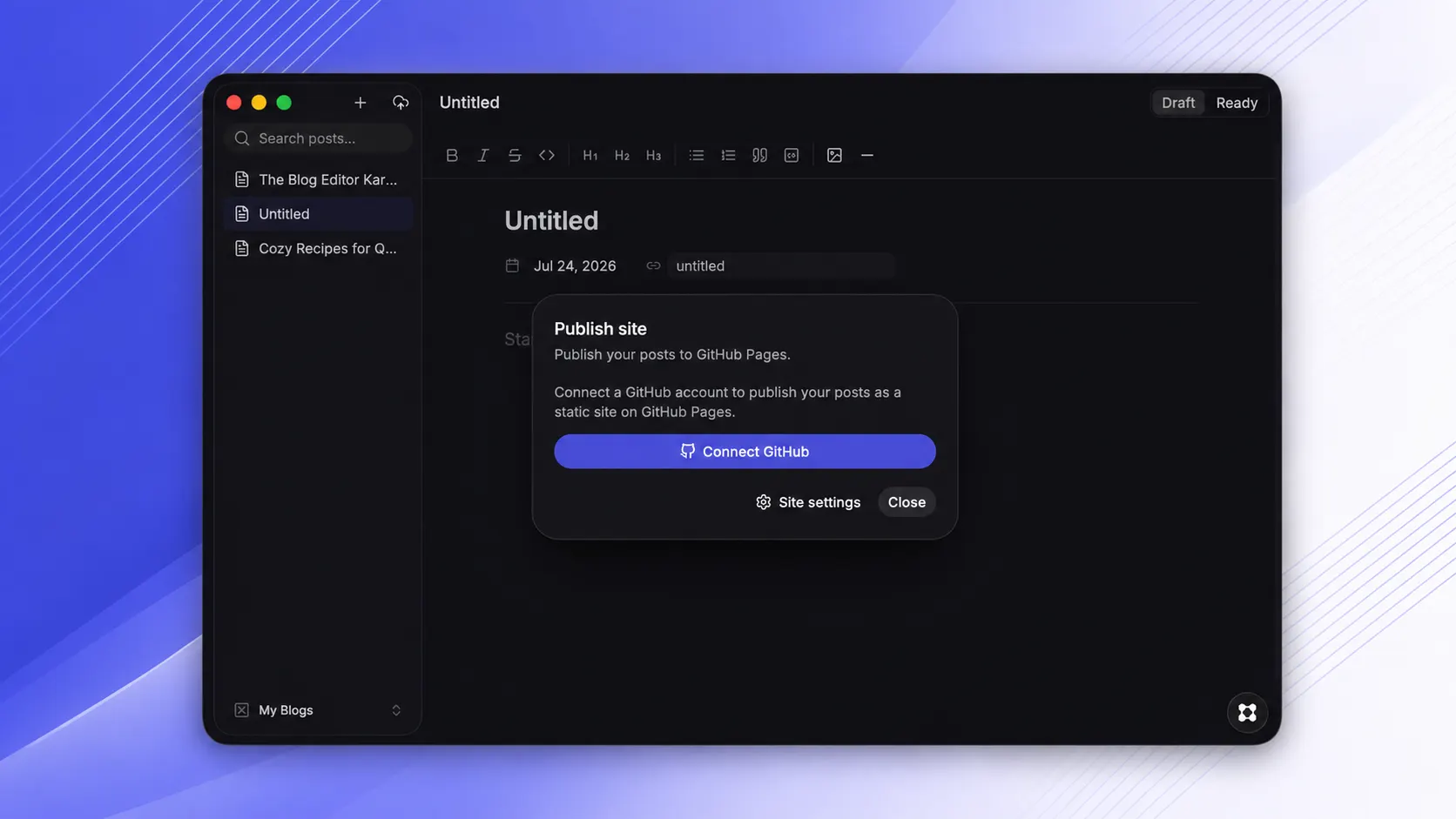
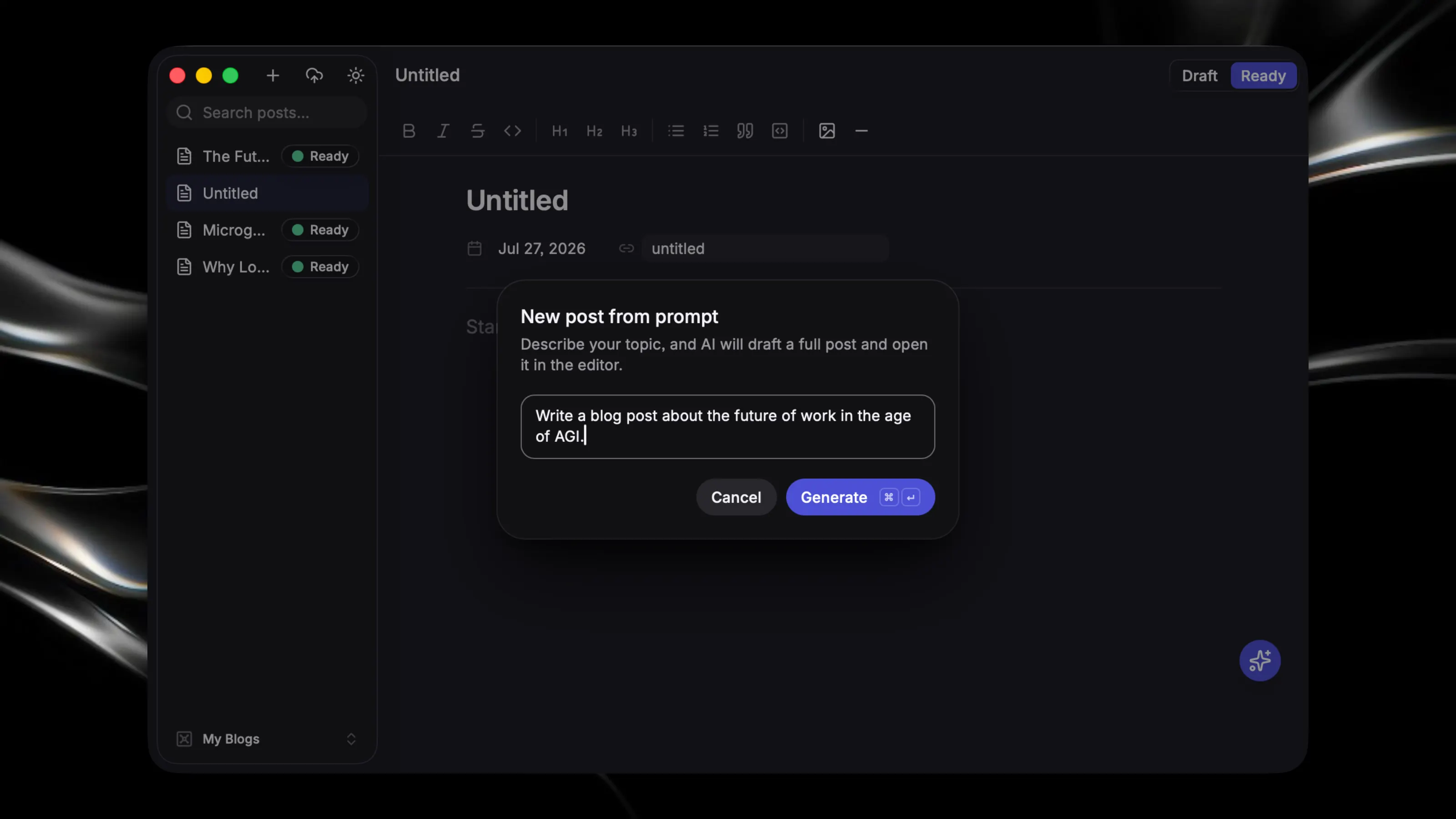
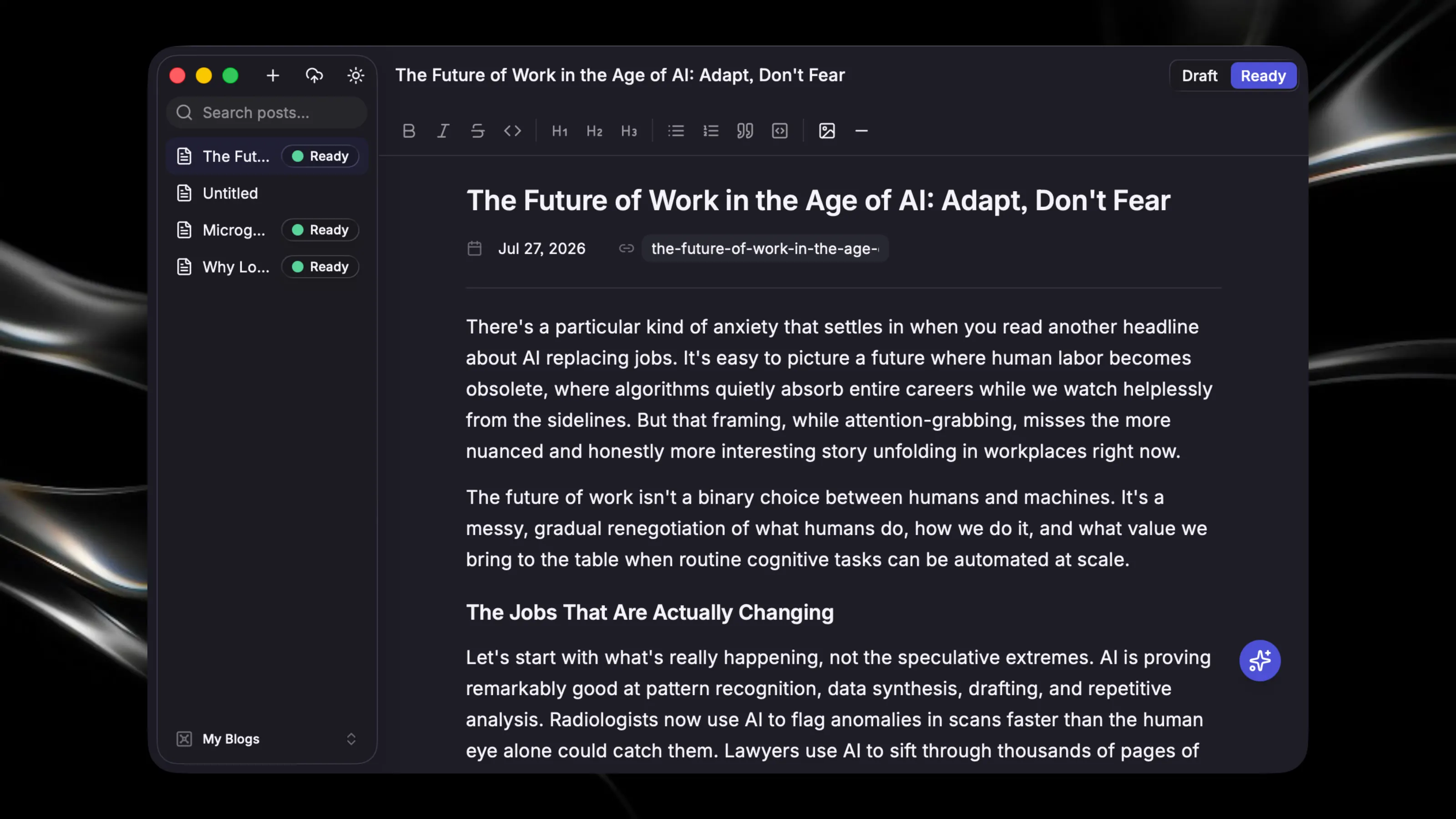
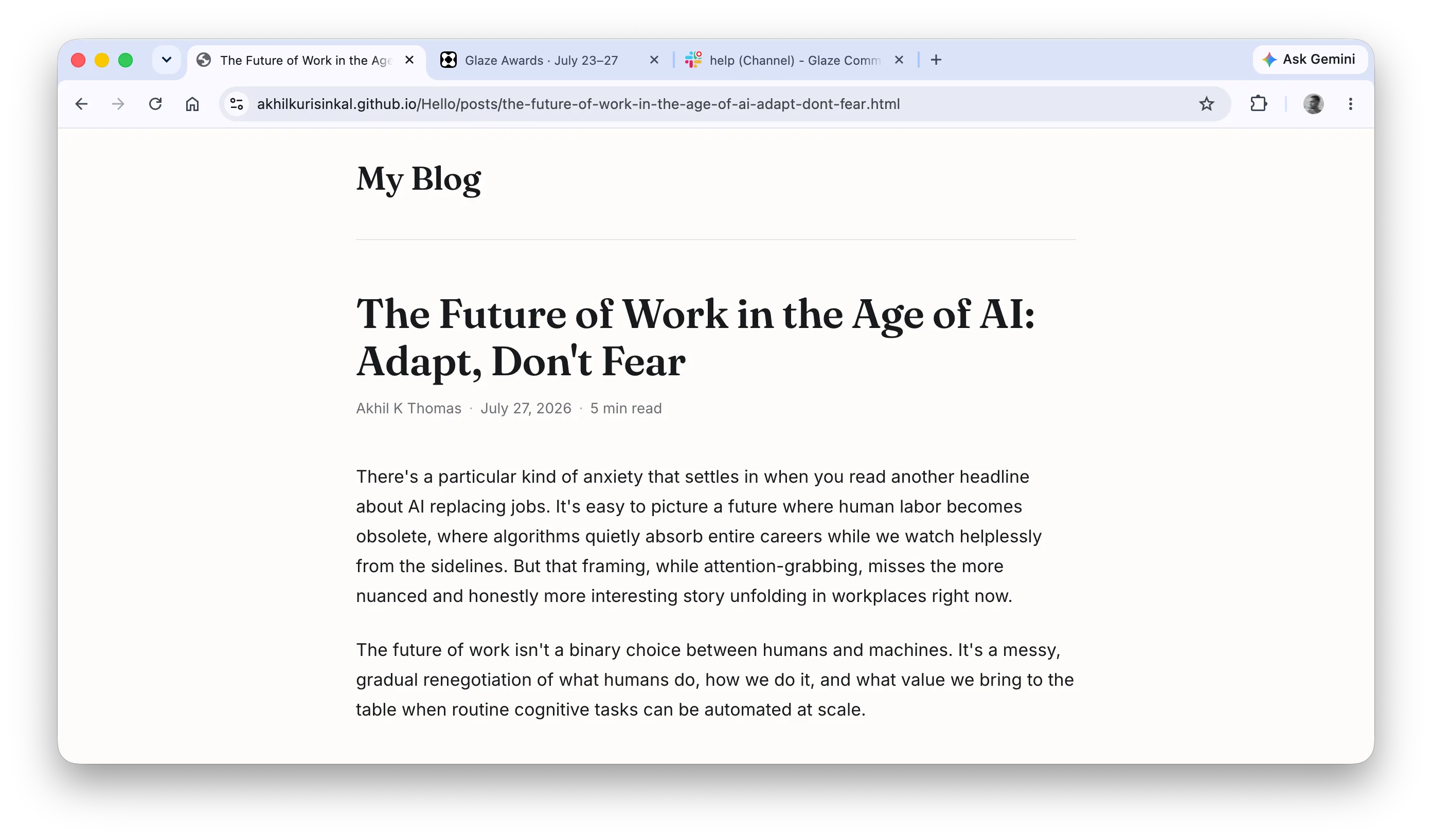
## The Blog Editor Andrej Karpathy Wished Existed A desktop Markdown editor that helps you write, generate, and publish directly to GitHub Pages. Your words. Your files. Your blog. No platform required. Distraction-free blogging, from an idea to a local Markdown file to a live website. ## The Idea In January 2024, Andrej Karpathy tweeted about his ideal blogging platform: write in Markdown with a complete WYSIWYG editor, deploy to clean static pages, add analytics and comments, and truly own your files forever. He explored everything, including Medium, Substack, Jekyll, and Typora, before concluding: > “I don’t believe this exists.” **Thooval is that thing.** ## Turn an Idea Into a Full Blog Post Not sure how to begin? Give Thooval a prompt, topic, or rough idea, and its AI-powered writing assistant can generate a complete blog post for you. Use the result as a first draft, reshape it in the editor, or keep only the parts that help. You remain in control of every word. The generated post is saved as a regular Markdown file in your local folder, just like anything you write yourself. No proprietary format. No locked content. No separate publishing workflow. **Start with a prompt. Finish with a post you own.** ## Write Without Distractions Thooval is a desktop app with a beautiful, distraction-free WYSIWYG editor for writing in Markdown. There are no split views and no raw syntax. You simply write. Create a post from scratch or generate a full first draft with AI. Then edit, rewrite, expand, and refine it directly in the same focused editor. Add images by dragging them into the editor, pasting them, or selecting them from your computer. Everything is saved automatically to a local folder on your machine. Your posts remain plain Markdown files that you can open in any editor, move anywhere, and keep forever. There is no vendor lock-in, and you do not need an account just to write. ## Publish in One Click When you are ready to share your work, click **Publish**. Thooval generates a clean, minimal static website with no bloat and no JavaScript frameworks. Just fast, simple HTML. It then publishes the site to GitHub Pages, giving your blog a real public URL within seconds. You can also add Google Analytics or Plausible for traffic insights, enable Giscus for comments, and connect a custom domain. That is it. **Generate ideas. Write locally. Publish globally. Own everything.** ## What Thooval Includes ### ✨ AI-Powered Generation Turn a prompt, topic, or rough idea into a complete blog post. Generate a first draft in seconds, then edit it freely until it sounds like you. The final post is stored locally as plain Markdown and remains completely under your control. ### ✍️ Writing A complete WYSIWYG Markdown editor that lets you focus entirely on your words. Write from scratch, refine an AI-generated draft, and add images by copying and pasting, dragging and dropping, or selecting them from your computer. ### 🚀 Publishing Thooval renders your writing as simple, minimal static HTML and hosts it on GitHub Pages at a clean URL. Publishing takes one click. ### 📊 Maintaining Built-in support for Google Analytics, Plausible Analytics, and Giscus comments. Everything is available from one place, without the usual setup complexity. ### 🔓 Ownership Your posts are Markdown files stored in a folder on your computer. Whether you write every word yourself or begin with an AI-generated draft, you have complete access, complete export control, and permanent ownership. Move your writing anywhere, at any time.