TimeTrack
Track tasks with menubar timers

About TimeTrack
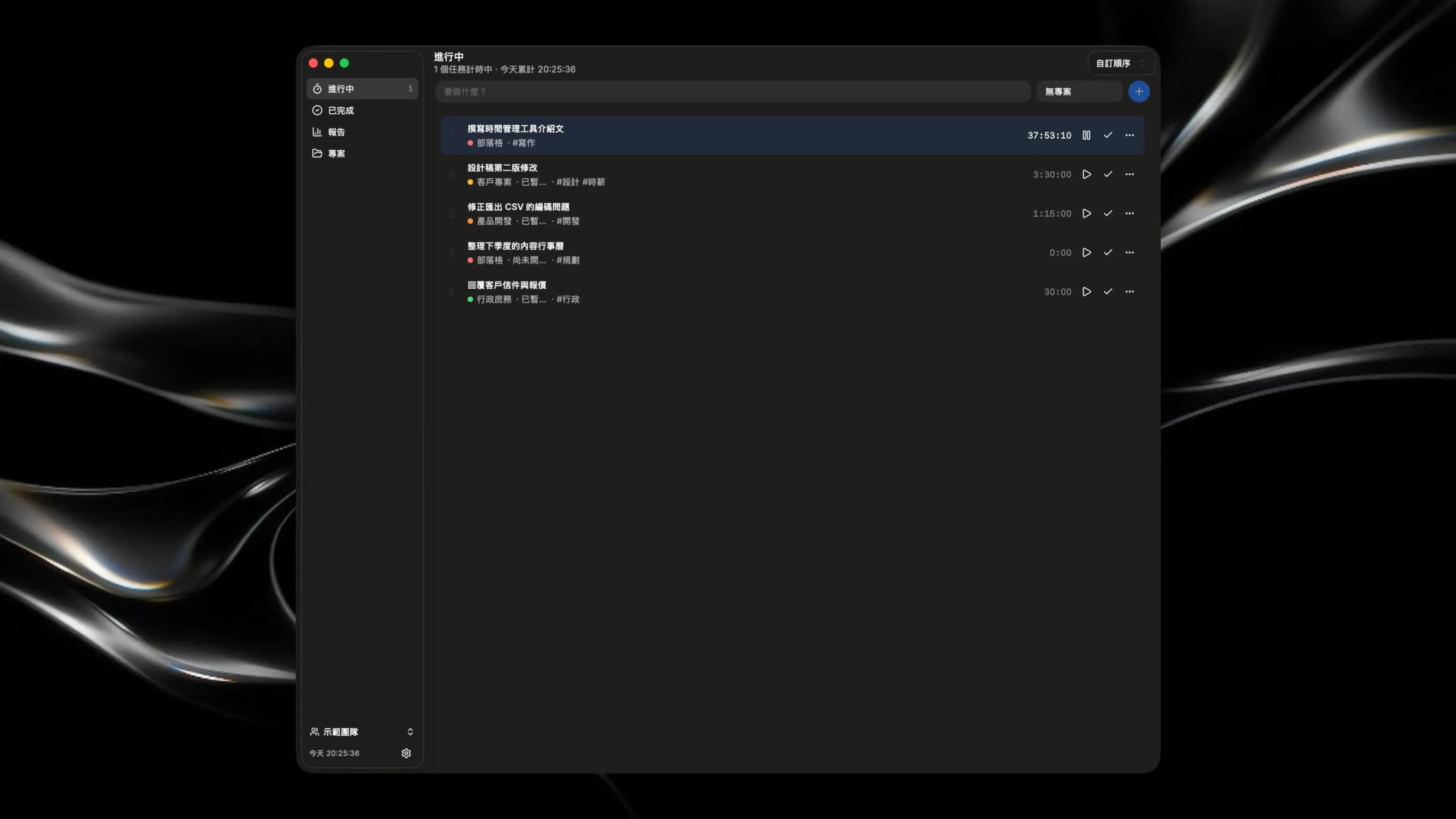
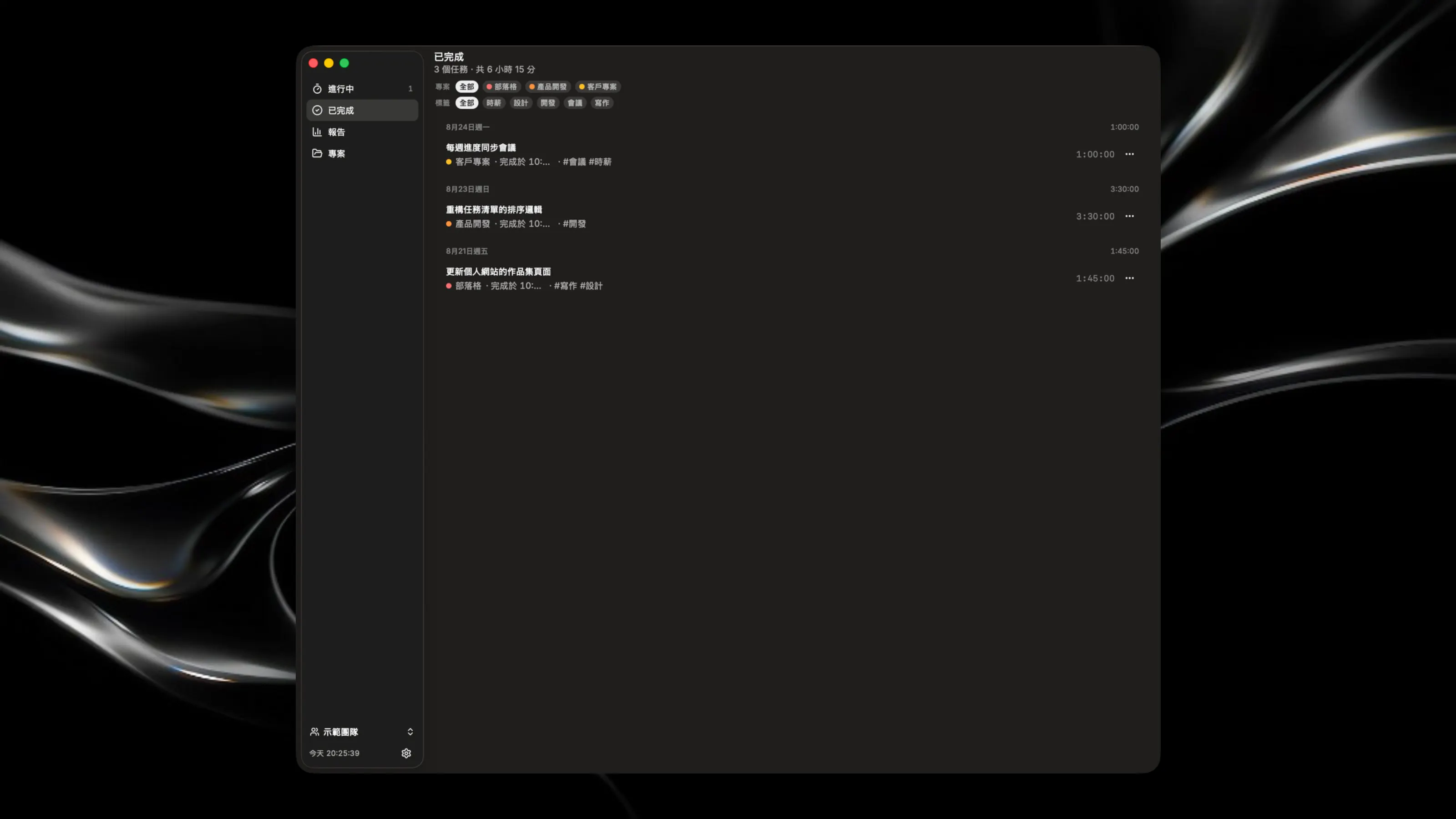
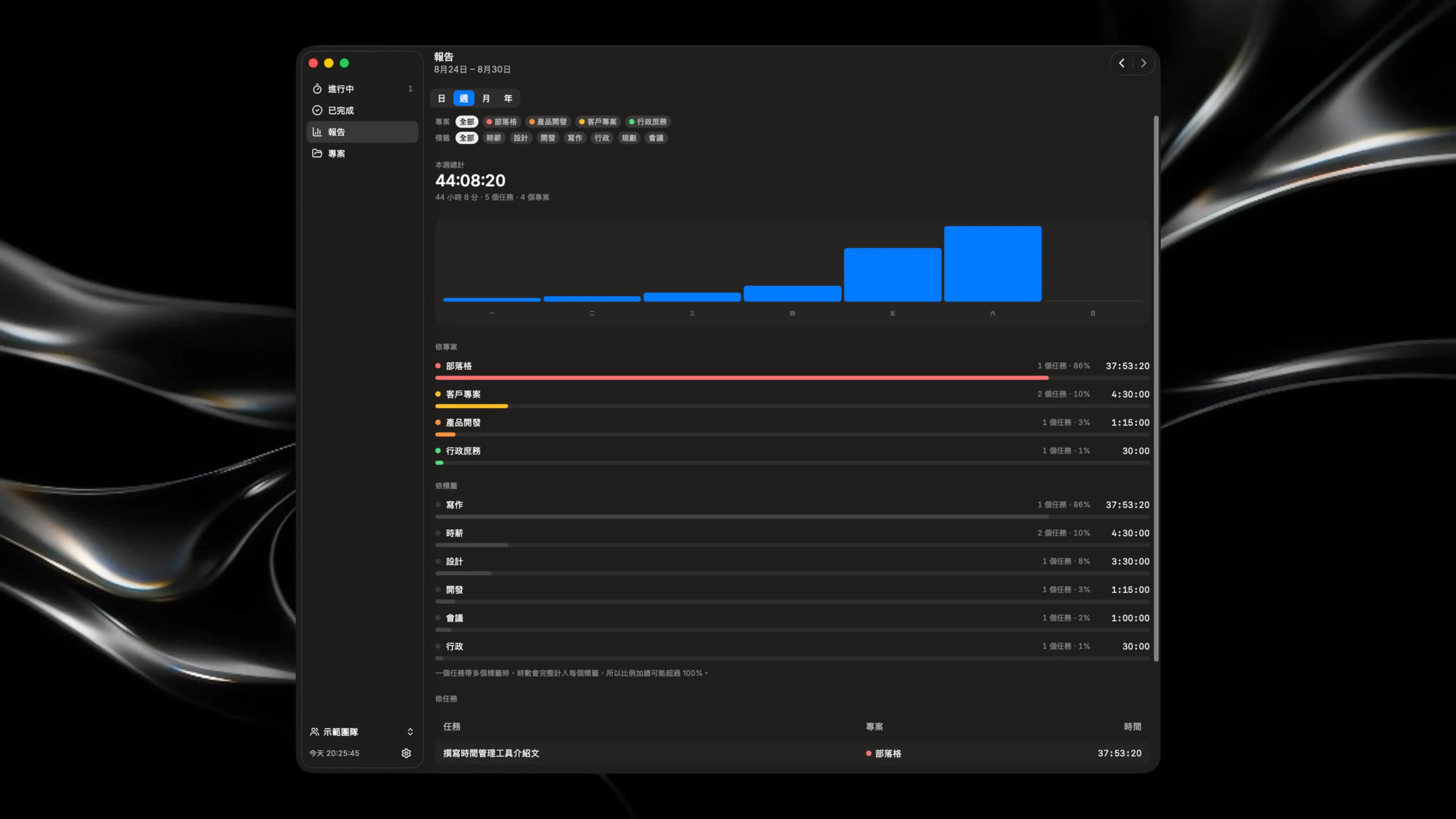
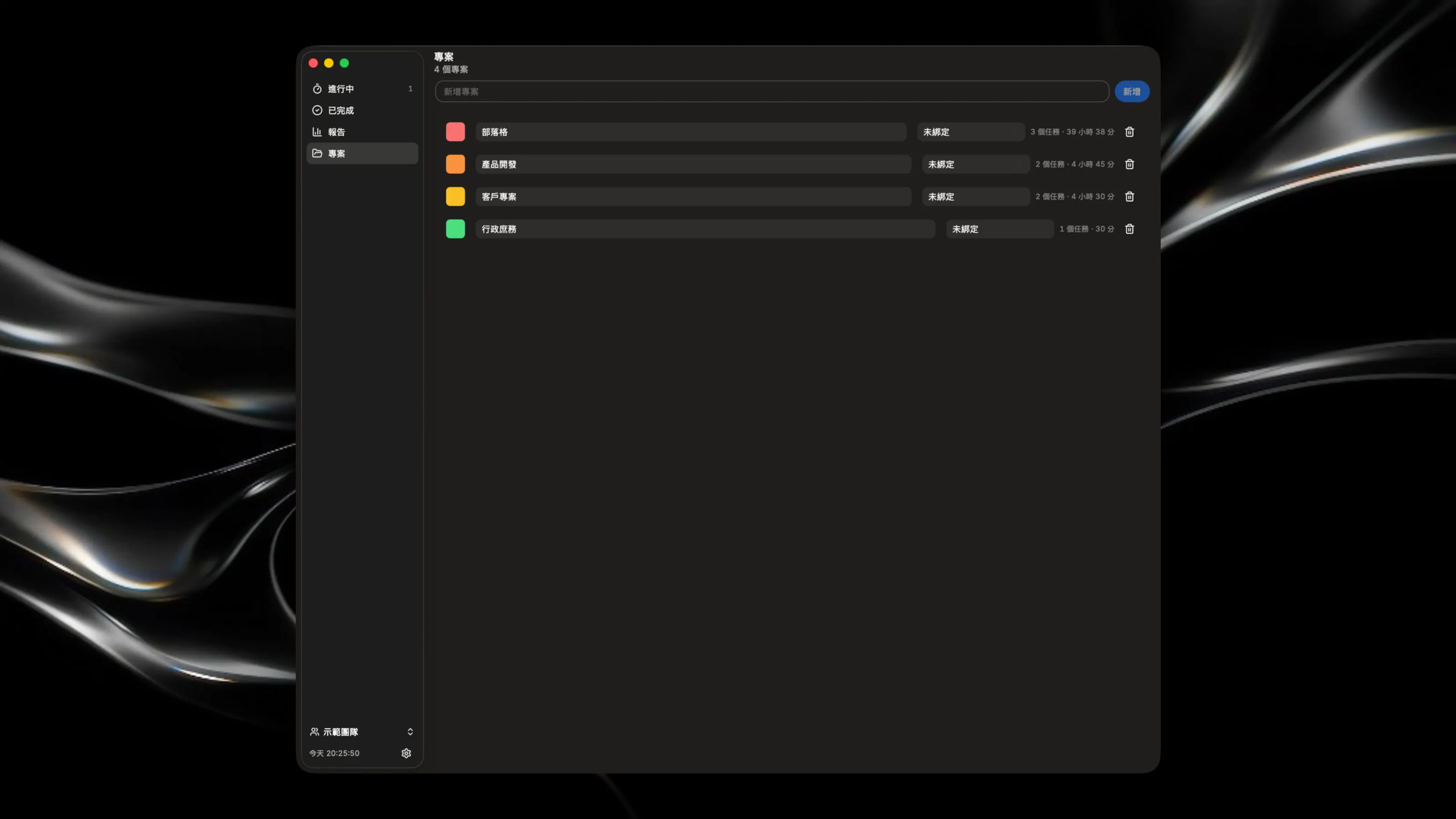
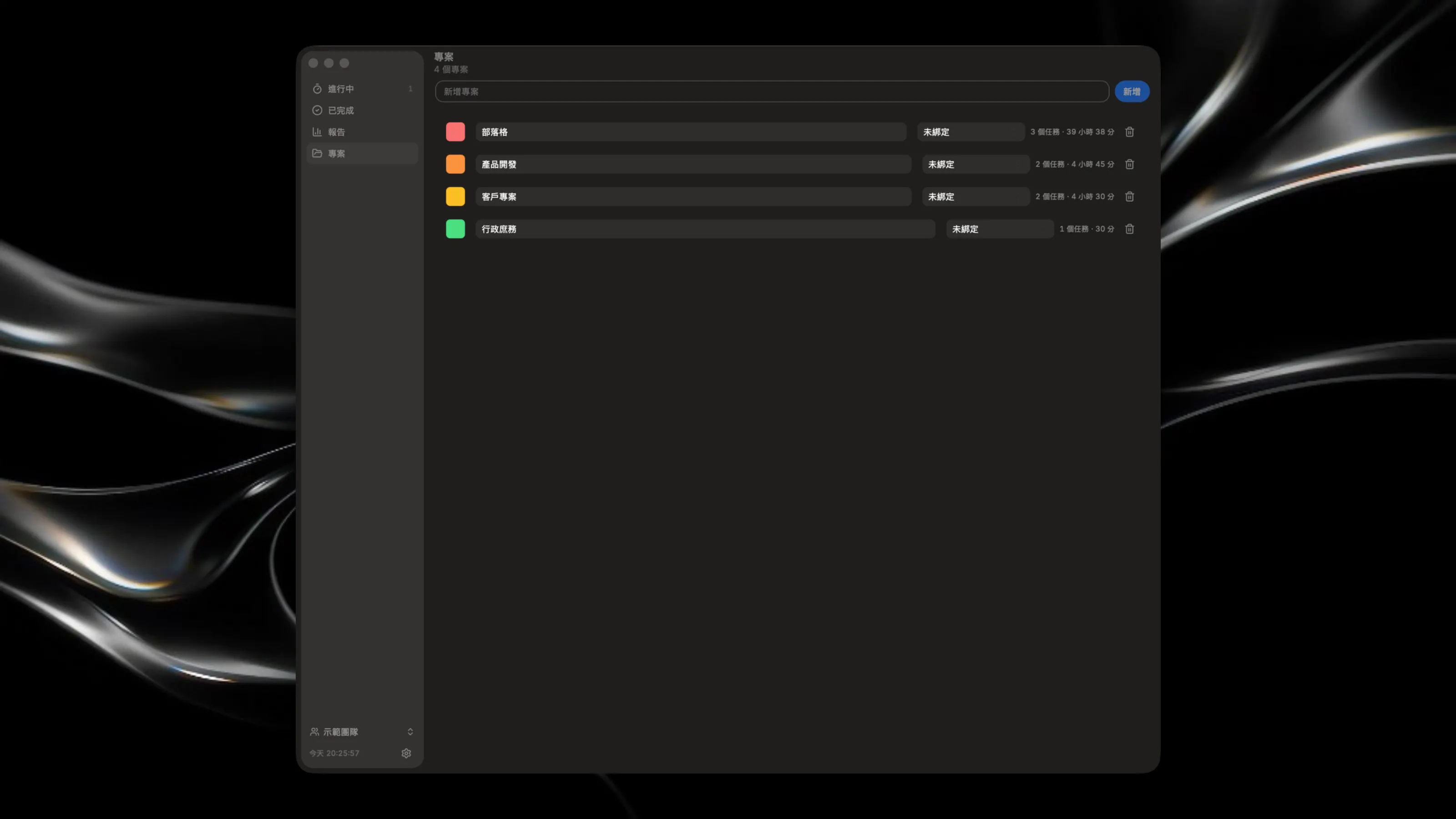
Track your tasks with live timers in the menu bar. Start and stop tracking time on any task from your Mac's top menu, then review your time log in the main window. Organize work by projects, add notes with rich formatting, and sync with Notion. Set global keyboard shortcuts for instant access to create tasks or view your list—all without leaving your current app. Key Features: - Menu bar timers for quick task tracking without opening windows - Rich task notes with formatting, lists, and markdown support - Multiple workspaces to keep work and personal tasks separate - Global keyboard shortcuts for lightning-fast task creation and access