Trace
Screenshots organized, finally found


About Trace
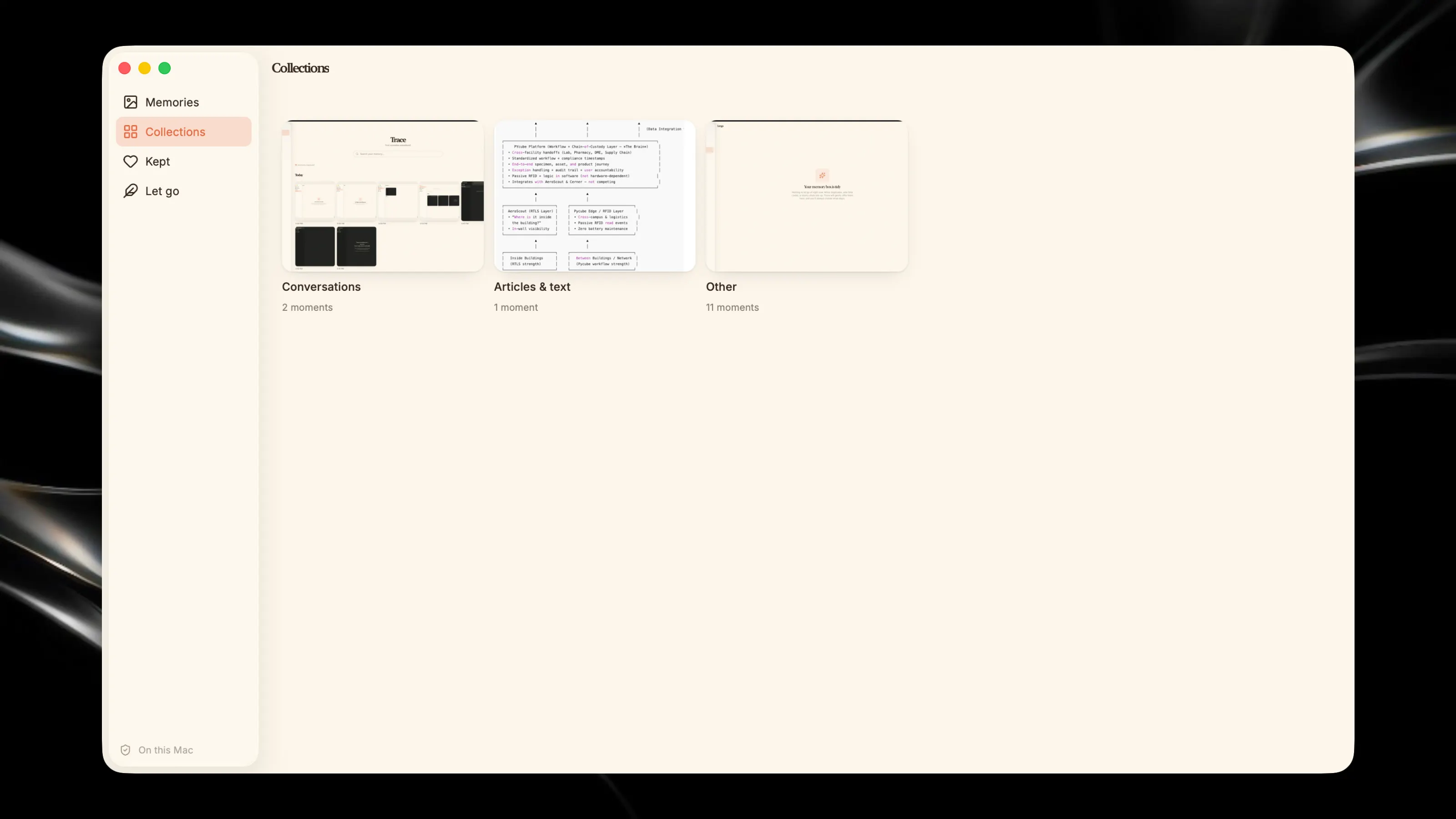
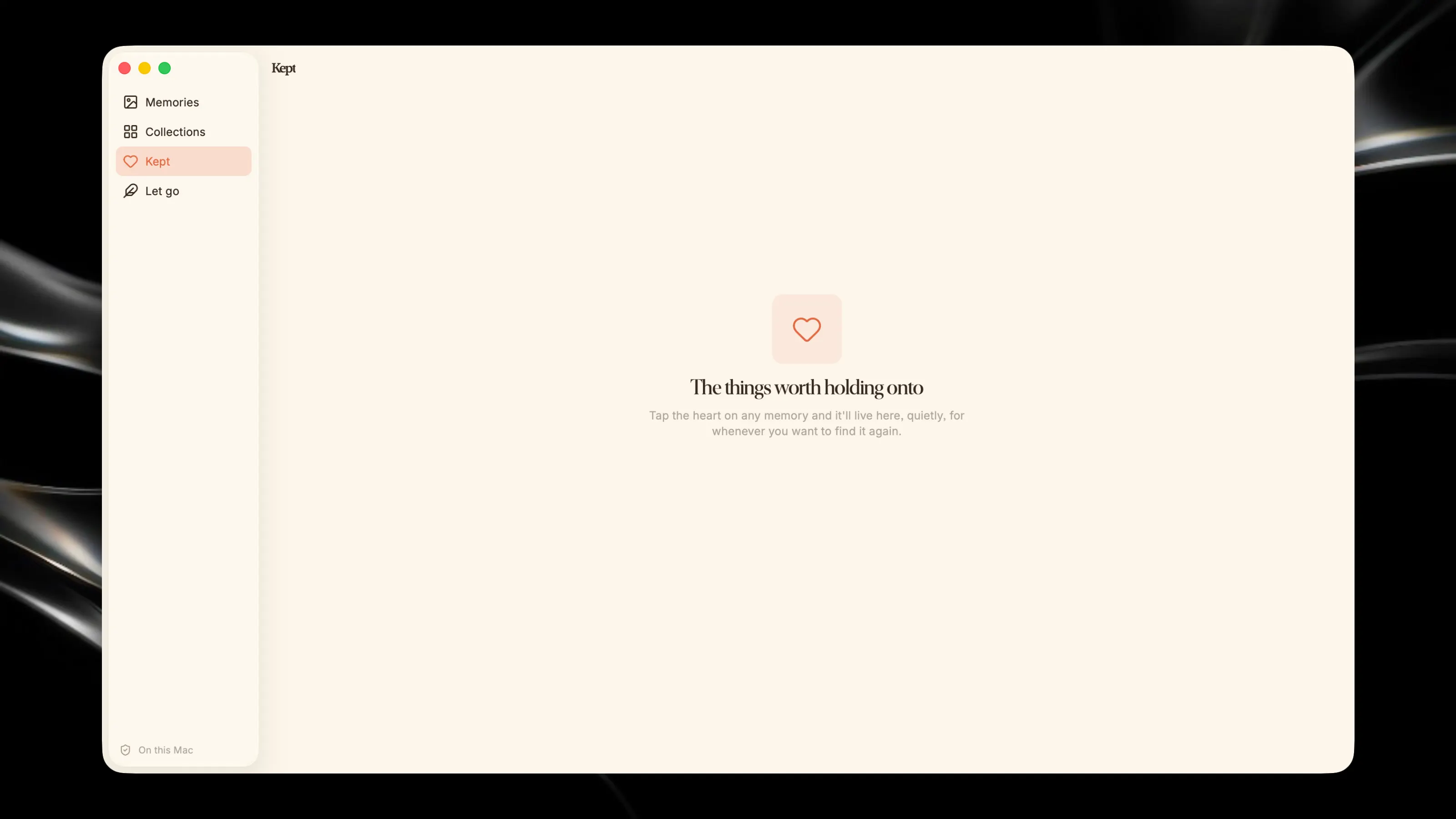
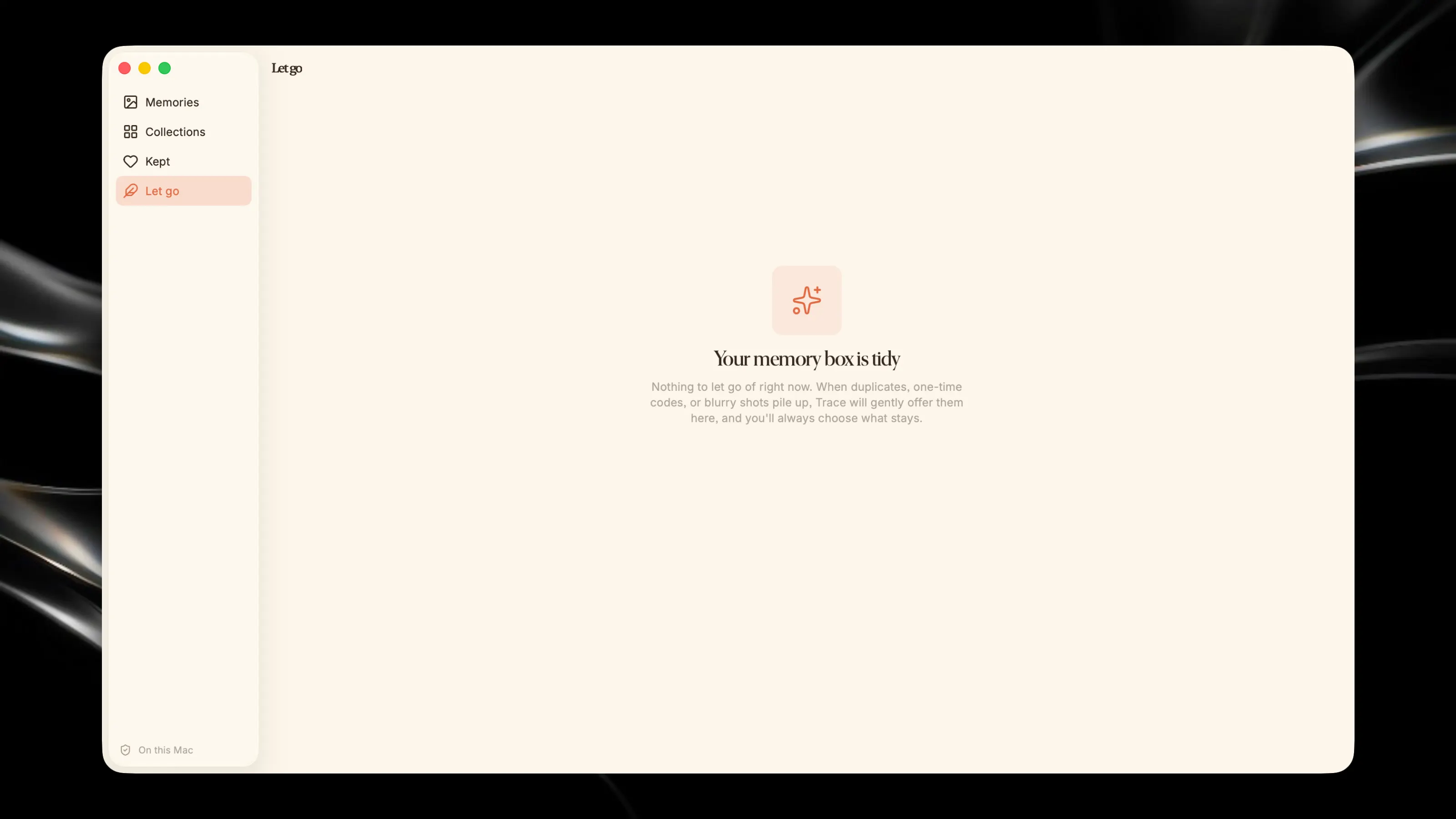
Your Mac doesn't have a screenshots folder. Every one you take lands on your Desktop, piles up, and quietly disappears into the mess. The receipt you'll need. The address someone sent. That color you saved. The text that made you laugh. All there somewhere, none of it findable. Trace is the home they were missing. It gathers every screenshot scattered across your Mac into one tidy place, then makes the whole thing searchable, not by filename, but by what's actually inside each image. Type "blue hex from Figma" or "that flight confirmation" and the exact screenshot surfaces in an instant. It reads the text in your screenshots right on your device, so finding anything feels a little like magic. But Trace isn't a file manager. Your screenshots aren't clutter, they're a memory. The things you chose to hold onto. So Trace treats them that way: a warm, browsable wall of moments organized by when you captured them, the ones worth keeping just a tap away, and a gentle nudge to let go of the duplicates and one-time codes you'll never need again. What Trace does: Gathers loose screenshots from across your Mac into one home Searches the text inside every screenshot, instantly Organizes everything into a calm, beautiful timeline of moments Keeps what matters close, and helps you gently let go of what doesn't Auto-collects new screenshots the moment you take them Private by design. Everything happens on your Mac. Your screenshots never leave your device. No cloud, no accounts, no exceptions. Your screenshots have been trying to tell you something. Trace finally lets you find it.