vsual
Glaze AITurns a text description of a look into a custom photo filter for your batch. AI usage is billed to your Glaze credits, with a daily cap.
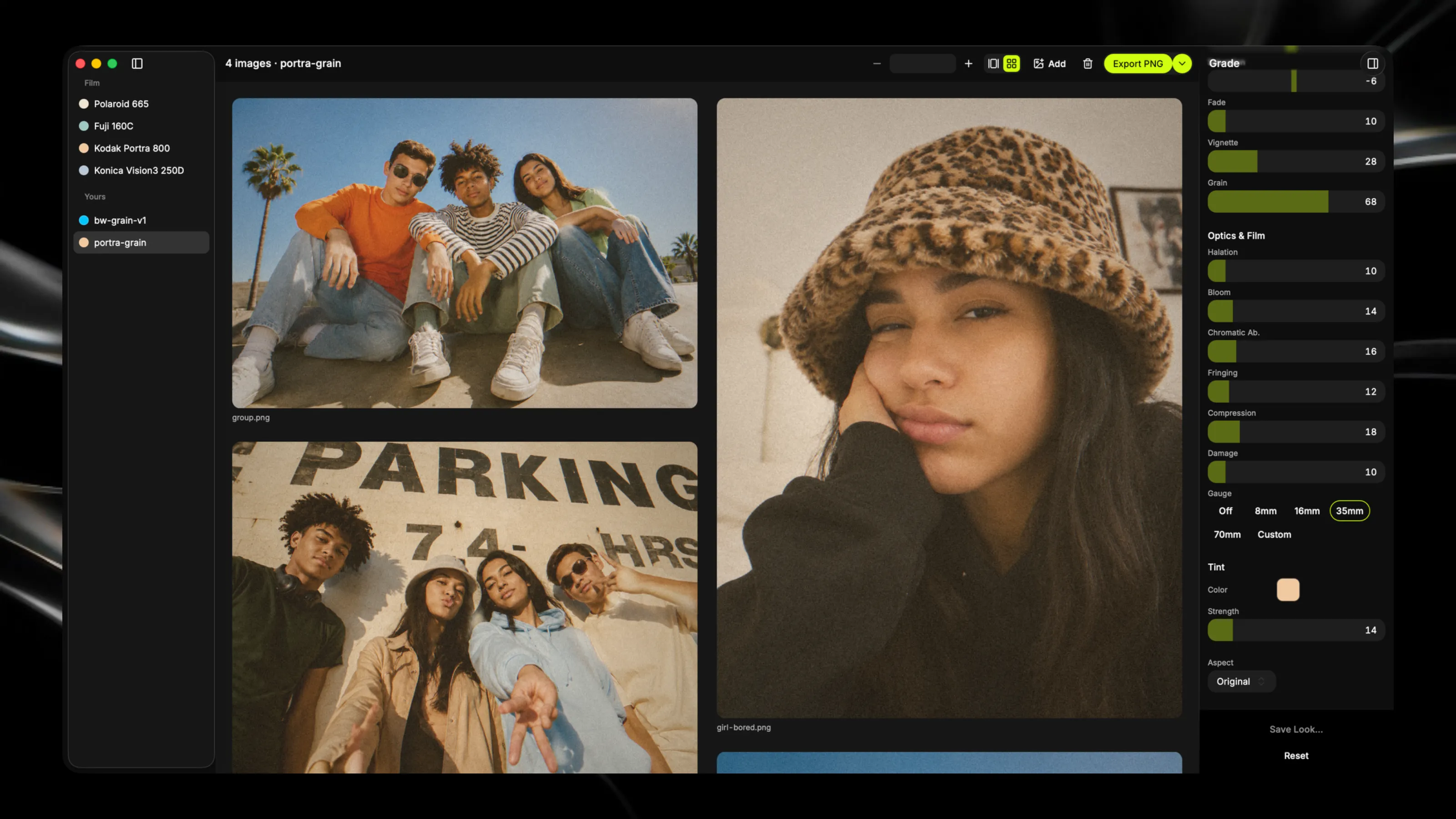
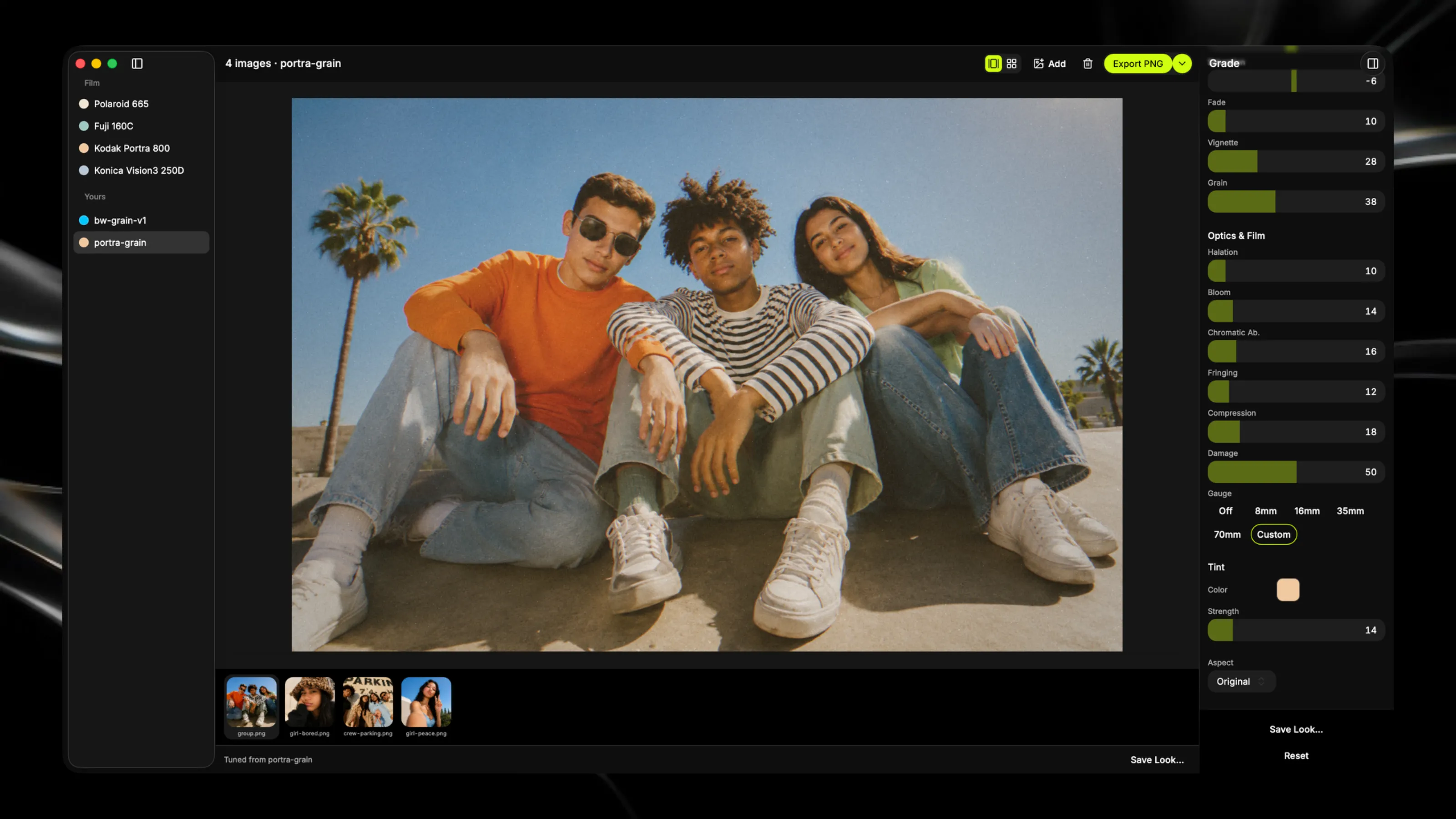
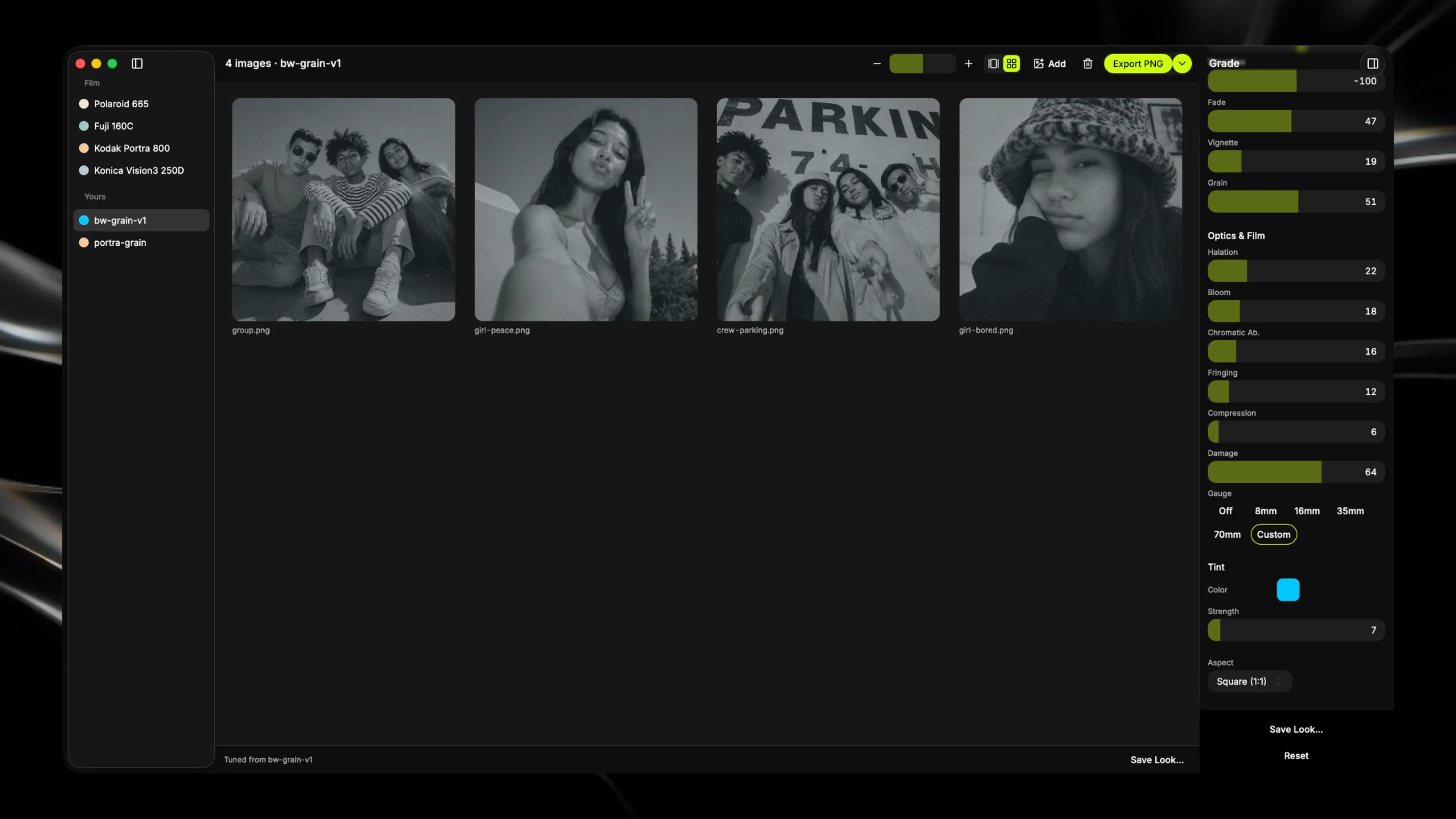
Apply filters to many images at once
About vsual
Give your photo batch a unified look. Load multiple images, adjust color, tone, and film effects with keyboard shortcuts, and save your grade as a reusable look for future shoots. All processing stays on your Mac. Key Features: - Grade images in batches with shared adjustments that apply across your entire selection - Save custom looks locally—your color grades persist for every future project - Keyboard-first workflow designed for speed and precision