Drop2Markdown
Drop anything. Get Markdown.

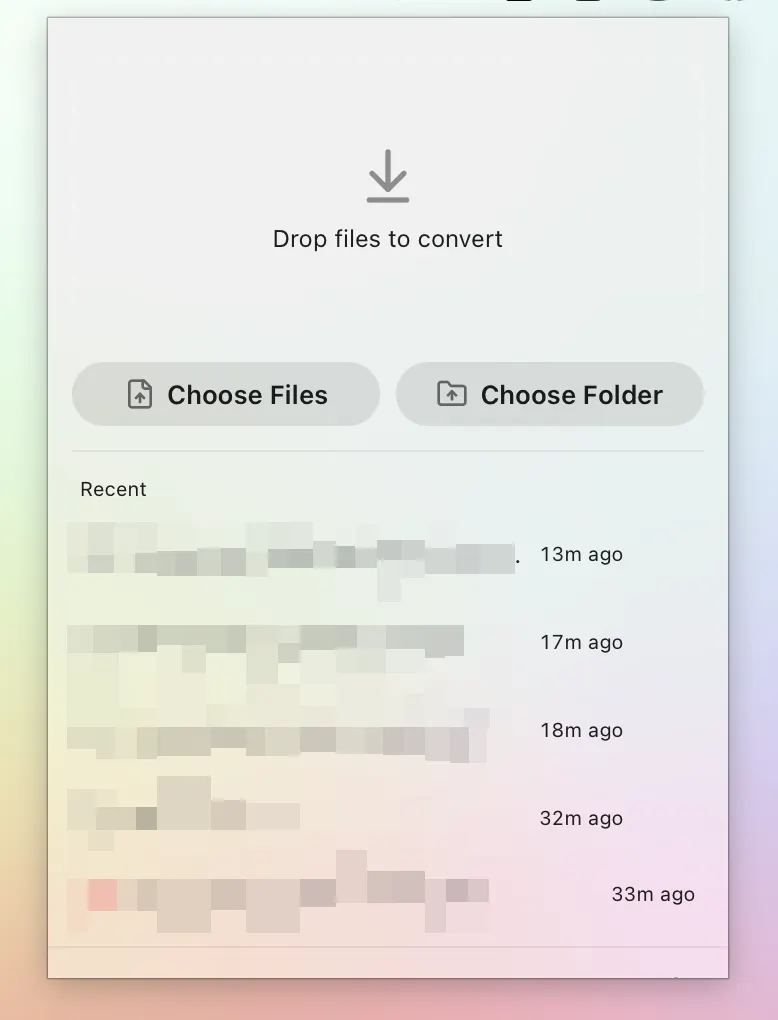
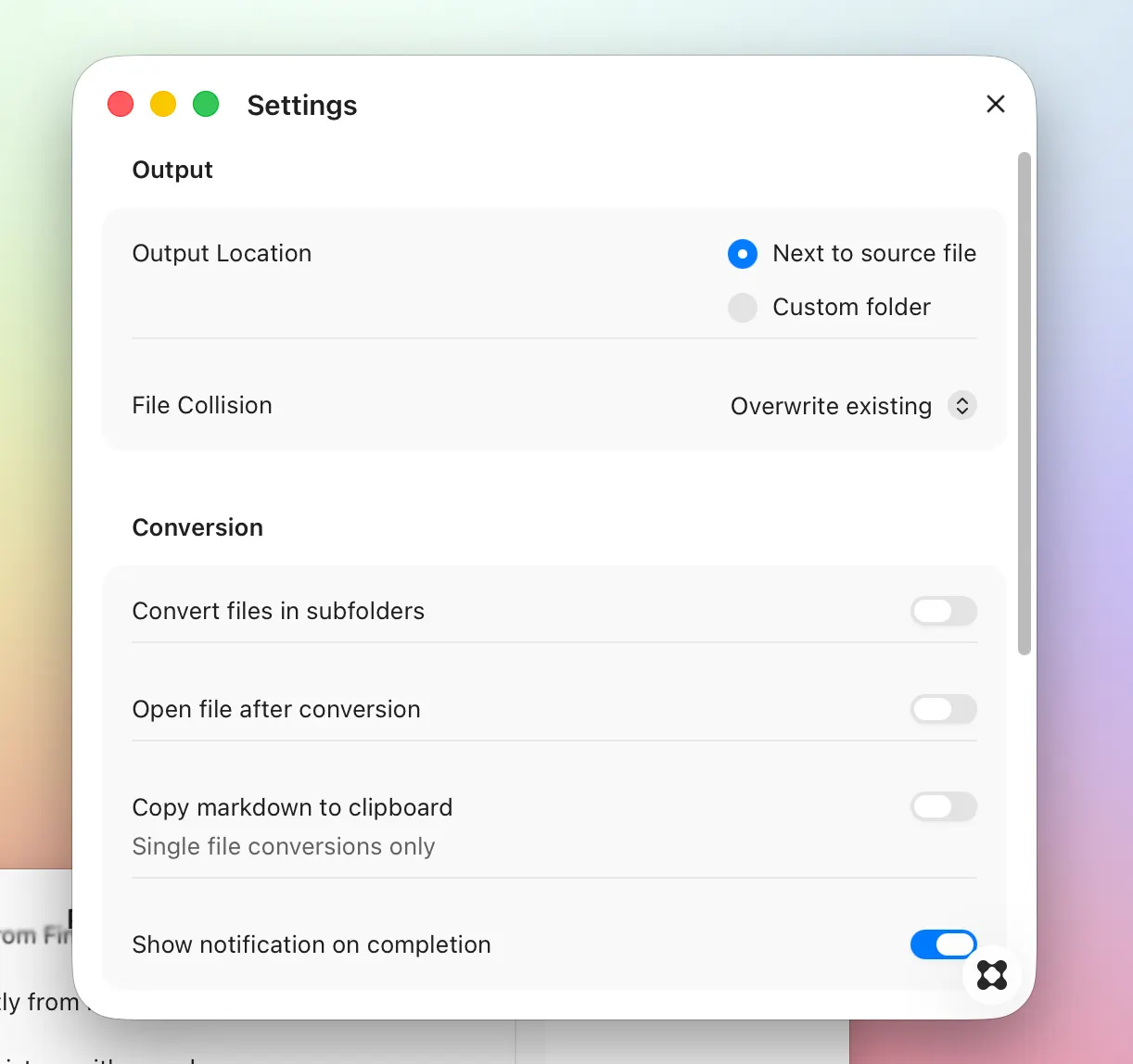
Drop2Markdown converts your documents, PDFs, spreadsheets, presentations, and images into clean Markdown — instantly, from your menu bar. Drag files onto the tray icon or the floating drop target, and Drop2Markdown does the rest. No windows to manage, no format to configure. Just drop and go. Works with what you have PDF, Word, PowerPoint, Excel, HTML, CSV, JSON, EPUB, Jupyter Notebooks, images, audio, and more — Drop2Markdown handles over 30 file formats out of the box. Smart OCR built in Image-based PDFs and scanned documents are automatically processed using Apple's Vision framework. No extra software required. Clean output, every time Markdown is automatically structured with document titles, section headers detected from content, and consistent formatting — ready to paste into Obsidian, Notion, or any text editor. Lives in your menu bar Drop2Markdown runs quietly in the background. Access it with a click or a global keyboard shortcut. No dock clutter. Your files, your control Everything stays on your Mac. No cloud uploads, no accounts, no subscriptions. Output goes right next to the original file, or to a folder of your choice. Features - Drag and drop from Finder, or use the floating Quick Drop target - Open files directly from Finder with "Open With → Drop2Markdown" - Full conversion history with search - Copy Markdown to clipboard automatically - Notification on completion with Reveal in Finder - Light, Dark, and Auto theme
Suggested Apps
Peel
Remove image backgrounds instantly and save with a custom prefix to your device
 Thomas Paul Mann
Image Converter
Convert images between formats and automatically process folders using customizable rules
 Daniel Hollick
Compressor
Compress videos in seconds, any quality
Thomas Paul Mann
ray.fm
Retro curated radio stations
 Samuel Kraft