This
Annotate this and that

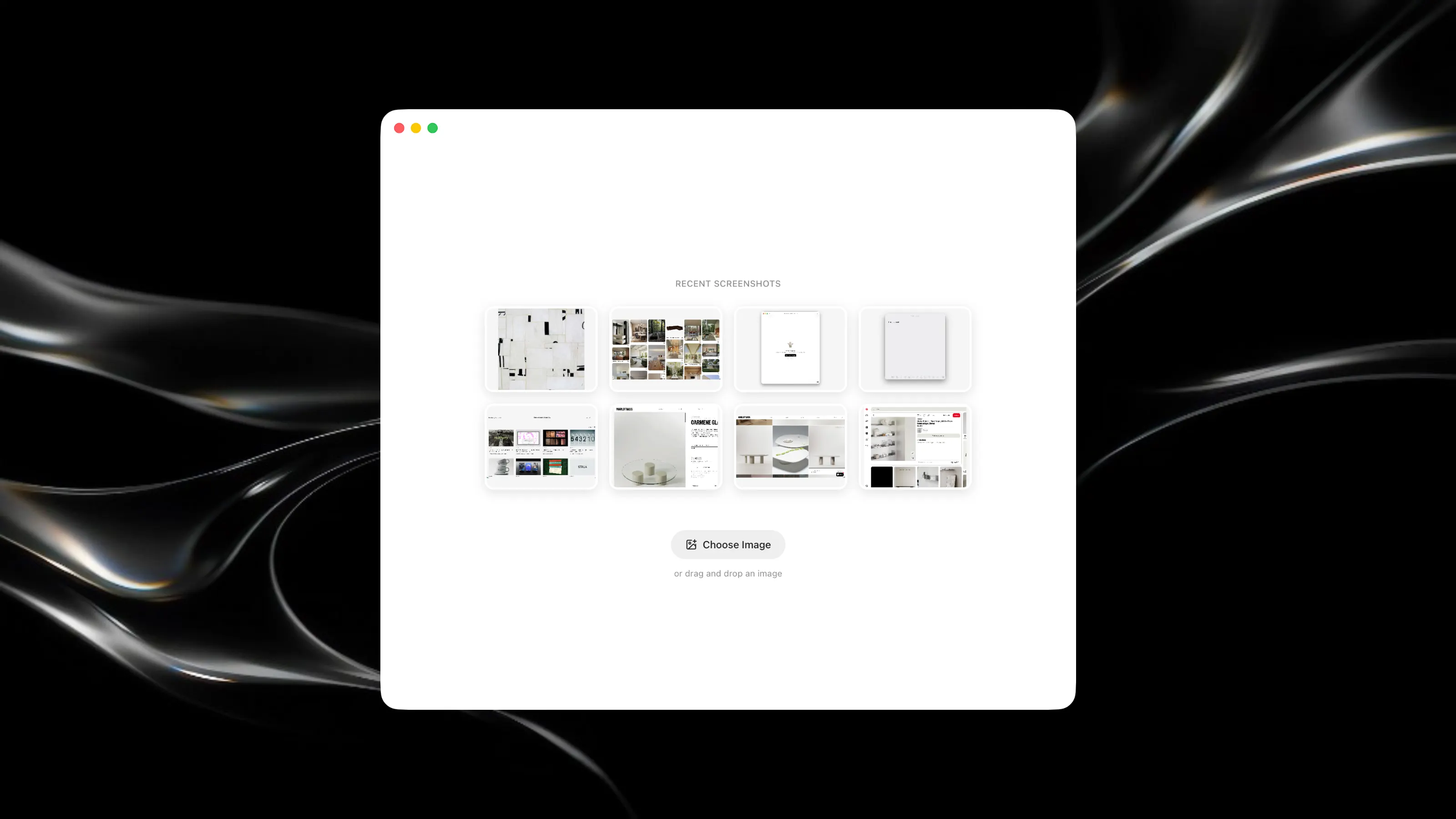
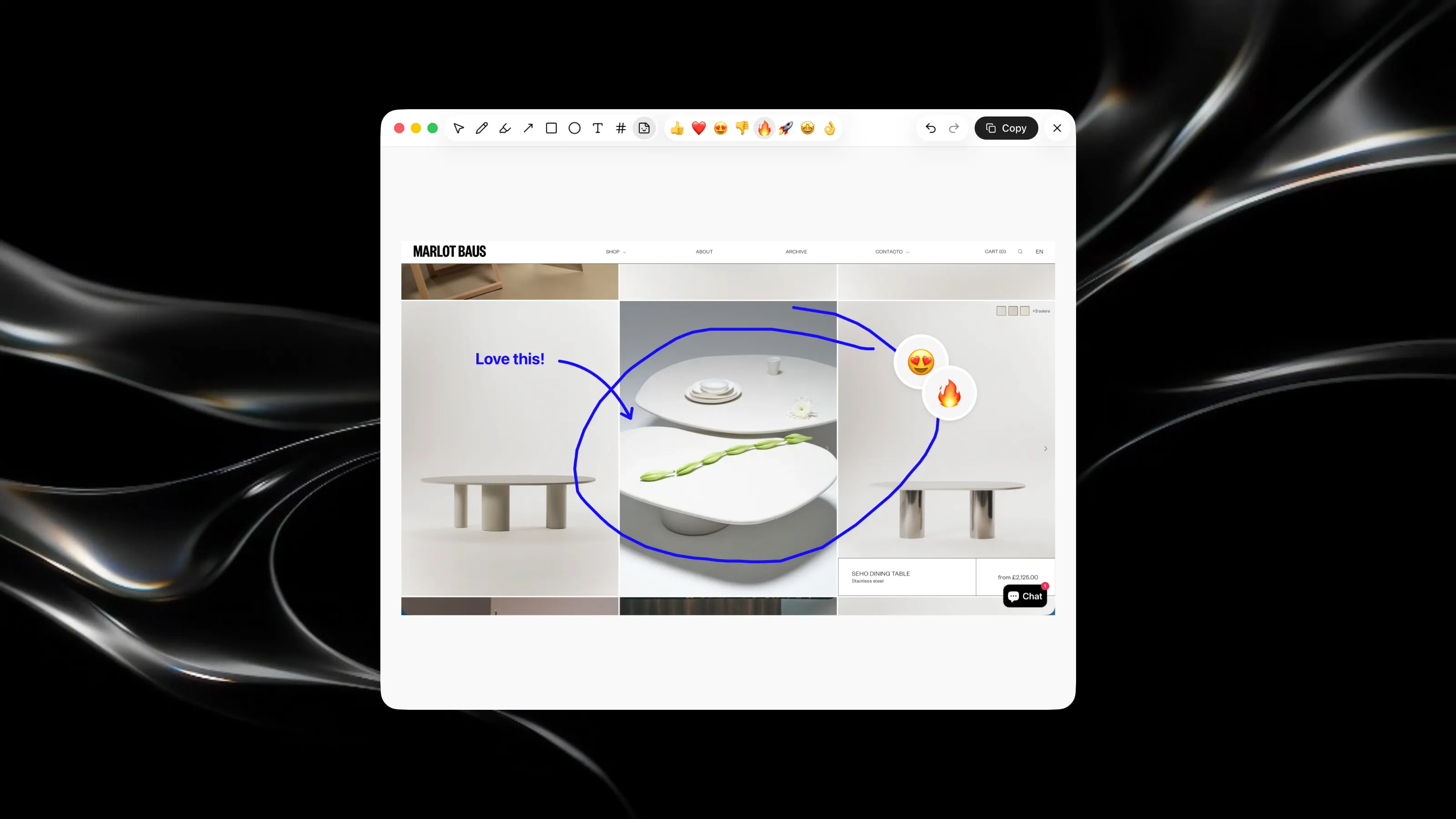
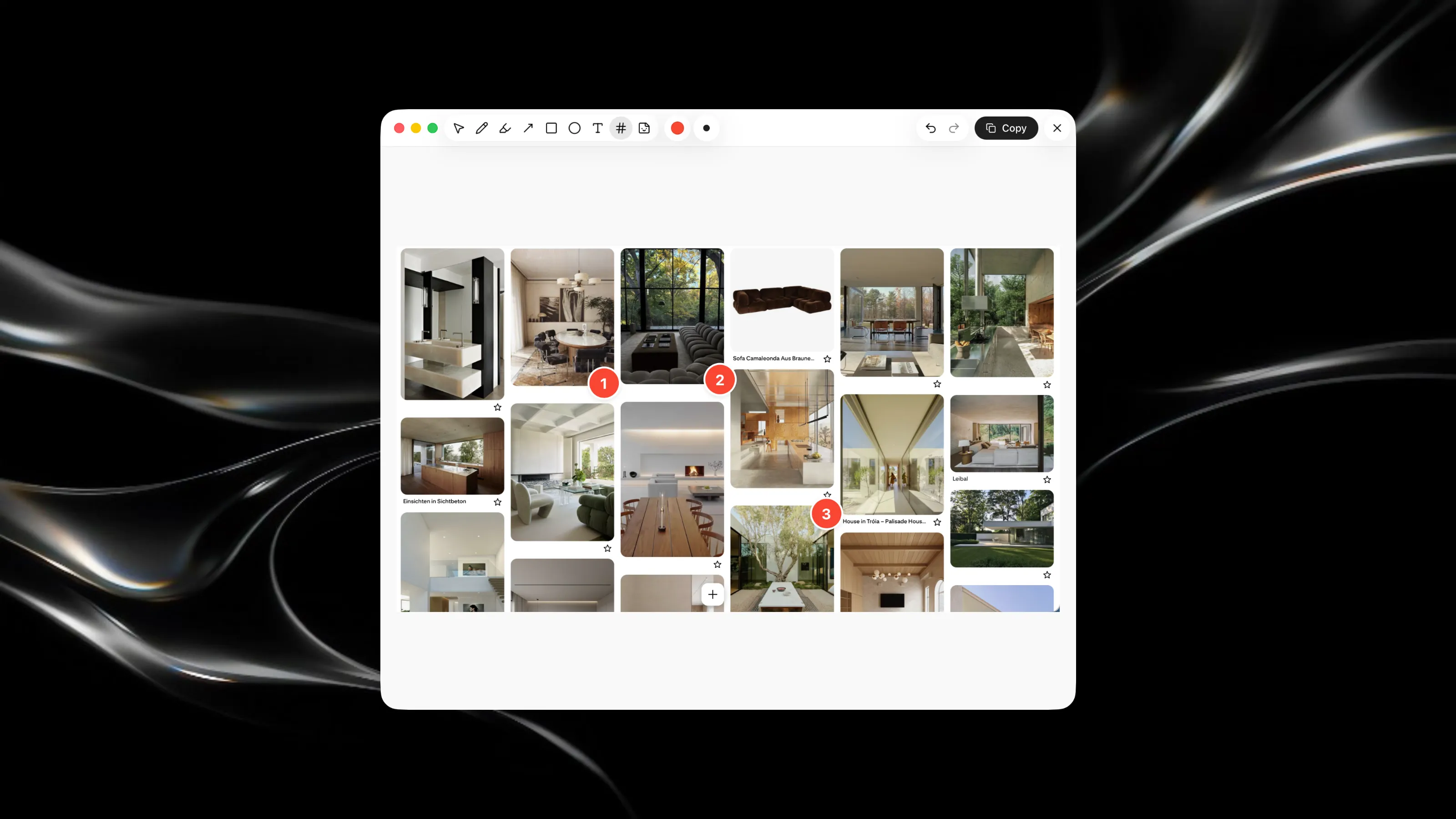
Quickly annotate and mark up screenshots with minimal friction. Paste a screenshot and instantly start adding notes, highlights, and emphasis to communicate design feedback. Key Features: - Draw freehand annotations, add colored dots and stamps directly onto screenshots - Adjust brush sizes and choose from a curated color palette for clear, professional markup - Capture screenshots and annotate them immediately with a floating notification panel - Save and revisit recent screenshots from your clipboard history