Blur: Video Editor
Blur faces, passwords and private data

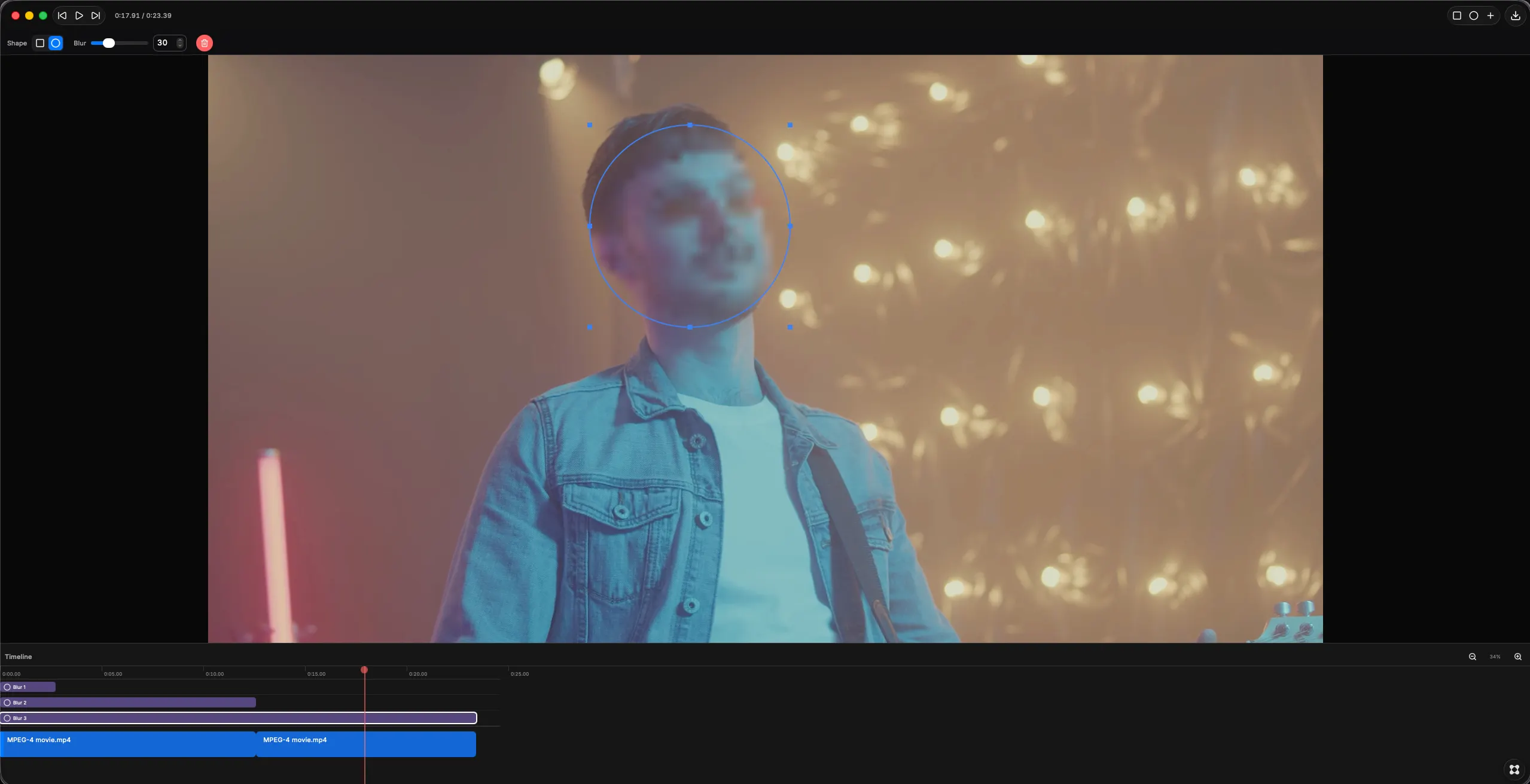
About Blur: Video Editor
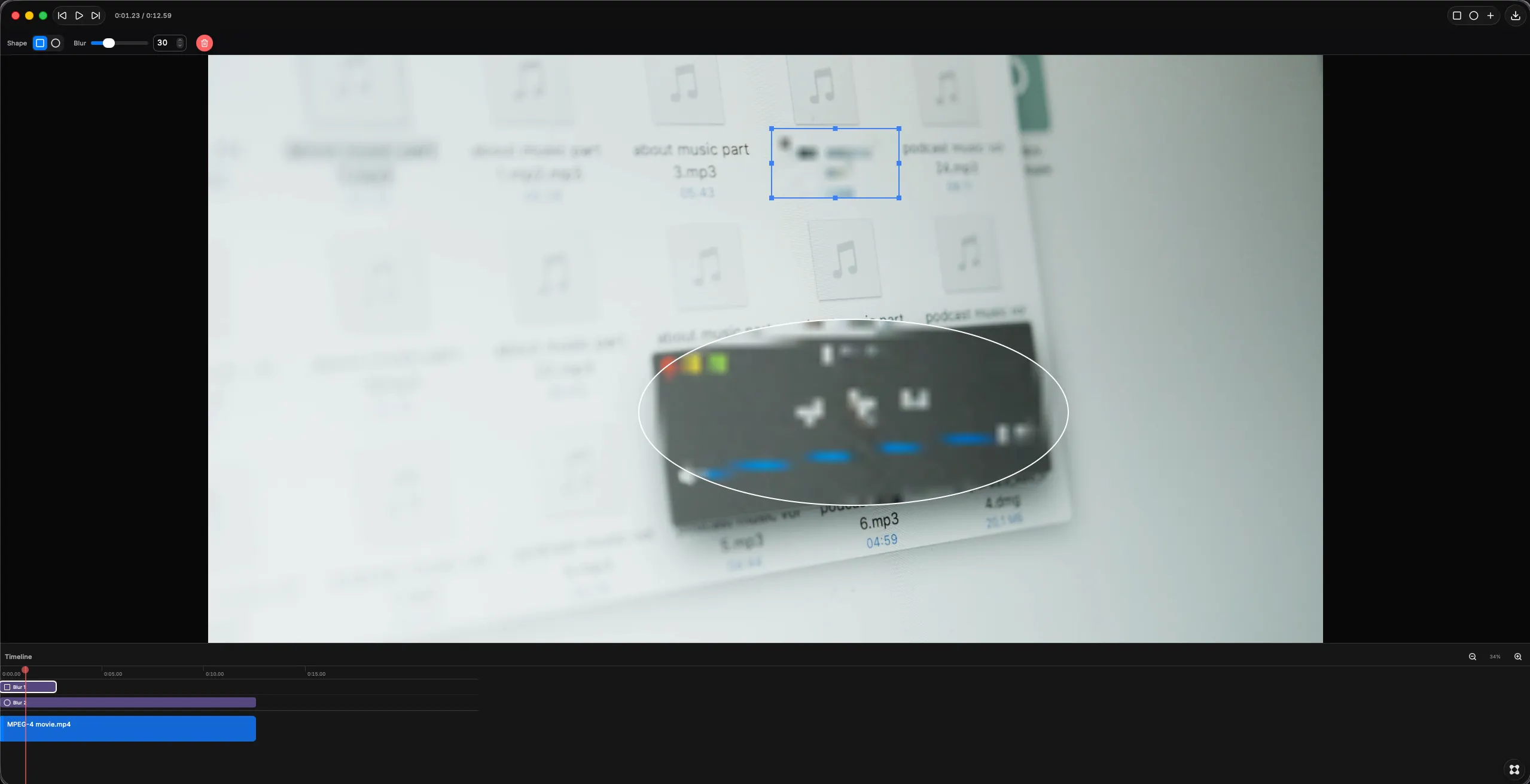
Blur is a Mac video editor for hiding sensitive information in video. Blur faces, passwords, API keys, email addresses, phone numbers, names, license plates, bank details and notifications in screen recordings, product demos, tutorials, Zoom calls and gameplay footage. Drop in an MP4 or MOV and draw a blur region straight onto the preview — rectangle or ellipse, moved and resized with the mouse, with adjustable blur strength from a light haze to fully unreadable. Add as many regions as you need to censor several things at once. Everything runs locally on your Mac. No upload, no account, no internet connection. Most ways to blur a video involve sending it to a website, which is an odd thing to do with footage whose whole problem is that it contains something private. Good for: blurring faces in video, censoring passwords in screen recordings, redacting personal data before sharing a demo, hiding customer names in support recordings, anonymizing footage for GDPR, removing private info from tutorials and bug reports.