Captured.
Your screenshots. Organized.
About Captured.
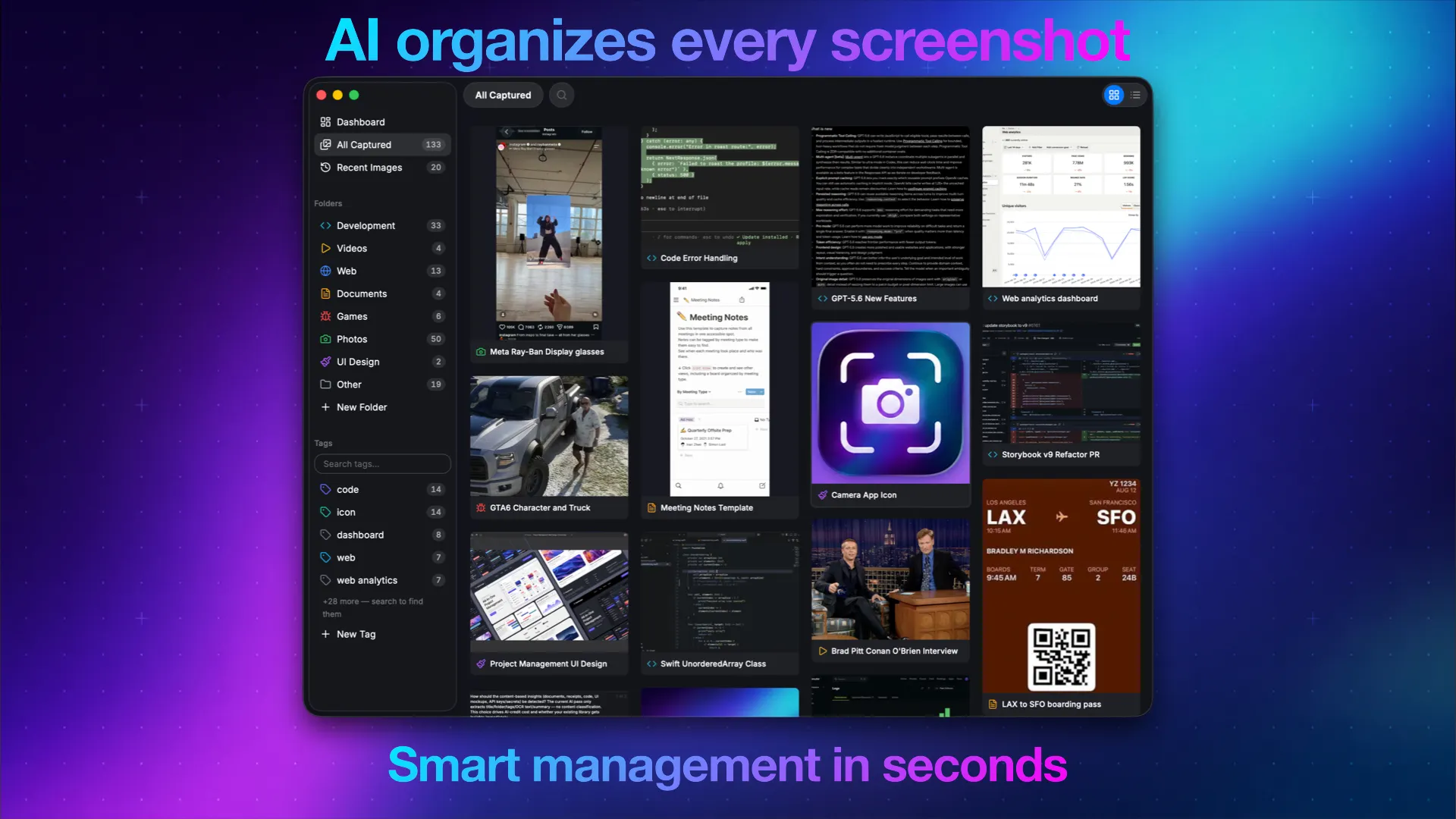
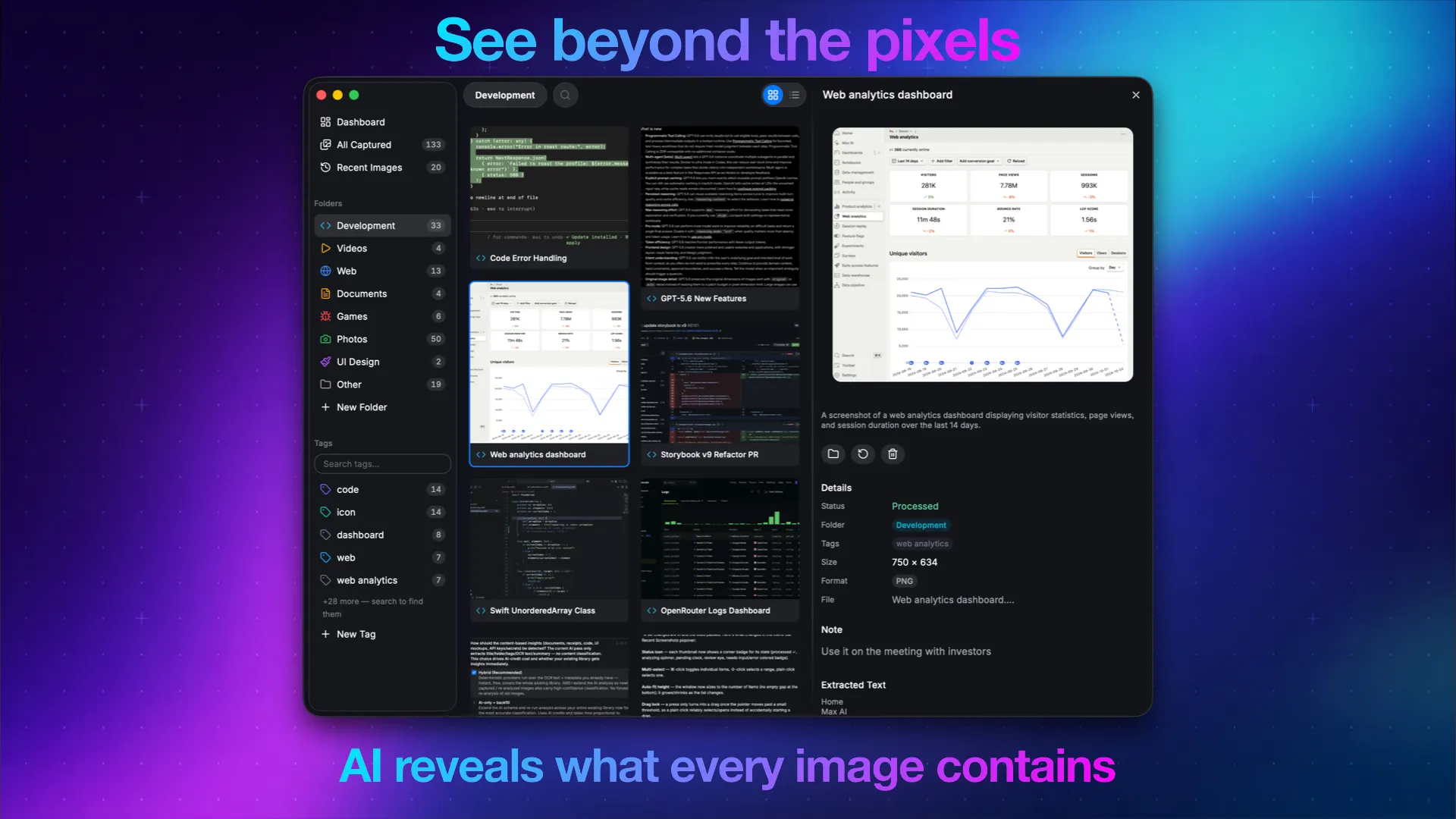
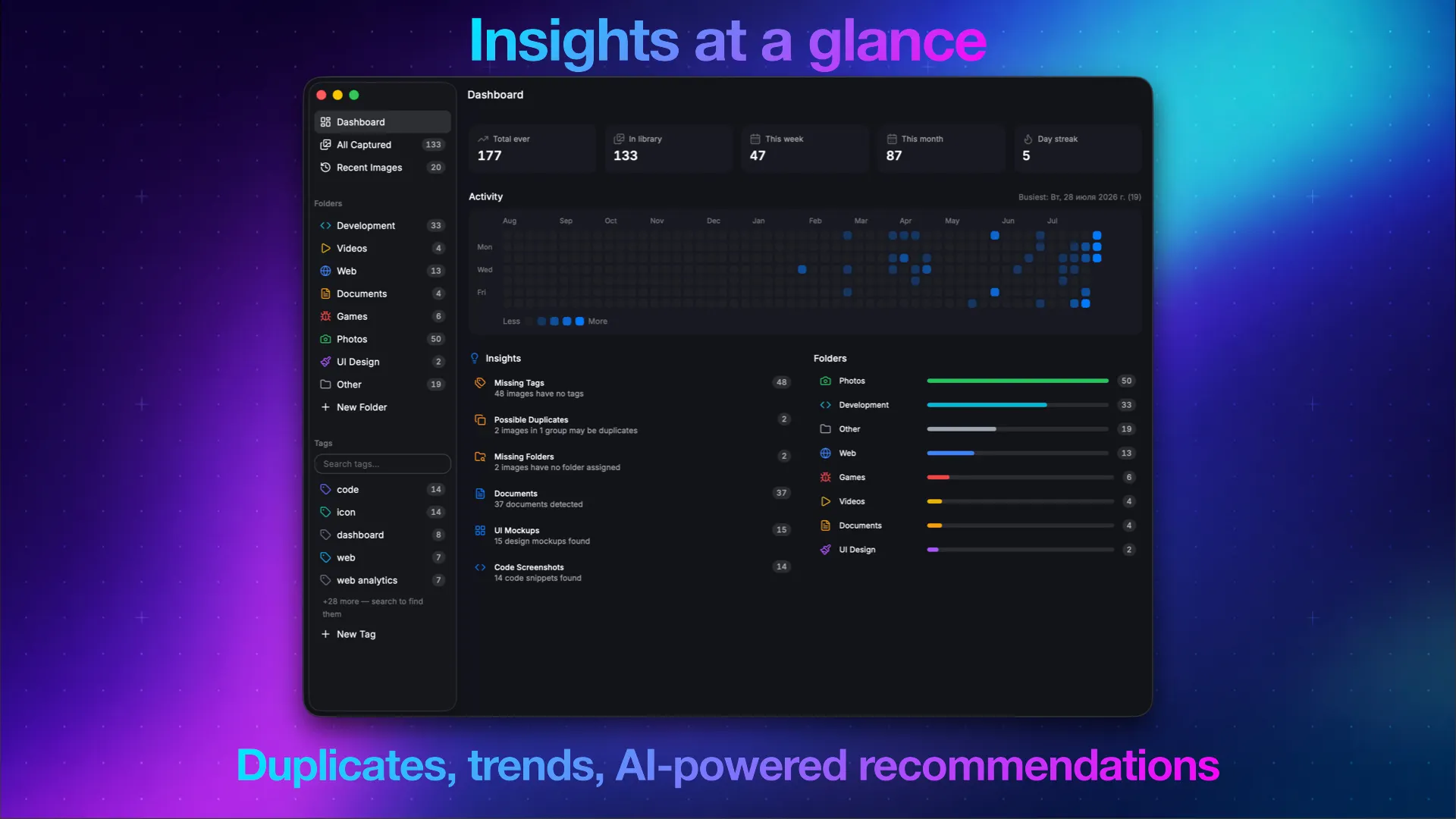
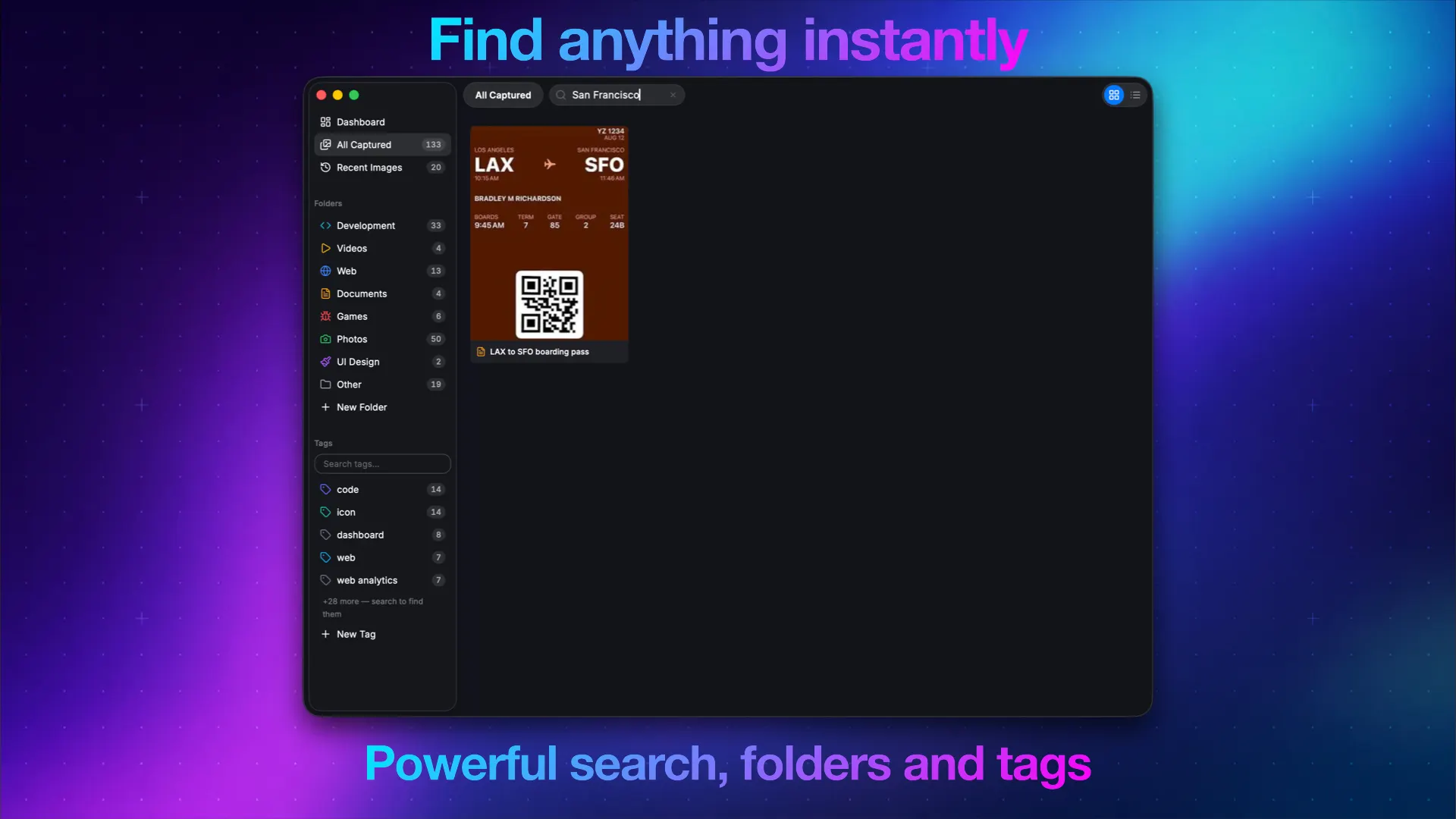
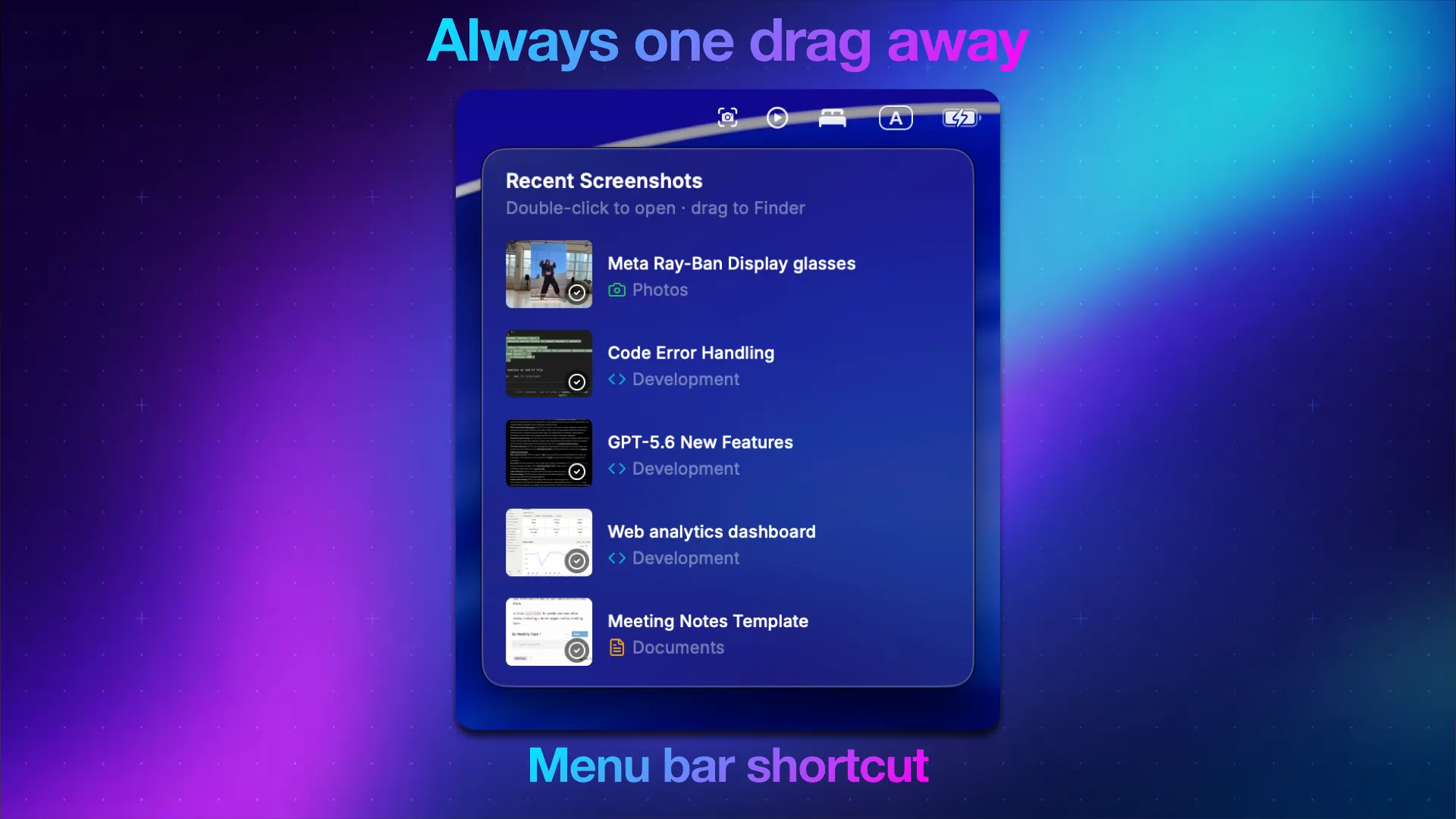
Turn your screenshots and images into a searchable, organized library with AI. "Captured." automatically analyzes every image, generates titles, summaries, tags, and OCR text, then organizes everything into a beautiful, searchable library. Find any image in seconds using natural language, browse intelligent collections, and access your latest captures instantly from the menu bar. Features • AI-powered image analysis (titles, summaries, OCR, tags, and categorization) • Natural language search across your entire library • Beautiful adaptive grid designed for screenshots, documents, photos, and more • Smart folders and AI-powered organization • AI Insights to discover duplicates, documents, code, receipts, and more • Menu Bar companion with instant access to your latest captures and drag & drop support • Built-in image converter with support for multiple output formats • Bring your own AI provider — use OpenRouter or any compatible API. Choose your preferred AI model for speed, quality, or cost • Native macOS experience with a fast, lightweight interface Unlike cloud-only solutions, Captured lets you use your own AI provider. Connect your own OpenRouter-compatible API key, choose the model you prefer, and control both quality and cost. Using Qwen/Qwen3.6-Flash through OpenRouter, AI analysis costs approximately $1 per 1,000 images.