CLIP IT
Record your screen. Ship it polished.

About CLIP IT
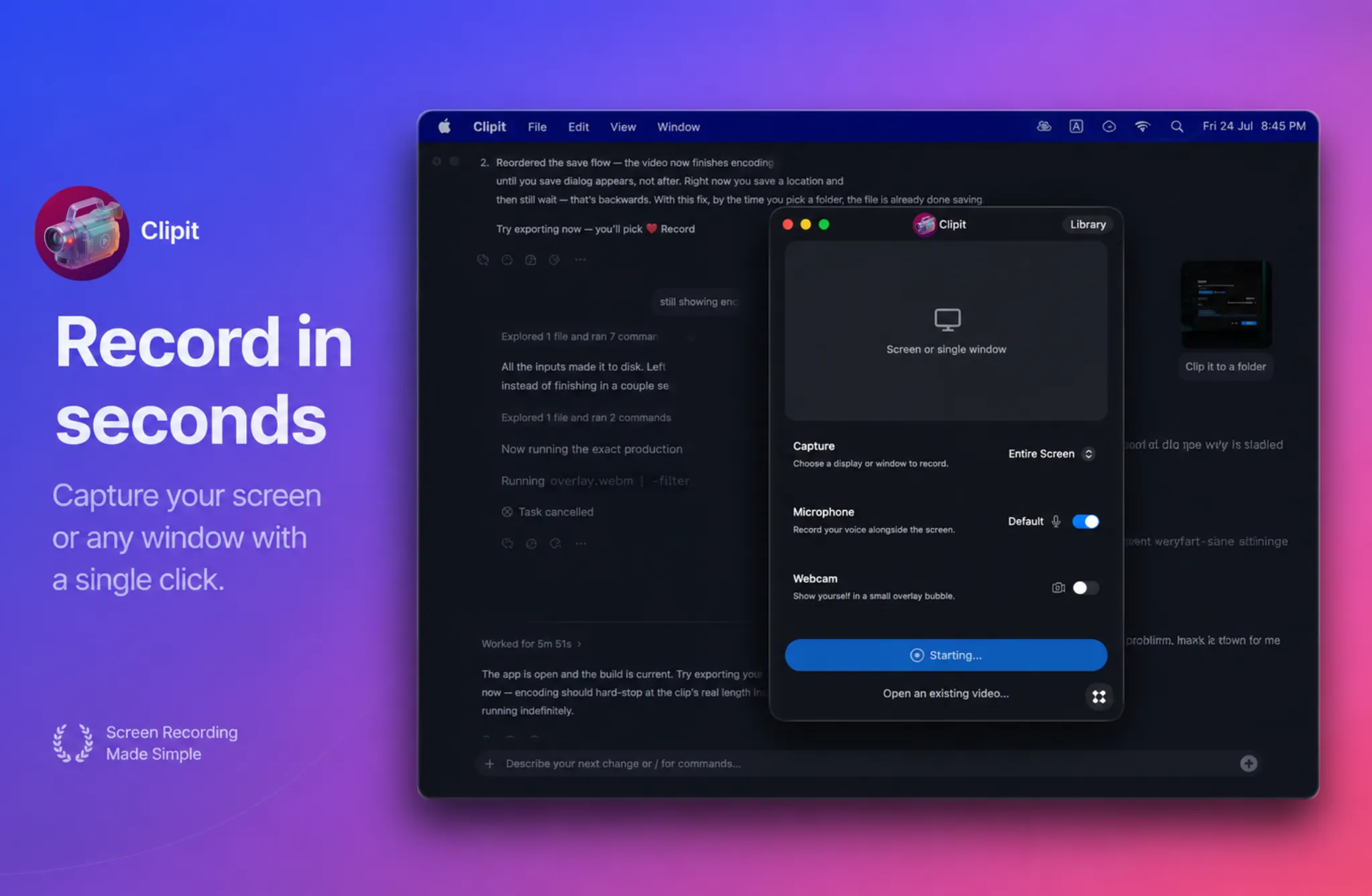
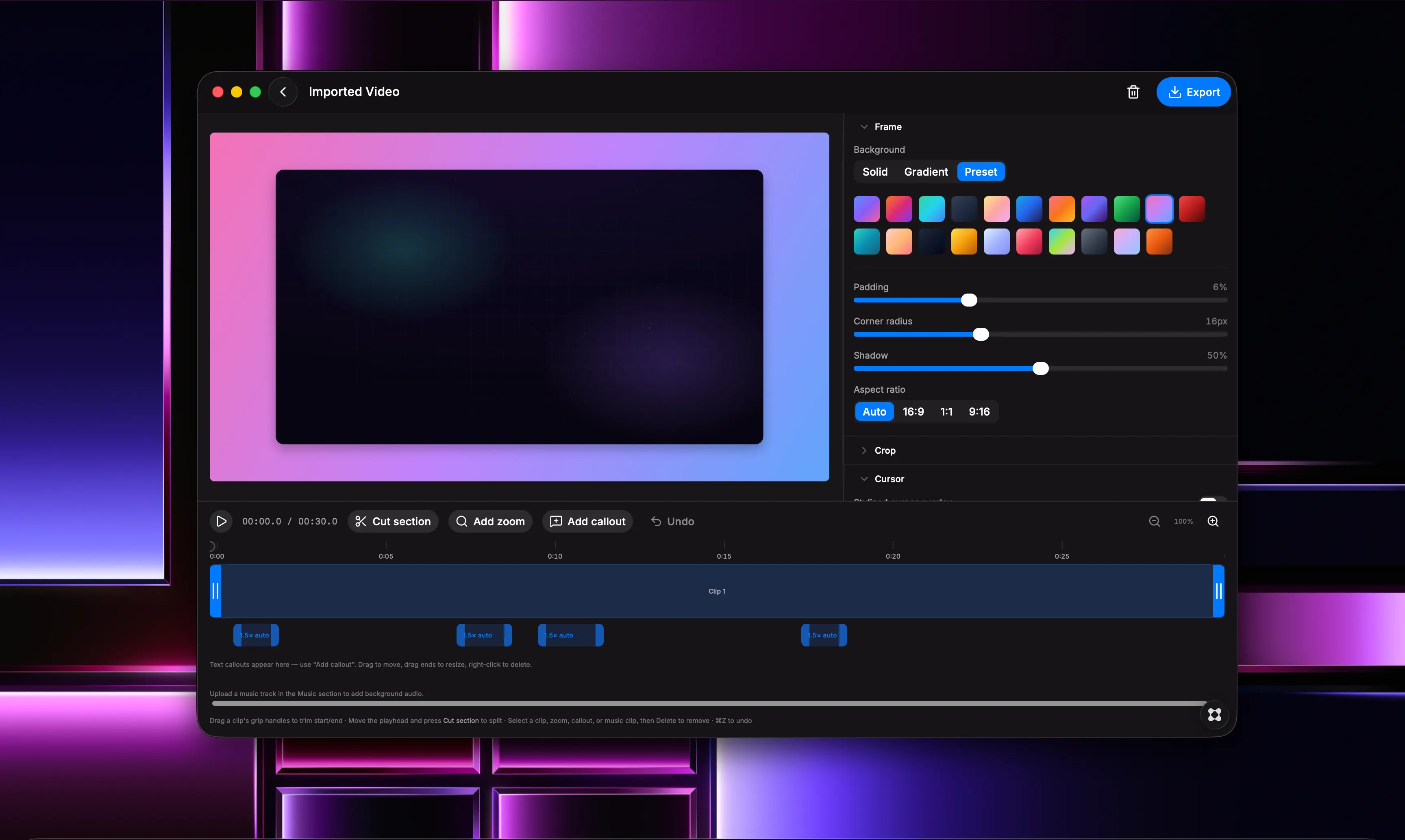
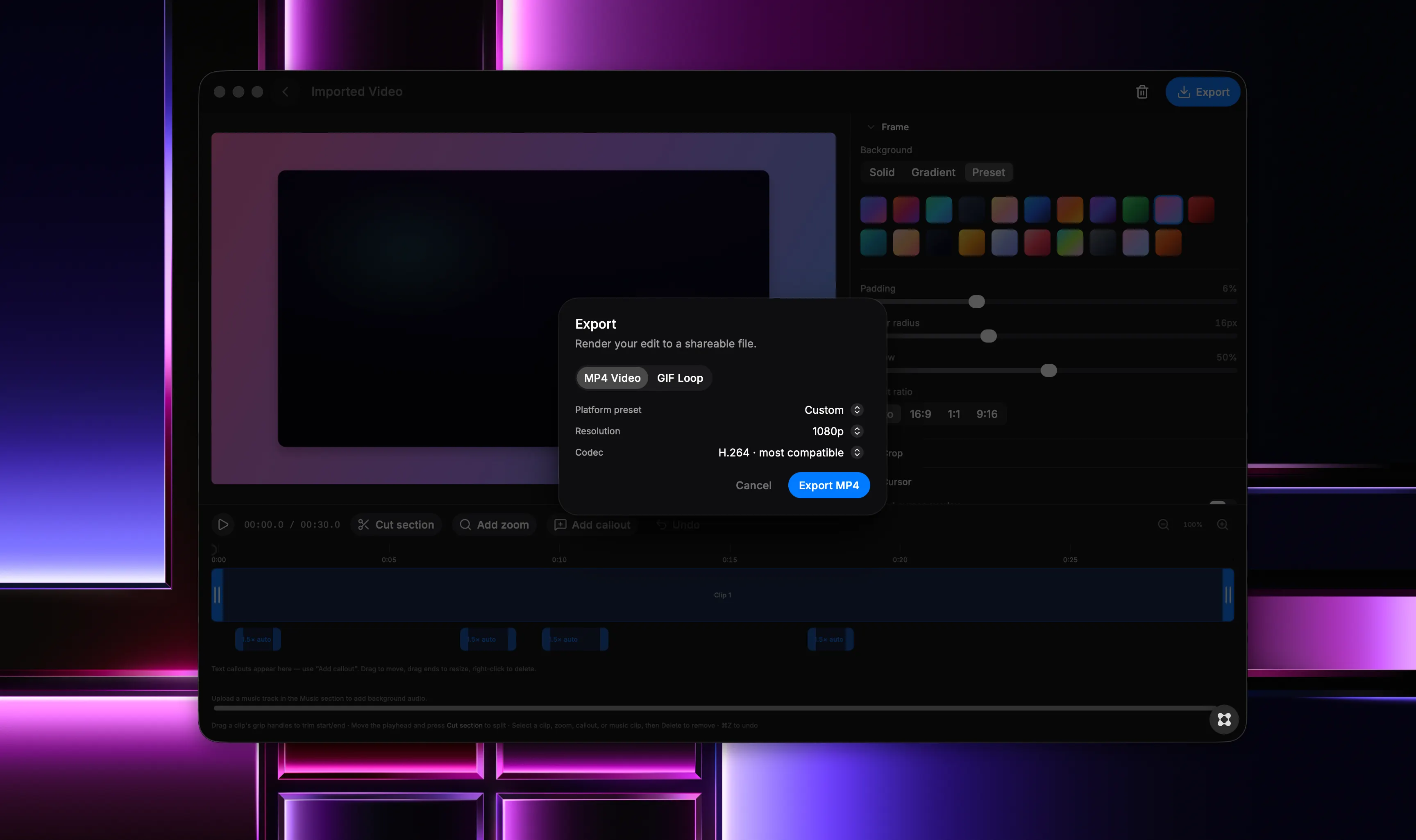
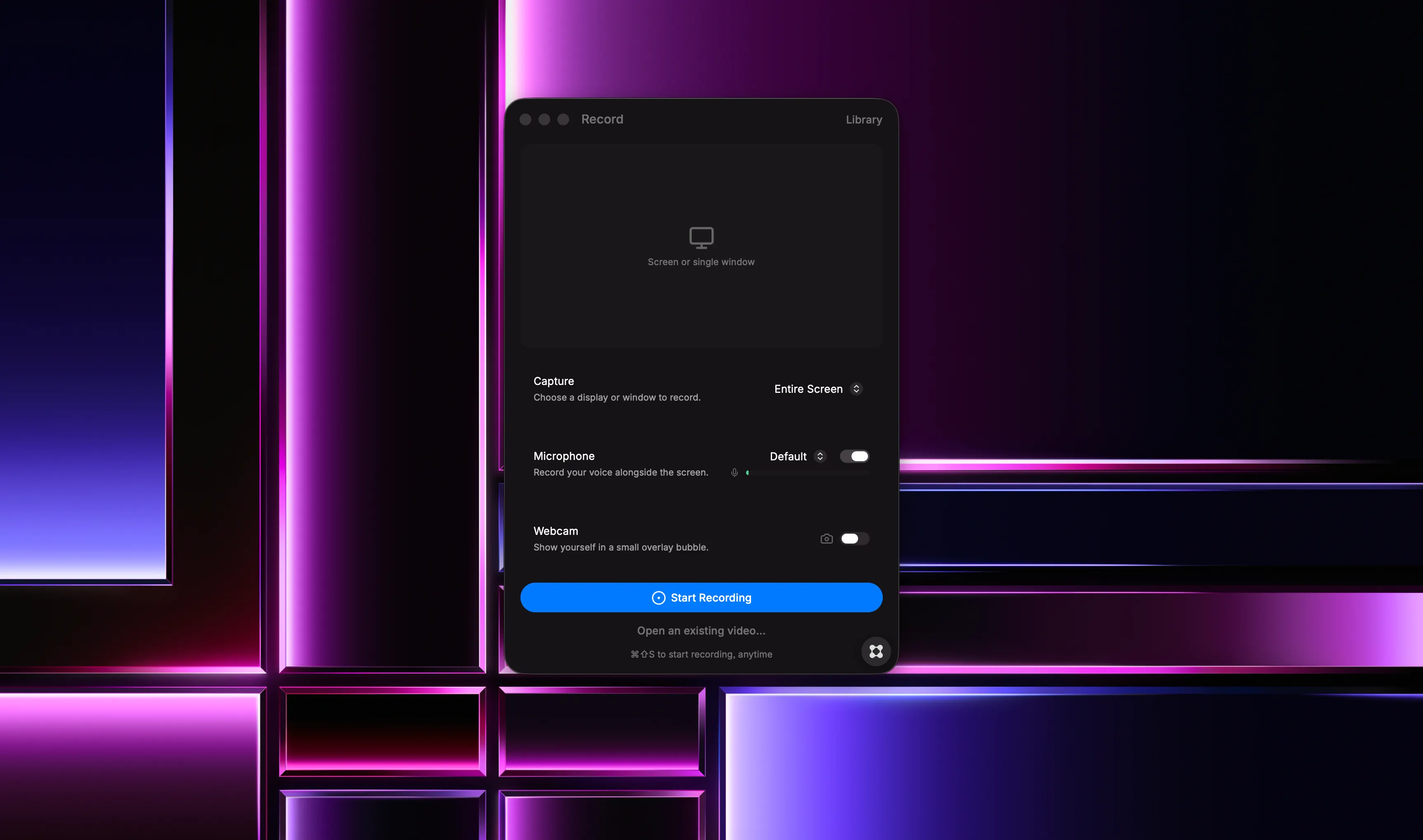
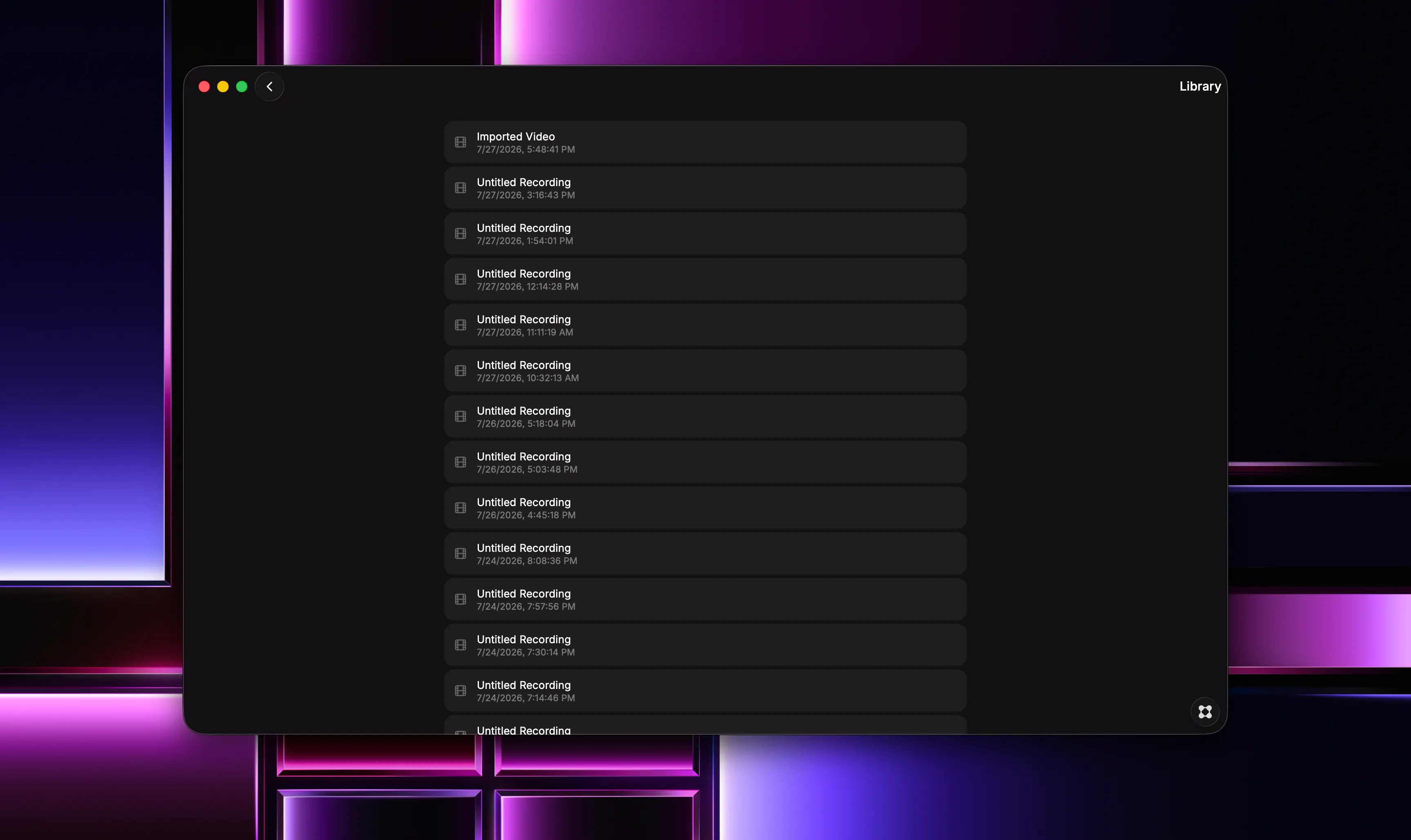
Instantly capture and polish your screen recordings with automatic editing. Clip It records your Mac screen at full native resolution and turns raw footage into a finished video without the usual editing work. Auto-detected zoom regions, styled framing, and a clean export pipeline handle the polish, so you can go from recording to share-ready in minutes. Built for developers shipping demos, creators making tutorials, designers walking through work, and anyone tired of screen recordings that look unfinished. Key Features: ➠ Record your screen with optional webcam and cursor tracking, then auto-edit into polished videos ➠ Automatic zoom detection follows the action and adds smooth, cinematic emphasis with no keyframing required ➠ Fine-tune zoom, timing, and transitions in the built-in editor before exporting ➠ Frame your recording on solid colors, gradients, or ready-made presets, with adjustable padding, corner radius, and shadow ➠ Trim, cut sections, and scrub with frame-level precision on a focused timeline ➠ Export in Auto, 16:9, 1:1, or 9:16 to fit any platform without recropping ➠ Stylize your cursor or keep it natural ➠ Guided permission setup takes you straight to the right macOS settings pane instead of failing silently ➠ Organize multiple recordings in projects and export to standard video formats ➠ Native-resolution capture and a streamlined encode pipeline keep text sharp and motion clean all the way to the final file Record. Frame. Refine. Export. Clip It keeps the workflow simple and the result professional.