ClockScreen
Your Mac's display, reimagined your way
About ClockScreen
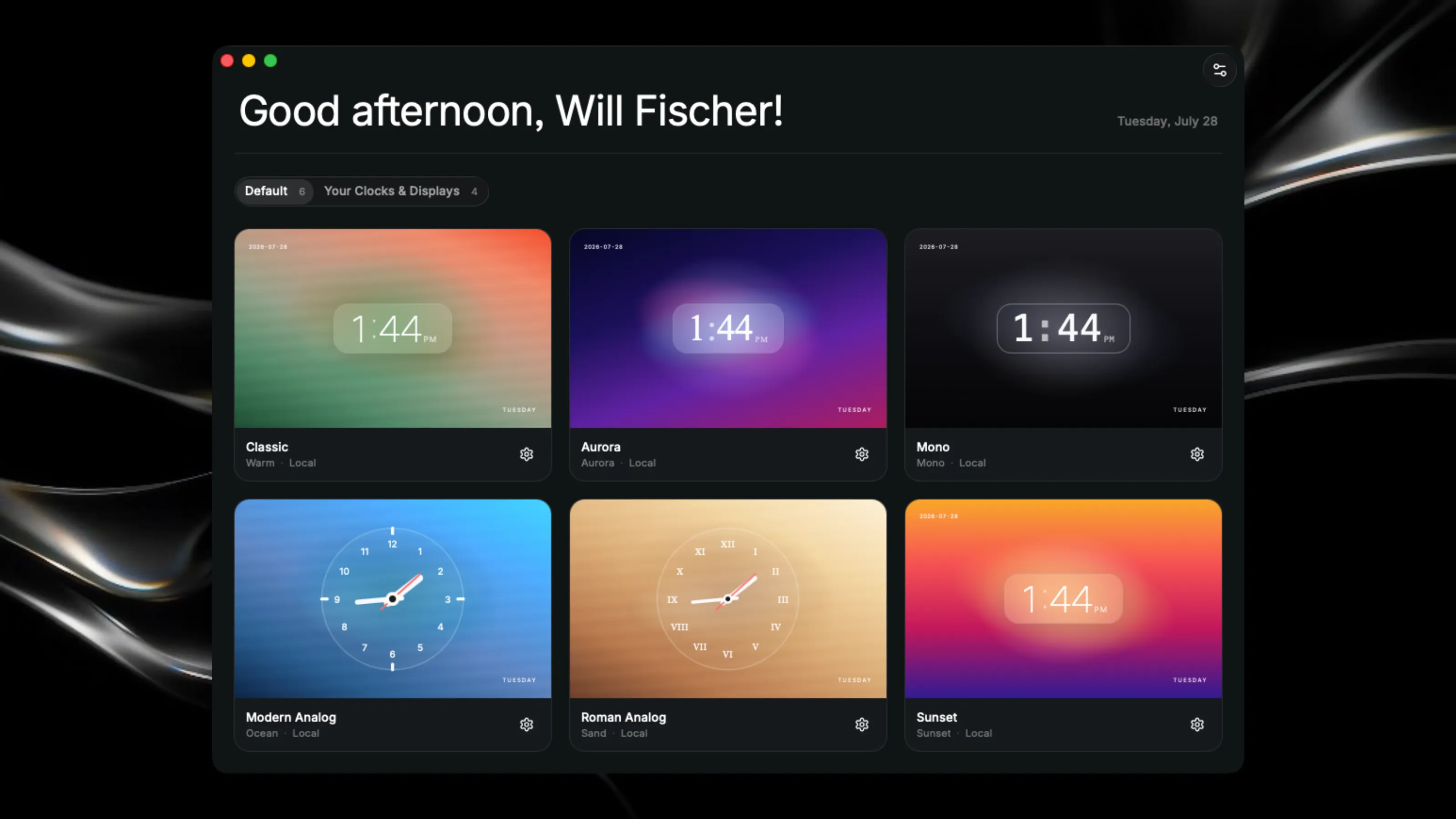
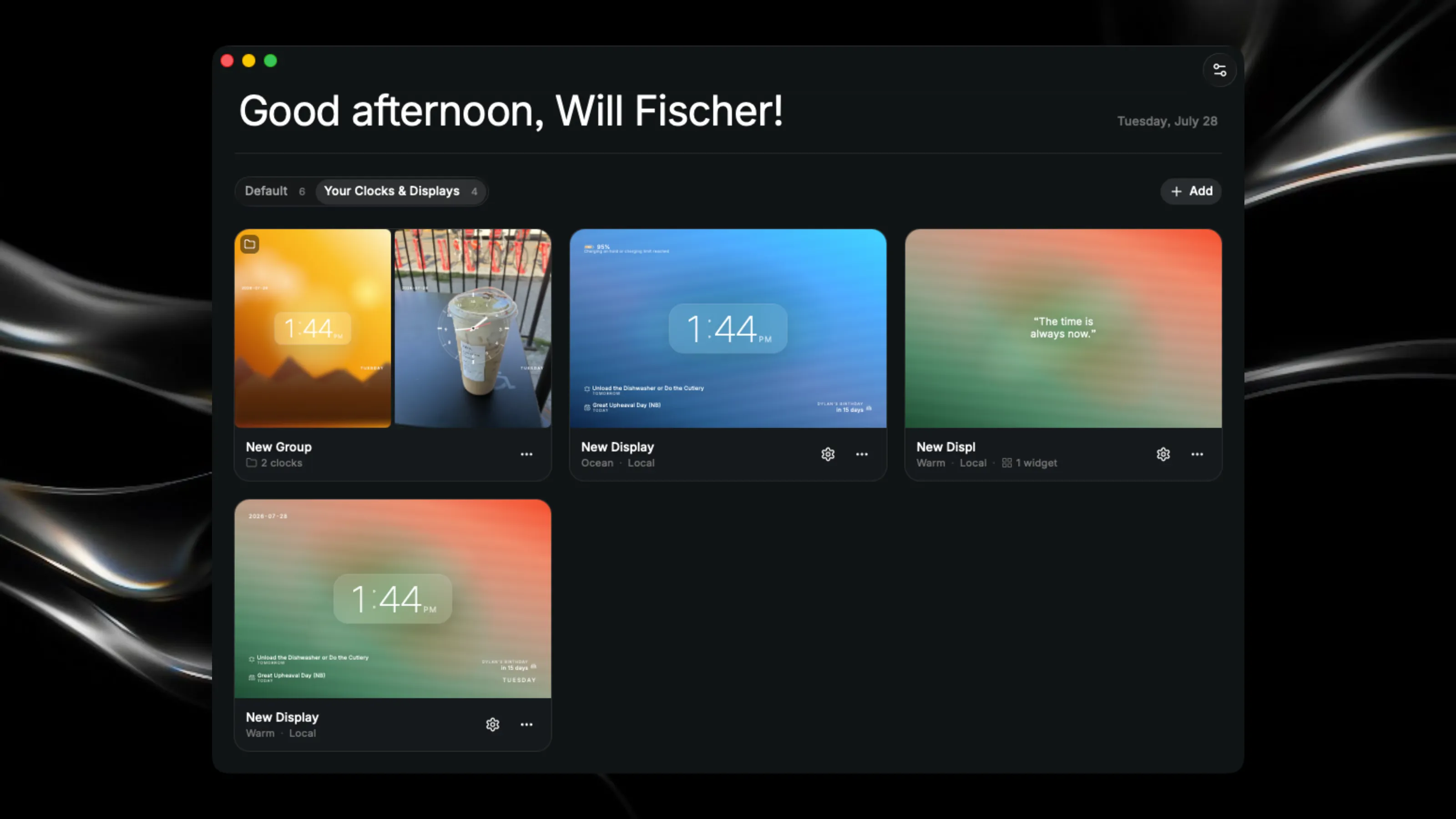
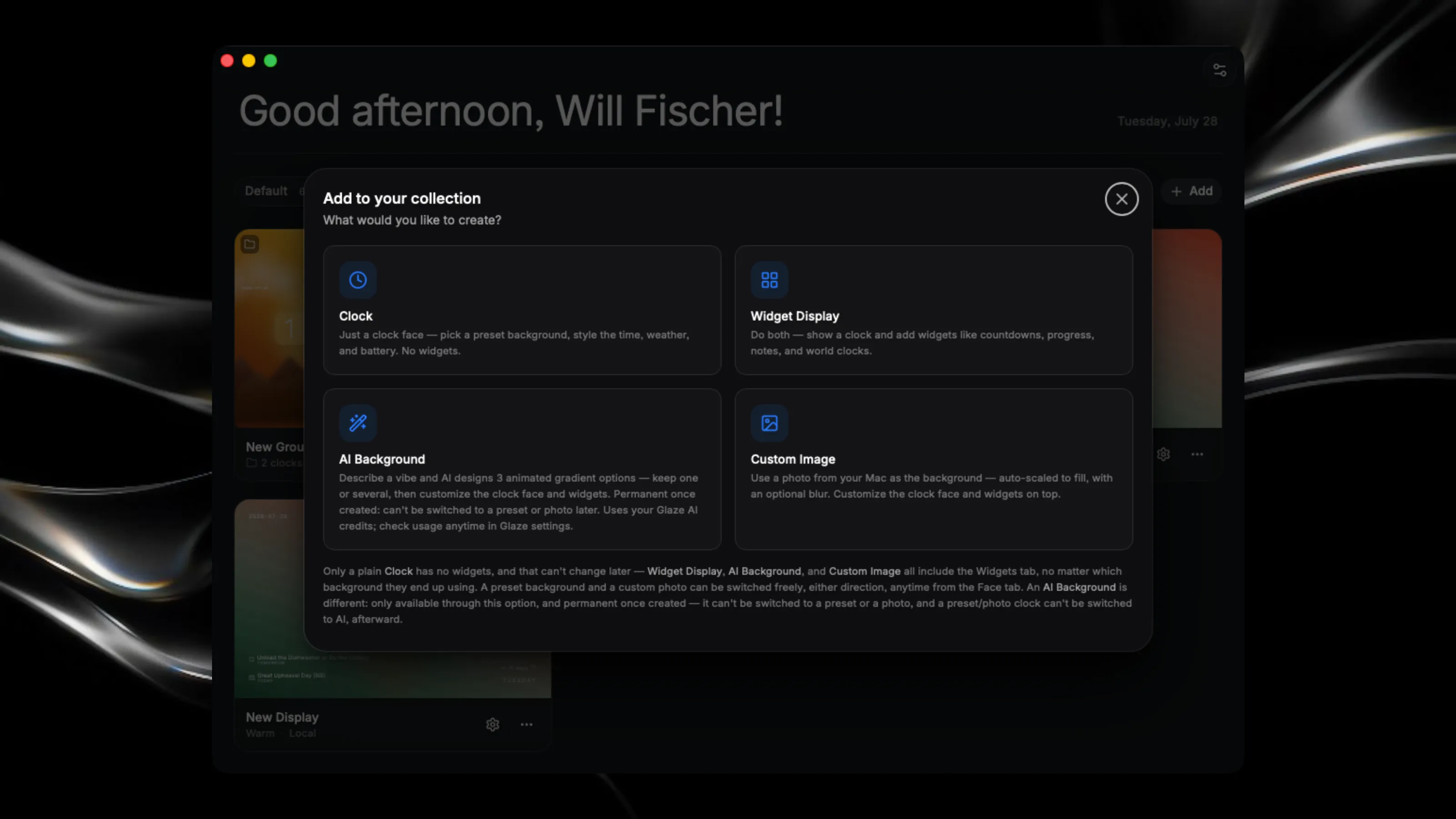
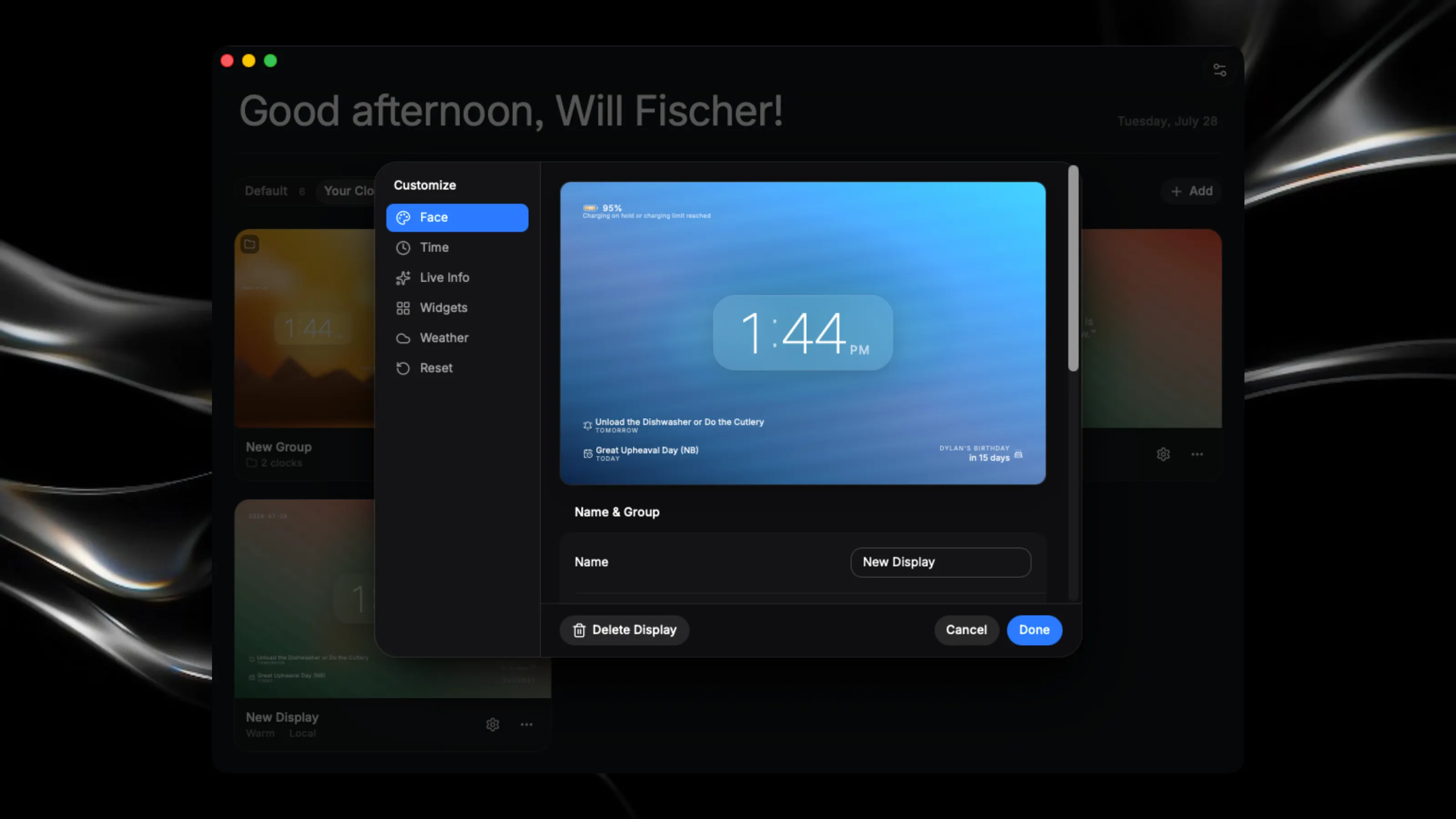
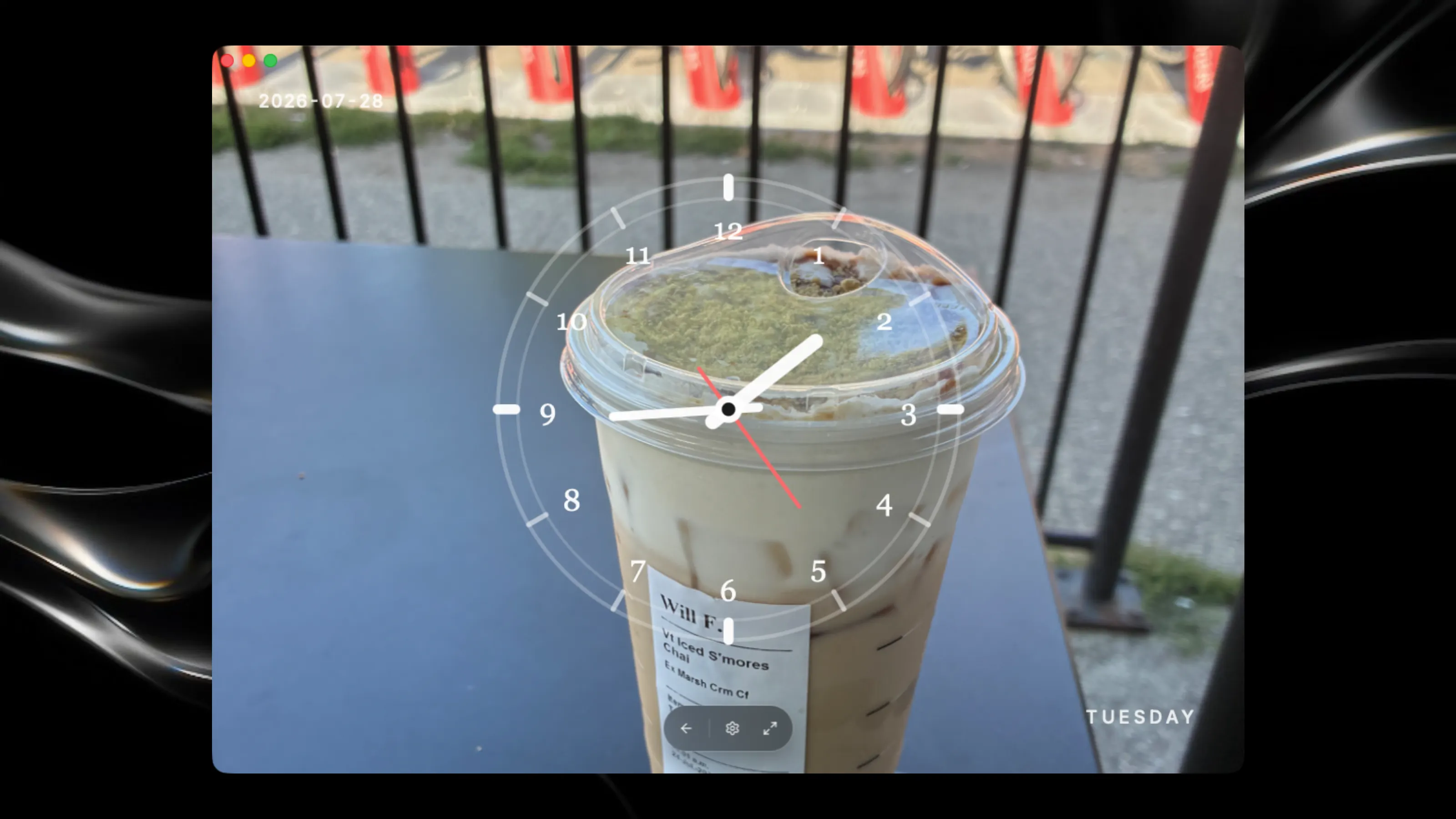
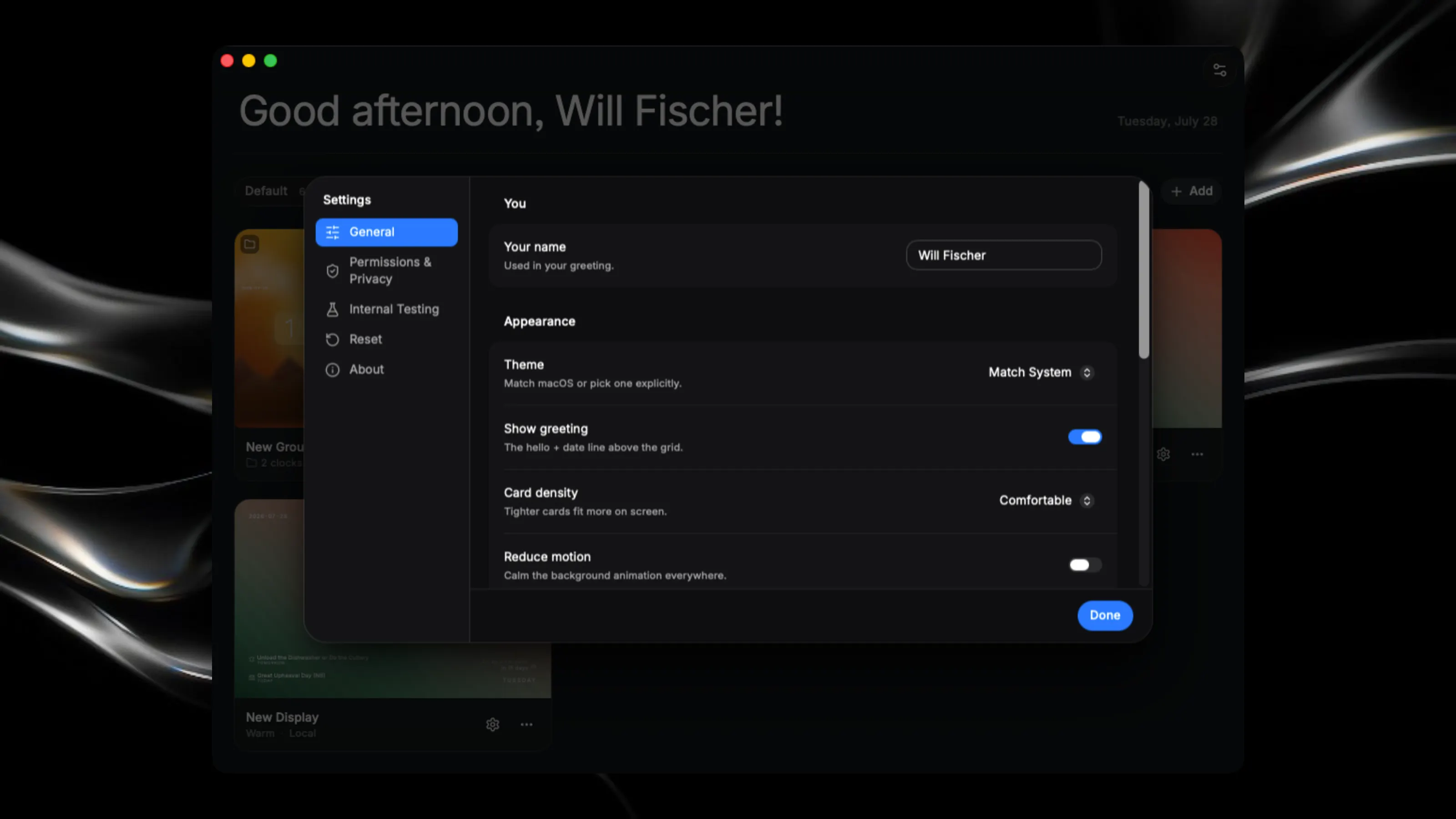
Beautiful, highly customizable clock displays for your Mac desktop that can surface useful real-time info right when you need it. Finally, a free app where you can have personal, aesthetic screensavers to showcase anywhere! Please read the story below if you’d like more info. Look at the latest release notes for the app to see if there are any small issues that have not been fixed yet. If there are not any issues in the release notes, that means the app is stable! Key Features: - Design custom clock screensavers with multiple style options, fonts, and layouts, with support for digital and analog displays - Create groups to sort all of your clocks into - Make your clock super personal to you by displaying a custom photo, your favourite colours, or any upcoming events, to always make it a joy to look at! - Choose from no motion to fast motion on all moving clock backgrounds—all of them are designed to be very efficient on battery - Choose between designing a clock display or a widget display, or generate your own AI clock background, as well as add your own unique photo - Add real-time info to your clocks, like weather in your area, your current Mac battery, your next calendar event or reminder, and any upcoming birthday from your contacts - Over 30 other ways to customize how your clock looks to make it truly personal to you The Story: I got this idea because I wanted an app on my Mac just to display a nice clock whenever I walked into my room. However, all the apps I tried either didn’t have the features I wanted, or all of them were locked behind a paywall. When Raycast announced Glaze in Private Beta and I got access about a month later, I knew I had to build this. So I got to work, building a highly customizable clock app that you can use as your daily screensaver. And now, I can share it with the world. In v8.0.0, ClockScreen has gotten even more useful, surfacing real-time info right when you need it on a clock that matches your personal aesthetic. This update makes the app so much more personal to you, with the ability to create your own backgrounds. So now I’m here, excited to share my app with the world! It might be simple—not life-changing or anything—but I think it has some real potential due to how customizable it is, making it so simple to glance at your display and see everything you need for the day. This app could also be useful for teachers, as they could put a simple clock up using a widget display, with, for example, custom text to let them know how much time they have left on an assignment. I really hope people like it. I will keep improving this app in the future with updates, and I will always listen to user feedback. One thing I love about this app is that it’s polished to the very last pixel, with very few inconsistencies. I designed it this way to make the app a joy to use, getting to what you need right away, and I really hope people notice this work. This makes the app so seamless to use every day, with a clean UI to guide you everywhere. This app is great for people who want to, for example, display a clock on their monitor or TV so they can see real-time info anytime during the day to know what’s coming next. If you need an introduction to the app, you can find a video showcasing its features on my X profile. I have also posted this in the #show-and-tell channel in the Glaze Slack Community! Hope you enjoy the app!