
Crates
Crate-dig the internet's audio

About Crates
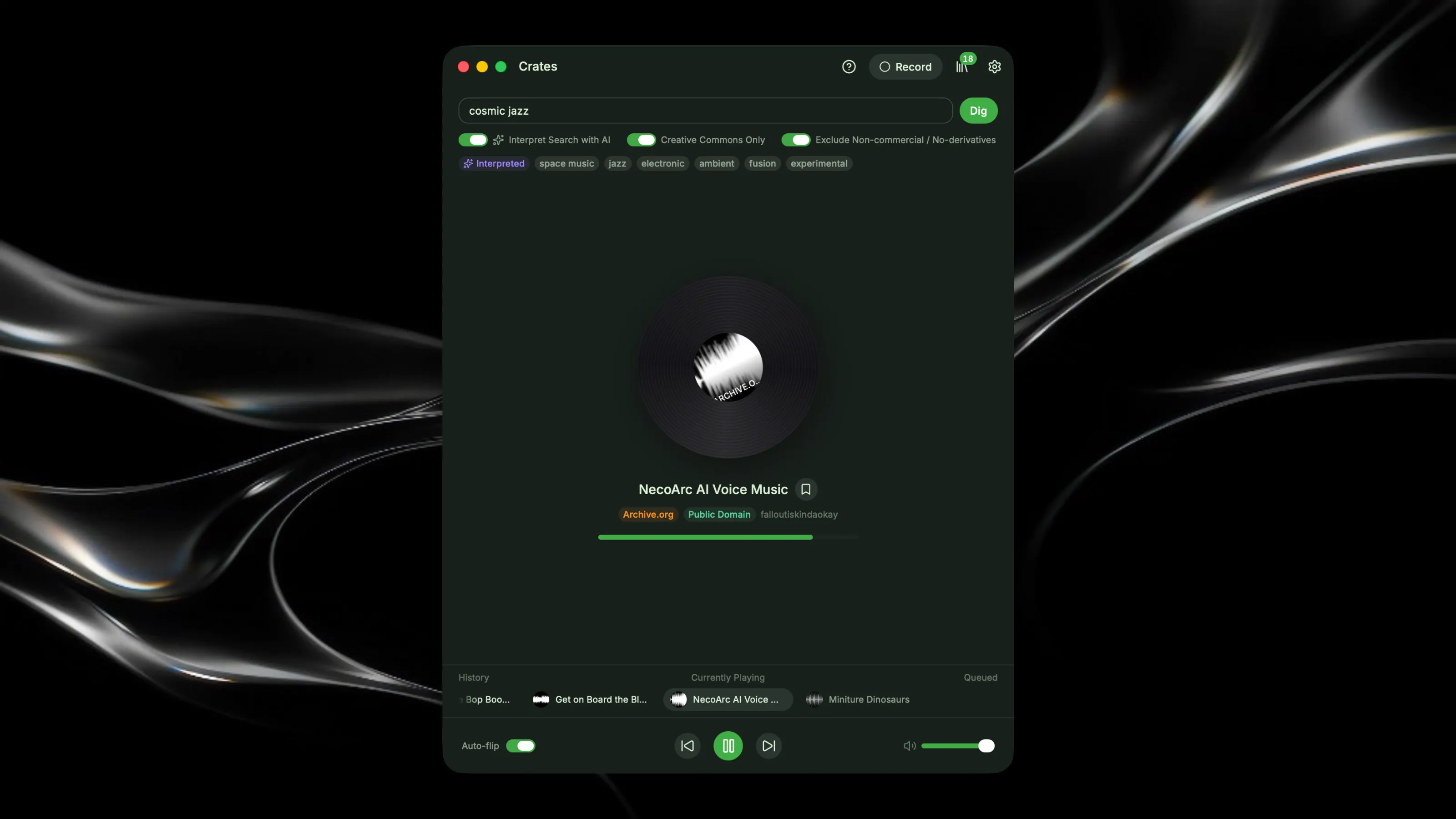
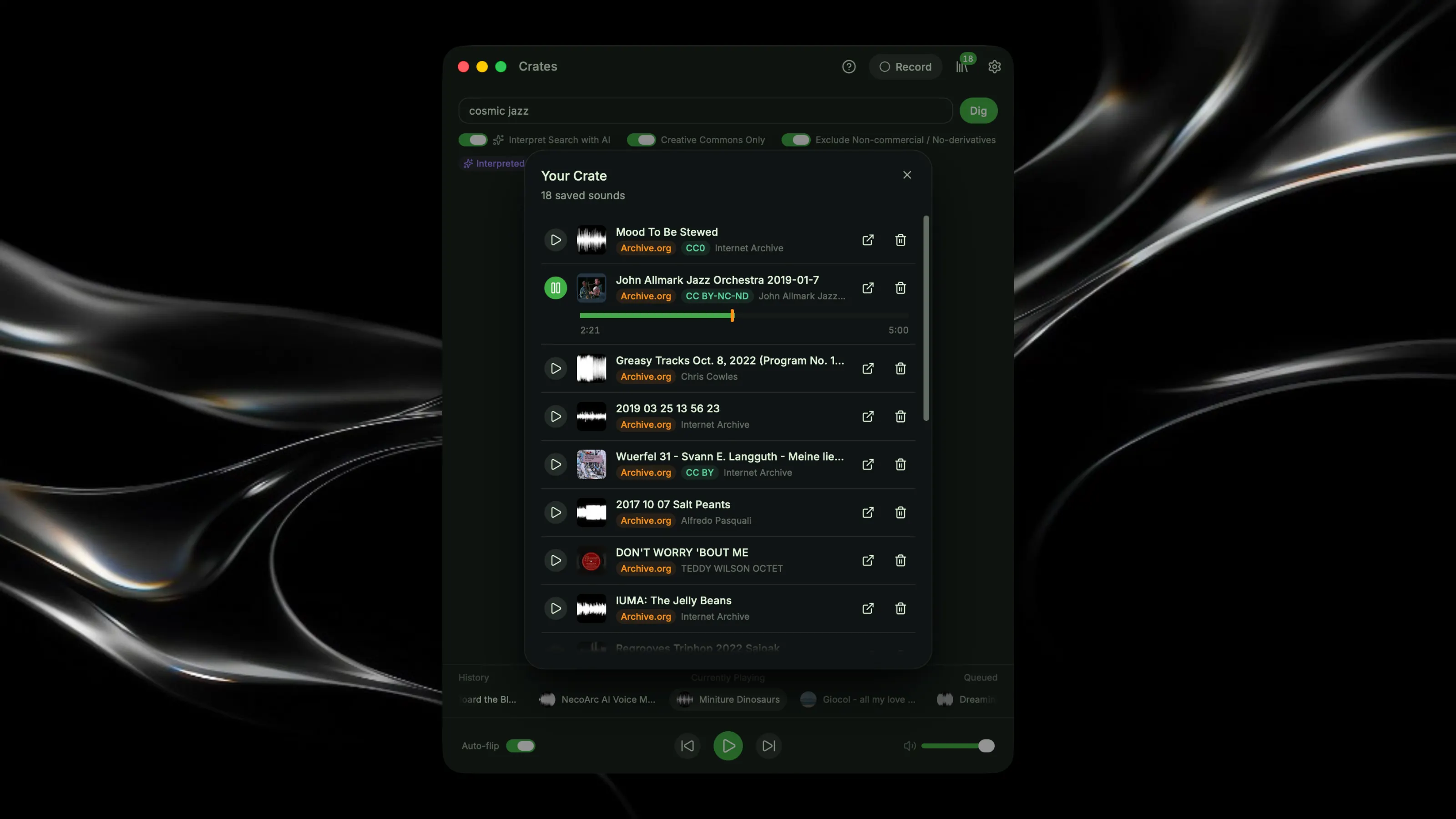
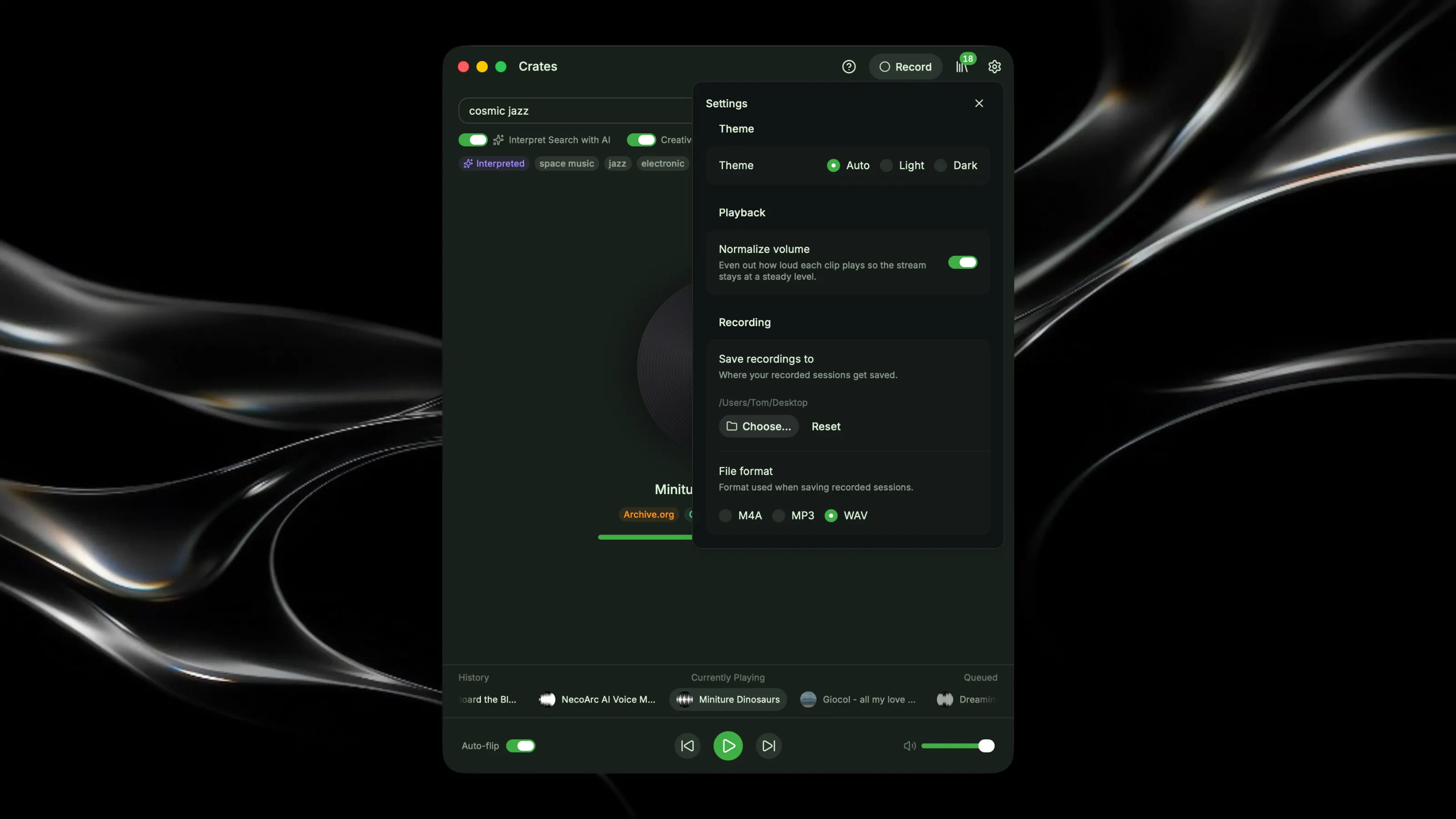
Crates helps you find interesting sounds. Whether you're a music maker looking for unique samples or just a curious sound explorer, Crates helps you find something new. 📖 HOW TO USE CRATES Start by describing the vibe you're after — something like "dusty soul grooves" — then hit Dig. Crates heads out to Archive.org and uses your search to find sounds in that general vicinity, then automatically plays through short snippets of tracks: jumping to a random point within each recording, playing for a few seconds, then fading into the next sound. Turn off Auto-flip if you want to stay on one track instead of continuously advancing. ❤️ SAVE YOUR FAVOURITES If you hear something you like, hit the Save icon to add it to your crate. If you miss saving something, or just want to jump back, use the Queue or transport controls to move backwards and forwards through what's played — your full session history is kept, so you can always find your way back. 📦 EXPLORE YOUR FINDS Once you've built up a collection, click the Crate icon to open your library. From here you can listen back to what you saved — playback starts from the exact point you first heard it. Click the external link icon to visit that recording's page on Archive.org and explore further. Each recording displays its relevant copyright info as you browse. 🔍 SEARCH FILTERS Want to keep things fully open? Turn on Creative Commons filtering in the search bar to only surface CC-licensed material — with an option to exclude non-commercial and no-derivatives licenses too. Prefer to search without AI assistance? You can turn that off too. 💽 RECORD YOUR STREAM Click the Record button in the toolbar to capture the stream's output. Choose your save location and file format (M4A, MP3, or WAV) in Settings. ⌨️ SHORTCUTS Use spacebar to play/pause and the arrow keys to skip forward and back. Click the "?" icon any time for a quick refresher on how it all works.