Activity Ridge
Awards EntryThe activity journal that writes itself.

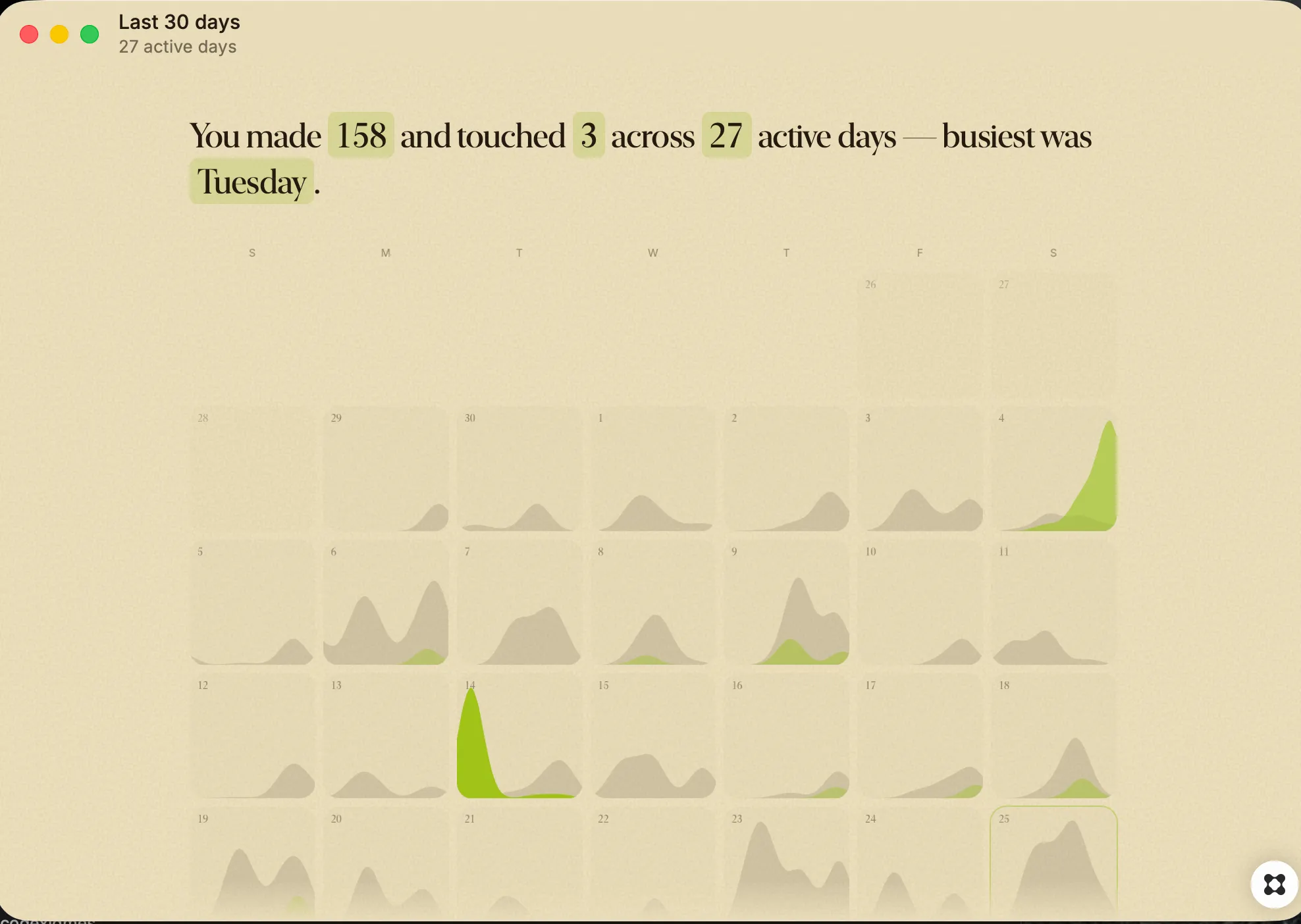
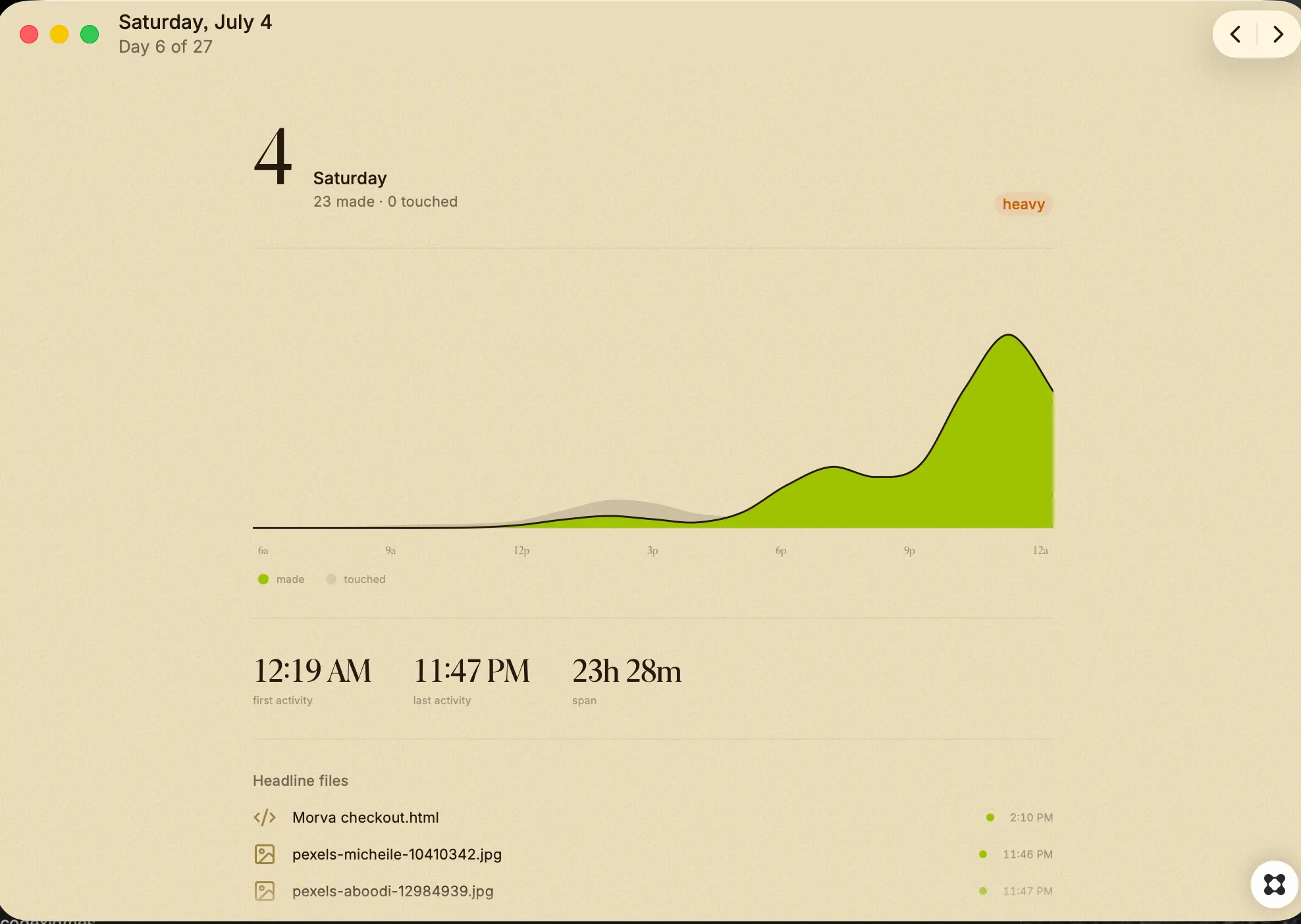
Activity Ridge The activity journal that writes itself. Activity Ridge shows you what you did on your Mac over the last thirty days. It can do this on the first launch, before it has ever run in the background, because it doesn't watch you. Everything it shows comes from records your Mac already keeps. The timestamps on your files. The commits in your git repositories. The history databases your browser and apps write to disk. That material was already sitting there. Ago reads it and lays it out. Open the app and you get a single day. At the top, a line of text saying what you made and how many hours you were active. Below that, a shape: two ridges spread across the hours of the day. The green ridge is what you made, meaning files you created and commits you wrote. The grey ridge behind it is where the time went, meaning the sites and apps you spent time in, the screenshots you took, the things you downloaded. Under the shape, the specifics. Commit messages. Filenames. The apps you spent longest in. Arrow keys move between days. Escape opens the month: thirty small versions of the same shape, so you can see the shape of a month at once. Click any day to open it. What it reads File creation and modification times in Desktop, Downloads, Documents, Pictures, Movies, and your code folders. Commits authored by you in git repositories on this Mac, including the commit message. Browser and app history, reduced to the domain or app name and how long you were there. What it does not do It does not record your screen. It does not log keystrokes. It does not read the contents of your files. It stores no URLs and no page titles, only domains. It makes no network requests of any kind, so nothing leaves the machine, and there is no account and nothing to sign into. Each of the three sources can be switched off in settings, and turning one off removes it from every view immediately. What it can and cannot see Activity Ridge sees work that leaves a trace on disk. Writing code, editing documents, taking screenshots, browsing, committing. It cannot see work that leaves none, so a day spent reading paper or in a meeting off your calendar will look quieter than it was. It is a record of what your machine touched, not a timesheet.