Flow Breakdown
Recordings in, Figma walkthroughs out

About Flow Breakdown
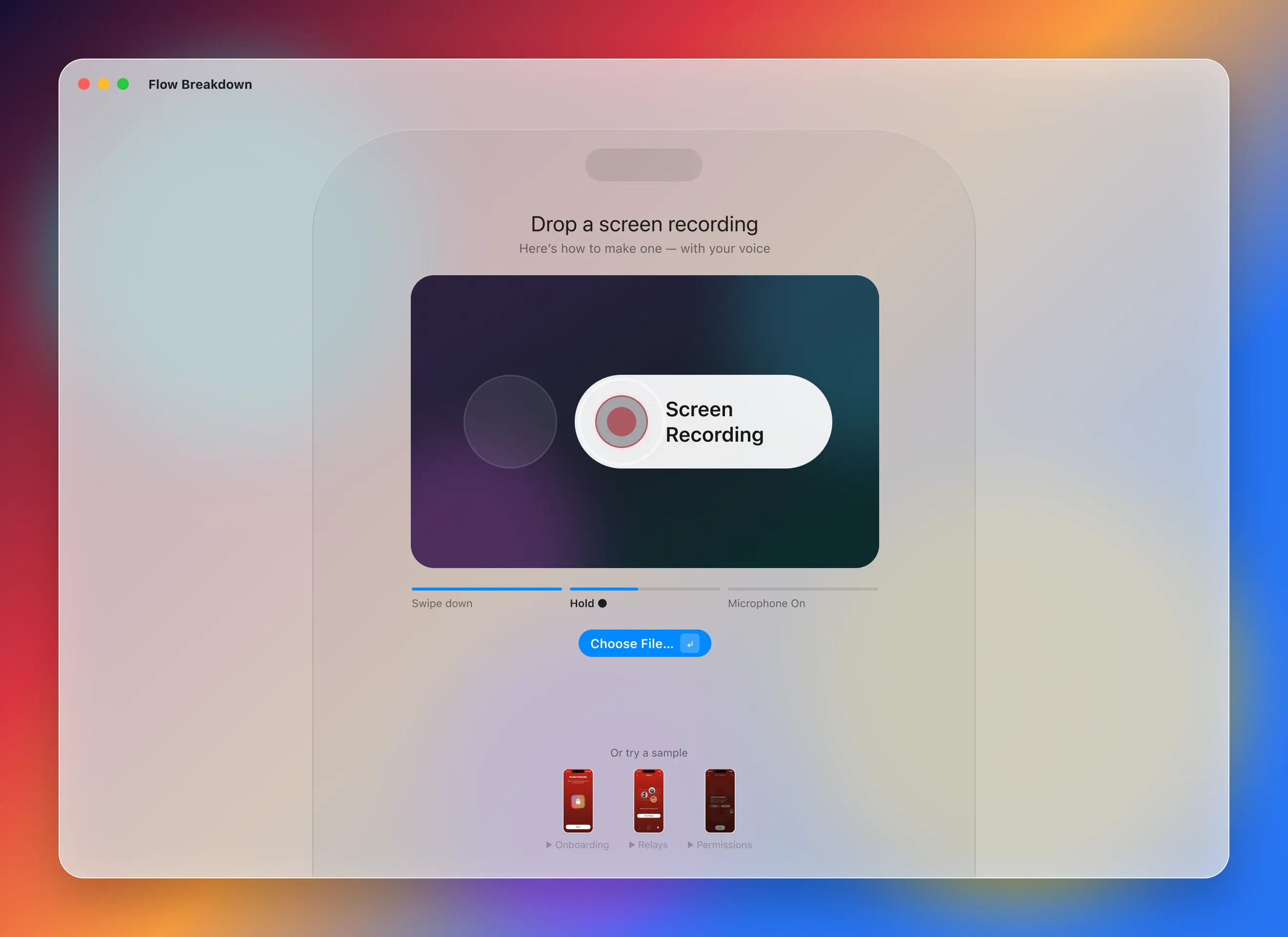
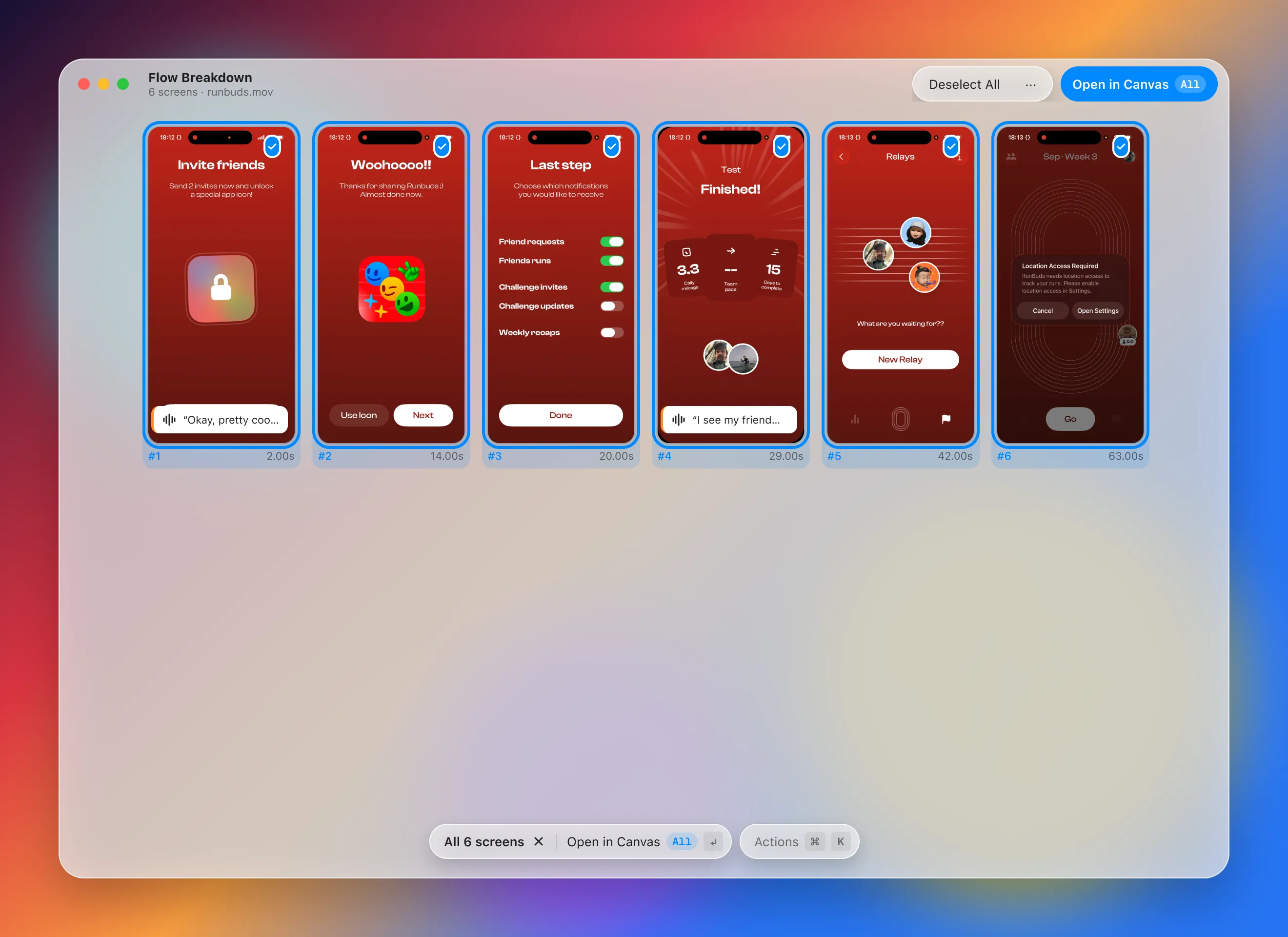
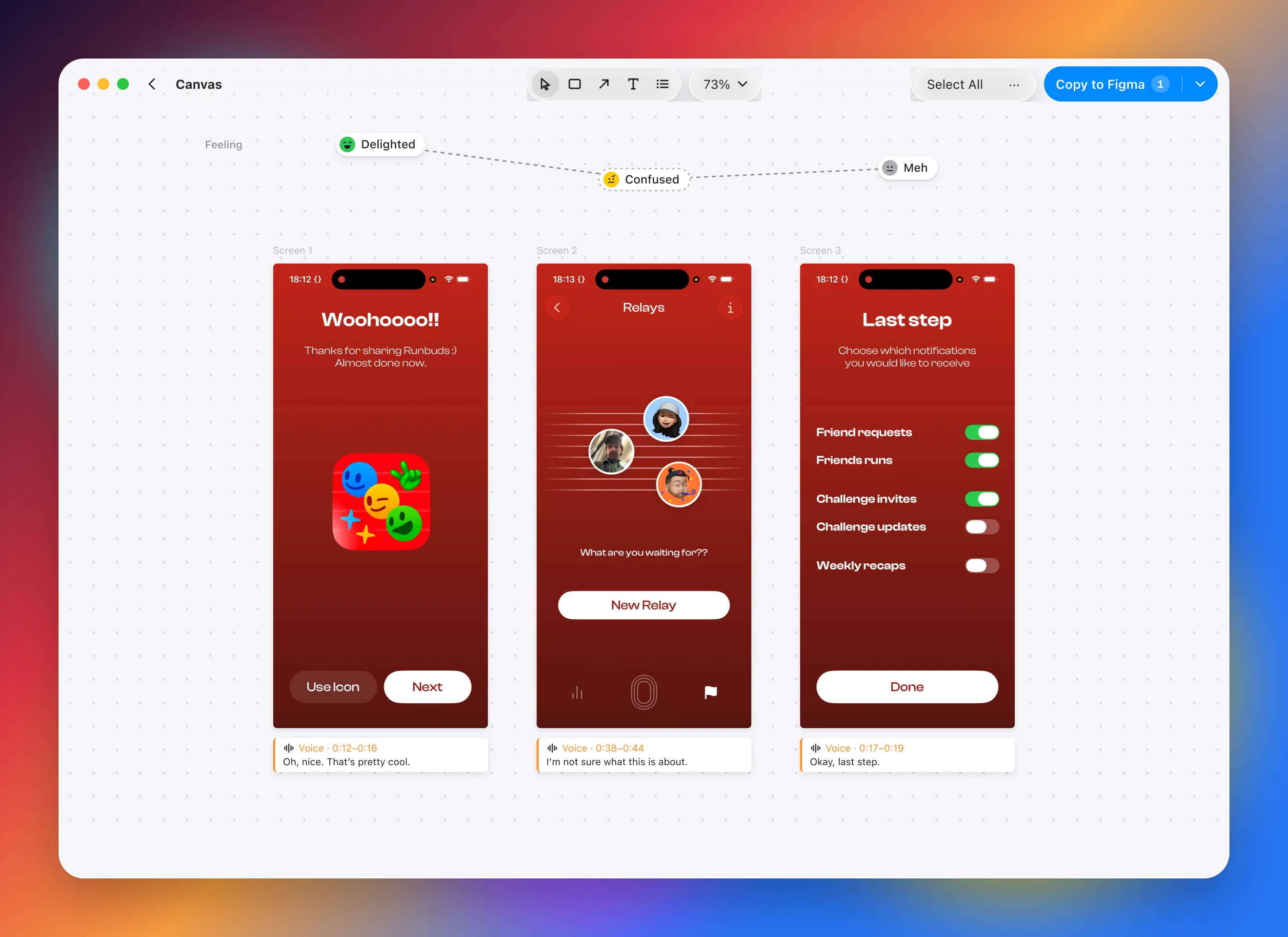
You screen-recorded a great flow in a new app. Now it's buried in Photos. Drop it in. Every distinct screen comes out with what you said while tapping through: where you hesitated, what delighted you, what you'd steal. Mark it up, then walk your team through it in Figma. Screenshot libraries show what an app looks like. Your recording shows what it felt like to use. → Built for benchmarking. One recording becomes a screen-by-screen review, no near-duplicates. → Your commentary, kept. Talk as you tap; each screen gets a note with what you said. → Mark it up. Boxes, highlights, arrows, numbered steps, and redaction for anything private. → Straight into Figma. Copy to Figma pastes every screen as its own layer, notes included. Scanning and transcription happen on your Mac. Only the optional Key points summary uses Glaze AI.