Harbor
Localhost, under control.

About Harbor
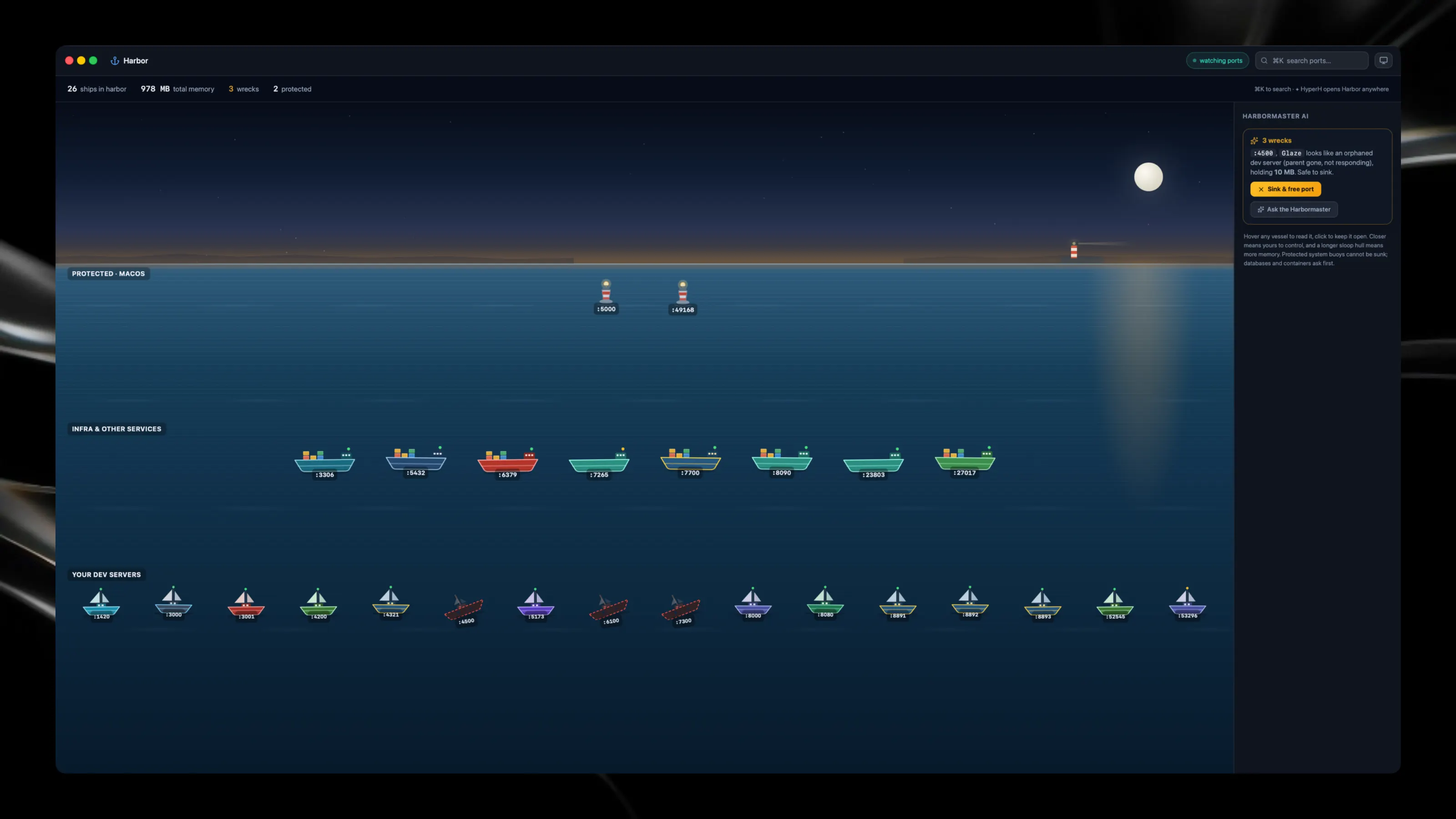
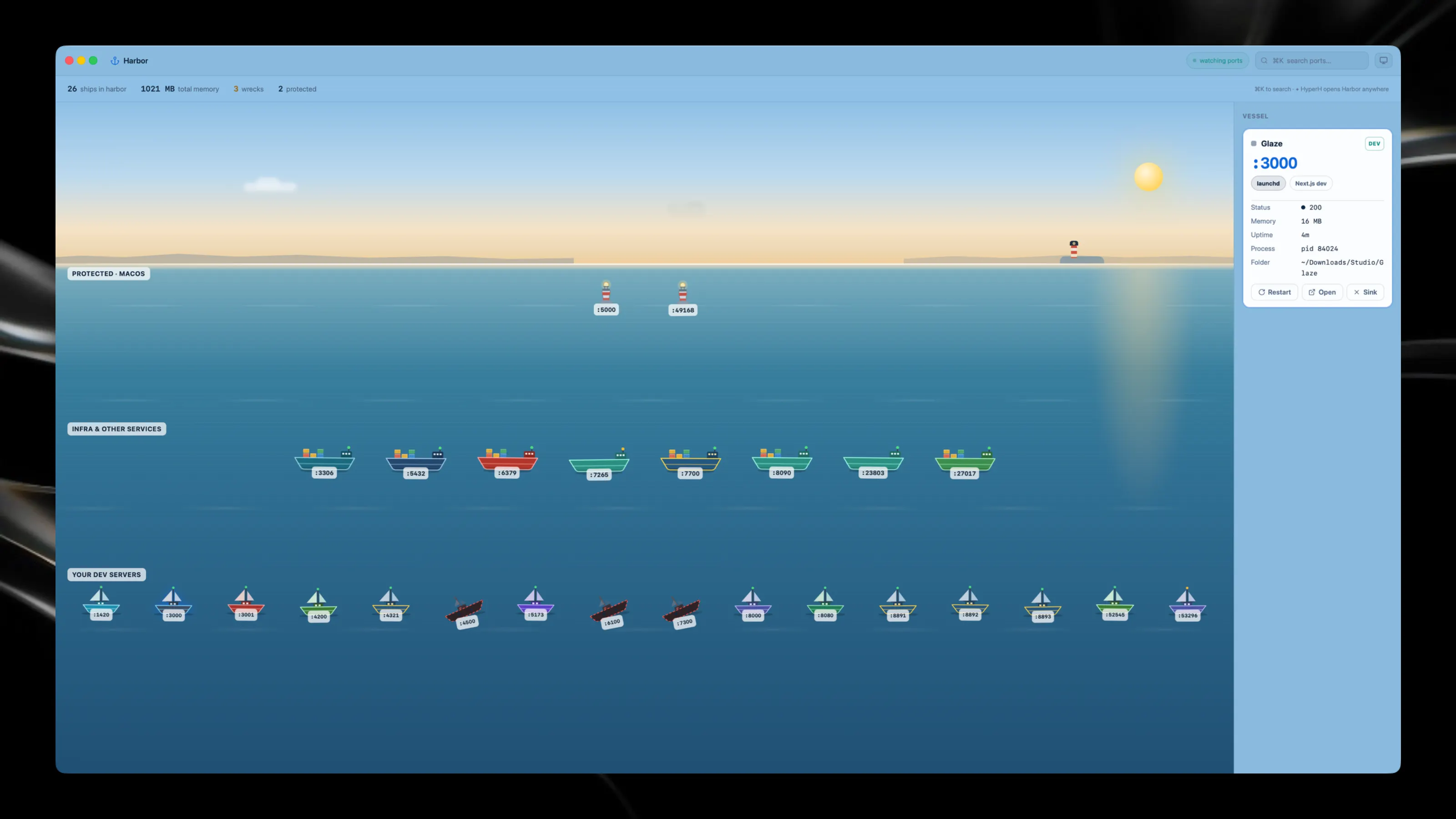
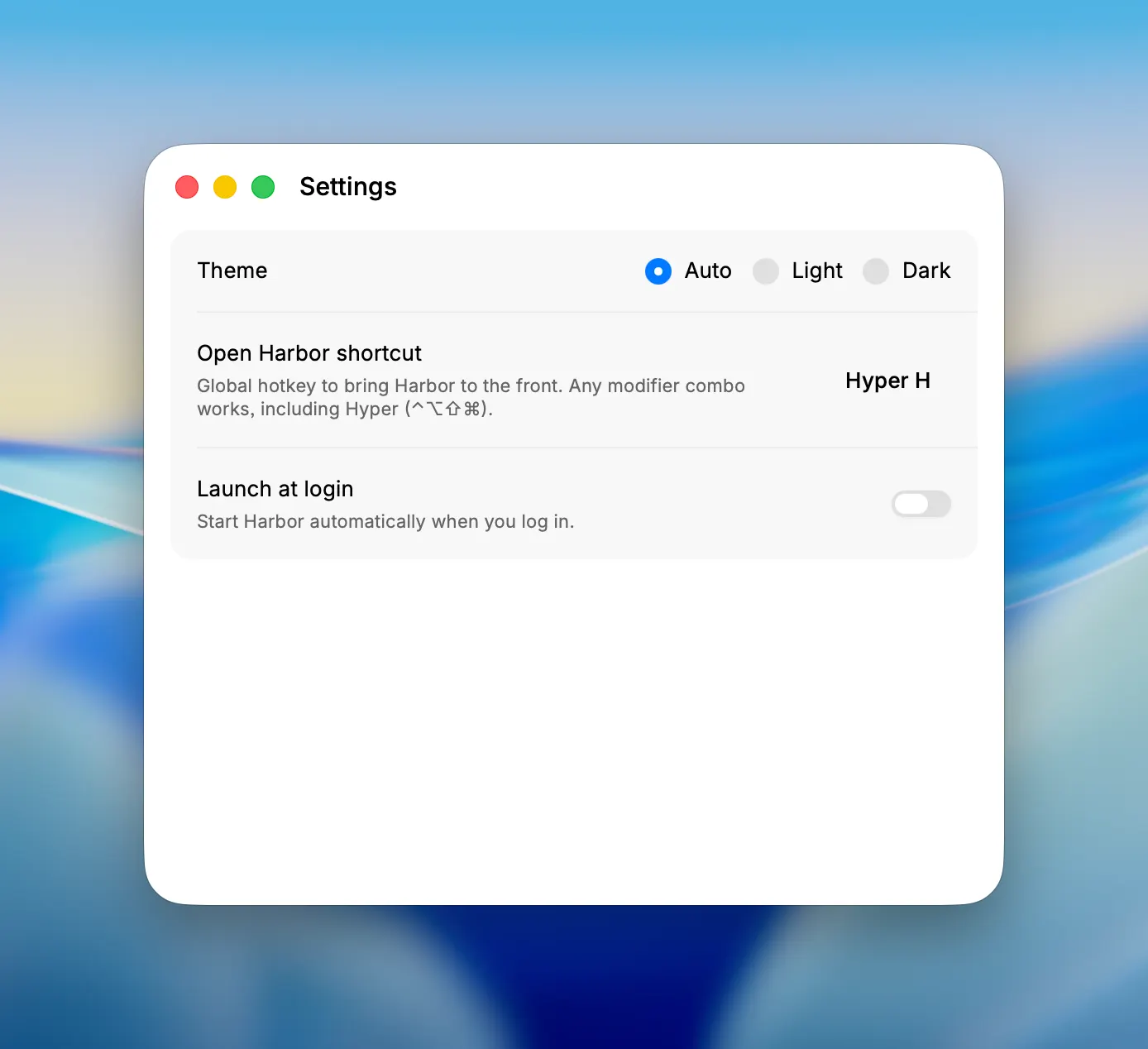
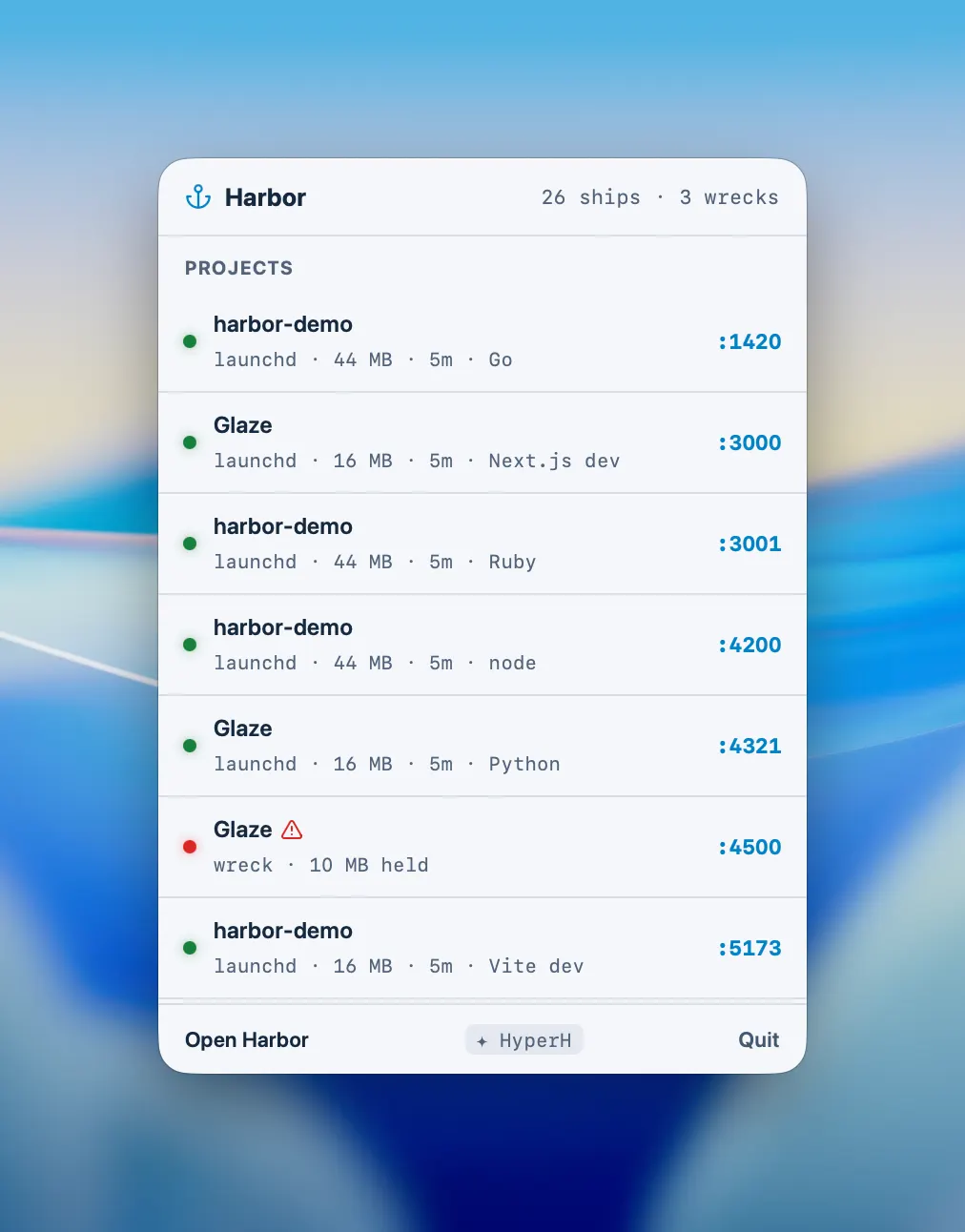
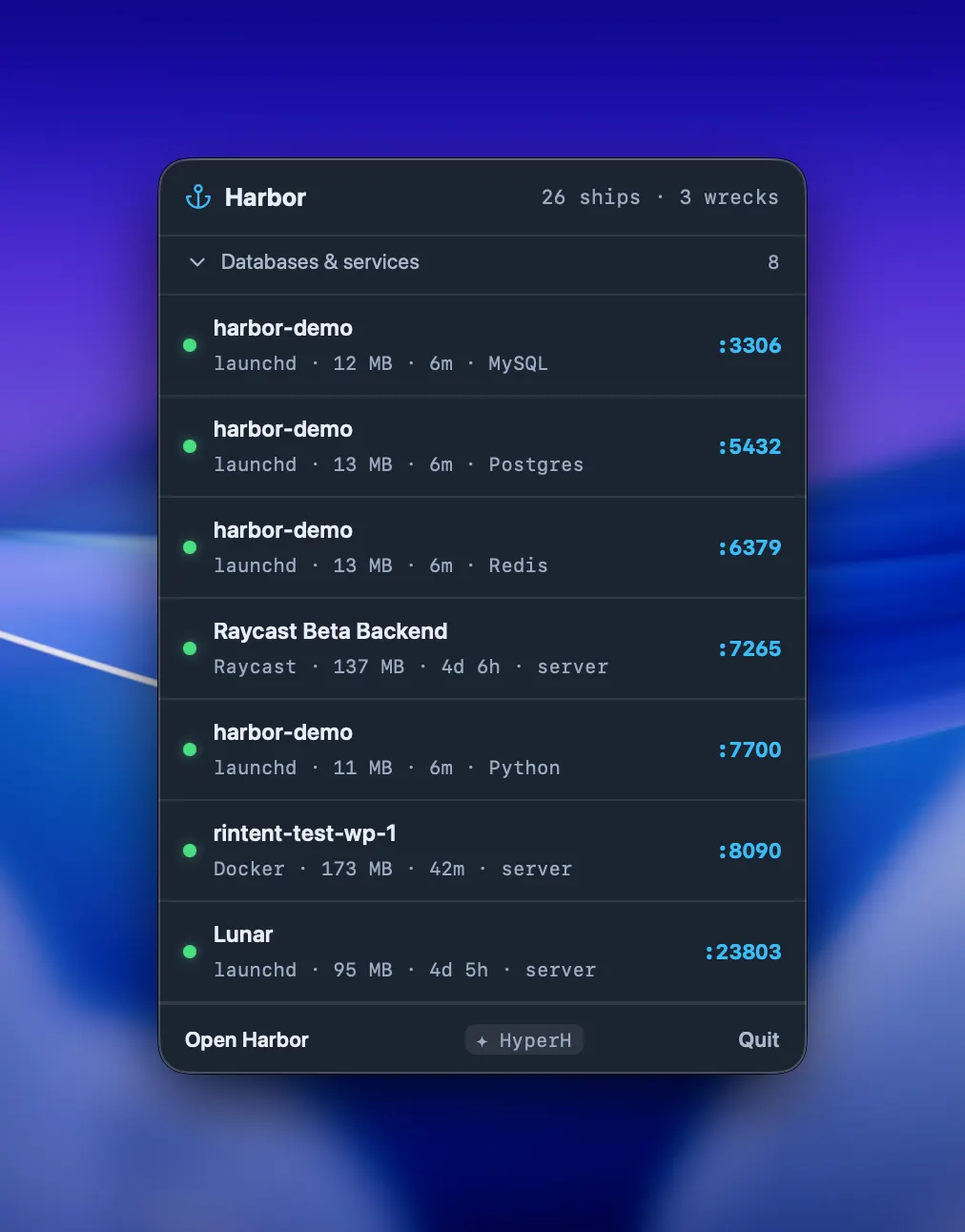
Ever asked what is running on port 3000, then hunted through terminals to find out? Harbor turns localhost into a living harbor. Every listening port becomes a vessel, and how far away it sits tells you how much of it is yours. Your dev servers ride close in as rigged sloops. Databases and containers sit further out as cargo ships, one block on deck per running container. Protected macOS services are distant navigation buoys you can see but never touch. Every vessel carries its own colours, so a Postgres, a Redis and a Vite build are recognisable at a glance. A longer sloop hull means more memory. Hover any ship to read it: project folder, stack, uptime, memory, and the app that launched it, whether that is Cursor, Claude Code, Terminal or Docker. Sink a zombie process and watch it go under. Regret it? Refloat. A server that stops answering becomes a wreck, listing with a holed hull, and the Harbormaster AI tells you what died, why, and whether it is safe to sink. Harbor knows your Mac and protects it. System services get a lock, not a sink button. Databases and containers ask before they go down. Your own dev servers obey instantly. Menu bar for speed. Harbor view for joy. No terminal required. No server. Everything stays on your Mac.