Mirror
Quick self-check mirror on your menu bar

About Mirror
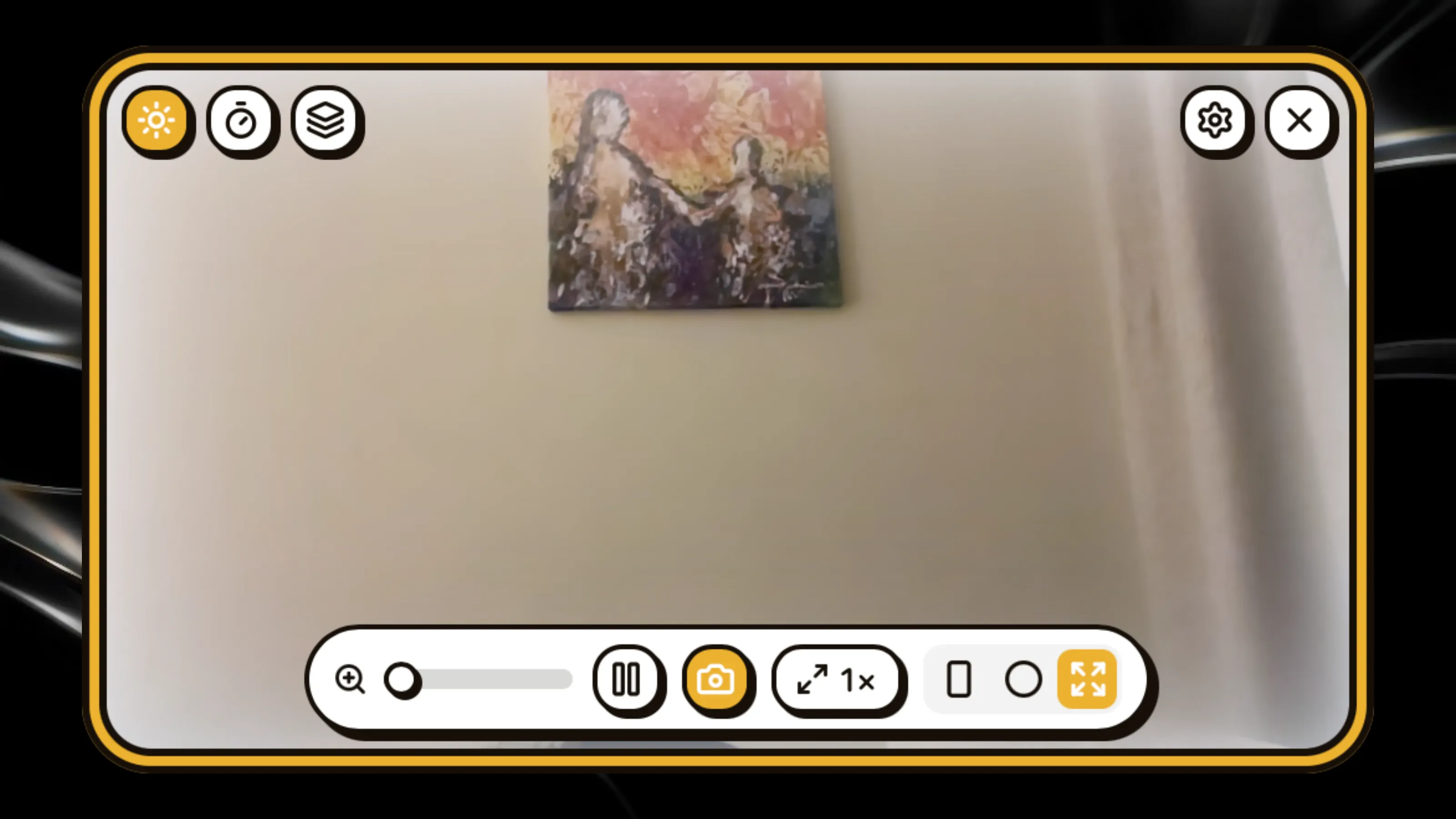
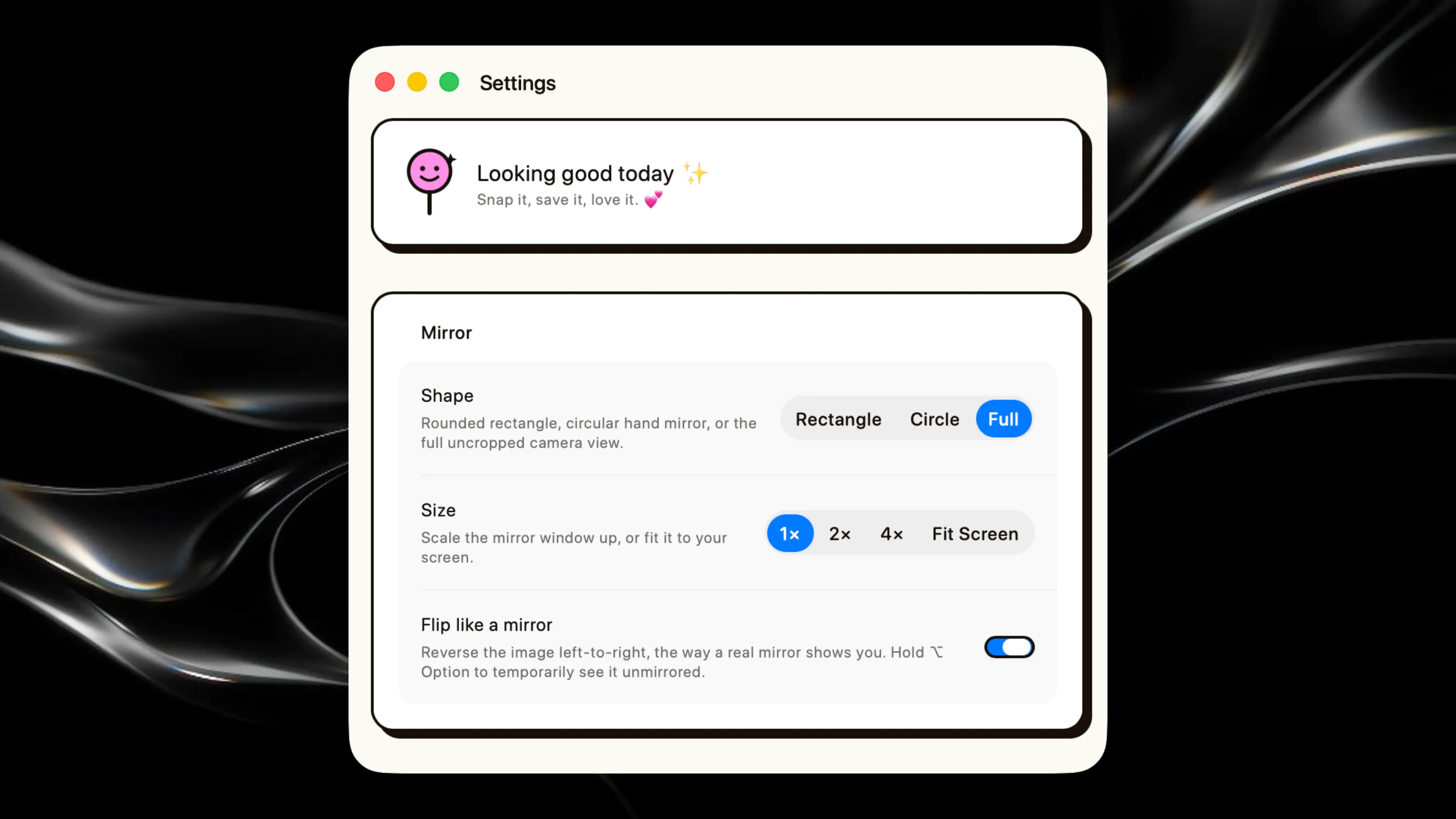
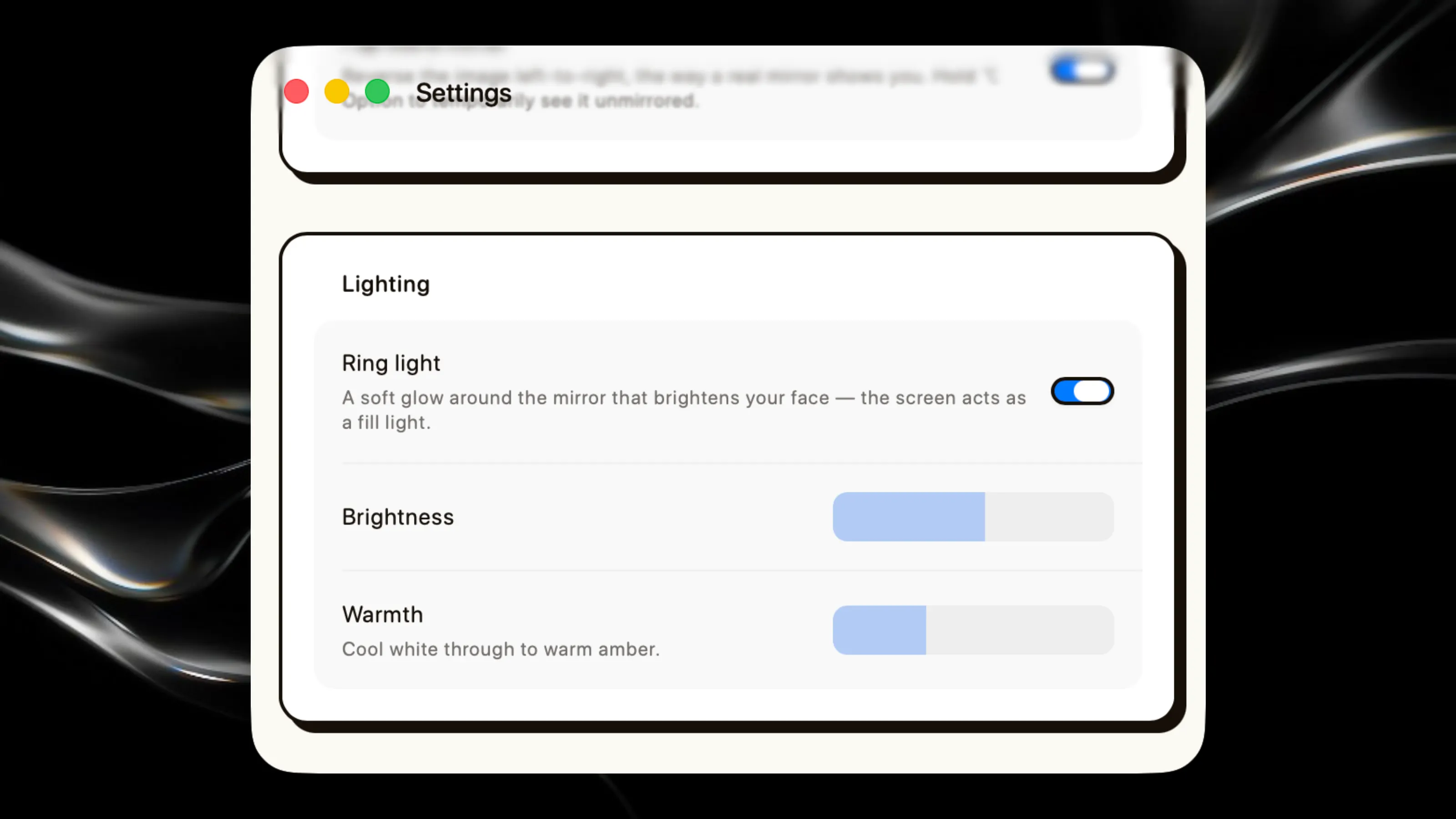
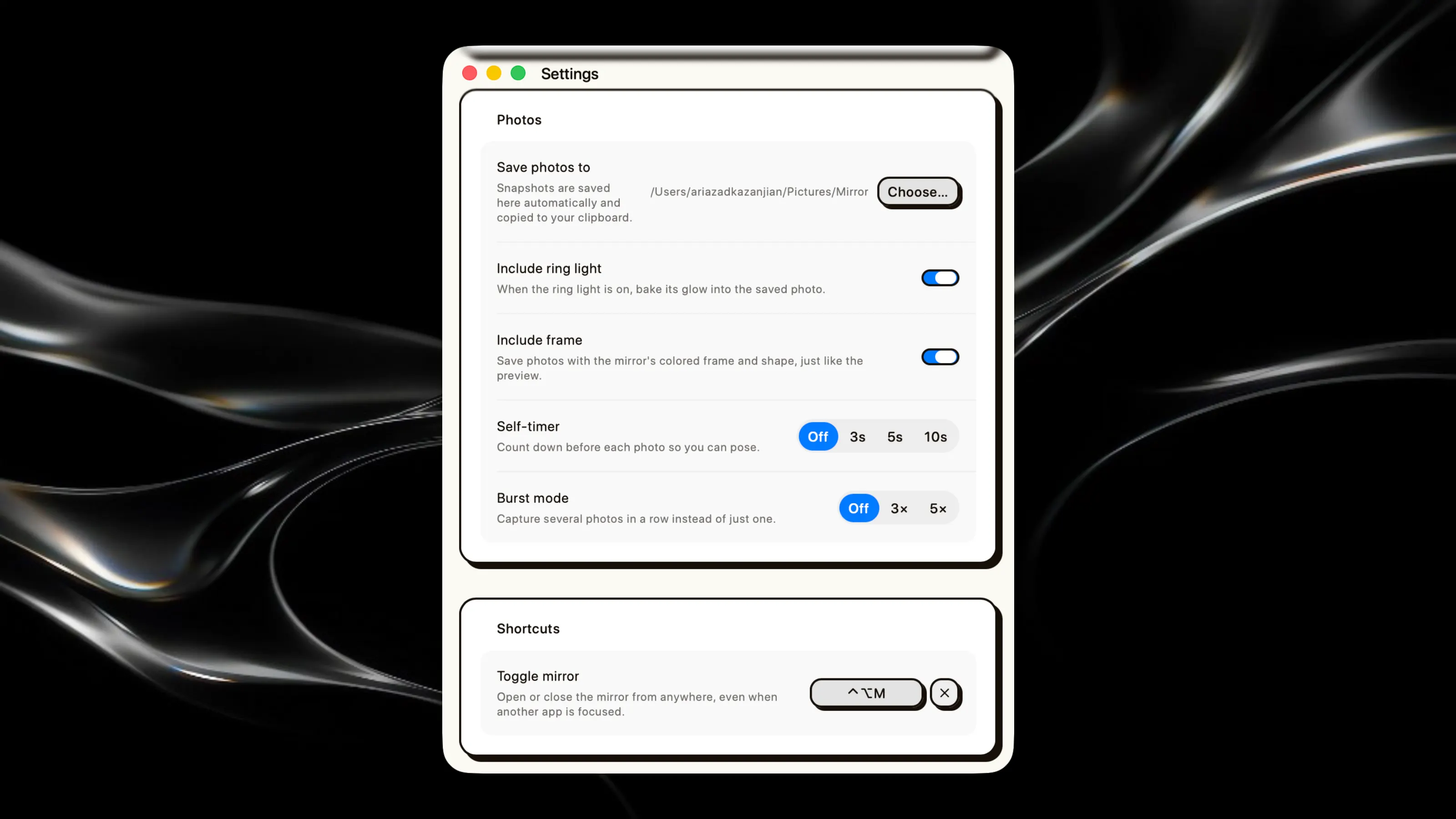
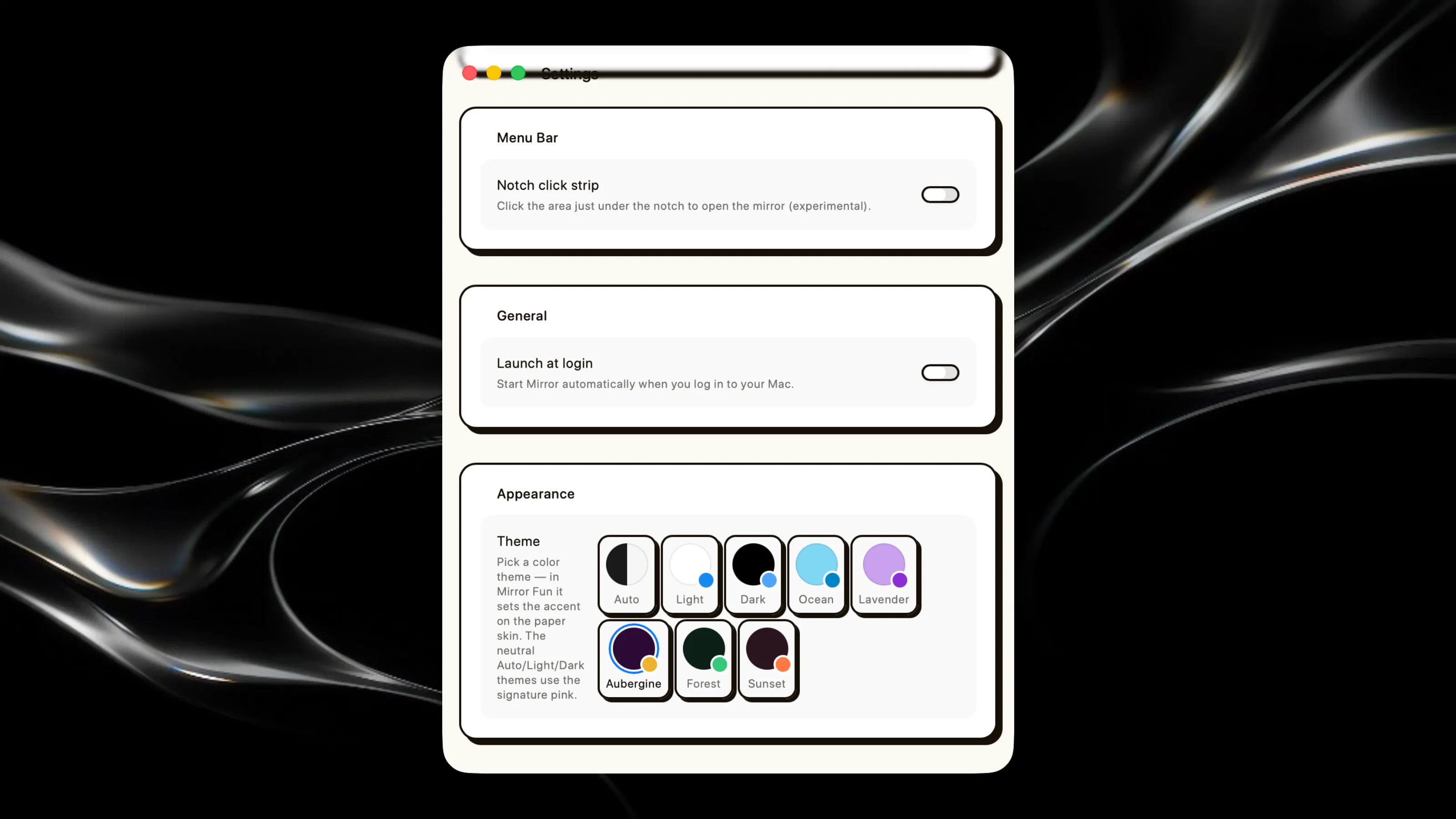
Quick access to your camera from the menu bar. Click the tray icon to open a floating mirror window for checking your appearance, framing video calls, or taking photos. Mirror — Features ``` - Live front-camera mirror in a floating, always-on-top window - Menu-bar (tray) toggle, with an experimental notch-click strip as a second trigger - Photo capture, auto-saved to a chosen folder (default ~/Pictures/Mirror) and copied to the clipboard instantly - Freeze frame and 1–3× zoom with click-and-drag panning - Three window shapes: rounded rectangle, circular hand mirror, and full uncropped sensor view - Window size presets (1×/2×/4×/Fit Screen), auto-clamped to stay fully on-screen - Ring light: adjustable screen-glow fill light (brightness + warmth) to illuminate your face - Self-timer (Off/3/5/10s) with an on-screen countdown - Burst mode (Off/3×/5×) with live "n / total" progress - Global keyboard shortcut (user-assignable) to toggle the mirror from anywhere - Hold ⌥ Option to temporarily peek unmirrored - Light/Dark/Auto appearance, plus a Slack-style color theme picker (Ocean, Lavender, Aubergine, Forest, Sunset) that tints the overlay controls - Frosted glass bezel frame around the mirror that automatically matches the active color theme's accent - Launch at login toggle