Quire
Handle your PDFs like paper
About Quire
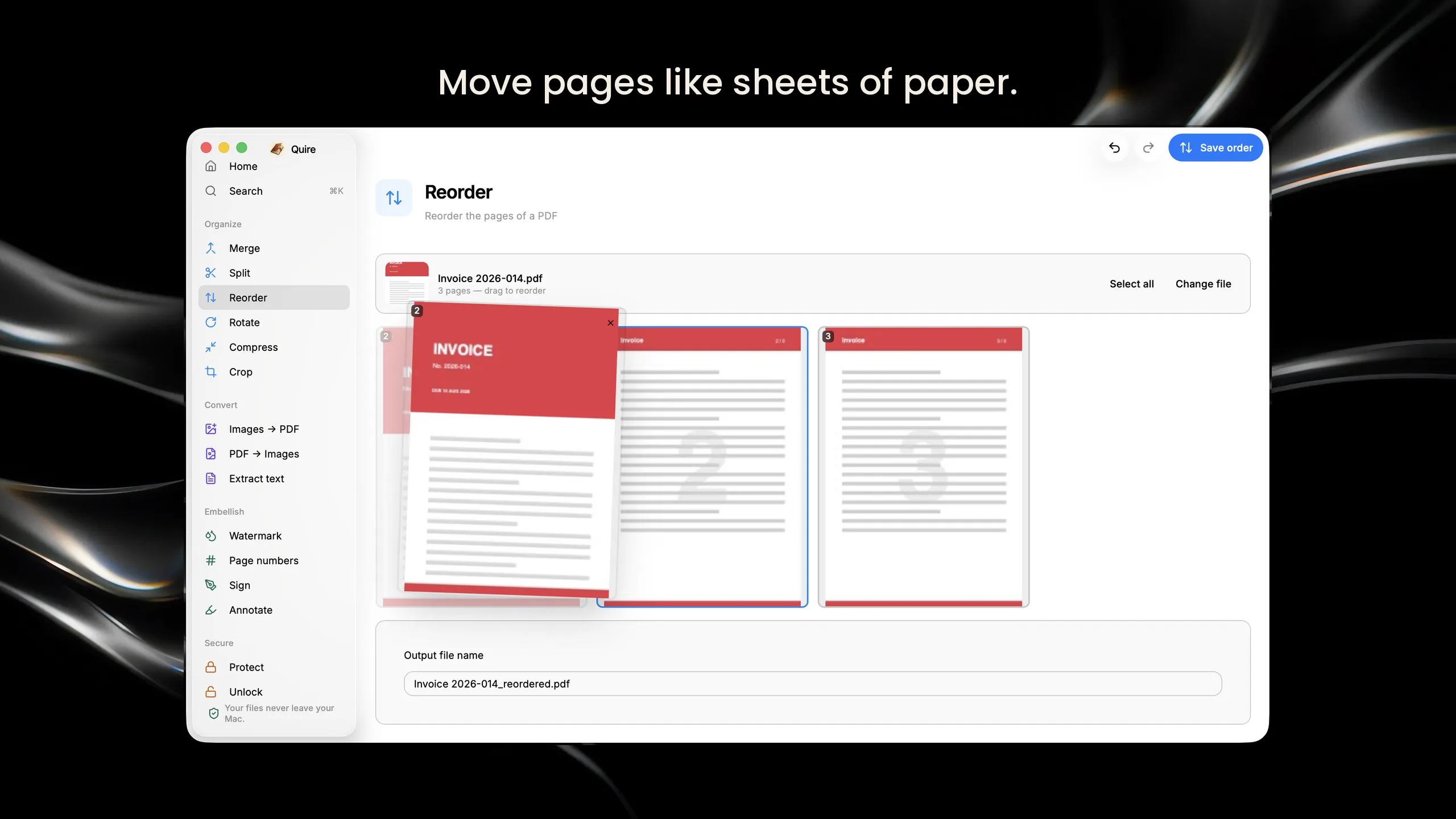
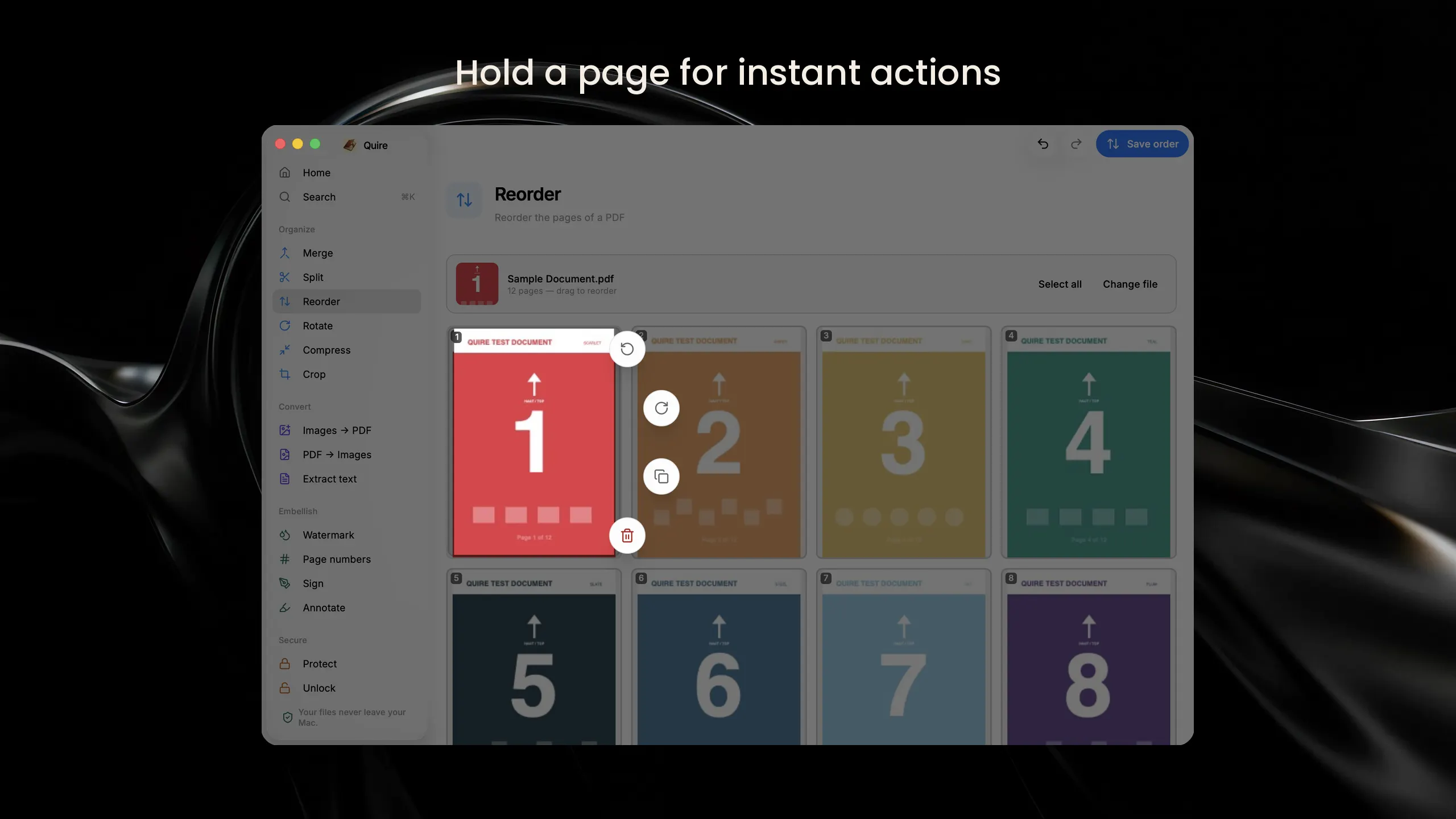
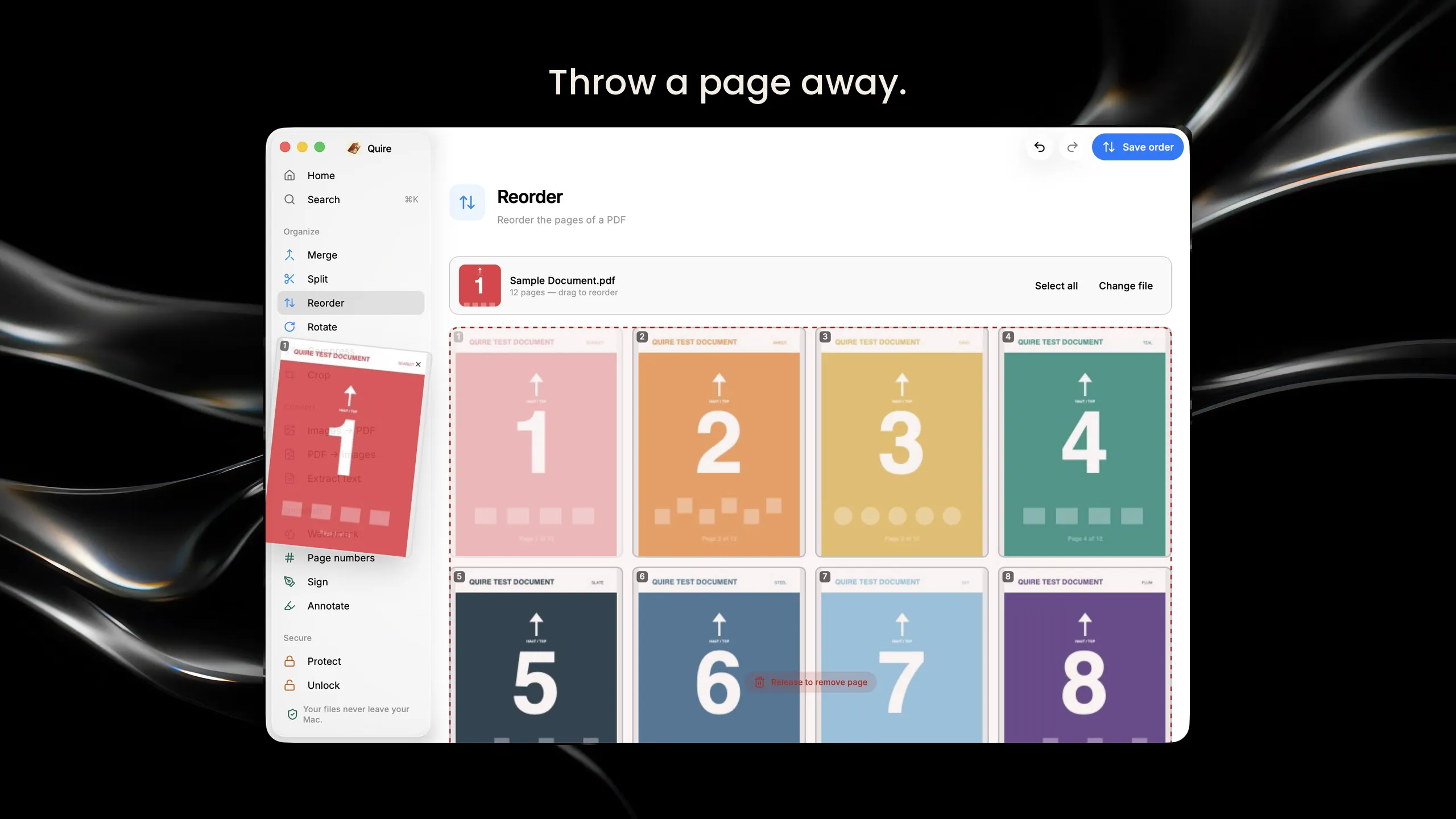
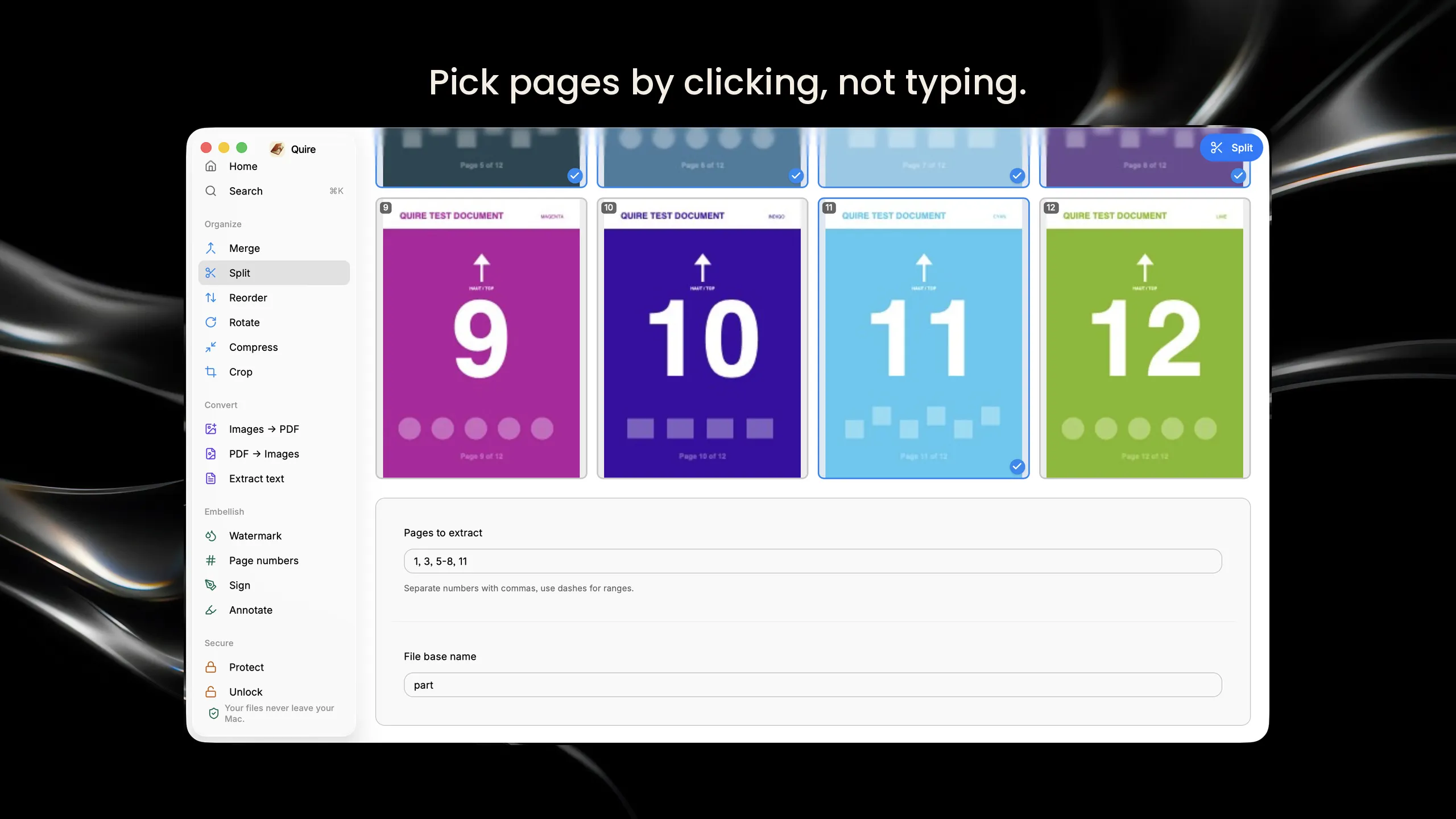
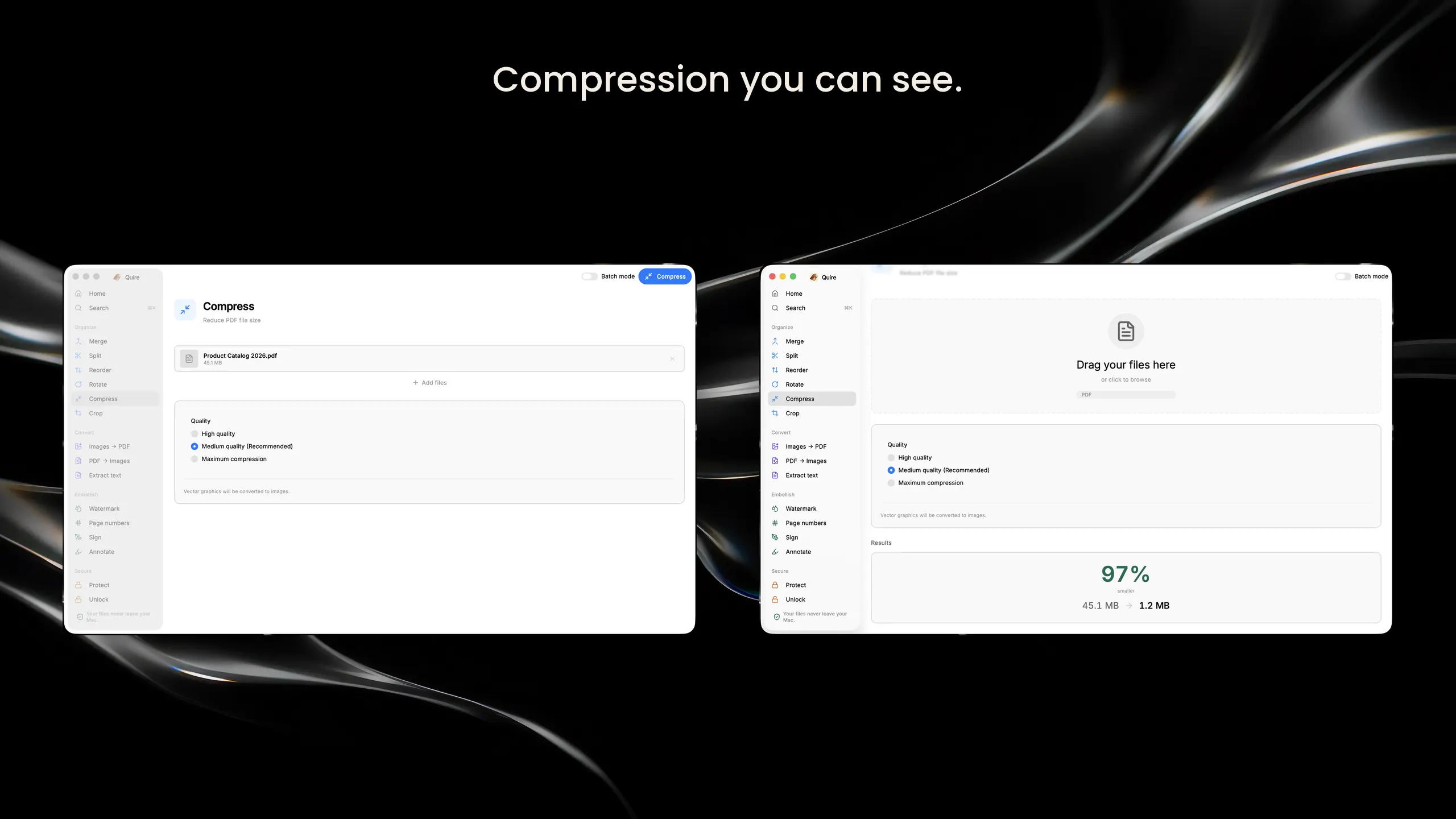
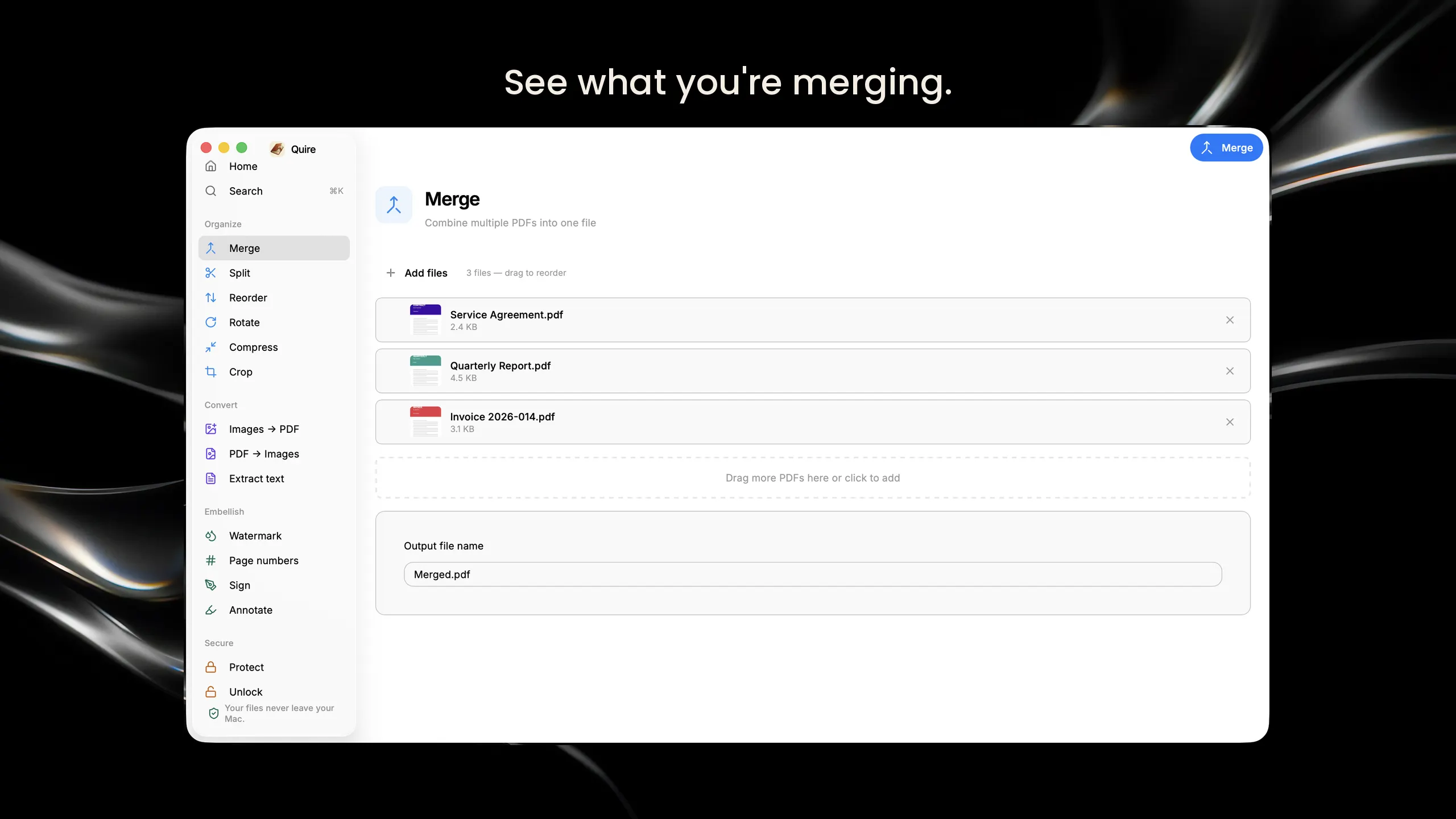
Most PDF tools make you work blind. You type page ranges into a box and hope you got it right, or you upload a document you would rather keep private to a website you have never heard of. Quire does neither. Drop a file in and you see your pages. Click the ones you want, drag them where they belong. Everything happens on your Mac, with no upload, no account and no internet. Pages behave like paper. When a document loads, its pages deal out like a hand of cards. Hold one and an action wheel opens right where it sits — rotate, duplicate, delete. Throw one out of the grid and it falls out of frame. You hear the paper as you handle it. Fifteen tools in one window: See and pick pages visually. Split, extract, reorder and rotate by clicking thumbnails instead of typing ranges Merge documents and drag them into the order you want Compress — and see exactly how much you saved — crop, and convert between PDF and images Add watermarks, page numbers and signatures Protect a document with a password, or unlock one you own Extract text from any PDF Your files never leave your Mac.