re:Work
Know where your day went. Automatically.

About re:Work
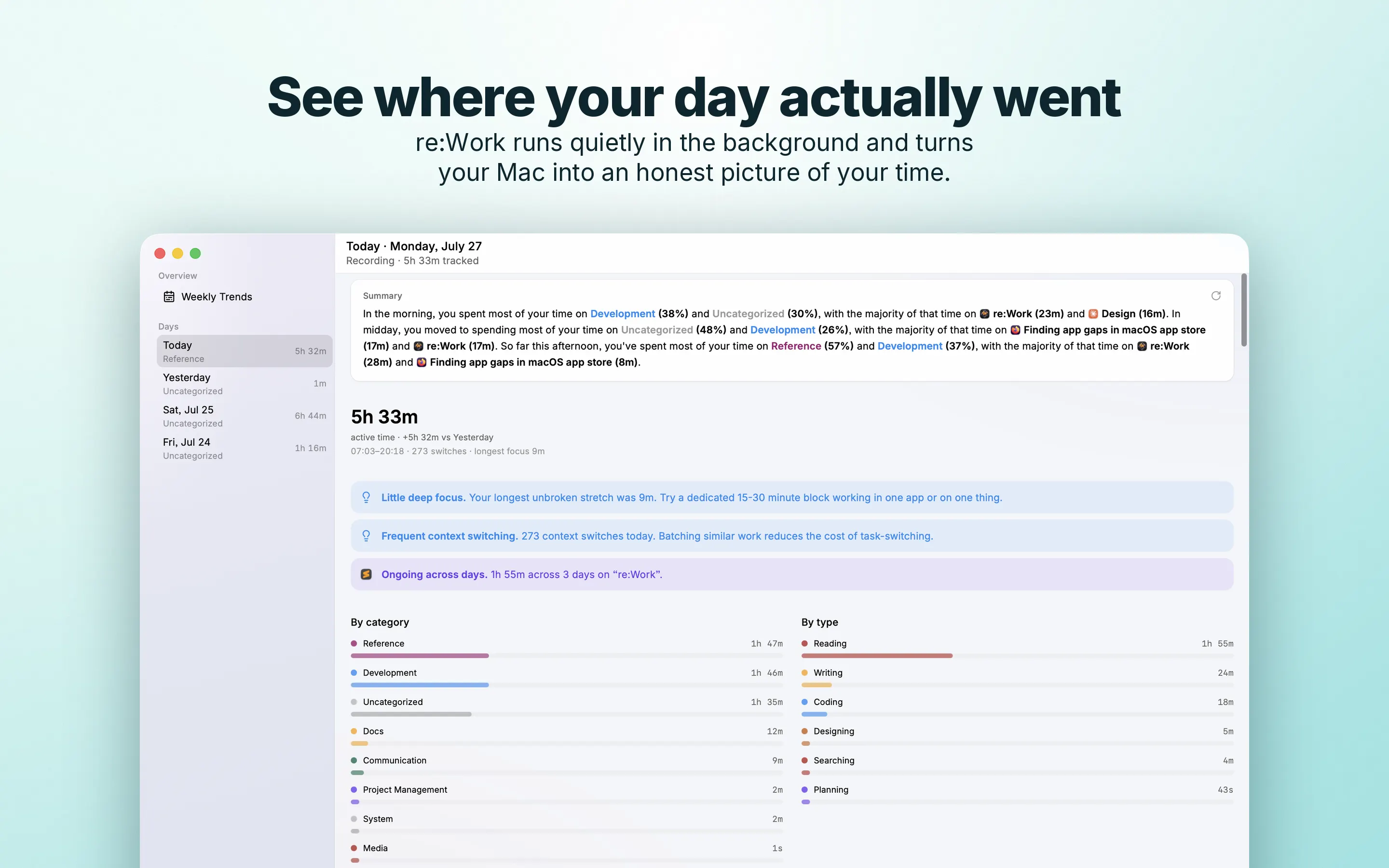
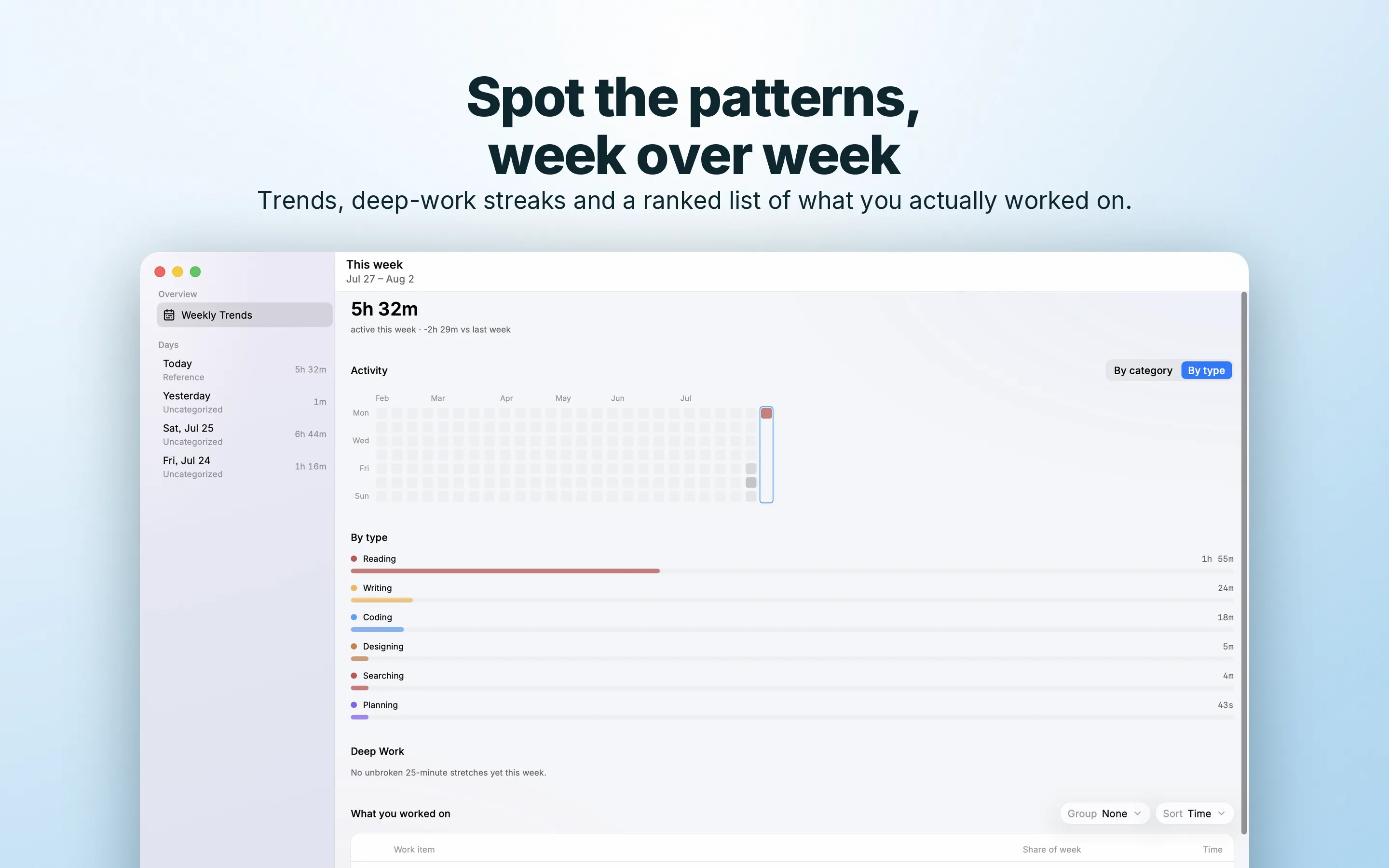
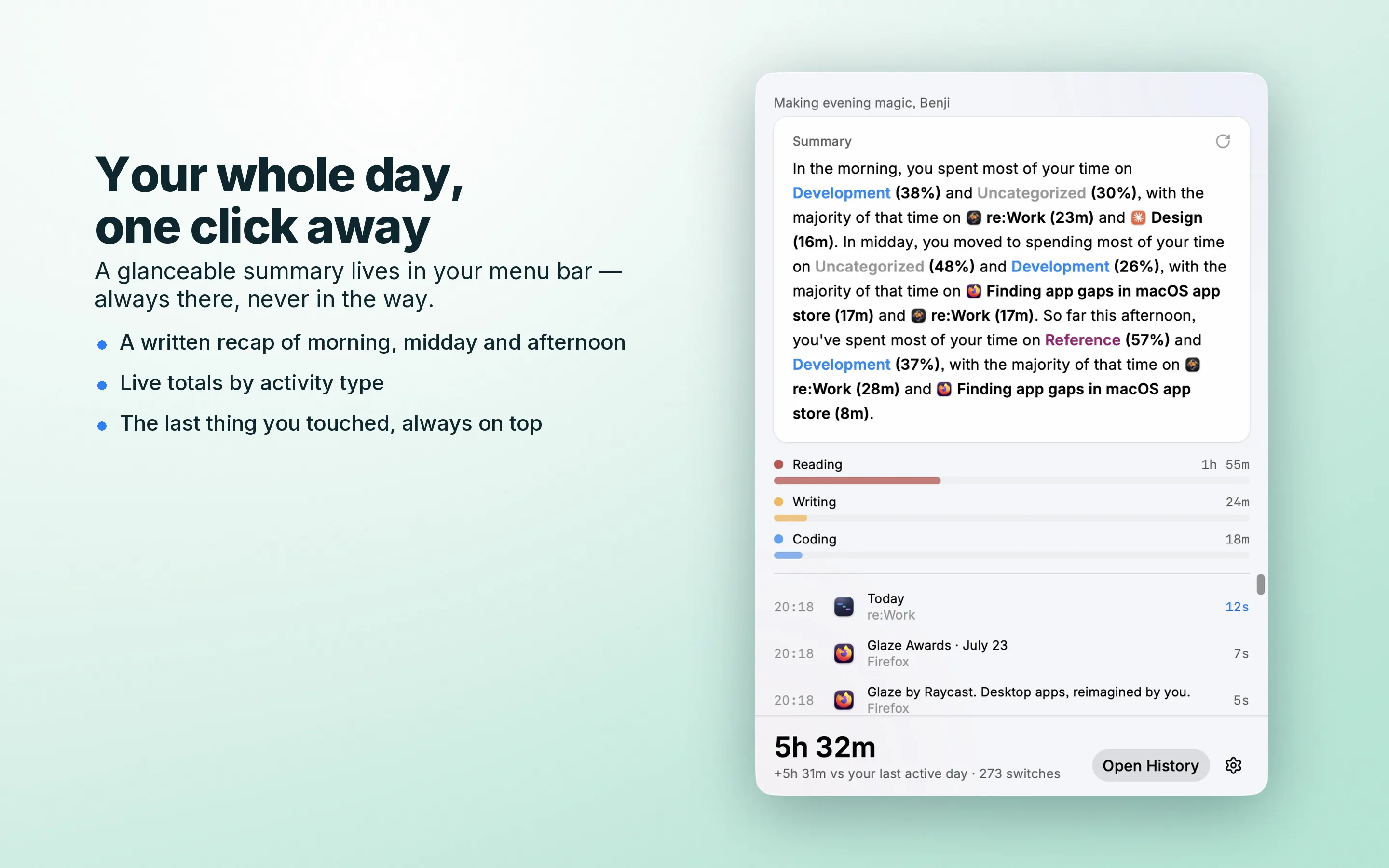
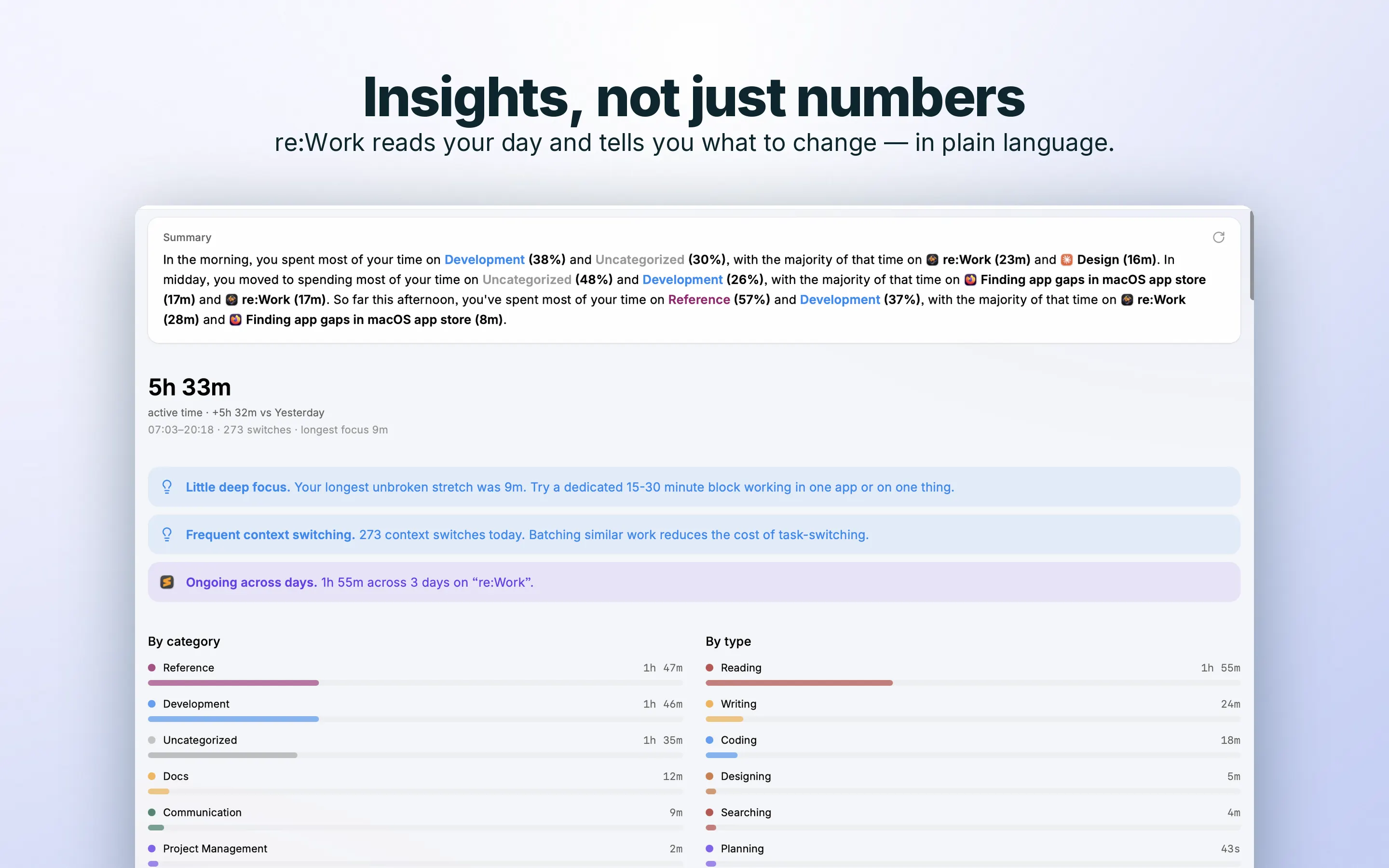
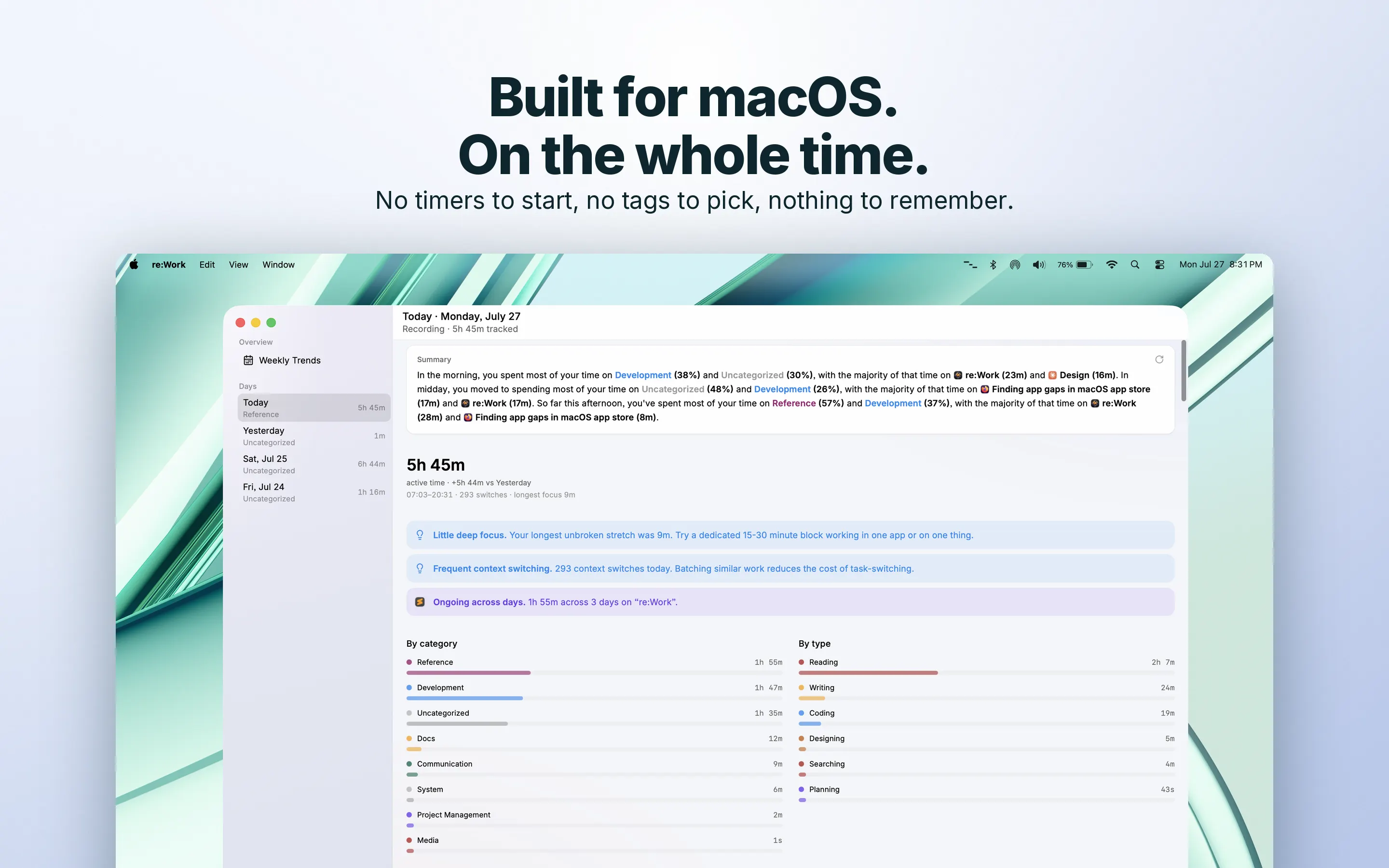
You finish the day. You were busy the whole time. But you can't say where the hours went. re:Work fixes that. It notices what you work on and writes up your day for you. No timer to start. No tags to pick. Nothing to remember. It lives in your menu bar and runs on its own. As you move between apps, docs, and sites, it logs what you worked on and for how long. At the end of the day it hands you a few plain sentences: what you spent time on, what carried over, and how the day was shaped. So when someone asks what you did today, you have an answer. Fill out a standup or timesheet from a record, not from memory. Look back at last Tuesday and actually remember it. What you get: * A plain-language summary of every day and every week. * A timeline of your day, the way Screen Time shows your phone. * Focus hints that show where your attention goes, and where it scatters. * Where your hours went, by project and by kind of work: coding, writing, meetings, reading, and more. * Every thread you're working on, tracked across days, so you can spot what's gone untouched for a week. Everything stays on your Mac. No screen recording. No screenshots. No copy of what you type. It knows what you're working on. Never what's on your screen or in your messages. Your day is yours. Open it tomorrow morning, and you'll know exactly what you did today.