Screenshot Butler
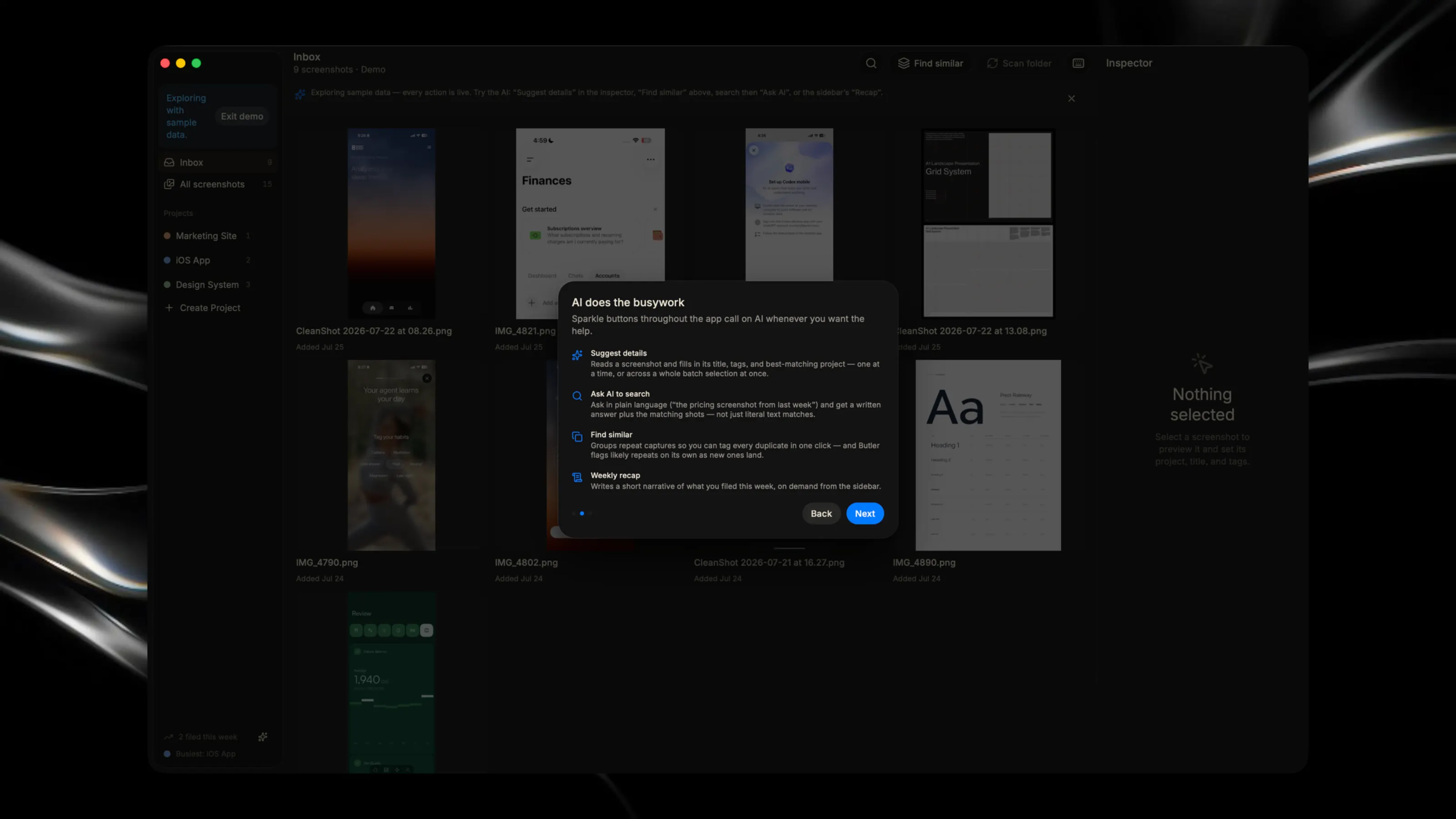
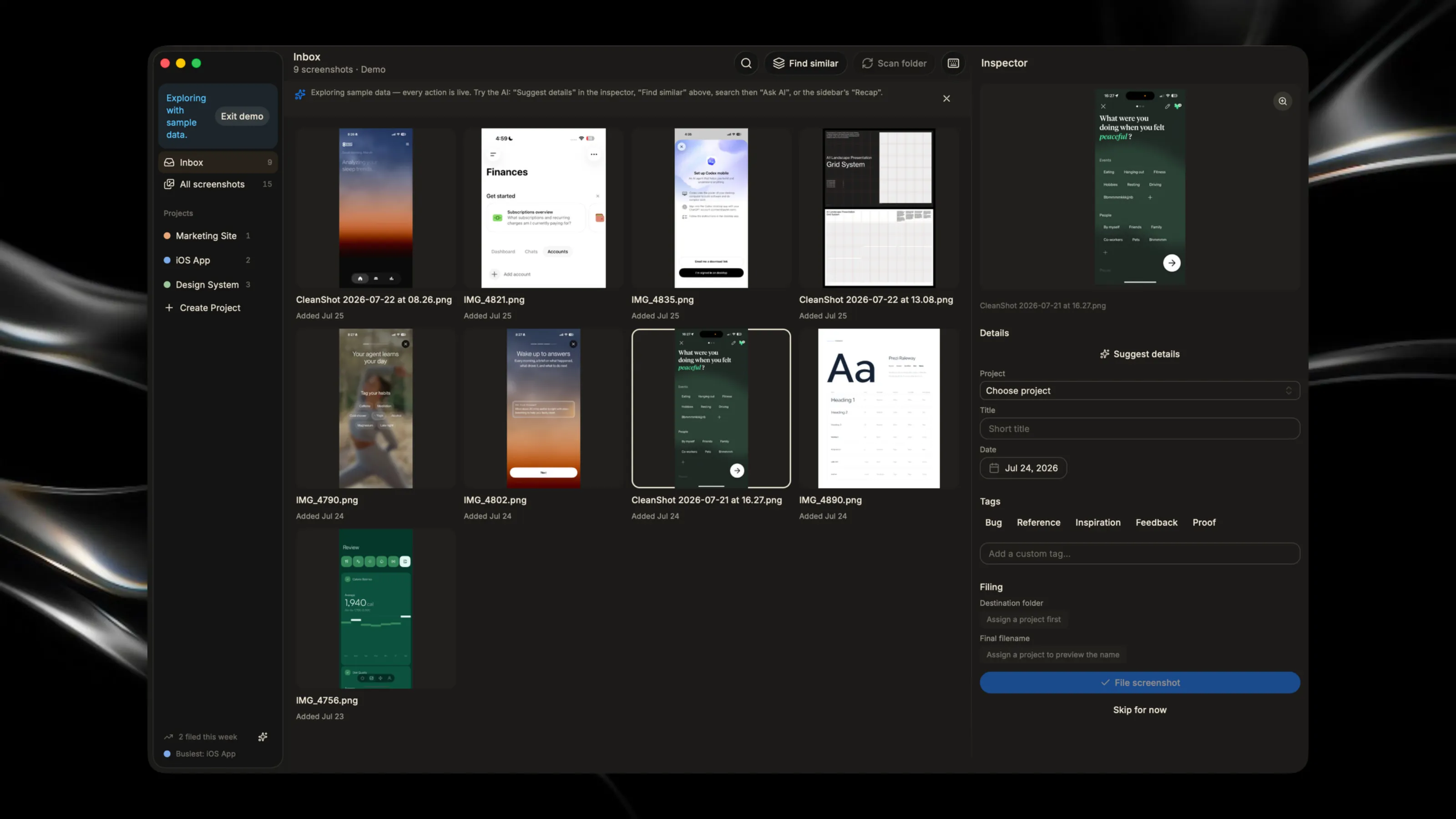
Glaze AISuggests filing details for screenshots, answers questions about your screenshot library, flags likely duplicate screenshots, and writes a short weekly filing recap — all based on your own screenshots. AI usage is billed to your Glaze credits, with a daily cap.
Organize what matters instantly

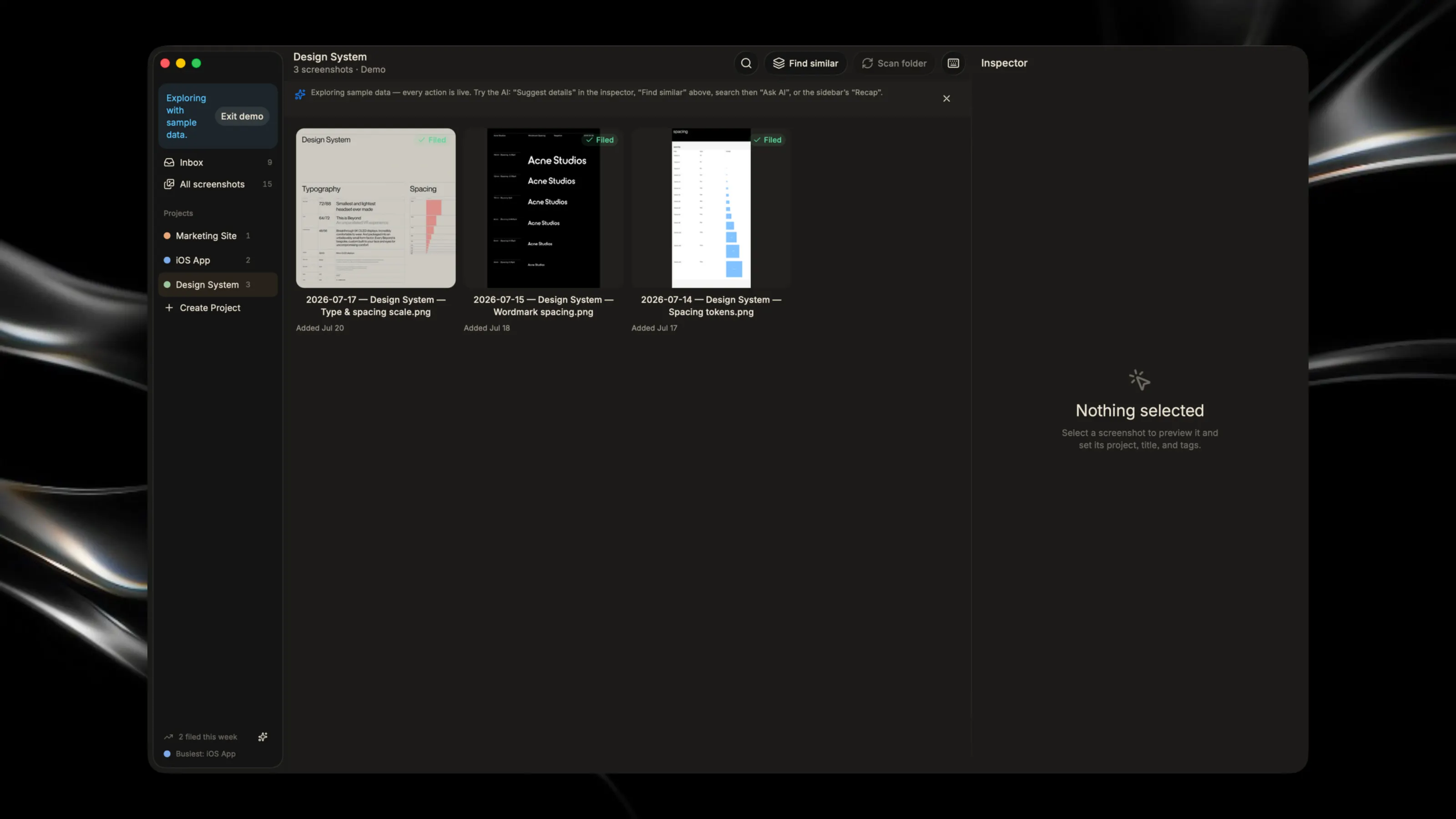
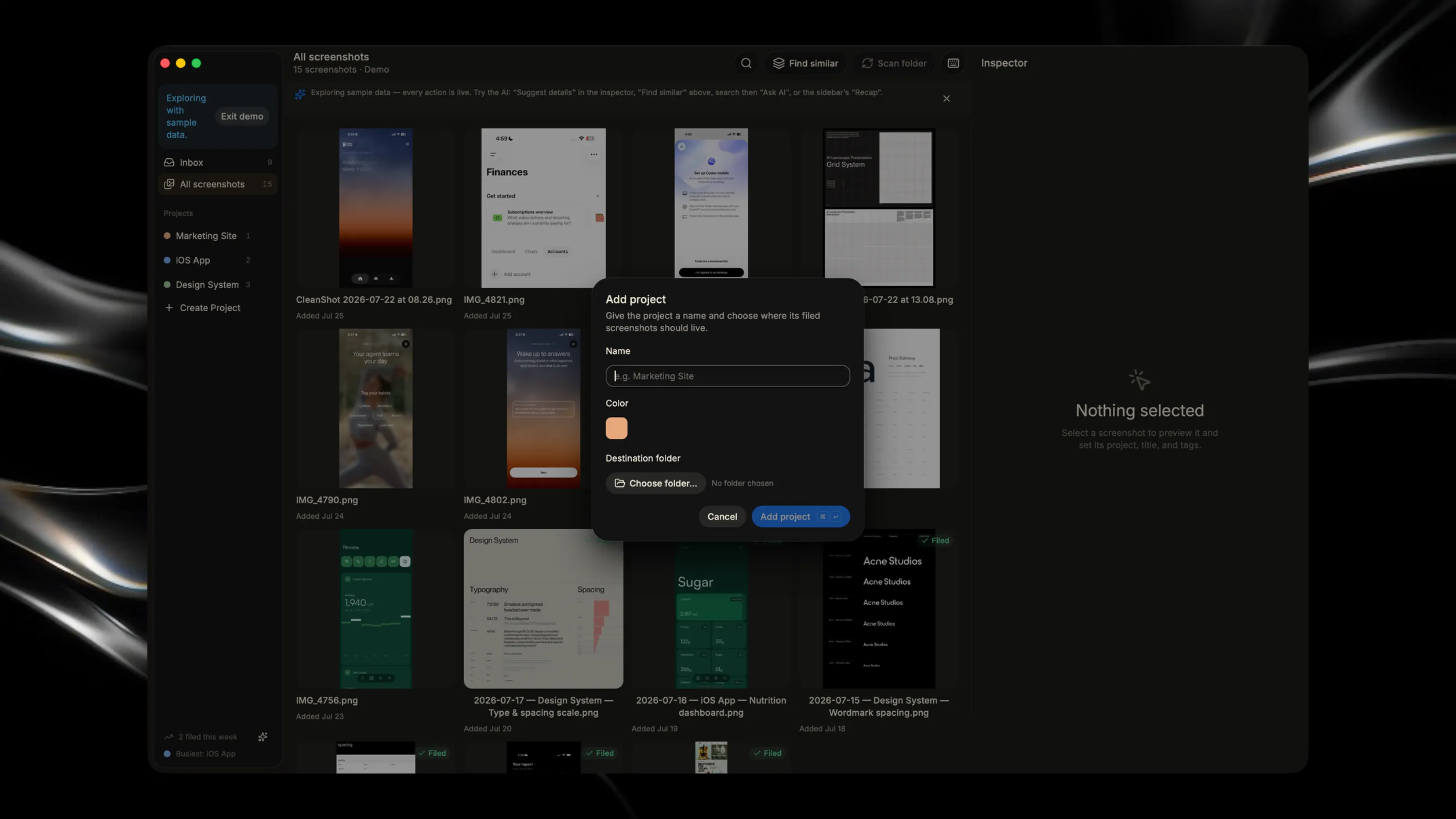
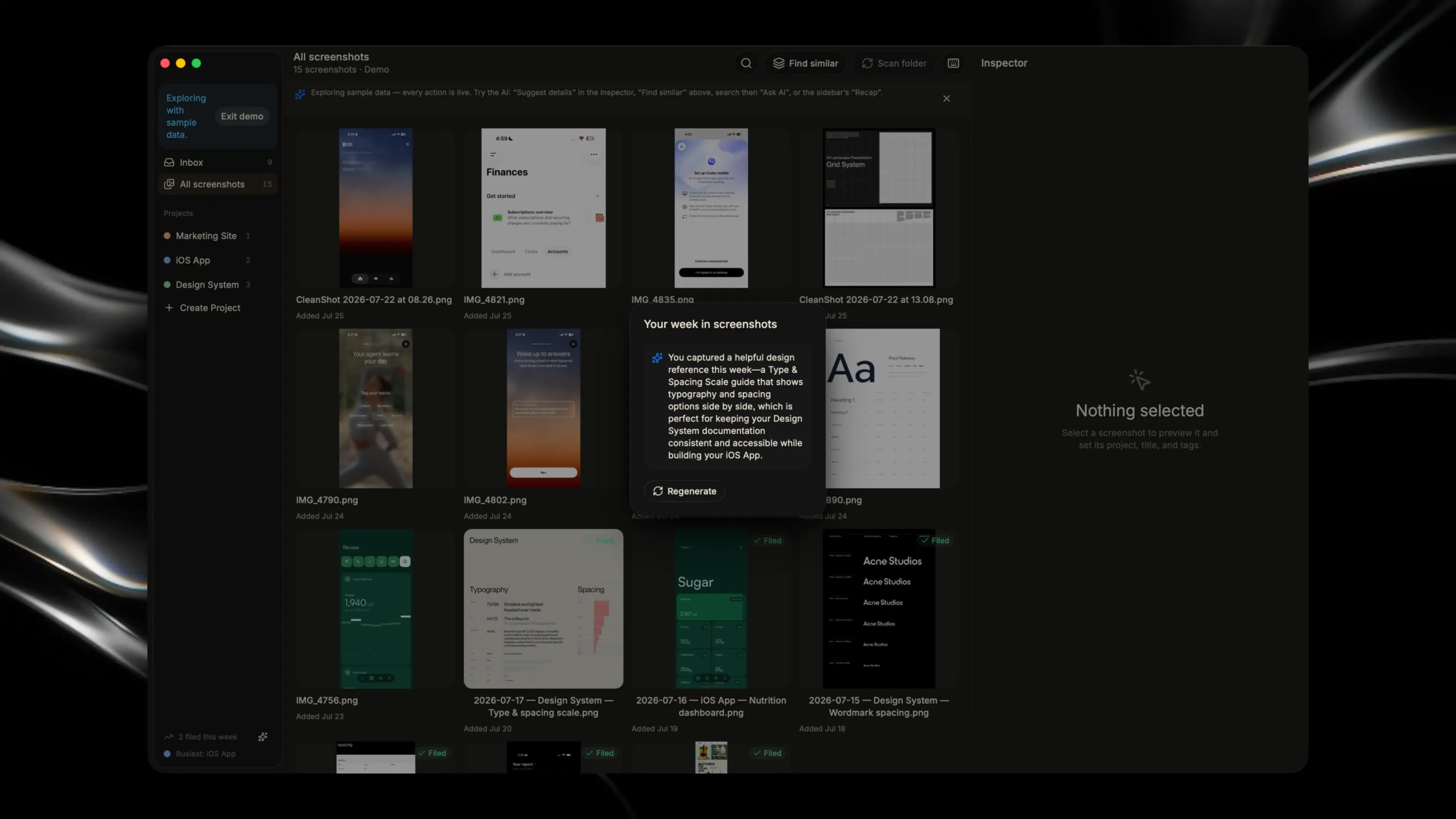
About Screenshot Butler
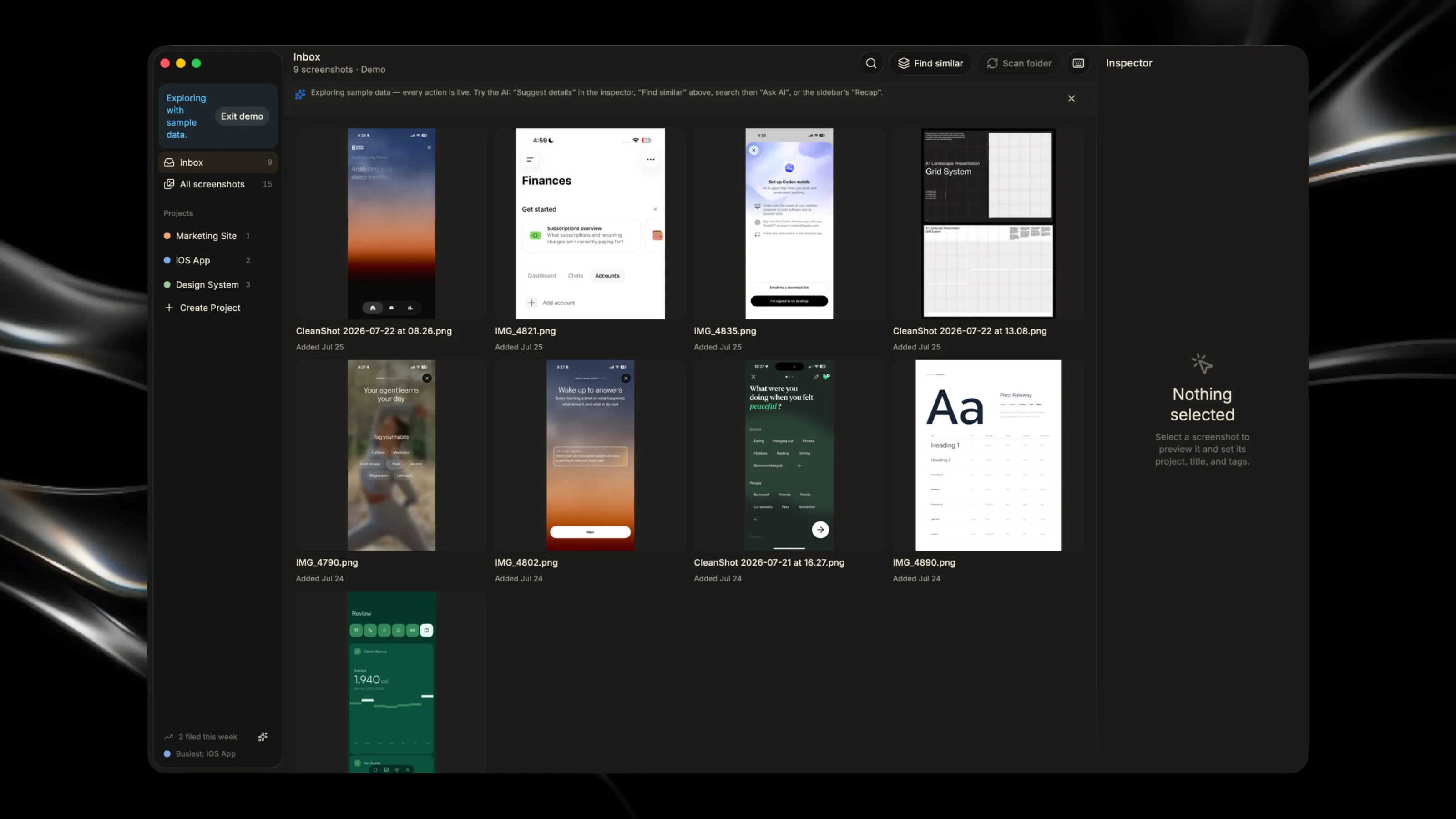
Stop hunting through your screenshot folder for projects. Screenshot Butler automatically watches your inbox, instantly organizing and filing away captures as they arrive. Key Features: - Scan folders and auto-rename screenshots with smart suggestions - Batch triage screenshots into projects or mark them as duplicates - Watch your inbox folder in the background and get notified of new captures - Quick access from your menu bar with live inbox count