Scroblytics
Visualize your Last.fm Scrobbles

About Scroblytics
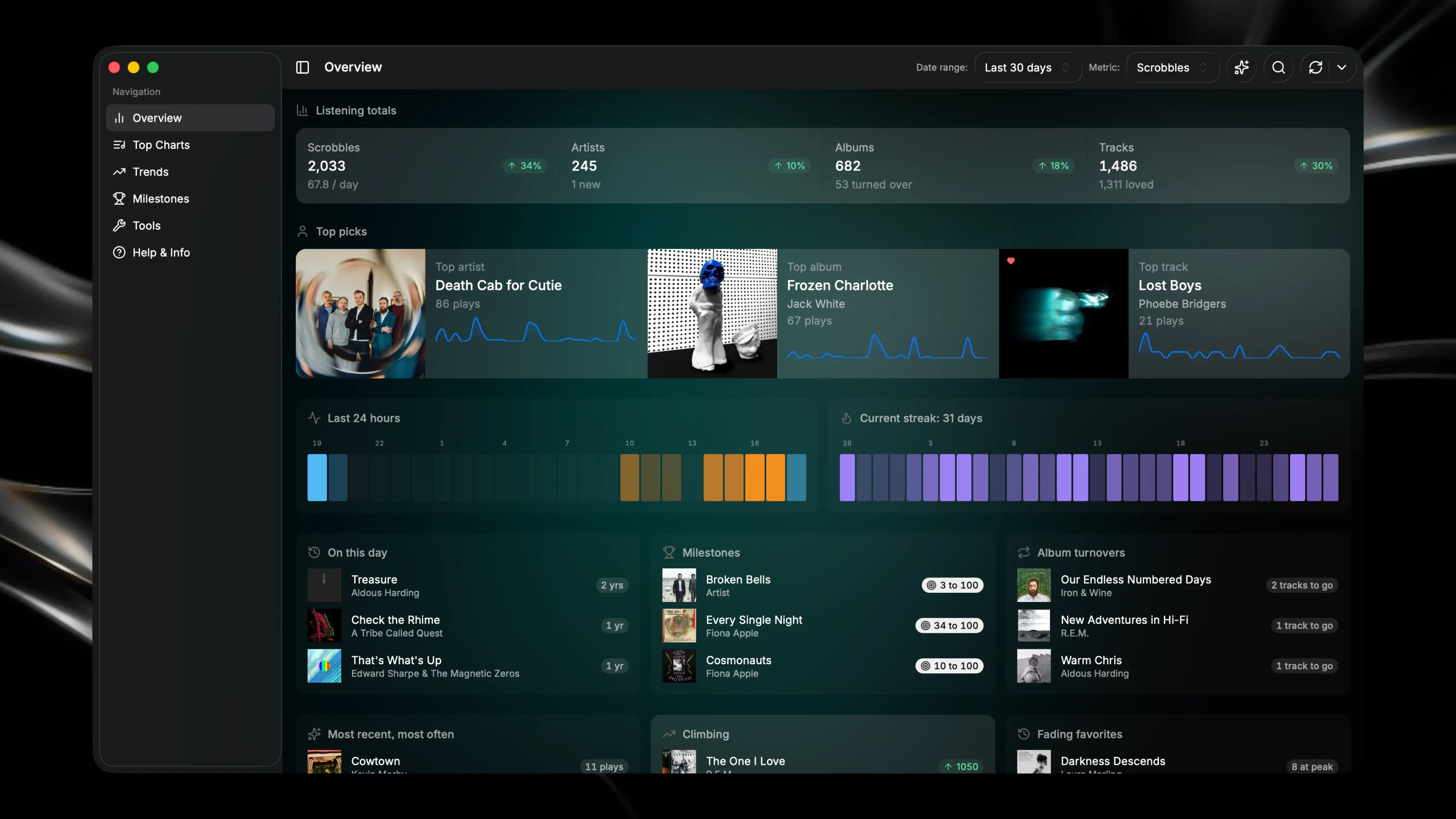
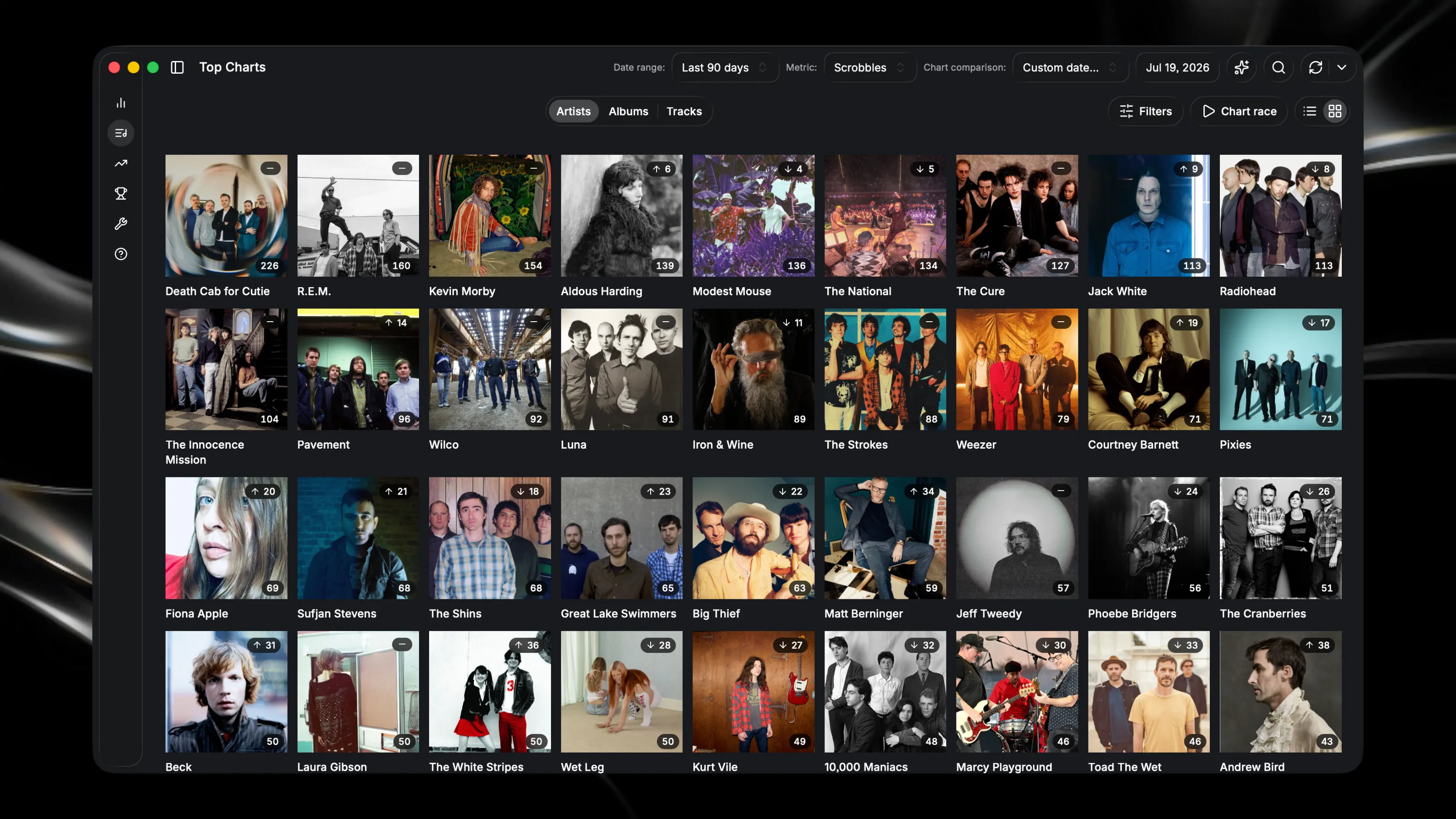
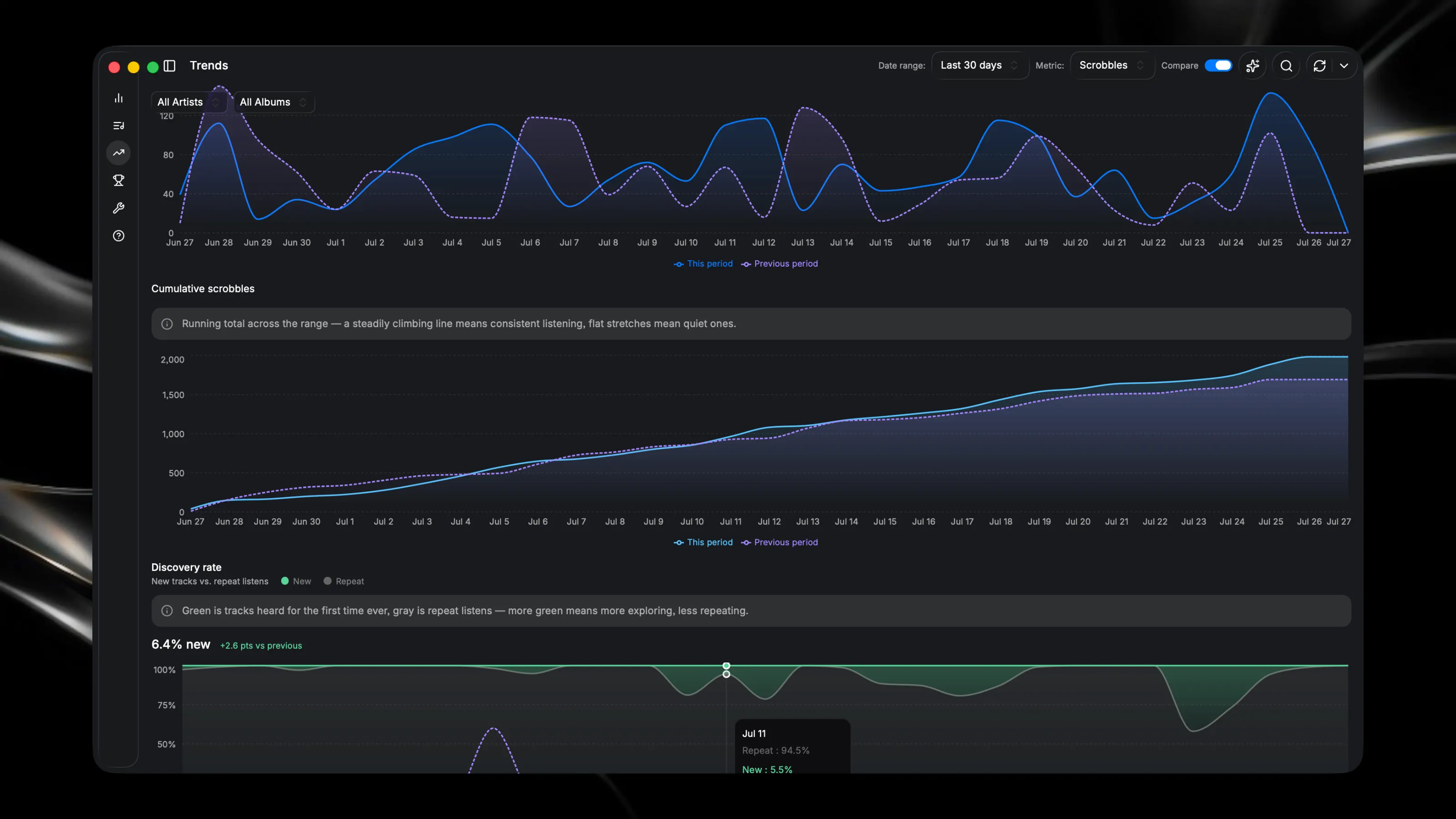
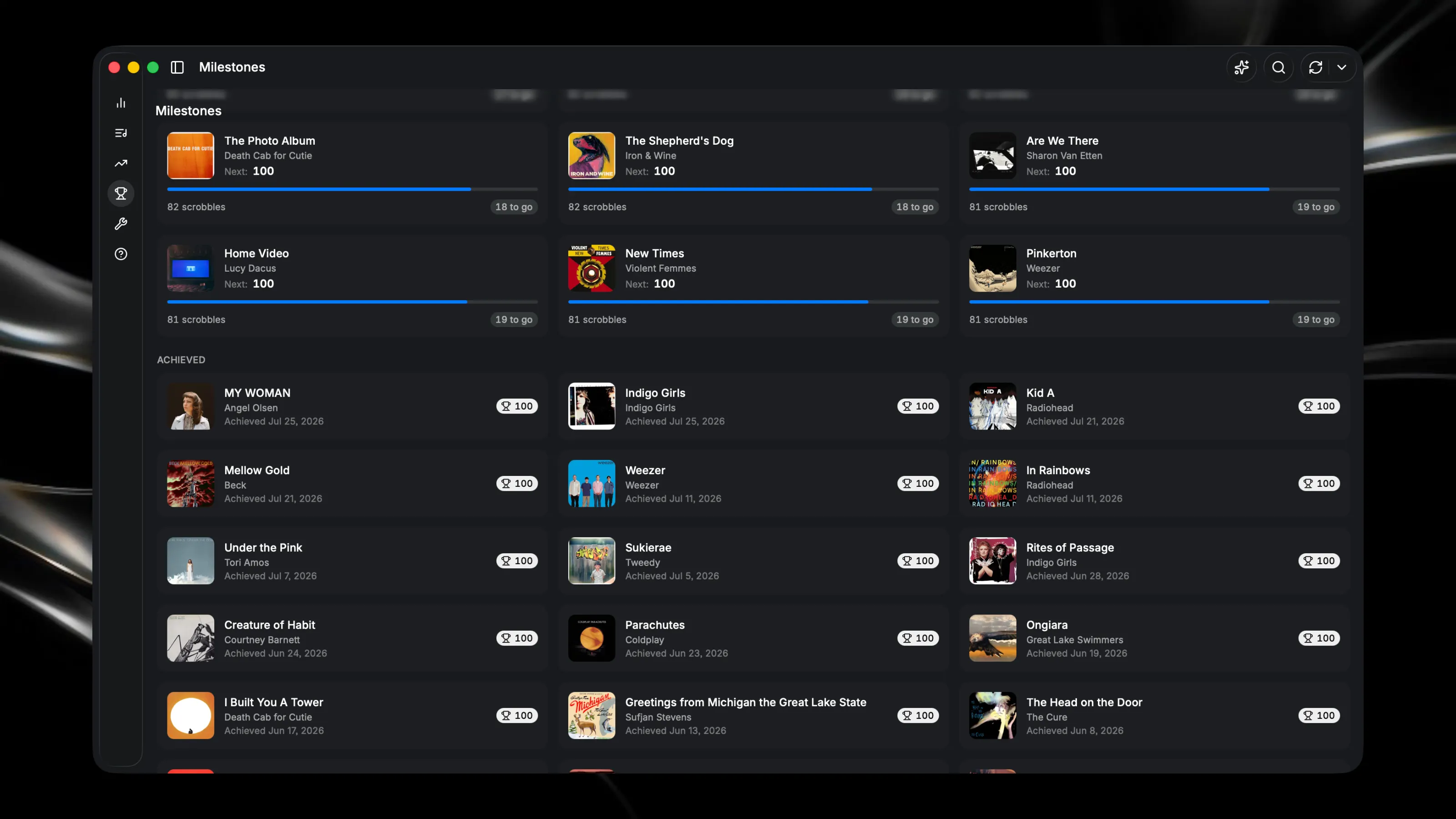
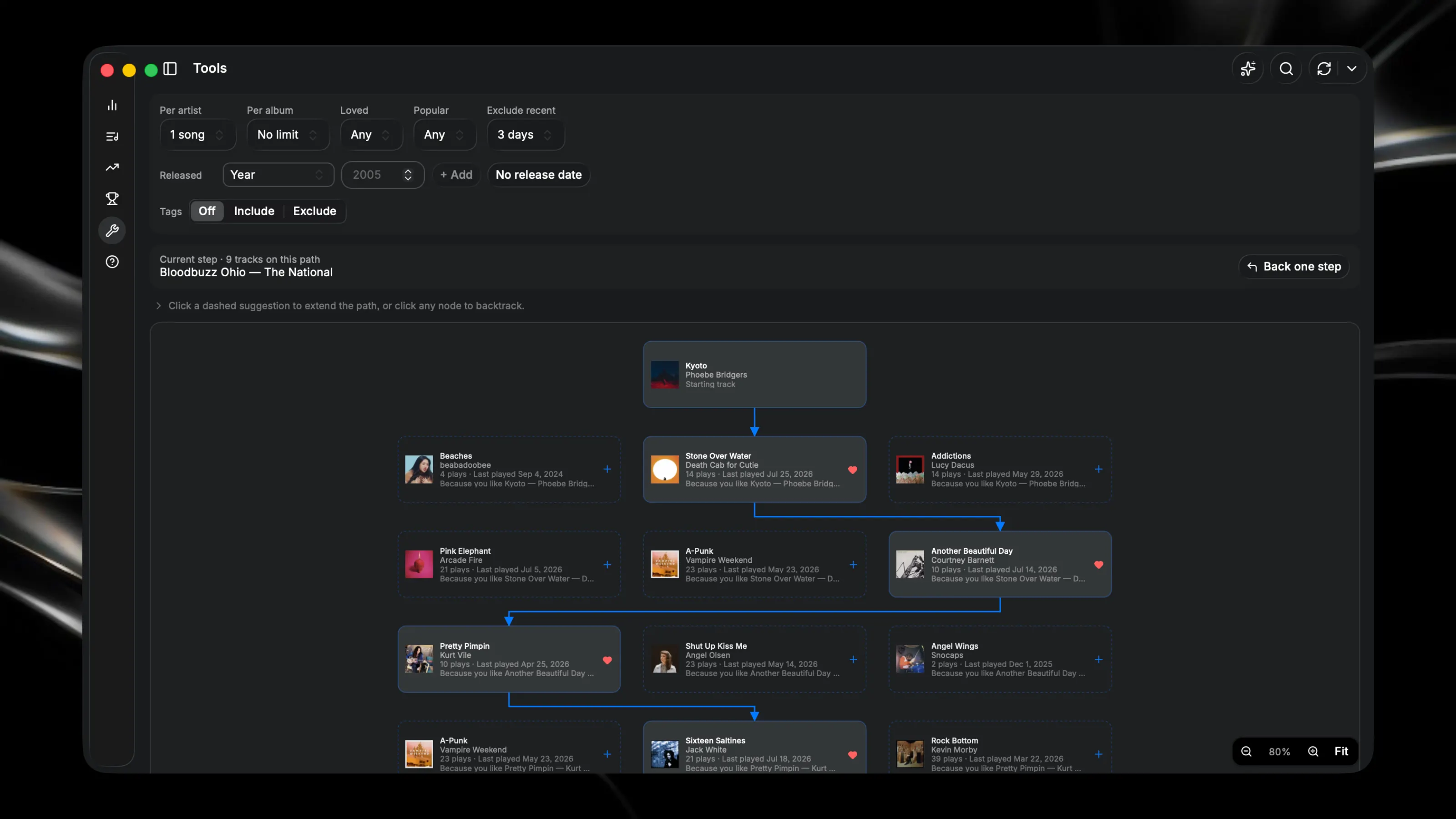
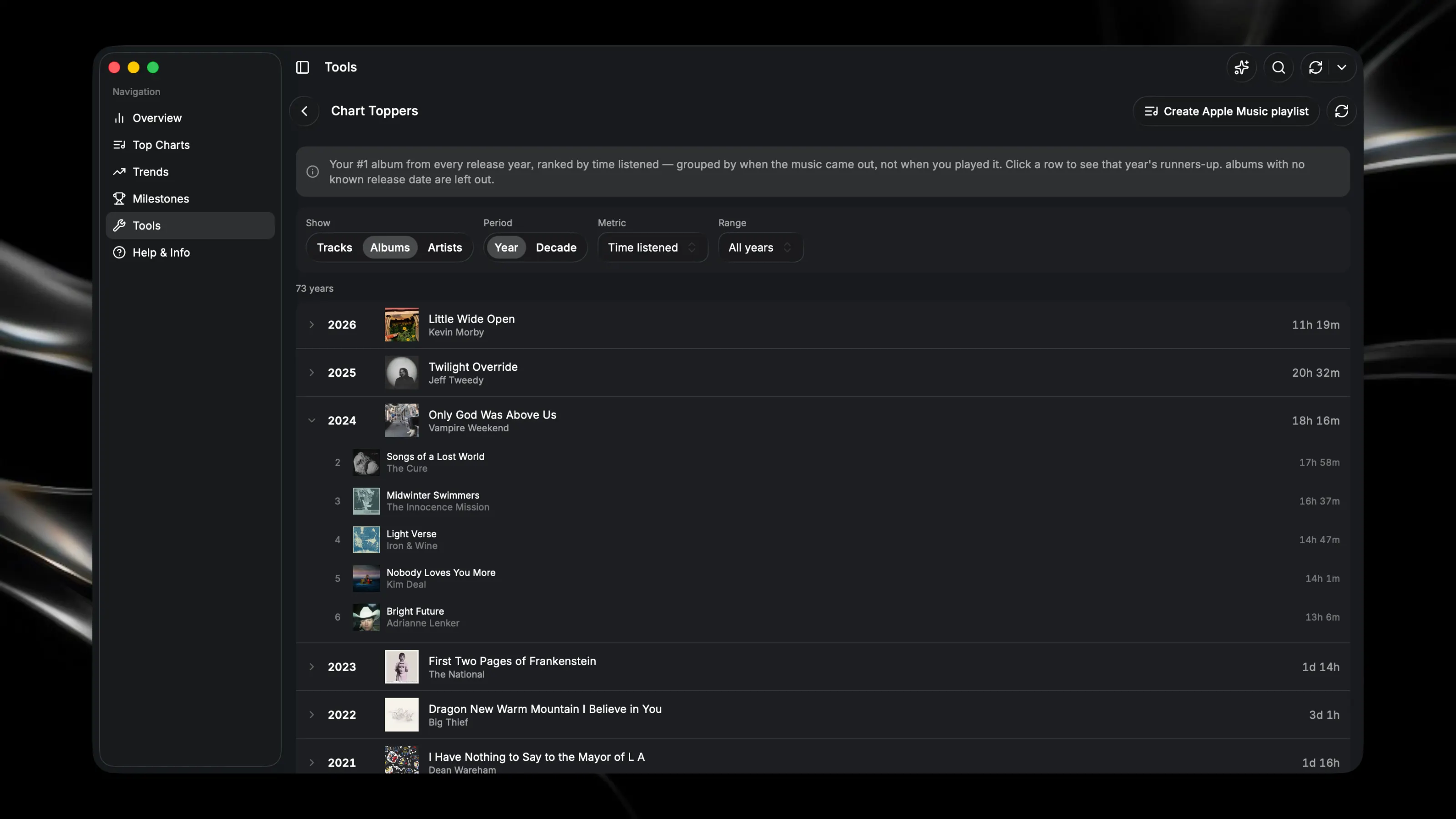
Visualize your Last.fm listening history with interactive charts and detailed statistics. Track your top artists, albums, and songs across custom time periods. See trends in your music taste over time, compare listening patterns between different date ranges, and export your favorite tracks to Apple Music playlists. Connect your Last.fm account to start exploring your scrobbles instantly. Key Features: - Every chart works in scrobble count or actual time listened, whichever tells the real story - Browse your whole library like a real music library — alphabetical, filterable, and packed with context at a glance. Including Last.fm tags, track duration, and BPM/tempo data powered by GetSongBPM.com (https://getsongbpm.com/) - One-click Apple Music playlists built straight from your real charts and lists - "Milestones” tracks every count threshold you've crossed, plus how close you are to the next one, for your whole library and for individual artists, albums, and tracks - "Album Turnover” shows you how often and how long it takes you to actually listen through an album front to back - A "Loyalty Map" that sorts your artists into lifelong favorites, recent obsessions, and everything between A listening flow diagram showing what you tend to play right after something else - “Timeline" shows your top artist, album, and track for every week and month you've ever scrobbled - "Rabbit Hole” lets you build a playlist one choice at a time, following suggestions down a branching path through your own library - "Fading Favorites" & "The Climb" shows songs you've drifted from, and ones you're falling for right now - “Ask" in plain language for interesting insights or Apple Music playlists ("artists with 100+ plays and fewer than 5 albums") — works right out of the box with Glaze or you can use your own API key - "Liner Notes" creates AI-written journal entries summarizing any day, week, month, or year of your listening.