
SitePulse
Monitor website uptime in real time

About SitePulse
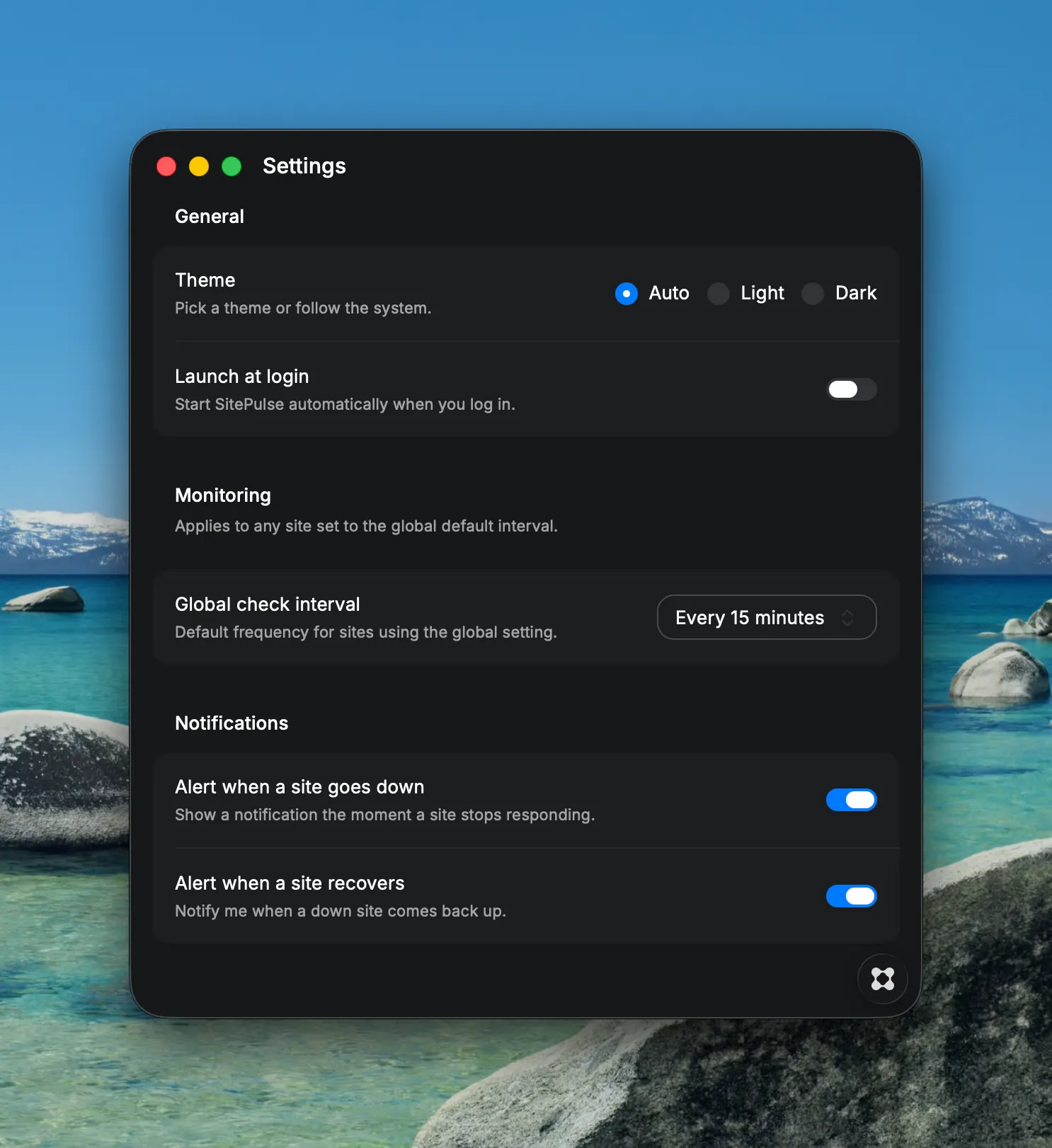
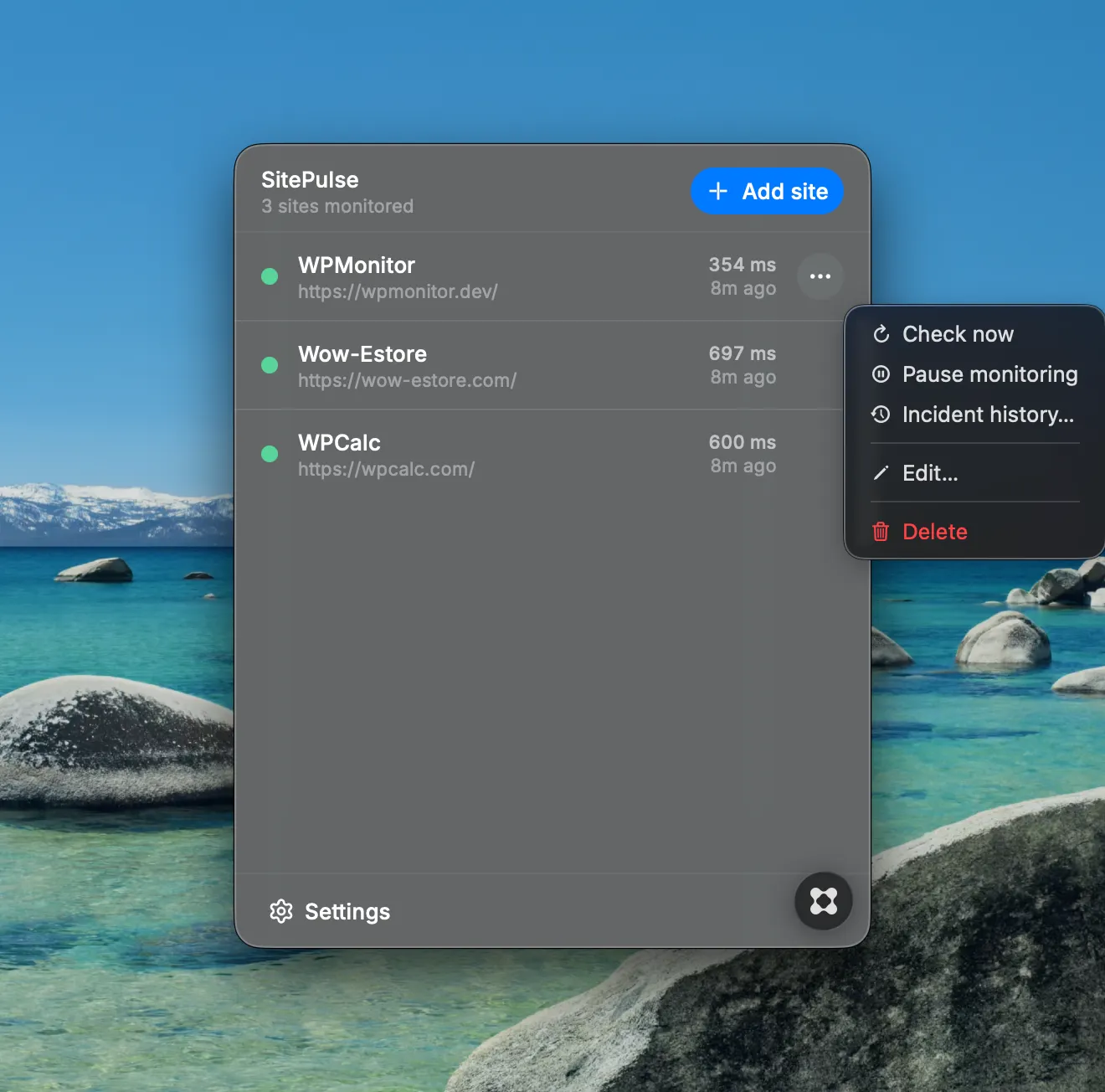
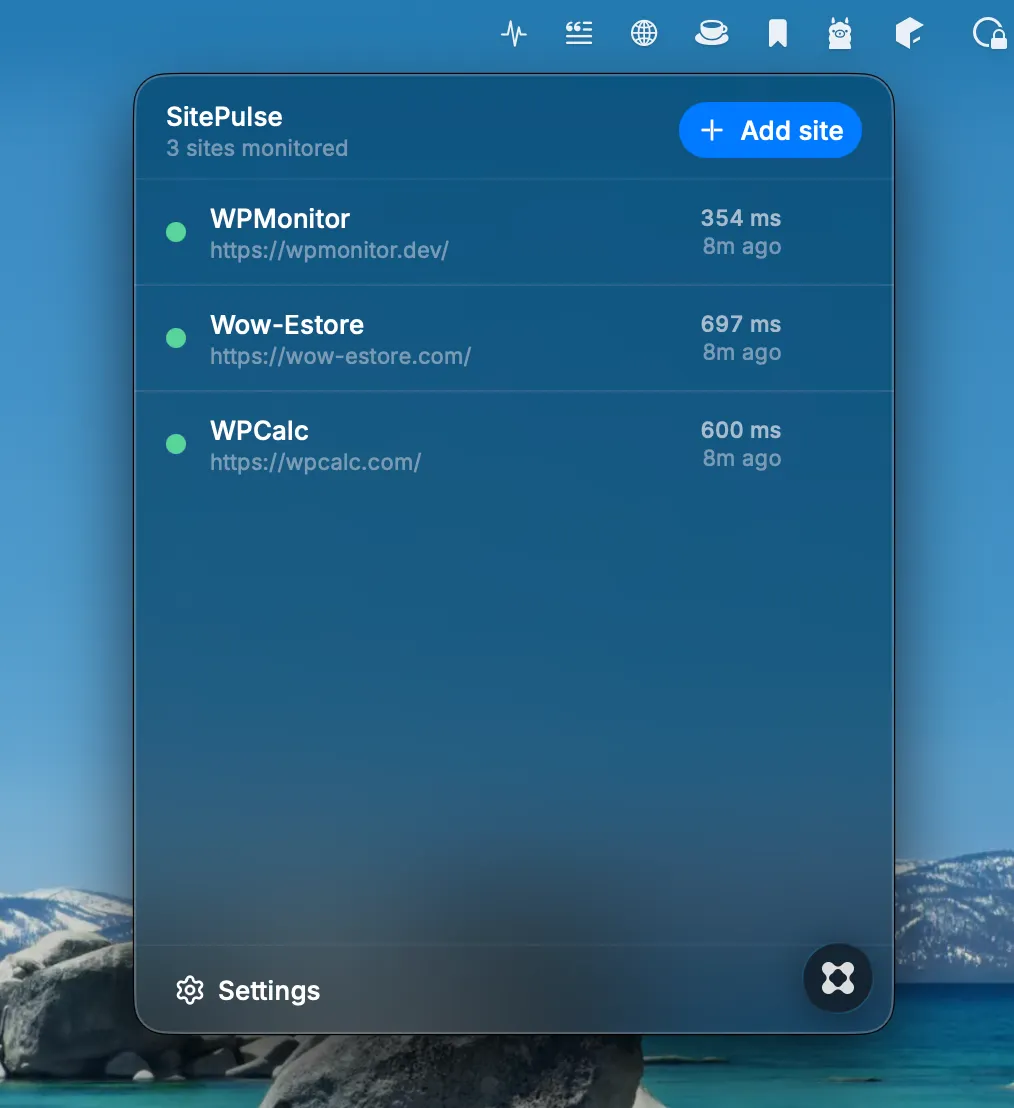
SitePulse watches your websites so you don't have to. A lightweight macOS menu bar app that pings your sites on a schedule you control, and tells you the moment something breaks — without opening a browser tab or a heavy dashboard. Monitor at a glance Click the menu bar icon for a clean list of every site: status, response time, and when it was last checked. The icon itself turns red the instant any site goes down, so you know before you even open the popover. Real checks, not guesswork SitePulse performs live HTTP requests on a schedule — not simulated pings. Response times, HTTP status codes, DNS failures, and SSL errors are all captured and shown in plain language. Set it once, or tune every site Choose one global check interval for everything, or override it per site — from every minute to once an hour. Add, edit, and remove sites in seconds. Native notifications Get a macOS notification the moment a site goes down, and another when it comes back up. Toggle each independently in Settings. Know how bad it was Every outage is logged automatically — when it started, how long it lasted, and why. Review the incident history for any site straight from its menu. Stay in control - Pause monitoring for a site during planned maintenance, without losing its history - Trigger an instant check with "Check now" - Click any site to open it in your browser - Launch SitePulse automatically at login - Light, dark, or system appearance Built for the menu bar No dock icon, no clutter, no accounts. SitePulse lives quietly in your menu bar and stays out of your way until something needs your attention.