SKECHE
Your Screen, Vectorized Instantly.

About SKECHE
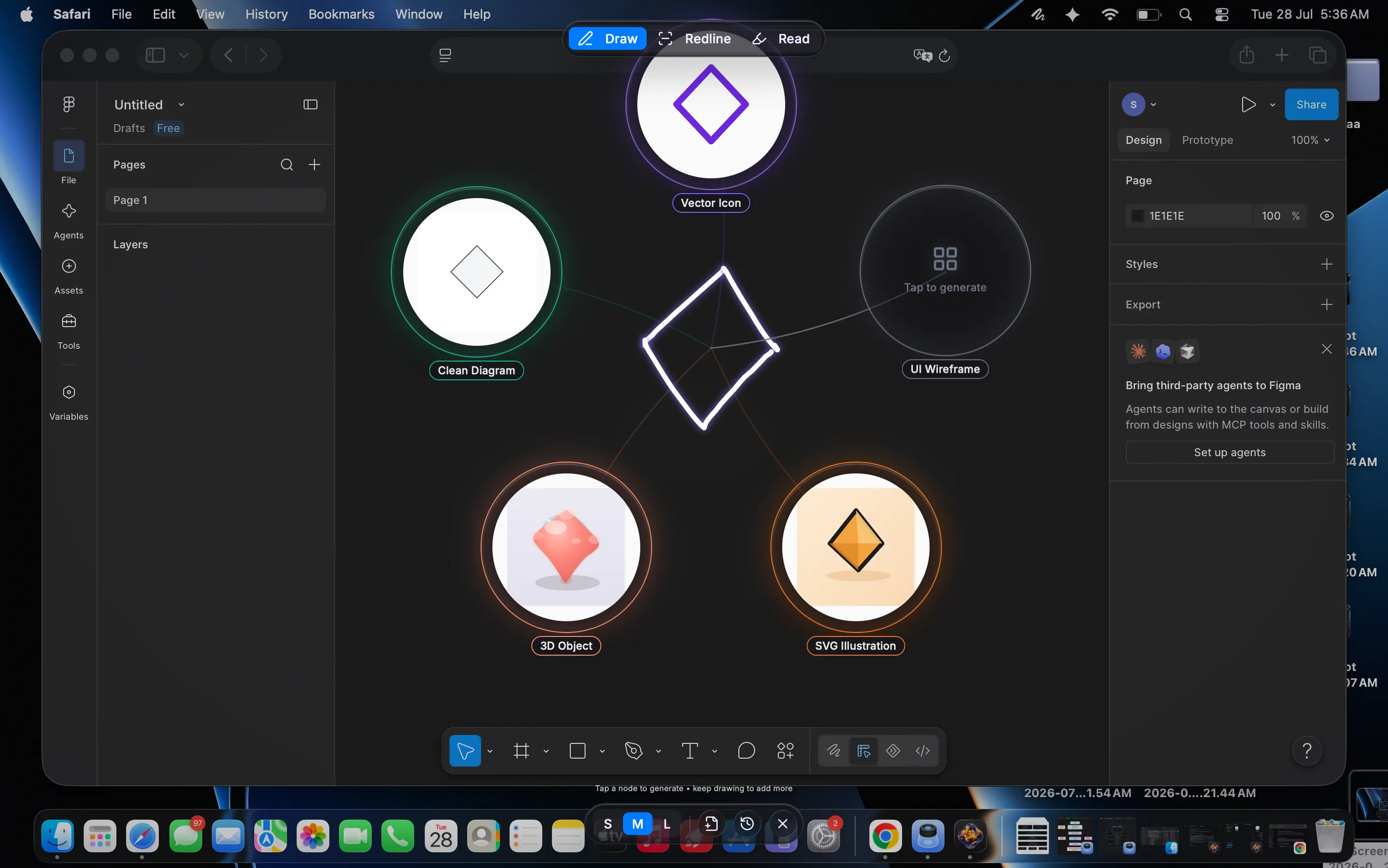
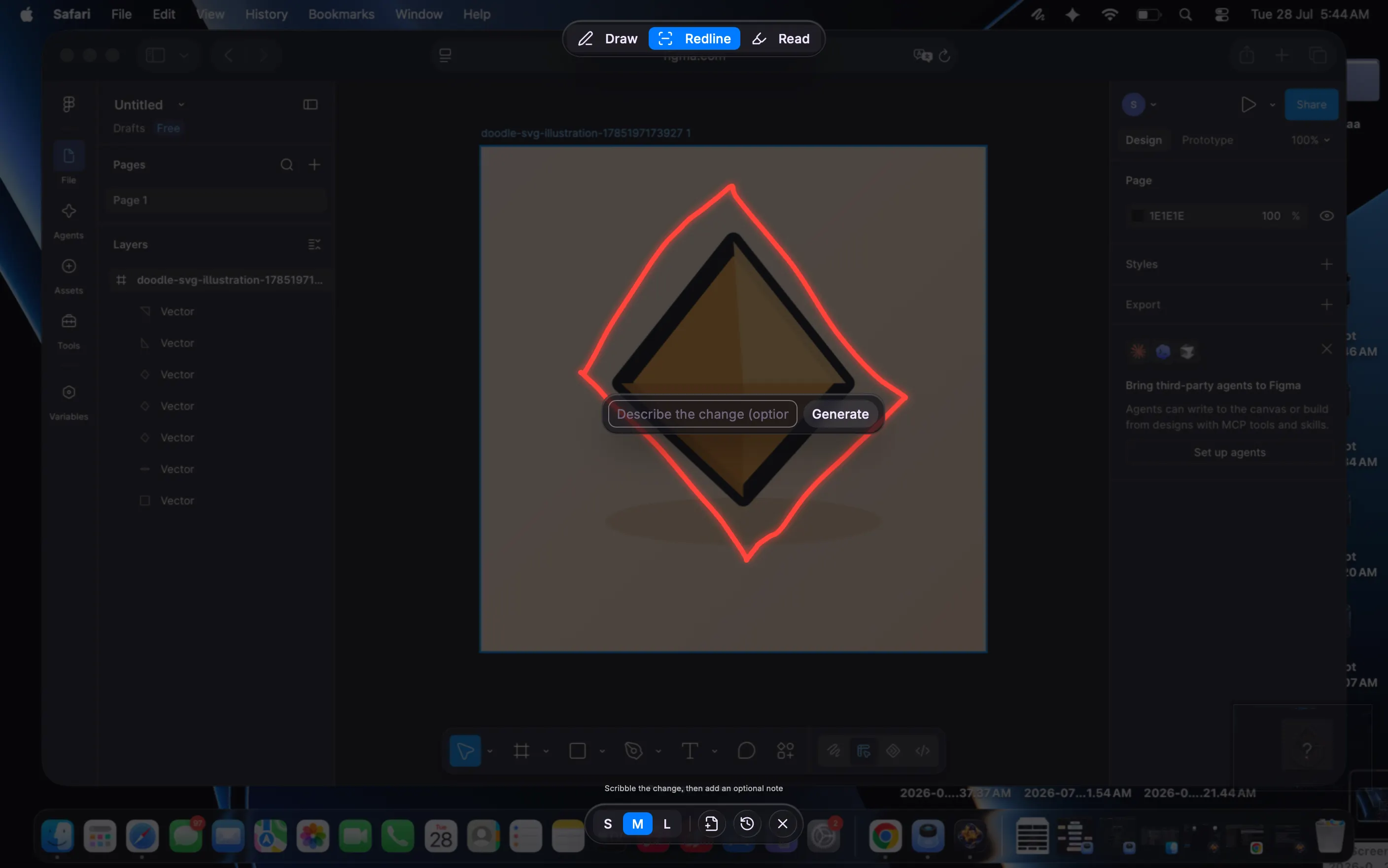
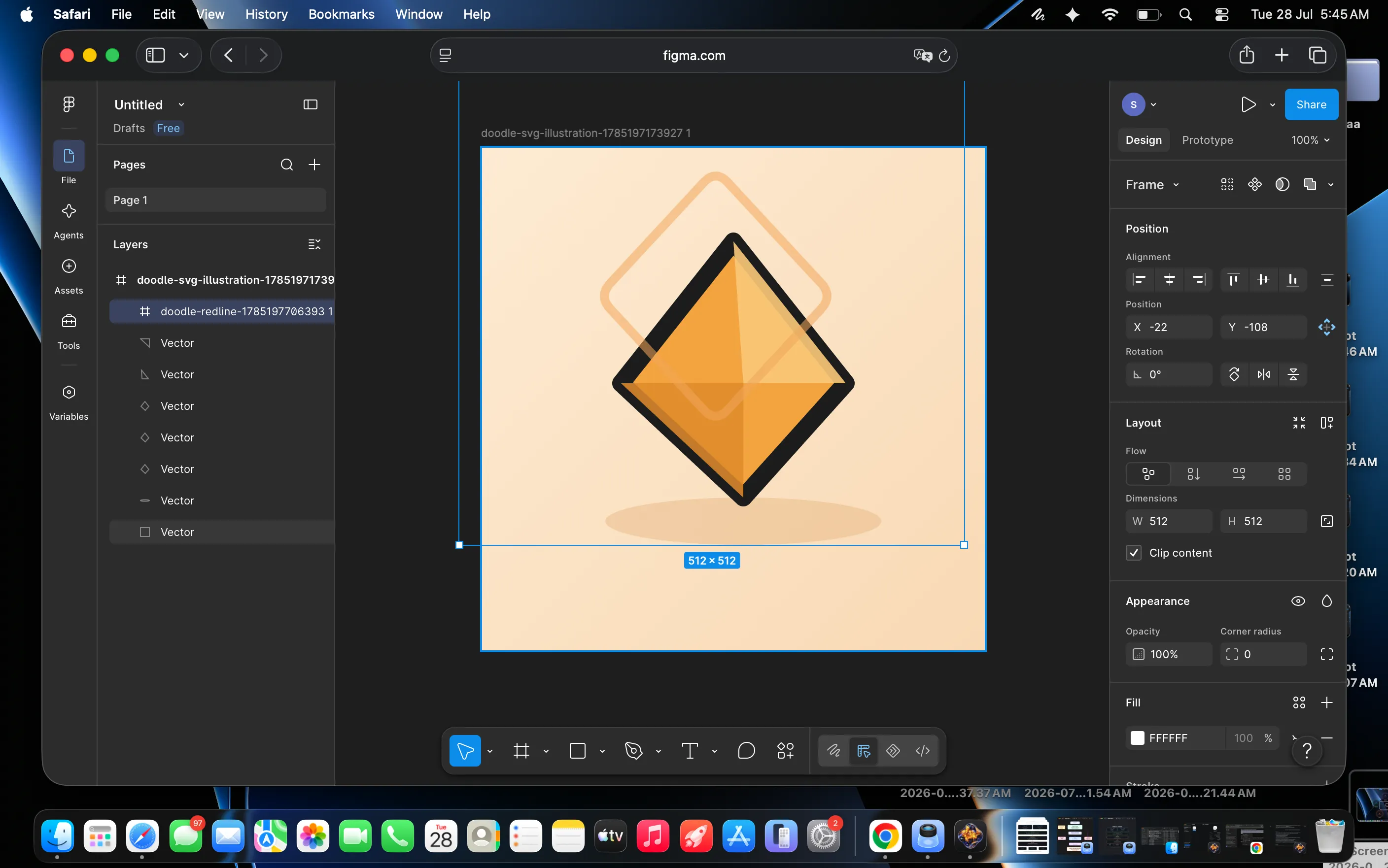
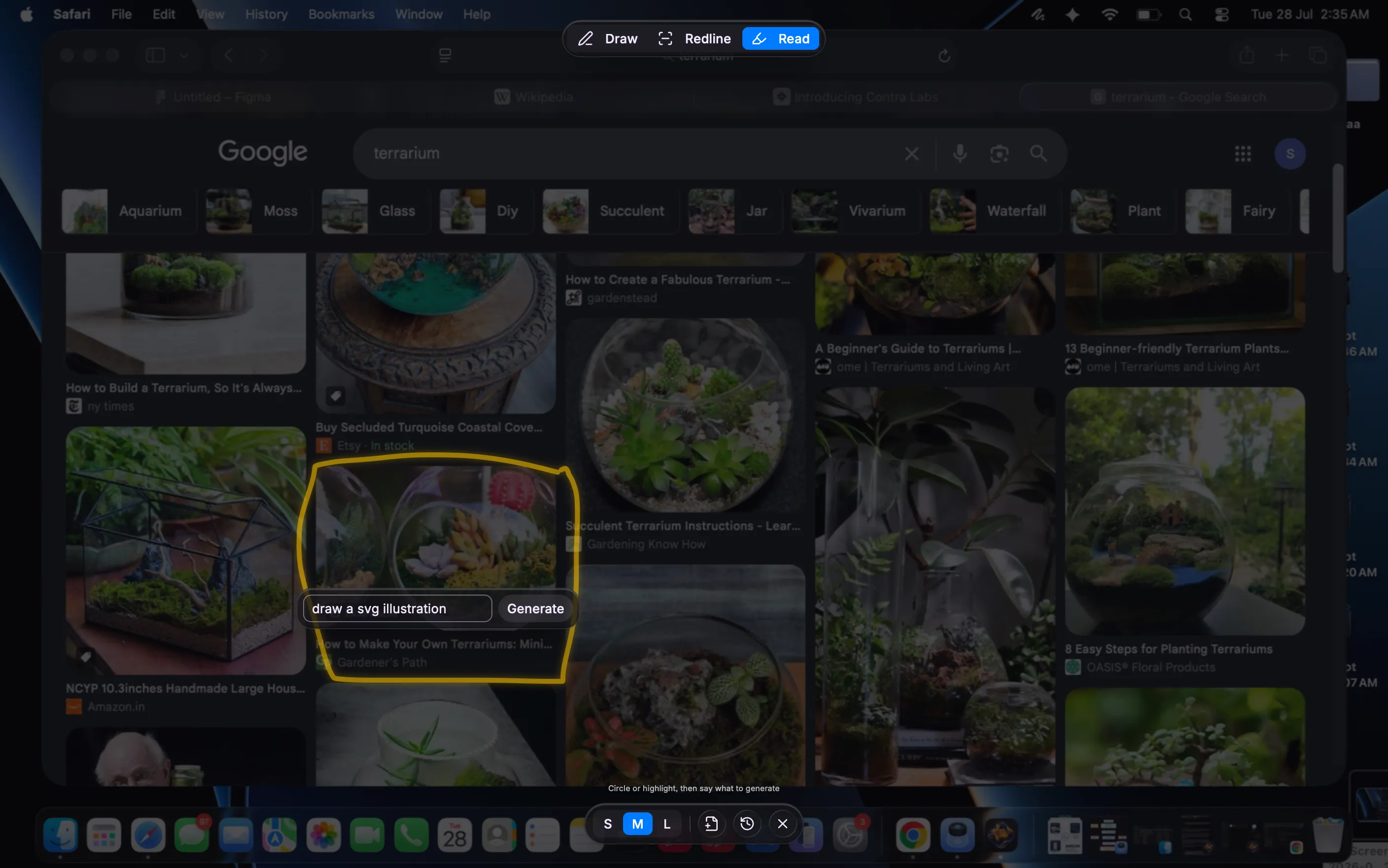
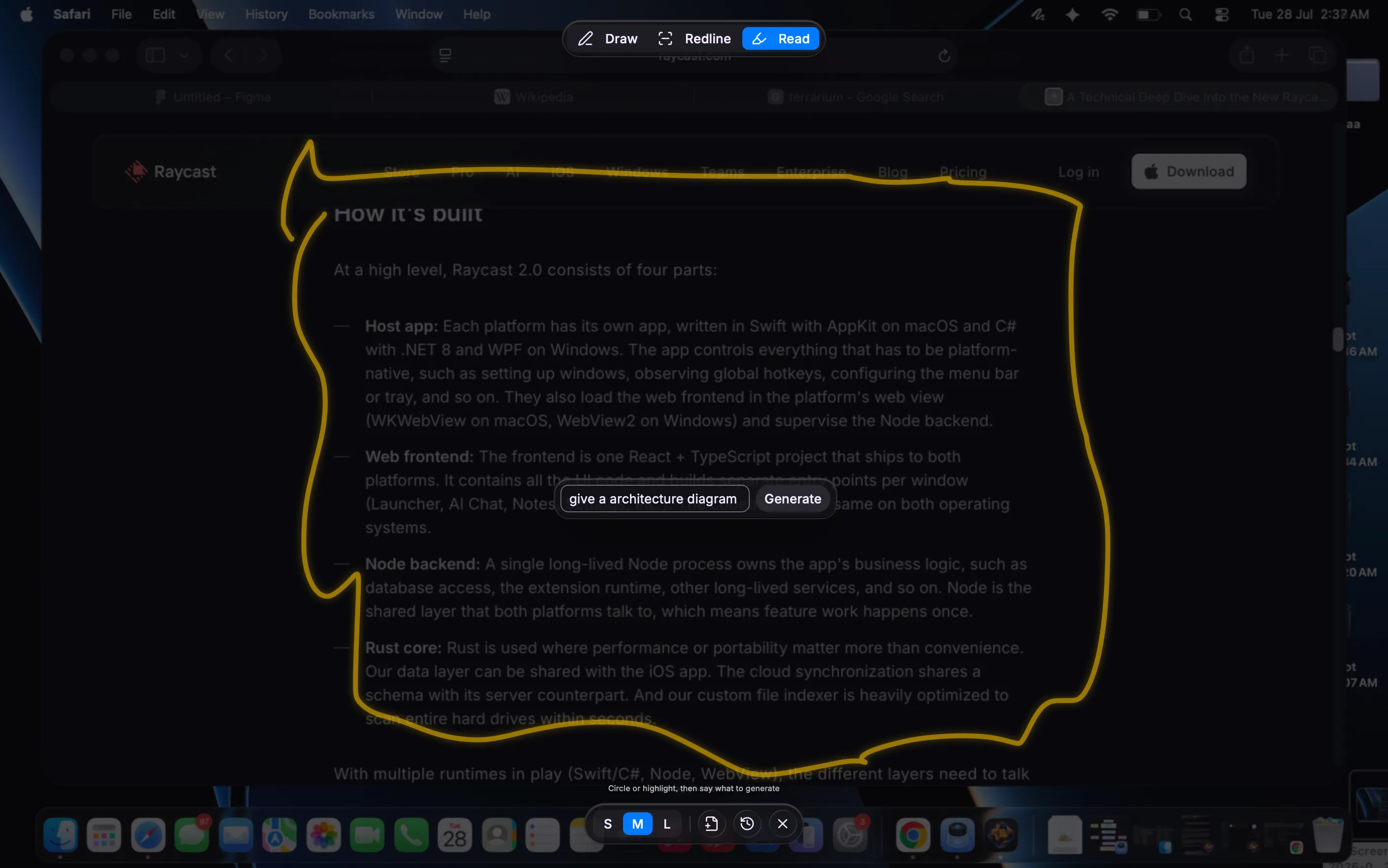
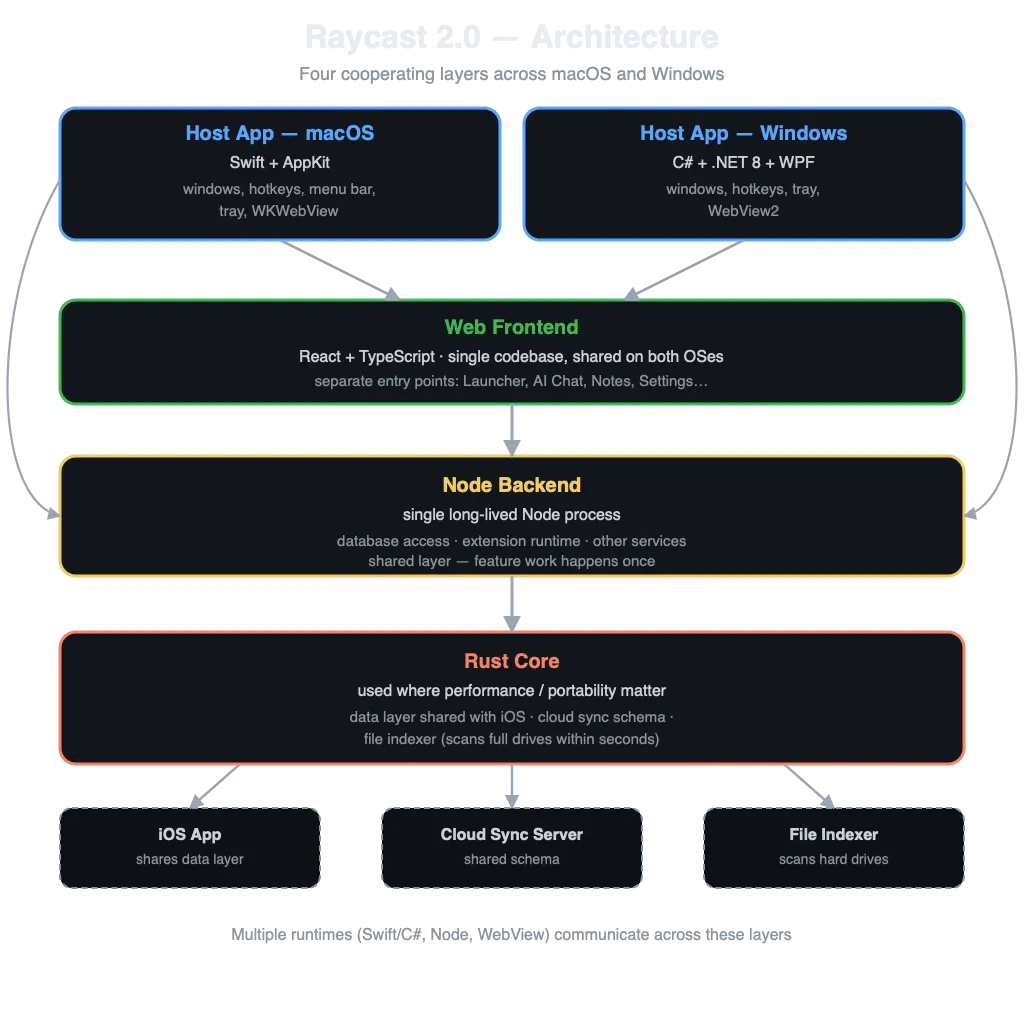
Skeche is an ambient desktop utility that turns any part of your screen into production-ready UI assets, 3D objects, system diagrams, and Figma layers in real time. Operating directly over your OS workspace in normal screen mode, it bridges the gap between rough ideation and final visual deliverables without breaking your flow. ⚡ 3 Core Modes ✏️ Draw Mode — Doodles to Parallel Assets: Draw a rough sketch anywhere on screen to instantly generate 5 parallel output nodes (3D Object, Vector Icon, Clean Diagram, SVG Illustration, and UI Wireframe). Pick your favorite and drop it straight into Figma. Refine with Text: Prompt your sketch to instantly tweak materials, lighting, or style (e.g., "convert to frosted glass") across all 5 generated asset variations without redrawing. 🎯 Redline Mode — Direct Layer Editing: Redline or sketch directly over live UI or 3D elements on your screen. Describe your change, and Skeche generates matching vector elements dropped straight into your Figma layer tree. 📖 Read Mode — Specs to Architecture: Circle any text spec, documentation, or PRD on your screen. Skeche reads the semantic context and instantly converts raw text into structured system diagrams or SVG illustrations. 🚀 How to Use (3 Quick Steps) Summon Over Any App: Press ⌘⌥D (Cmd + Option + D) anywhere on your OS—over Figma, your browser, or your IDE—to activate Skeche in standard windowed mode without switching full-screen spaces. Sketch, Circle, or Redline: Draw a rough idea, redline directly over an existing UI component, or circle raw text/PRD specs on your screen. Refine & Drop: Use text prompts to tweak styles or materials in real time, then drag your favorite generated node directly into your open Figma layer tree or copy the raw SVG code. 🛠️ Key Highlights Ambient OS Utility: Runs smoothly in normal screen mode over any active workspace via ⌘⌥D (Cmd + Option + D), respecting native OS space hierarchies. Figma-Native: Drops generated vectors directly into your open layer hierarchy. Fallback History Panel: Automatically saves every generated node, prompt, and sketch locally so you can restore past variations or pick up previous iterations without losing your flow. Instant Export: Drag assets directly into your workspace, copy raw SVG code, or export PNGs.