Spotlight
Turn raw recordings into polished demo

About Spotlight
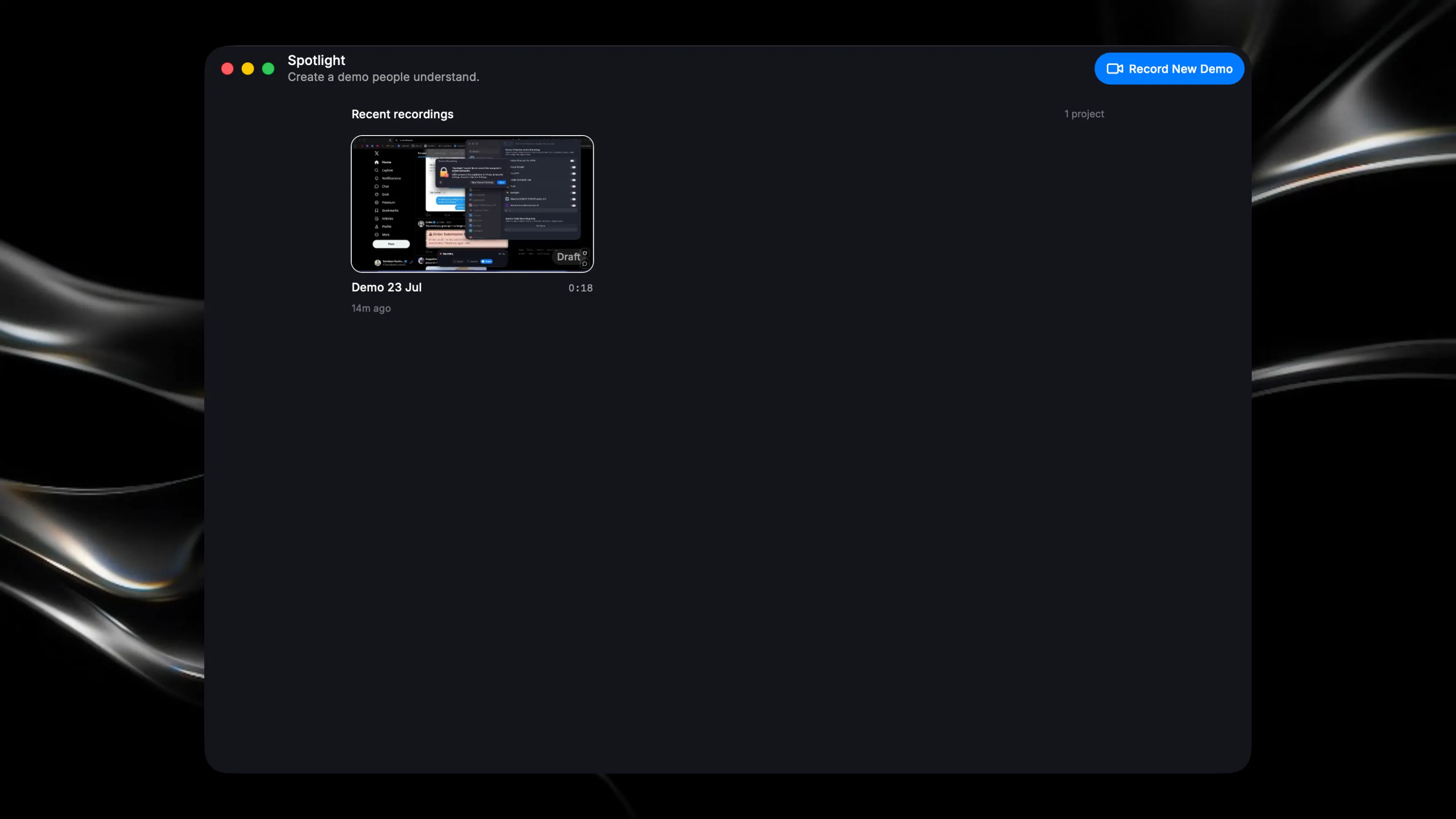
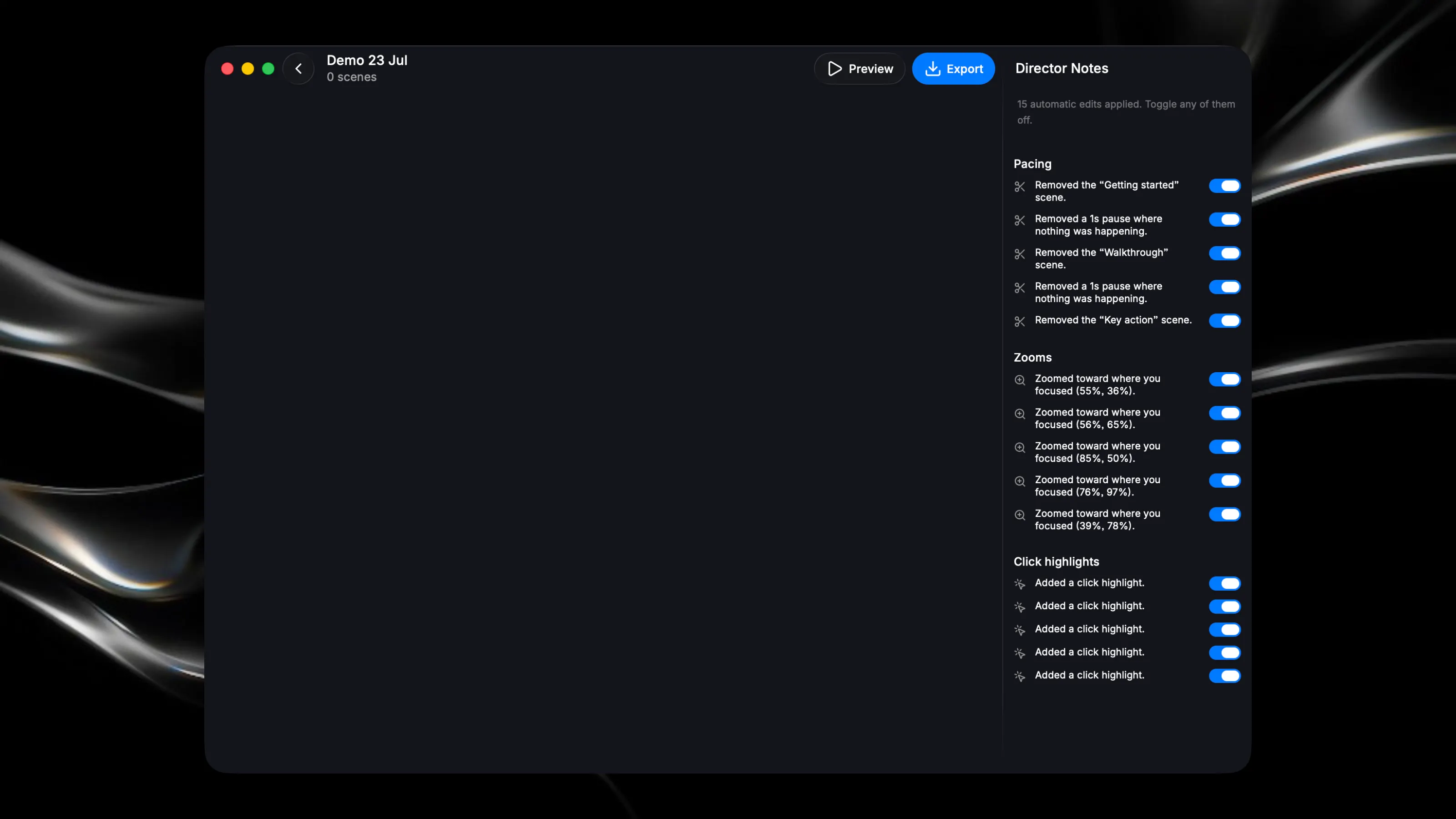
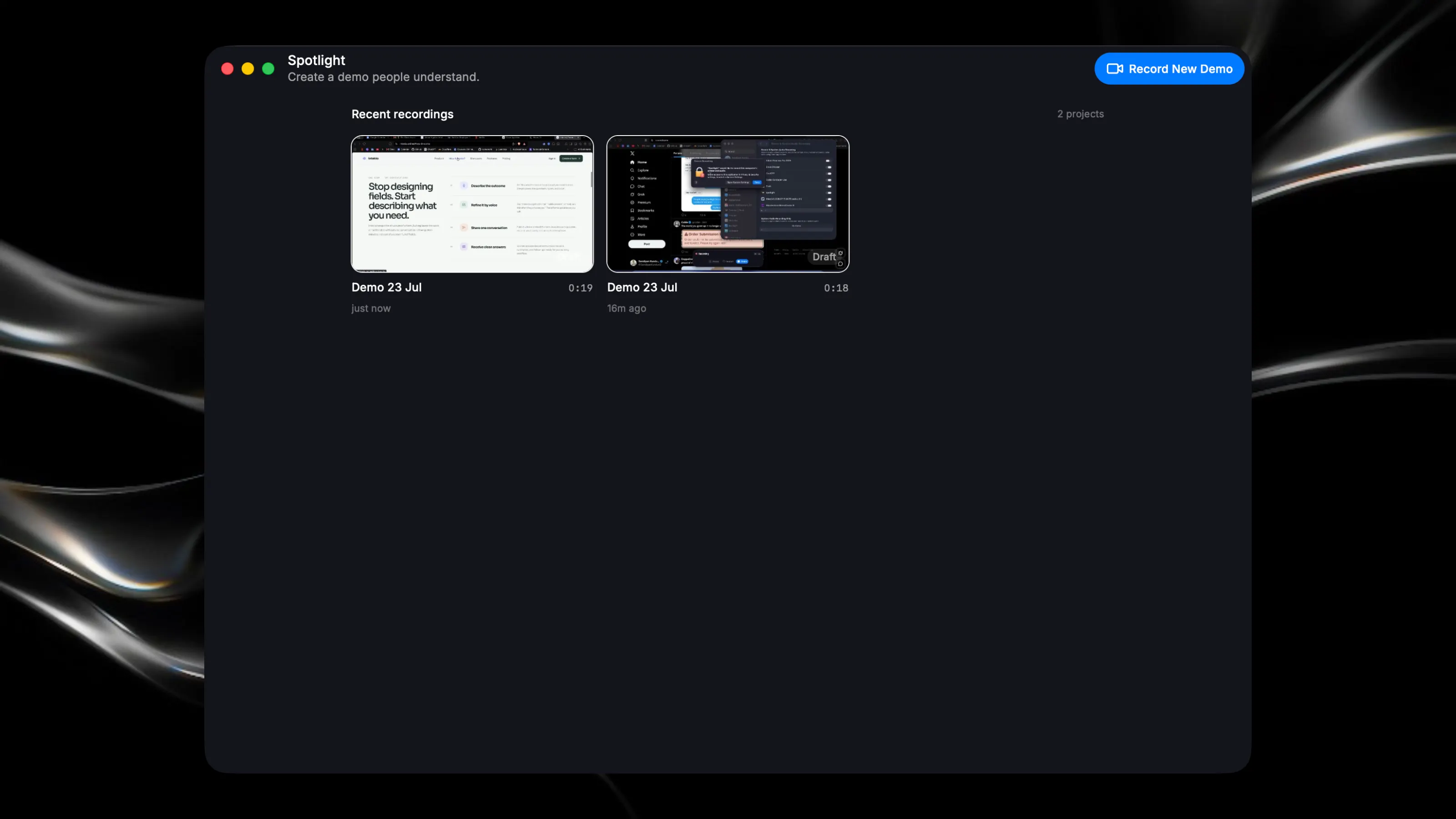
Spotlight turns rough screen recordings into polished product demos—automatically. Record your screen, explain your product naturally, and let Spotlight handle the editing. It removes awkward pauses, smooths cursor movement, zooms into important clicks, generates captions, creates chapters, and prepares your video for sharing. No complicated timeline. No hours of manual editing. Spotlight analyzes your narration, screen activity, clicks, and visual changes to understand what matters in your demo. It then organizes the recording into clear scenes and suggests improvements you can review before exporting. KEY FEATURES • Record your entire screen, a window, or a specific app • Capture microphone and system audio • Automatically detect and remove inactive moments • Add smooth zooms around important clicks • Enhance cursor movement and click visibility • Generate accurate captions from your narration • Create scene titles and chapter cards • Shorten loading screens and repetitive sections • Review every edit with clear Director Notes • Export in landscape, square, vertical, and documentation-friendly formats BUILT FOR PRODUCT DEMOS Spotlight is designed for founders, developers, designers, educators, and creators who need to explain software clearly. Use it to create: • Product launch videos • App walkthroughs • Feature announcements • Documentation tutorials • Social media demos • Customer onboarding videos • Internal team updates PRIVATE BY DESIGN Your recordings, projects, and exports stay on your Mac. Video processing and rendering happen locally whenever possible, while lightweight AI is used only for tasks such as transcription, captions, and scene organization. FROM RECORDING TO READY-TO-SHARE 1. Record your product 2. Review Spotlight’s suggested edits 3. Export a polished demo