SupaKey
More shortcuts, more modifier keys!

About SupaKey
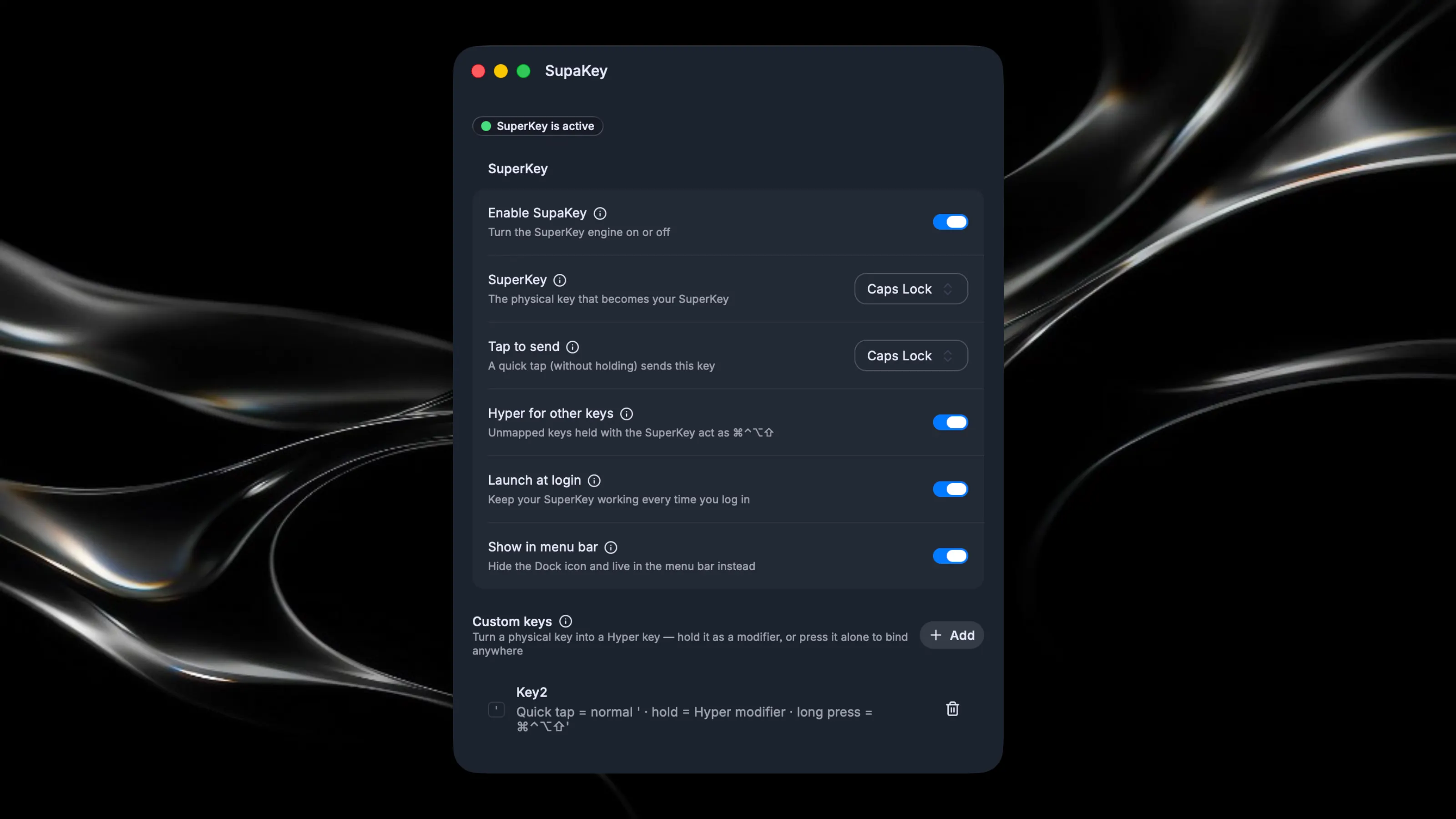
SupaKey Turn any key into a Hyper key — a modifier your Mac doesn't have. macOS gives you four modifiers: ⌘ ⌃ ⌥ ⇧. SupaKey adds a fifth. Hold Caps Lock (or any key you choose) and press another key to trigger ⌘⌃⌥⇧ shortcuts — a combination no app uses, so your shortcuts never conflict with anything. Tap it quickly and it acts as Escape, Caps Lock, or whatever you pick. What you can do with it: Hyper shortcuts - bind Caps Lock + any key in any app's shortcut settings as ⌘⌃⌥⇧+key Custom keys - sacrifice a key (F13, numpad, etc.) to act as an extra Hyper modifier, with optional tap-to-passthrough Launch & focus apps - Caps Lock + key launches an app, focuses it, or hides it Run Shortcuts.app - trigger HomeKit, Focus modes, and automations Shell commands & text snippets - run a script or type canned text at the cursor Screenshots - capture a window, screen, or area straight to clipboard System actions - toggle dark mode, lock screen, sleep display, empty trash Exceptions - disable the SuperKey in specific apps like games or terminals Built on macOS native tech - no driver required. Uses the system's own key remapping (hidutil) plus a lightweight event tap (the same technique Hammerspoon uses). One Accessibility permission and you're set.