Talk to Action
Capture a thought, turn it into action.

About Talk to Action
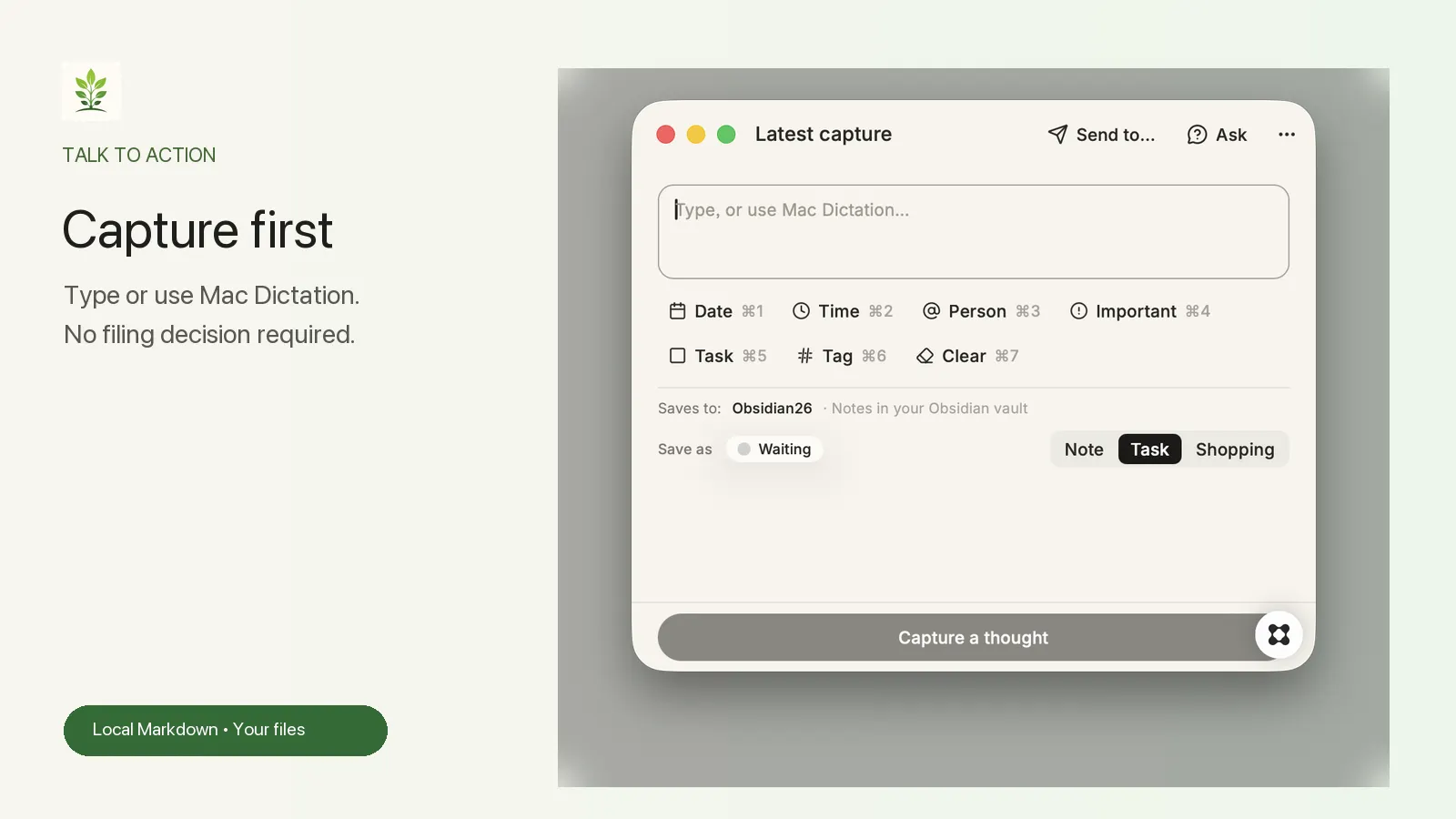
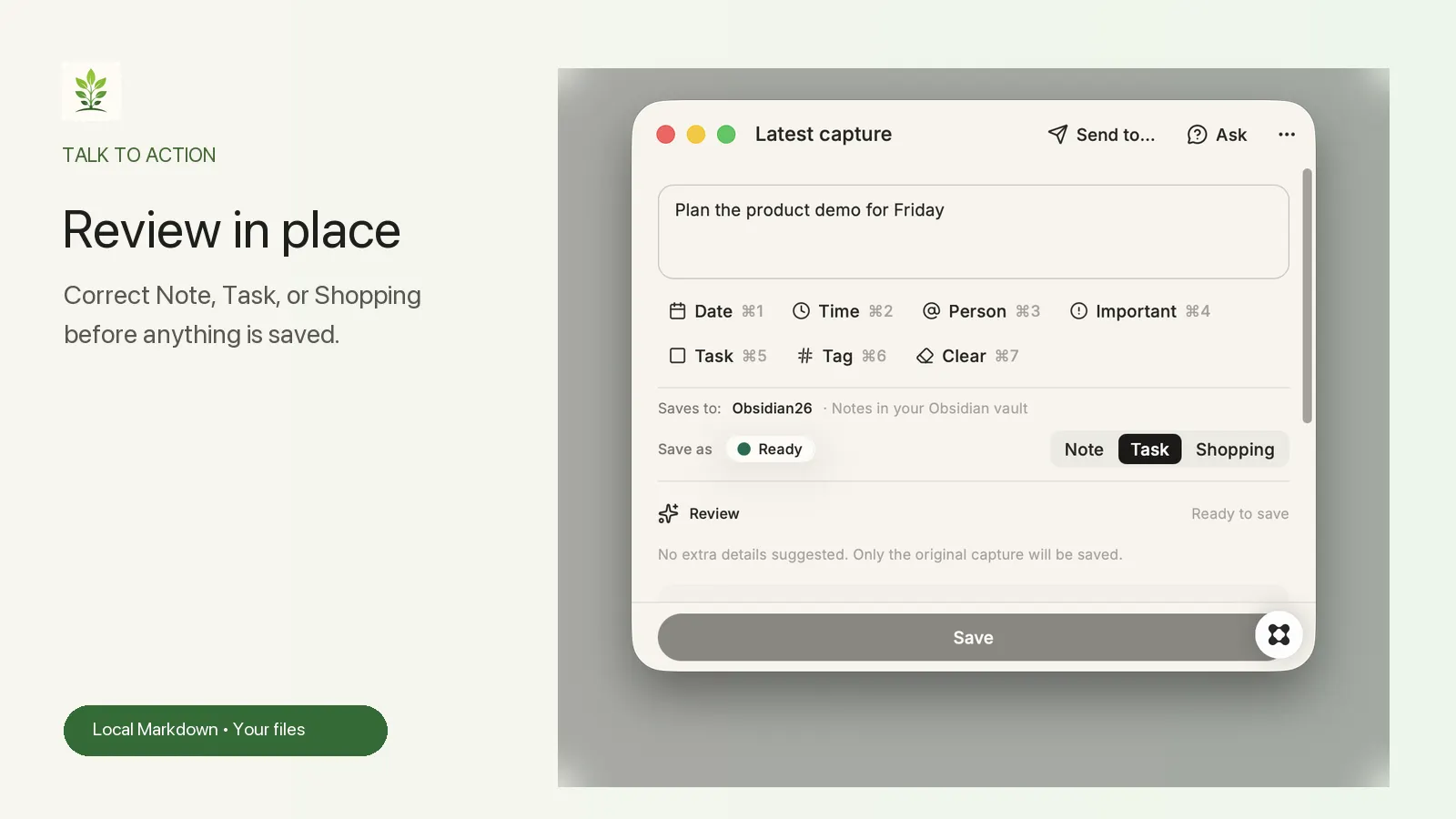
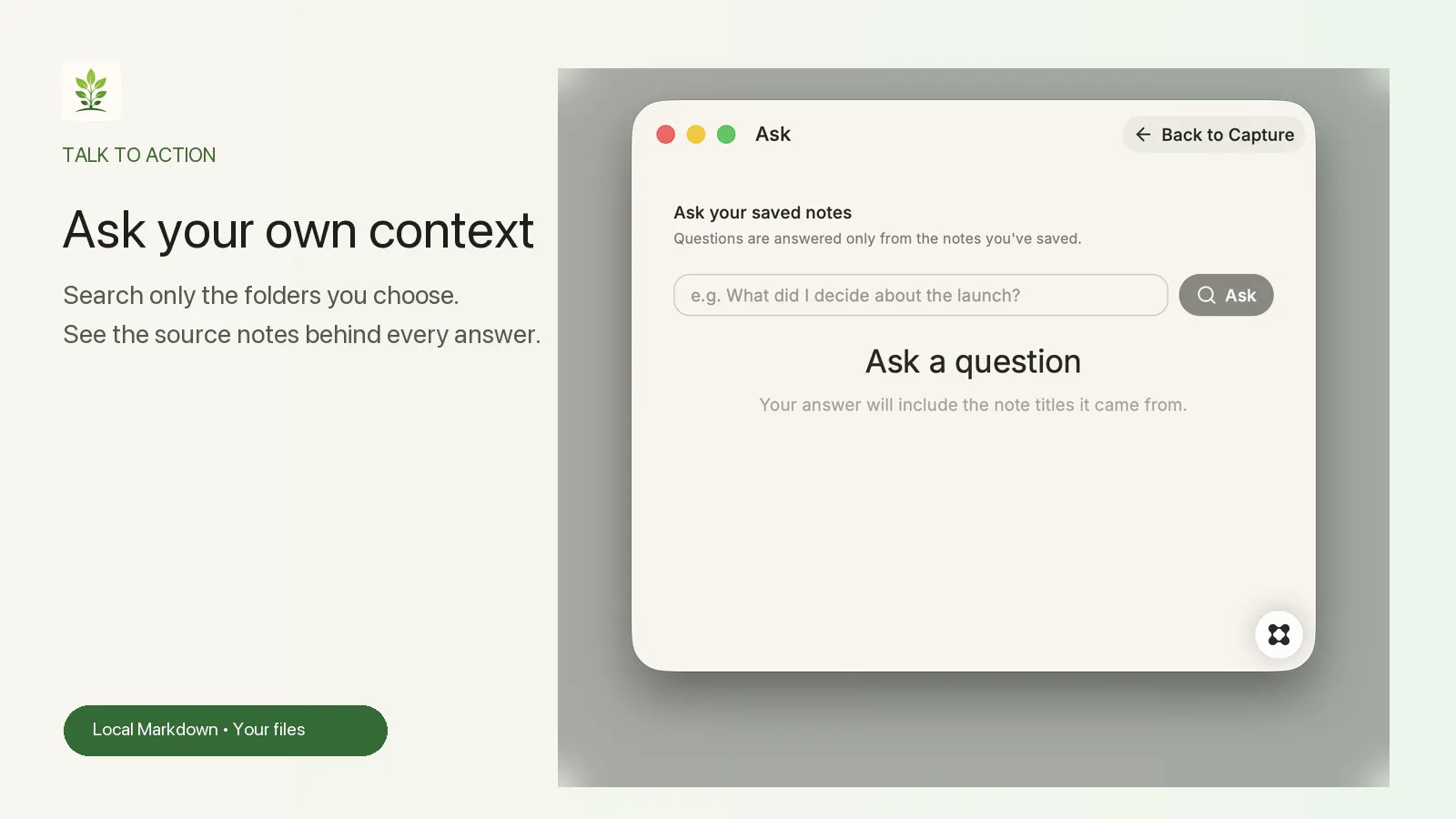
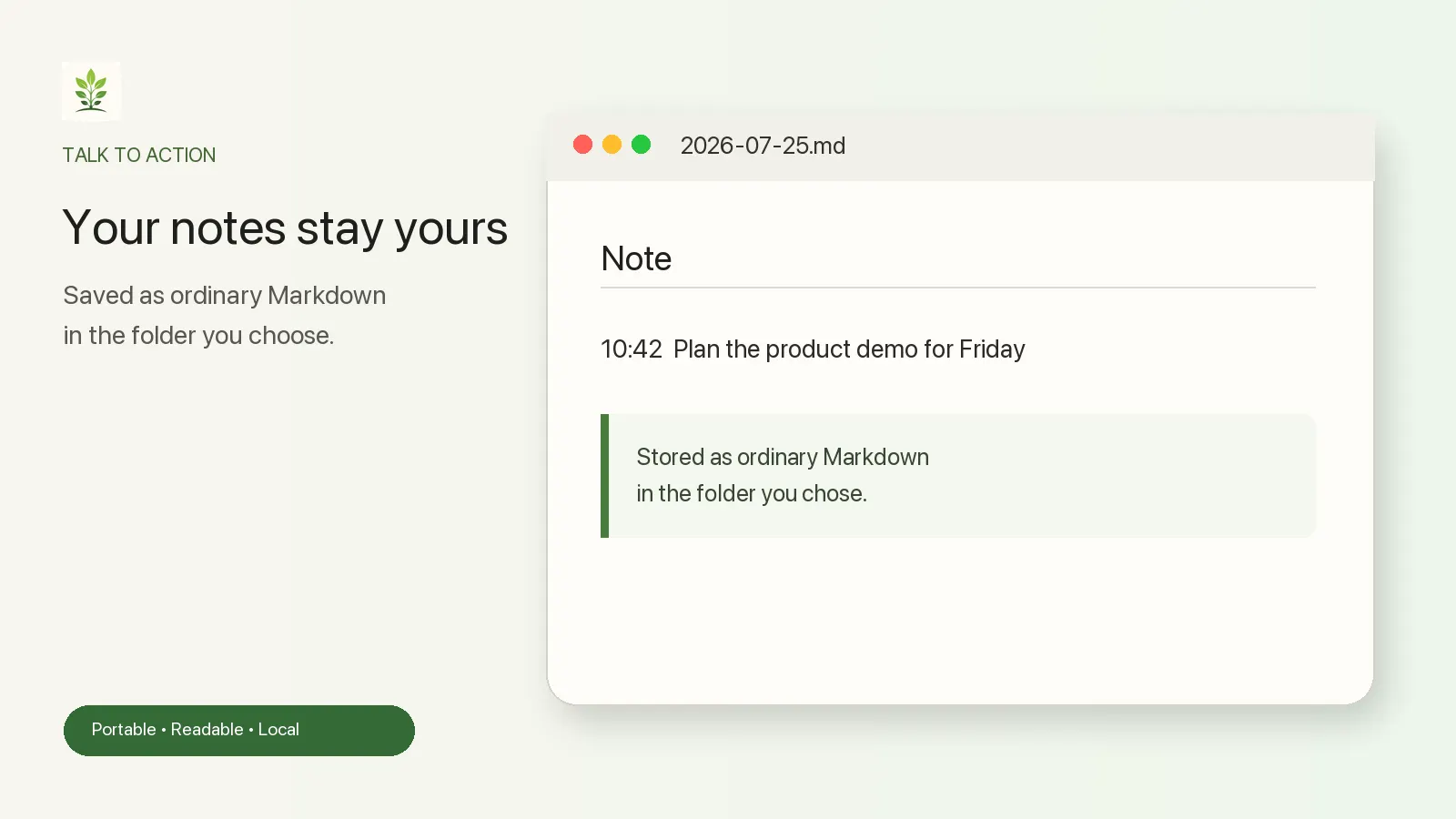
Thoughts disappear fast. Talk to Action gives them one calm place to land. Type a thought or use Mac Dictation. Talk to Action reviews it in place, suggests whether it is a Note, Task, or Shopping item, and lets you correct everything before saving. Choose your own source of truth: a local Markdown folder or an existing Obsidian vault. Your saved notes remain ordinary files on your Mac—portable, readable, and never locked inside the app. When you need an answer, Ask searches only the note folders you selected and shows the source note titles behind the result. Optional Send to actions can prepare a saved thought for other tools without silently sending it anywhere. Highlights • Capture by typing or Mac Dictation • Editable Note / Task / Shopping suggestions • Local Markdown or append-only Obsidian saving • Source-backed Ask over folders you choose • Menu bar access and configurable keyboard shortcuts • Image drag-and-drop with Markdown links • Local fallback when Glaze AI is unavailable Your thoughts stay yours. Talk to Action is the front door to a context library you can keep, inspect, and use with the AI tools you choose. Privacy: Saved notes stay as regular Markdown files in the folder you choose on your Mac. AI is used only for the clearly described Review and Ask steps, with a local fallback when AI is unavailable or not allowed.