Text Capture
Extract text from any screen area

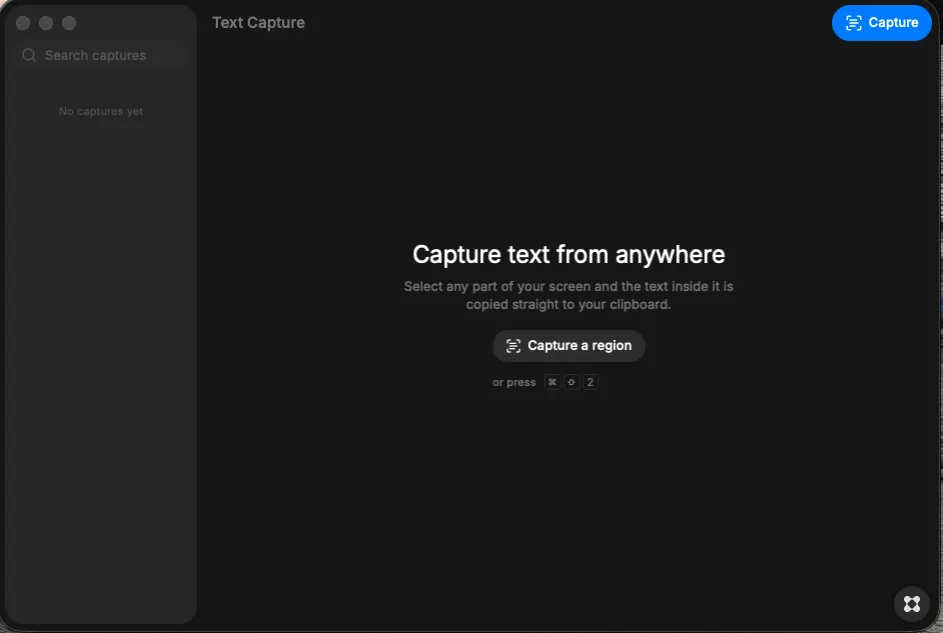
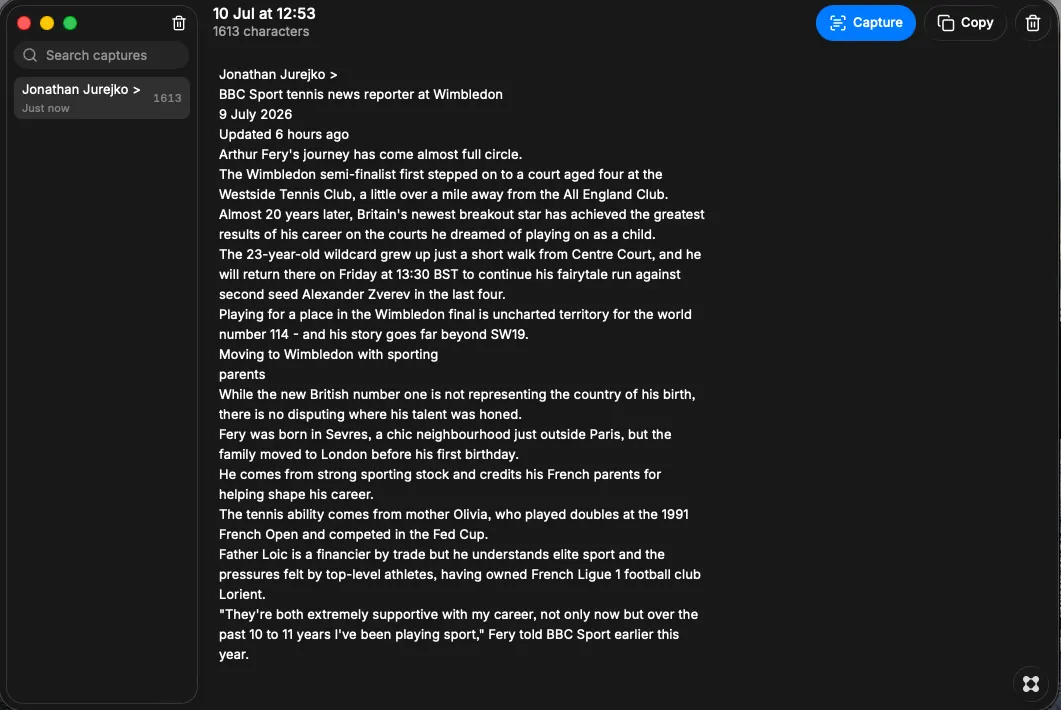
About Text Capture
Instantly extract text from any part of your screen with a single keystroke. Key Features: - Capture text from any on-screen area by selecting a region — perfect for screenshots, documents, or web pages - Automatic optical character recognition converts images to editable text and copies it to your clipboard. - Access your capture history anytime to view, copy, or manage previously extracted text. - Use the global keyboard shortcut (Cmd+Shift+2 on Mac) to capture without opening the app. - Perfect for capturing error messages from screenshots when developing code using a free AI model without OCR.