Yoto MYO Card Assistant
Create custom Yoto cards from your media

About Yoto MYO Card Assistant
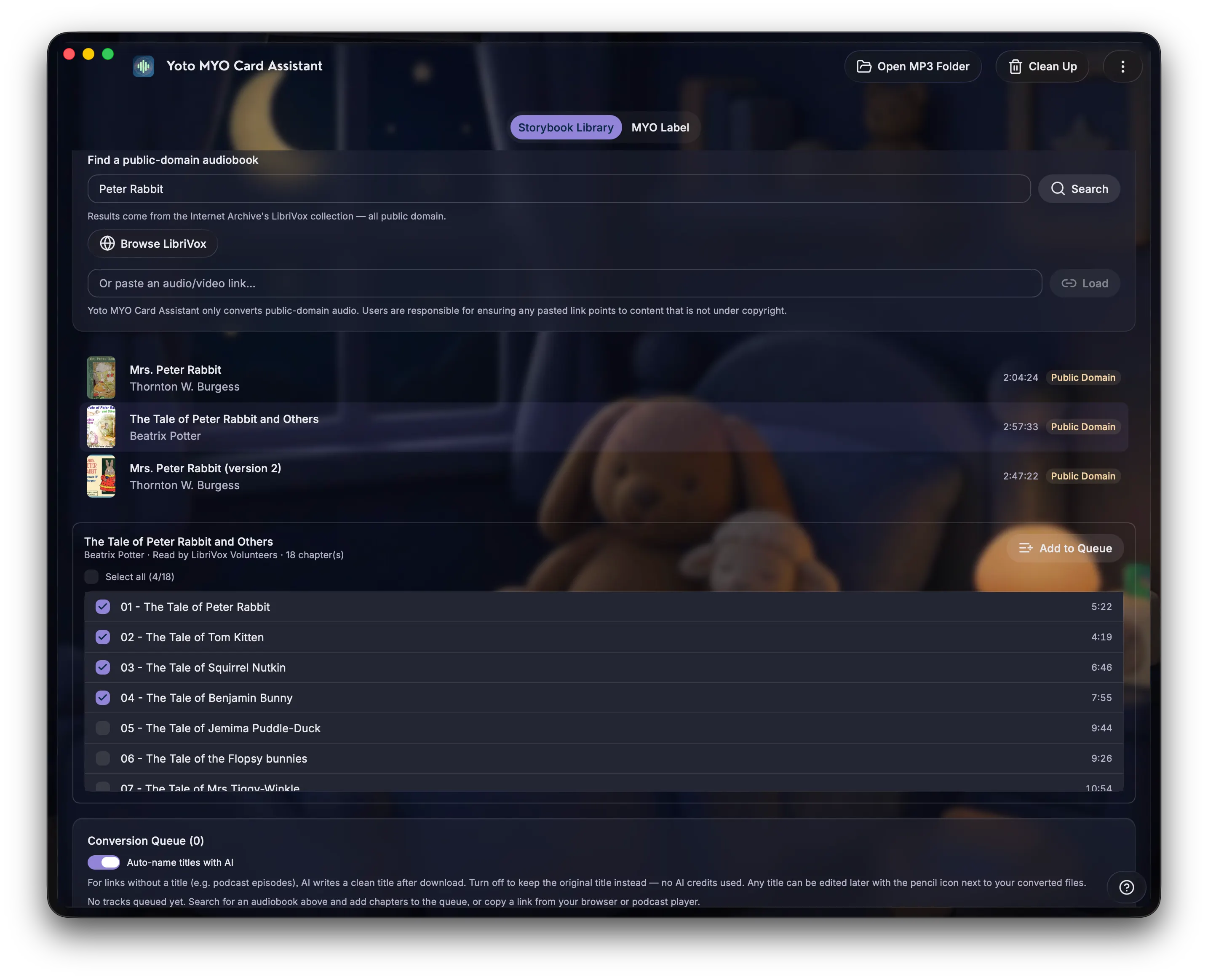
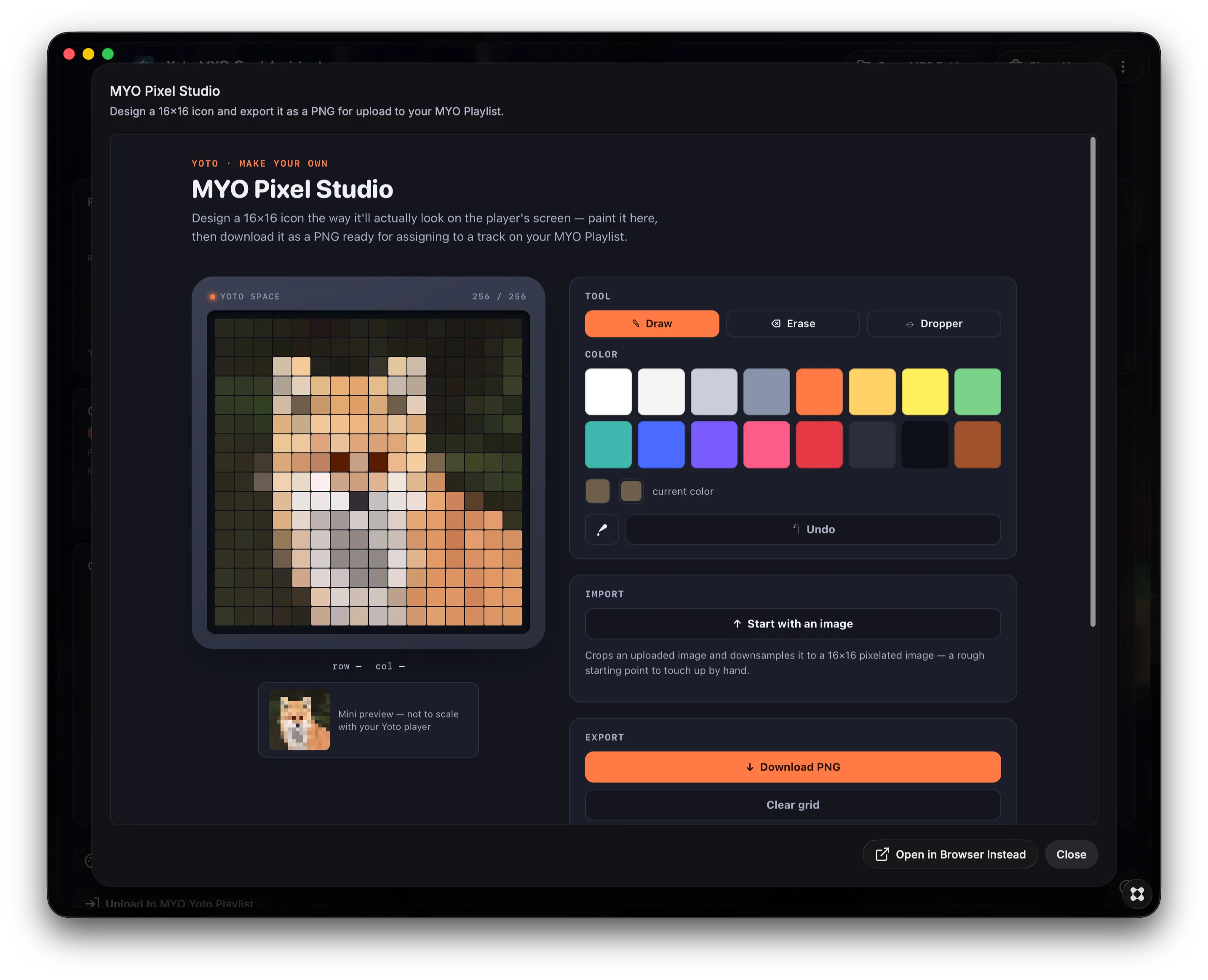
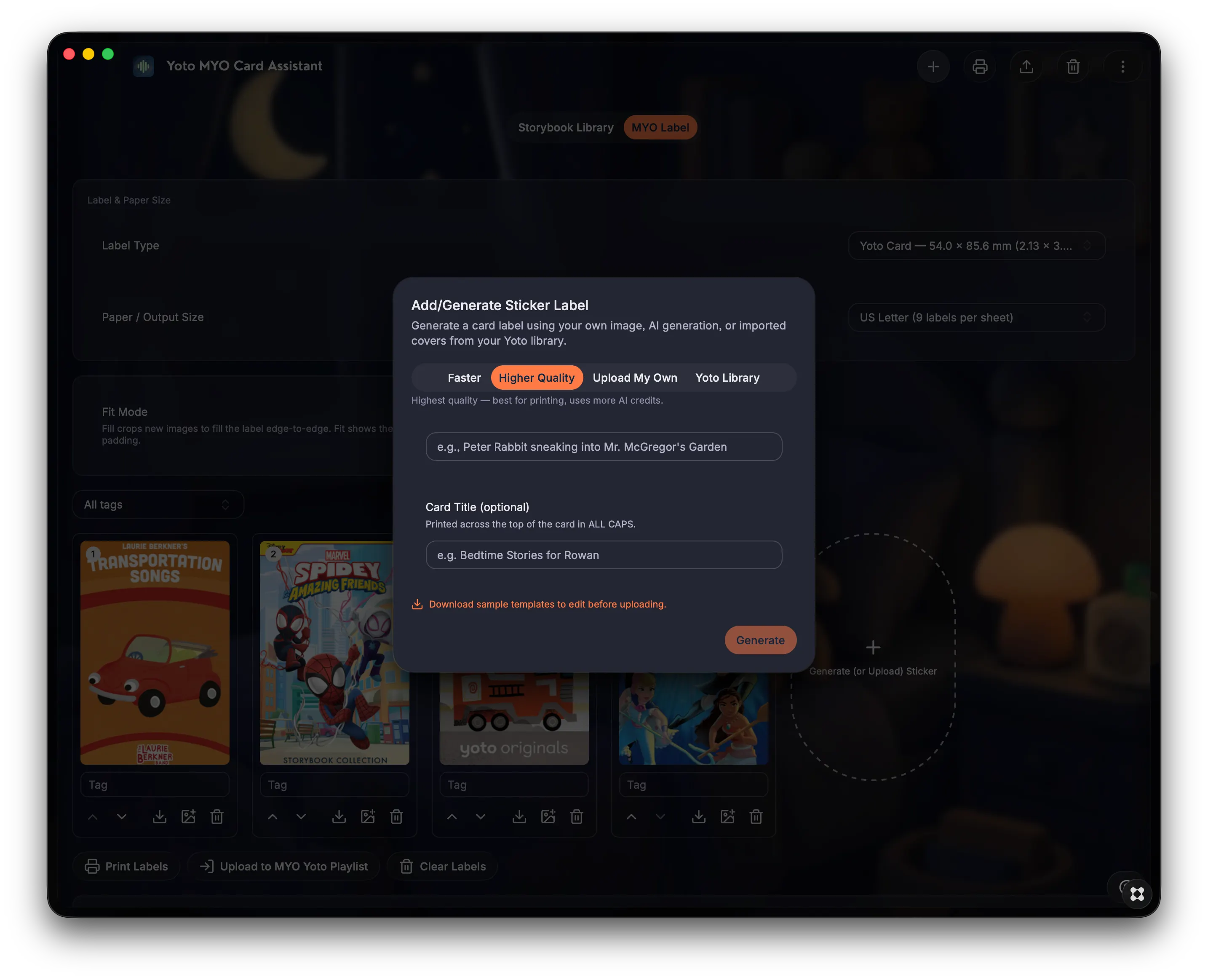
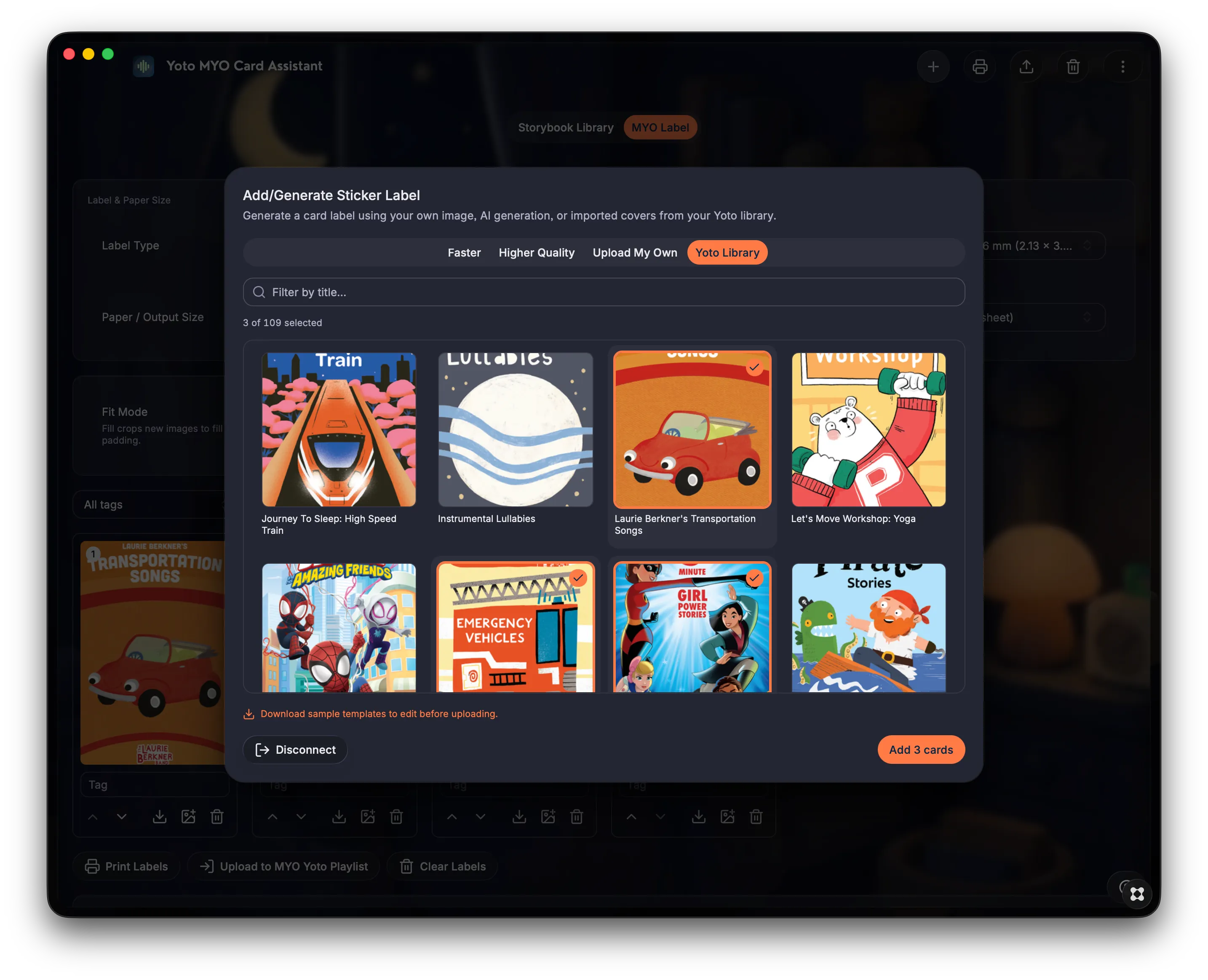
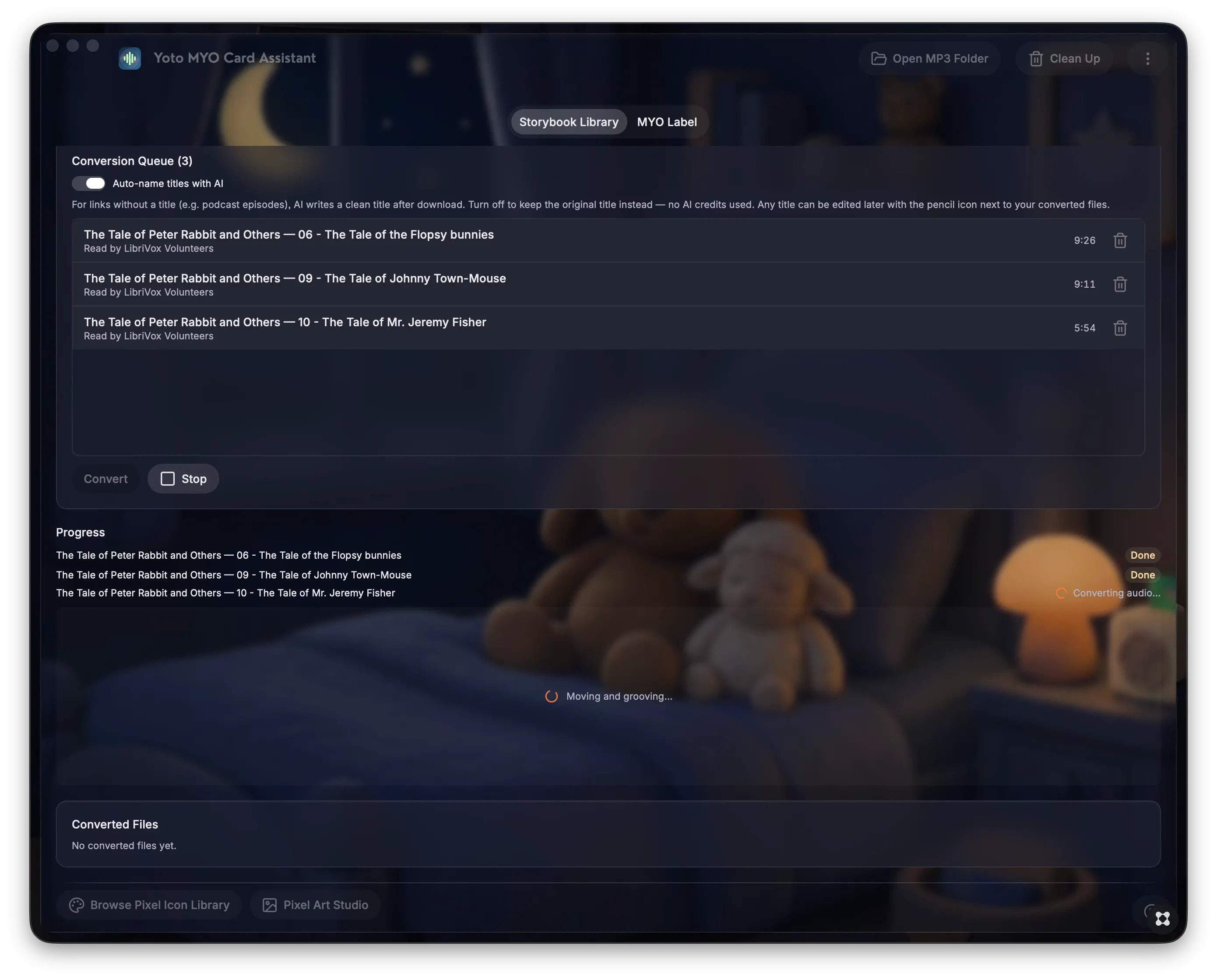
Built by a parent tired of juggling separate tools for every step, the Yoto MYO Card Assistant handles the whole "Make Your Own" card pipeline for Yoto audio players. Find and convert audio files for playlist management, design pixelated track icons, create sticker labels for your cards and print a sheet of ready-to-cut sticker labels to manage your Yoto card collection. Key Features: - Search LibriVox's public-domain catalog (or paste a link), select chapters, and queue titles for MP3 conversion — duplicate detection log keeps you from converting the same file twice - Convert audio/video files to MP3 for upload to a Yoto MYO playlist - Design custom track icons with the built-in MYO Pixel Art Studio - Design sticker labels sized to Yoto card dimensions. Upload your own design, use images from your existing Yoto library, or generate labels using the in-app AI tool. - Export print-ready sheets of pre-sized labels for easy printing. Disclaimer: "MYO Yoto Card Assistant" is an independent, fan-made project. It is not affiliated with, endorsed by, or sponsored by Yoto Play Ltd.